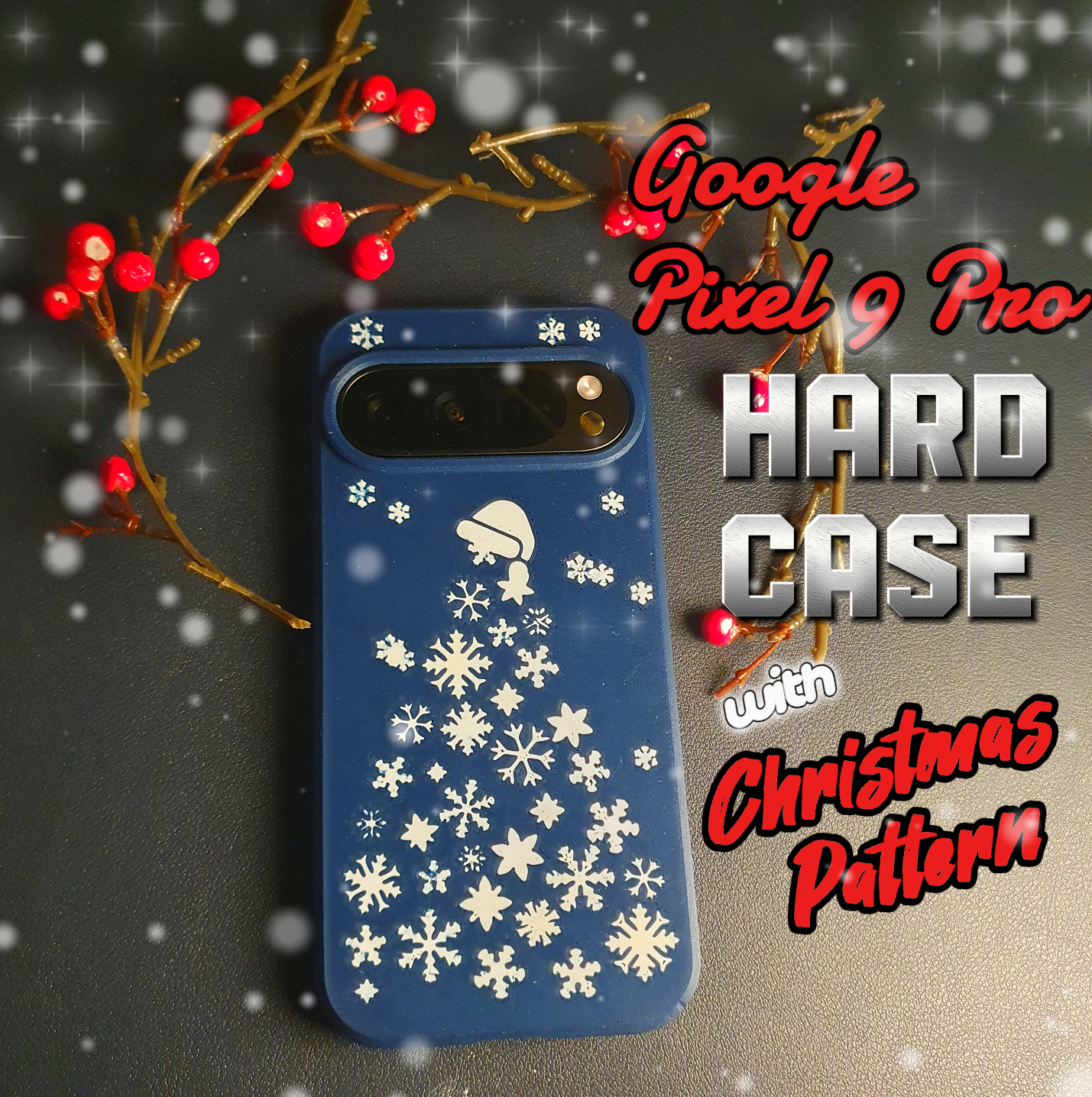
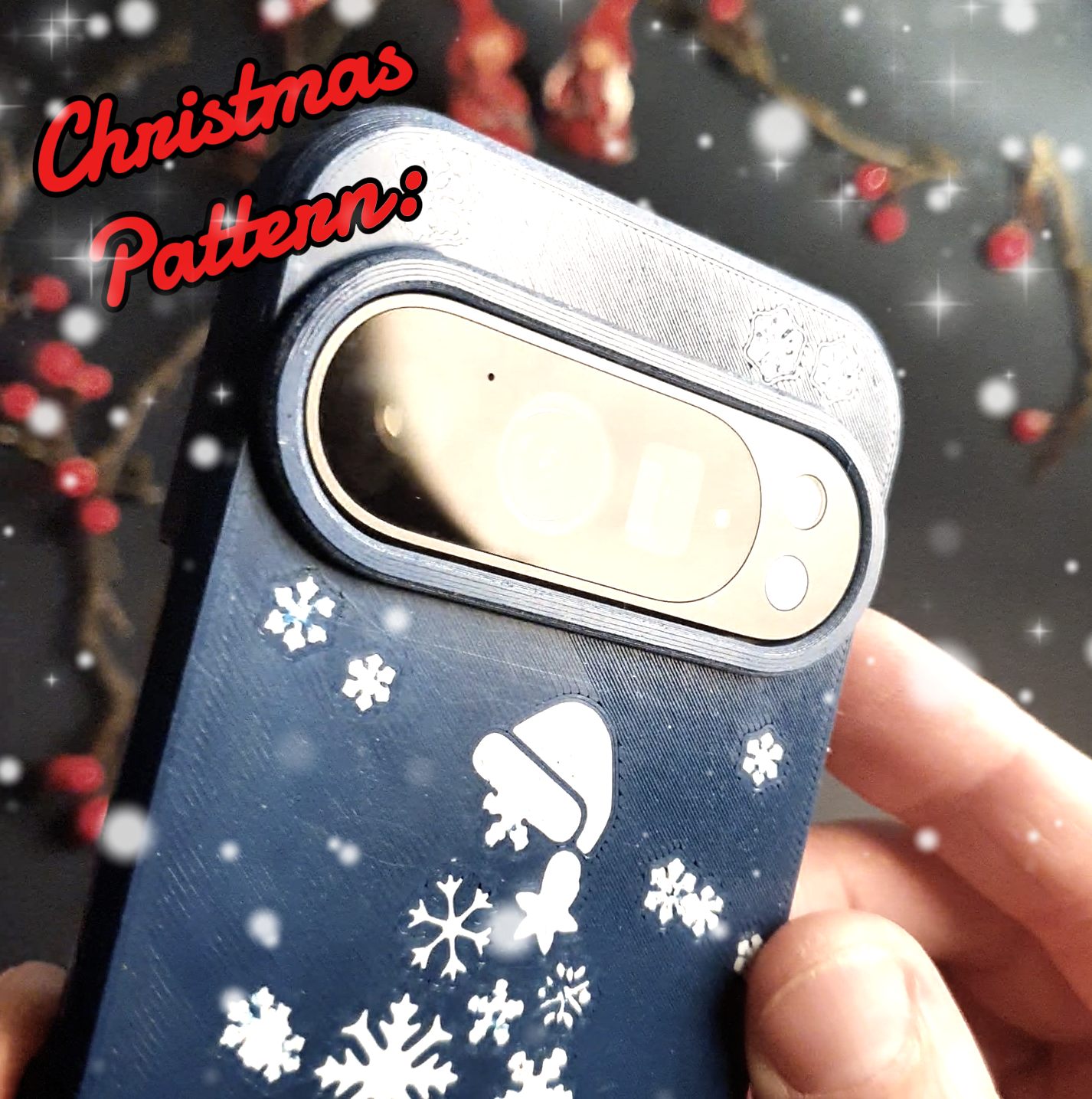
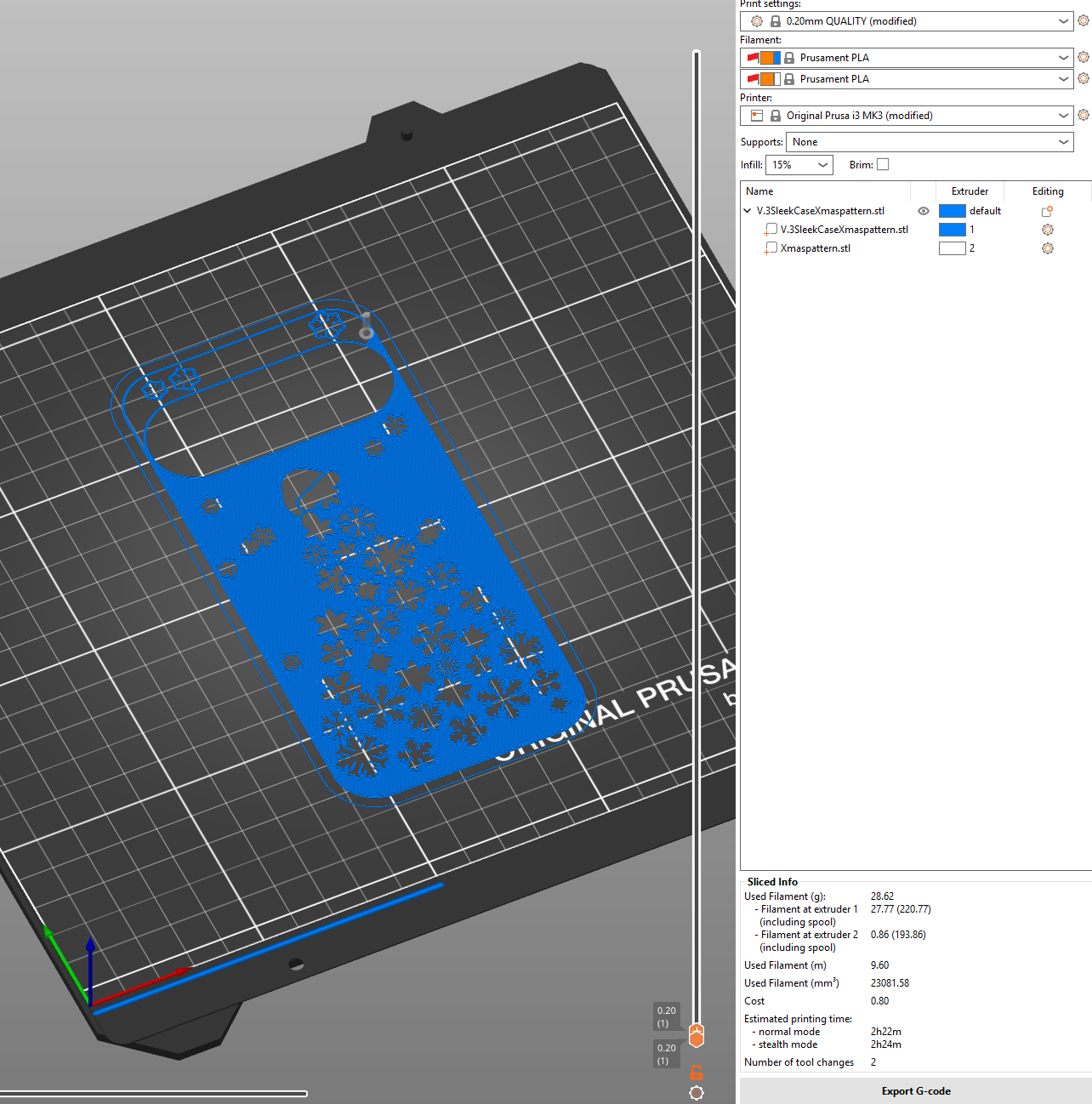
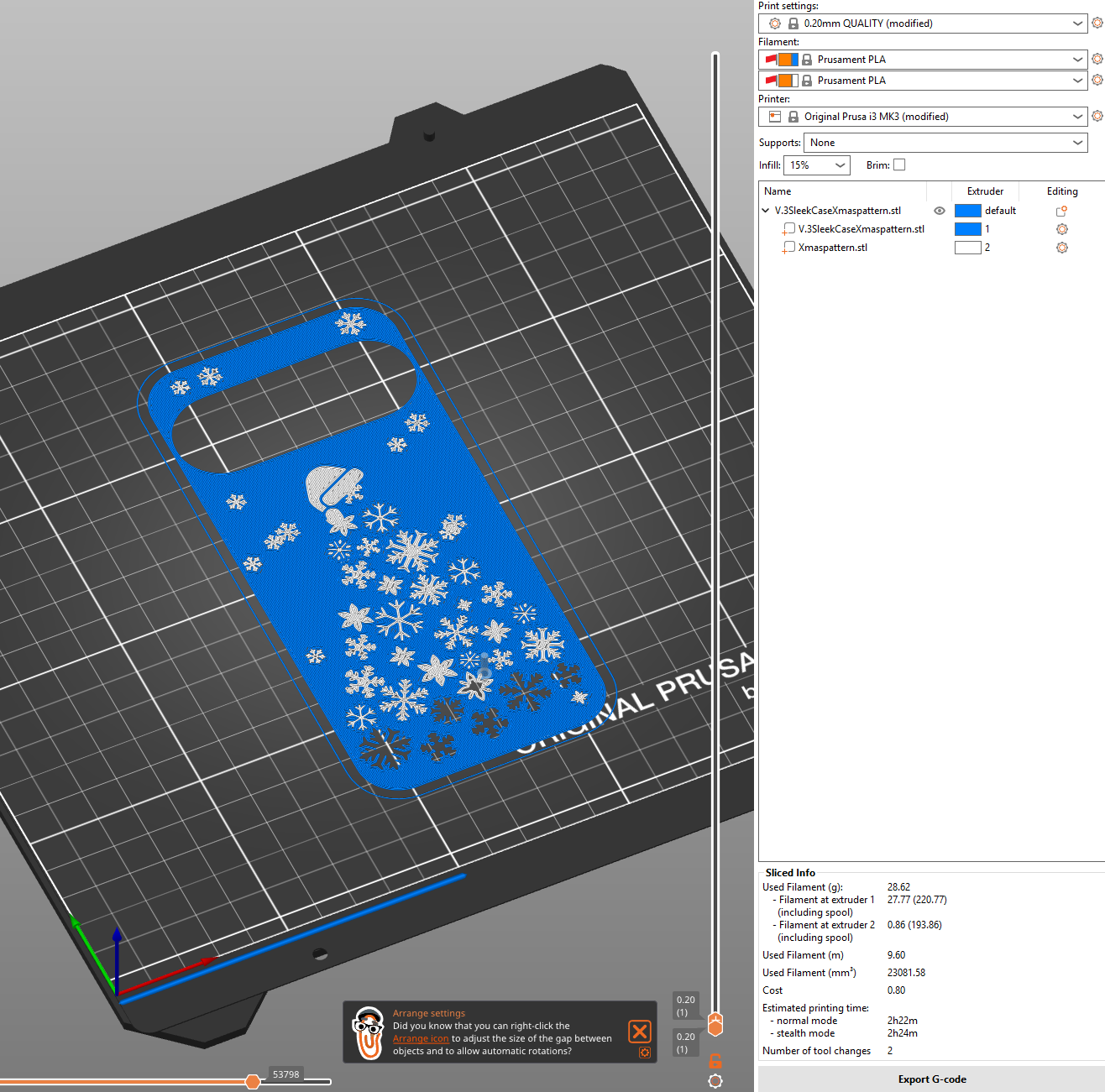
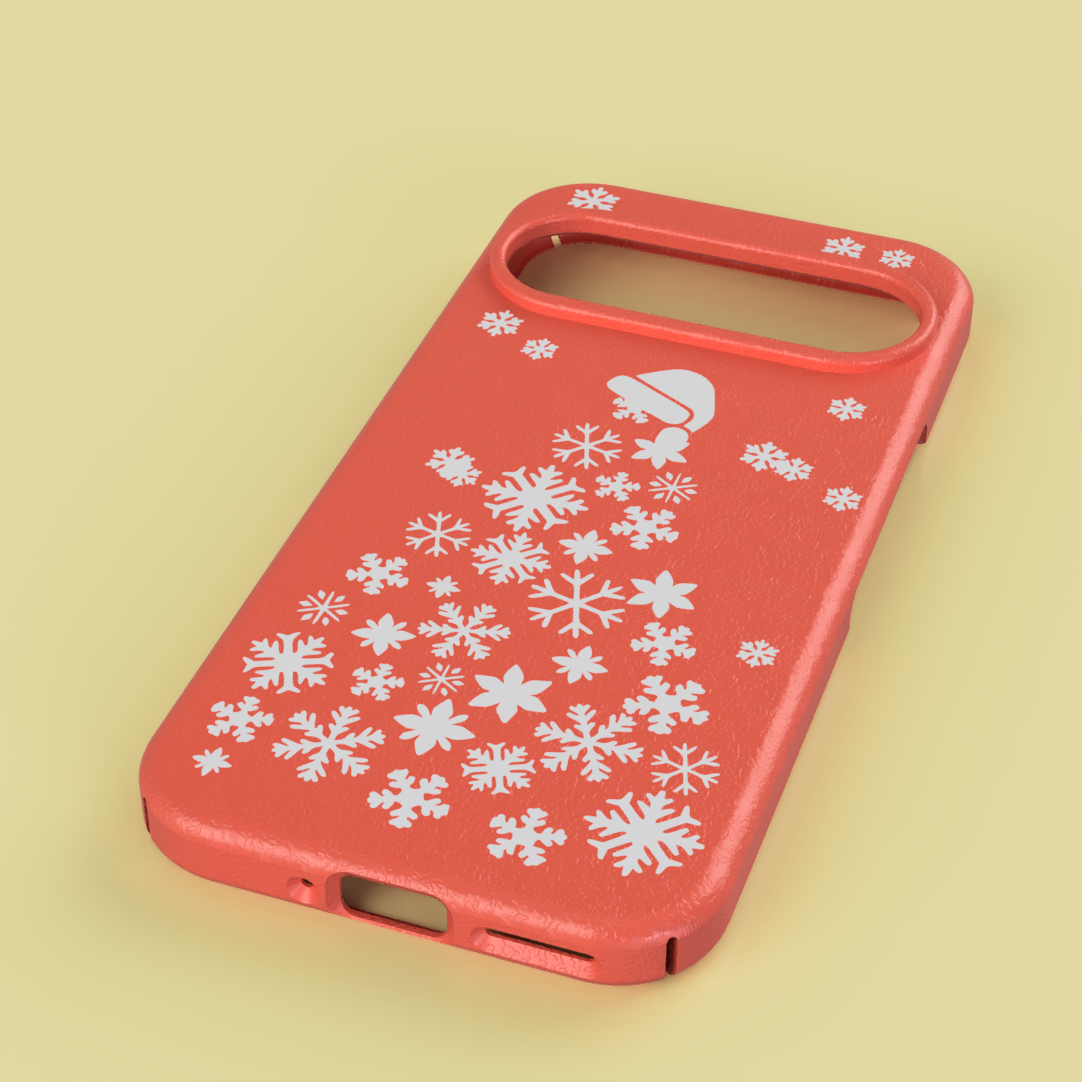
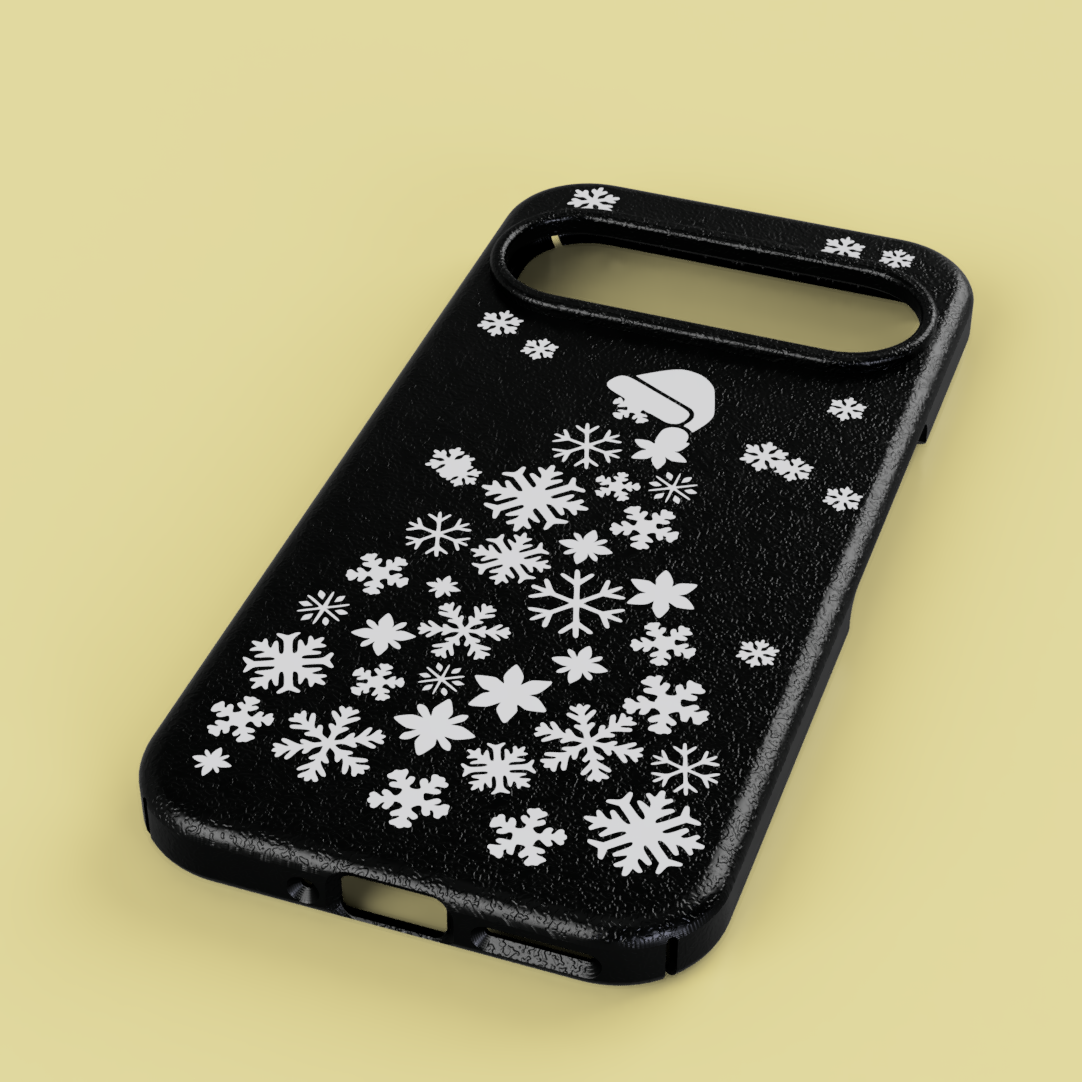
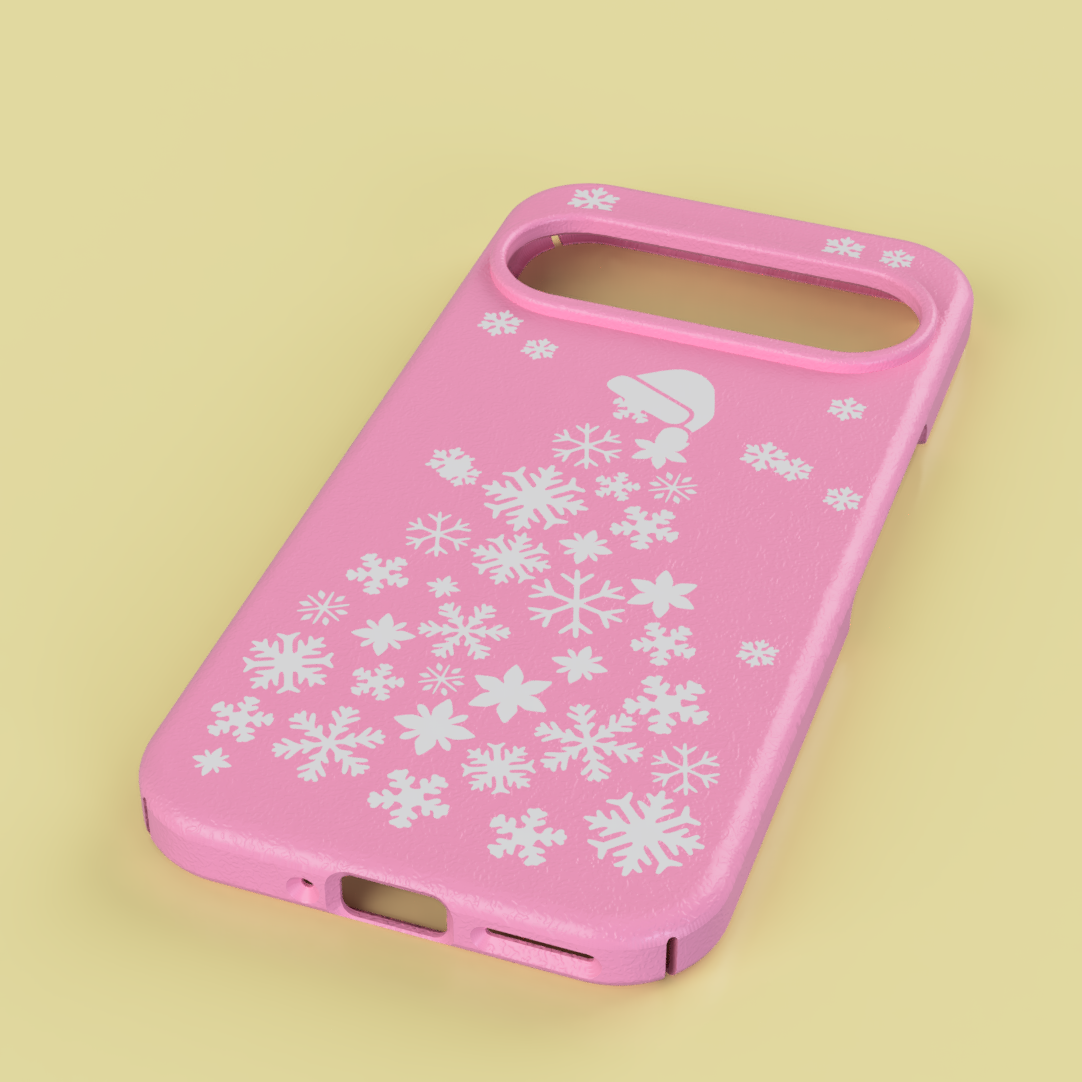
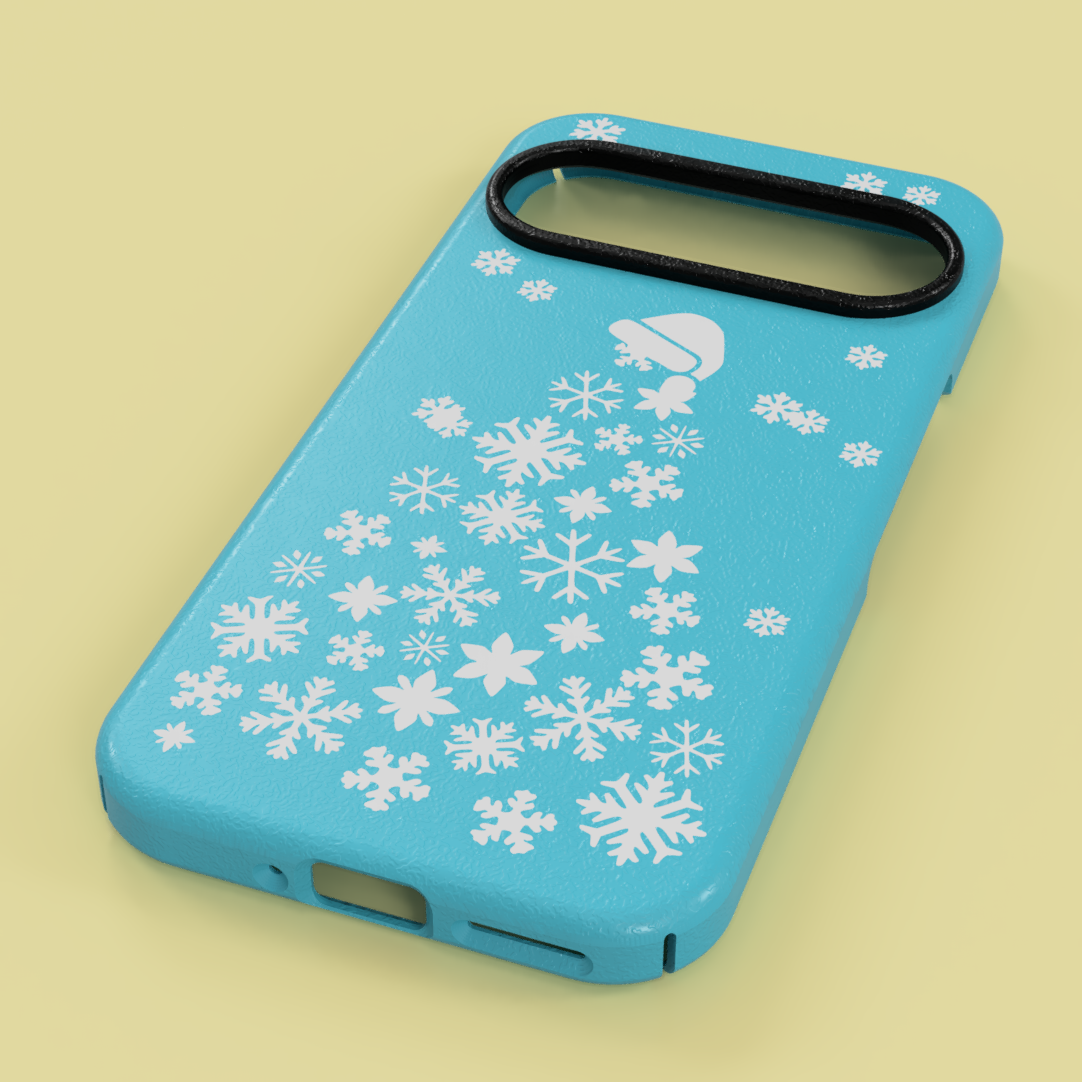
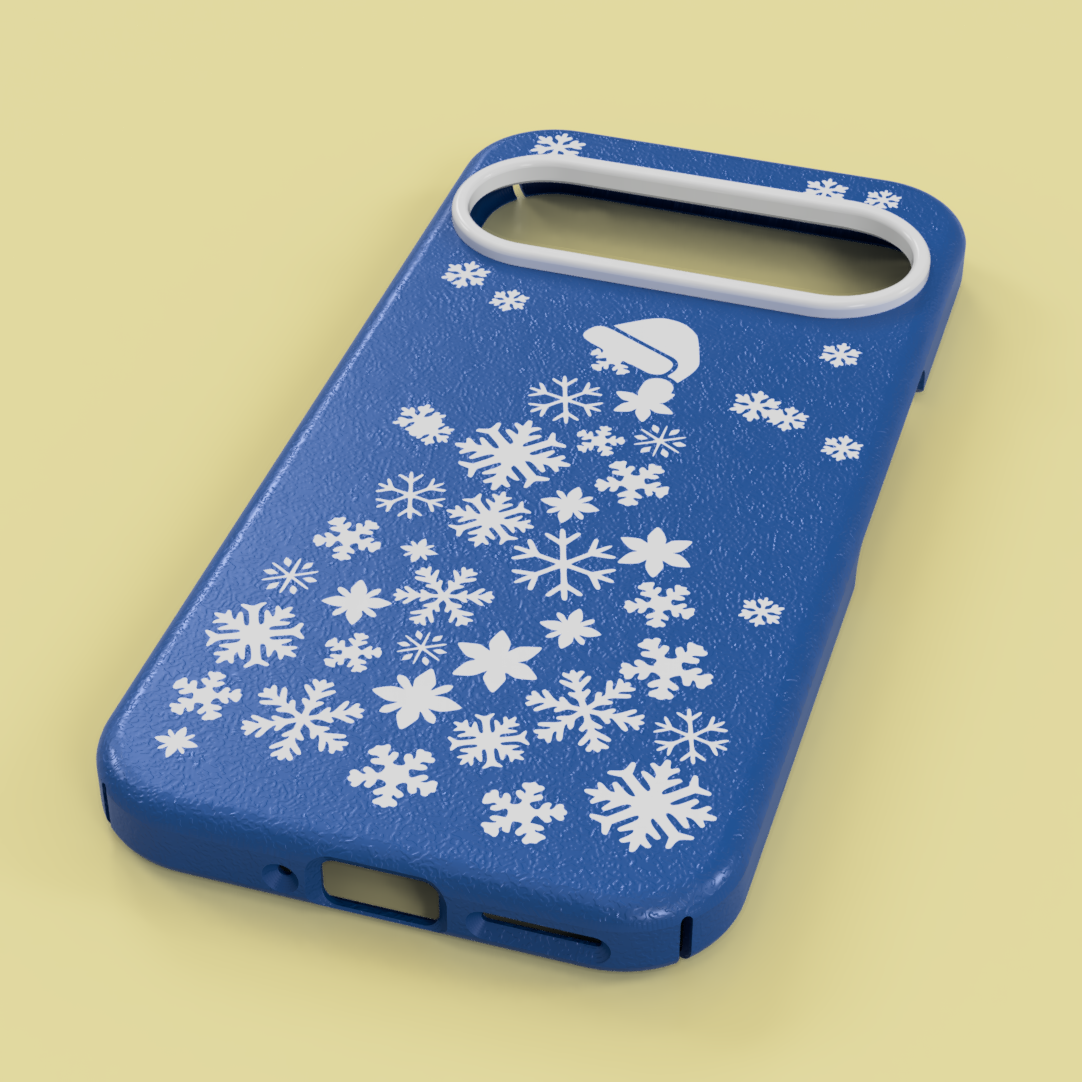
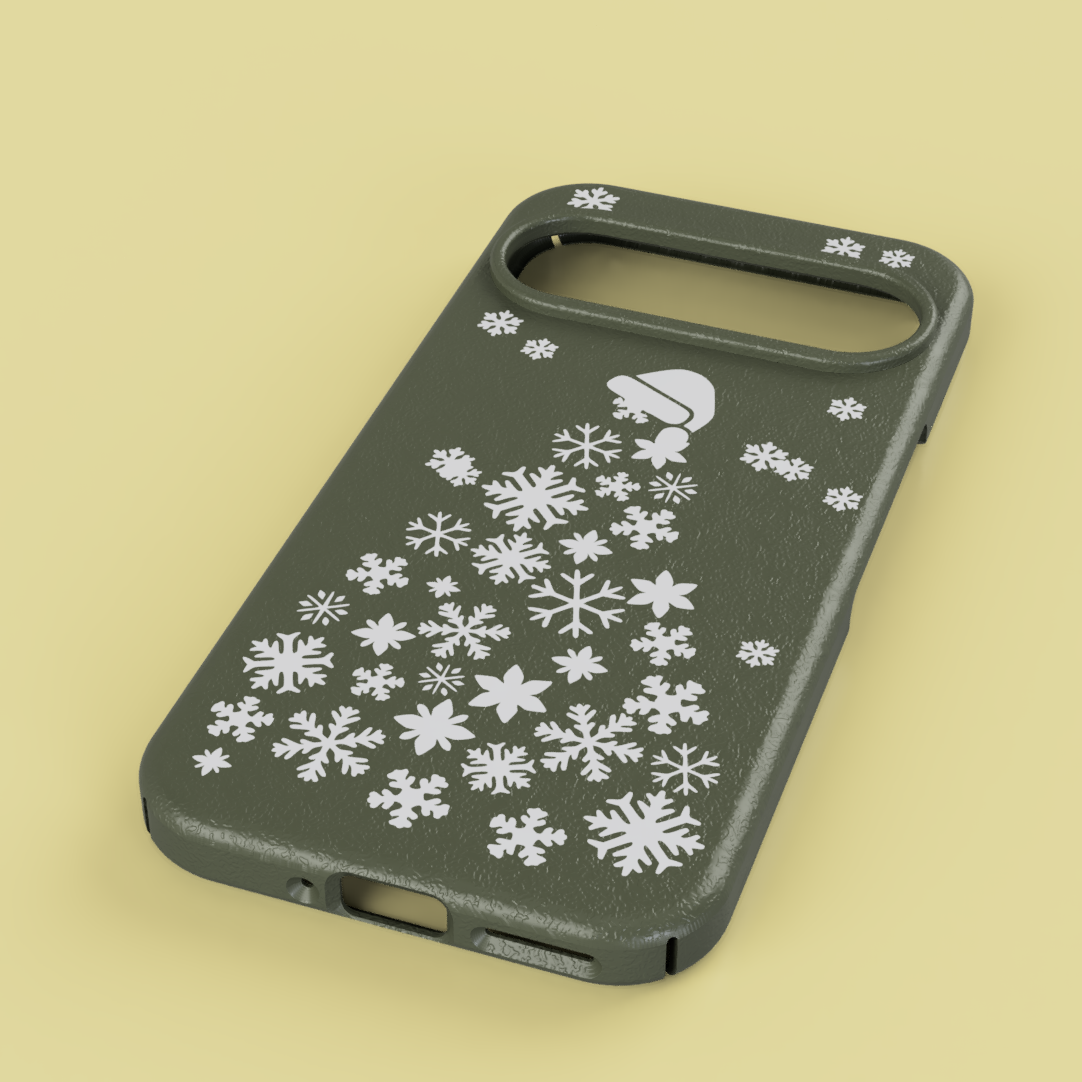
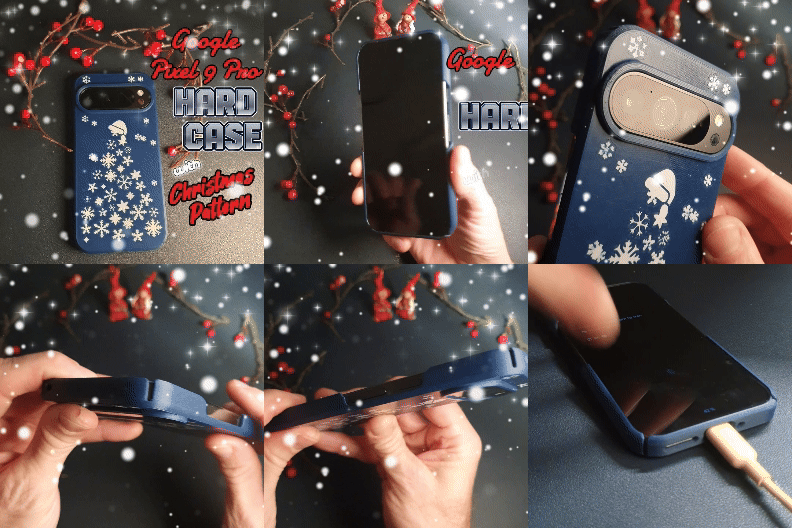
This is a multi colored phone case for a Pixel 9 & Pixel 9 Pro with a Christmas themed patterned inlay using the function multi material/color for single extruder.
Before downloading this file make sure you have a printer that Recognizes change filament code M600 (on Printers that Run Klipper slicer firmware you have to create a macro for change code M600)
Download prusa slicer here:
https://www.prusa3d.com/page/prusaslicer_424/?_gl=1*118ujme*_gcl_au*MTA1MzI5ODU1LjE3MjYzMzU5Nzg.*_ga*MTk0OTY5Mzk3NS4xNzAyMDU1MjUy*_ga_3HK7B7RT5V*MTczMzk4OTcxOC41MTMuMS4xNzMzOTg5NzQ4LjMwLjAuMA..
If you are to download prusa slicer specifically to print this-follow link to 3dzeke :s video, link down below ↓↓↓↓
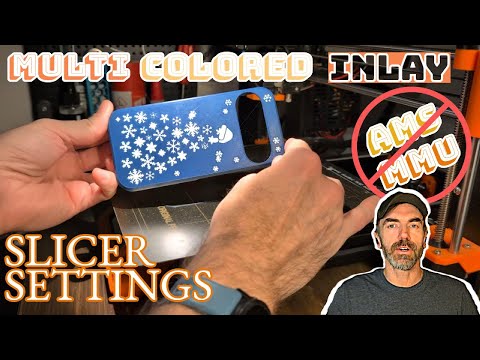
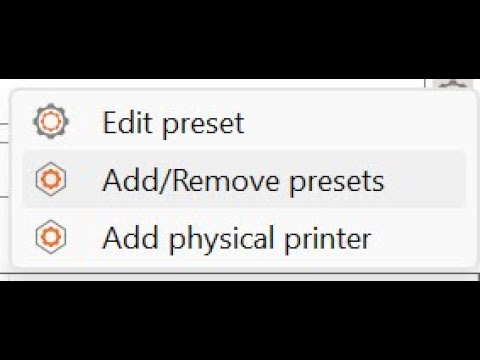
This can be printed without AMS or MMU, I have made a Step By Step video showing how to set up prusa slicer for Multi colored inLay print, watch here:
https://youtu.be/7xTxURwTKso
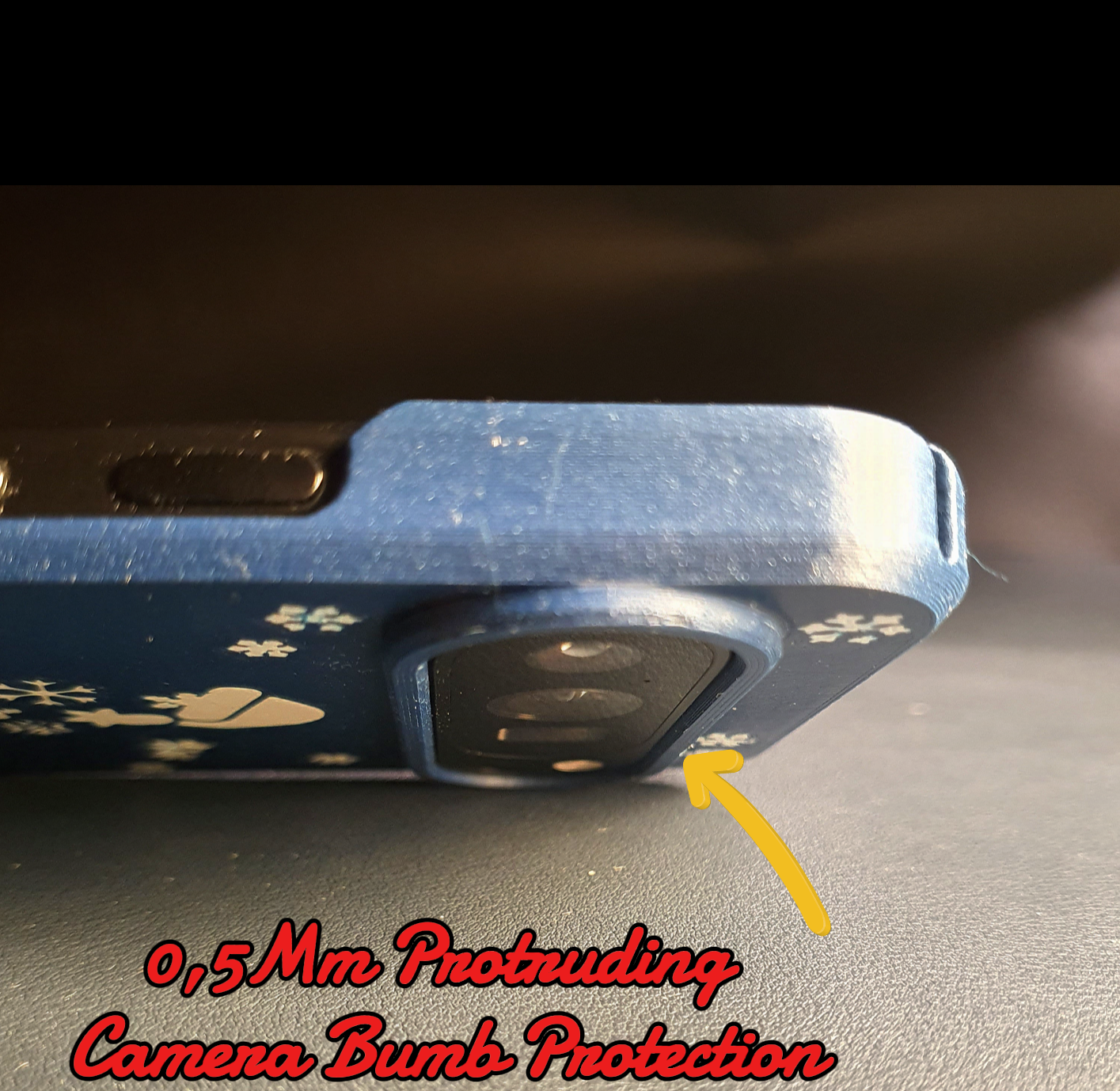
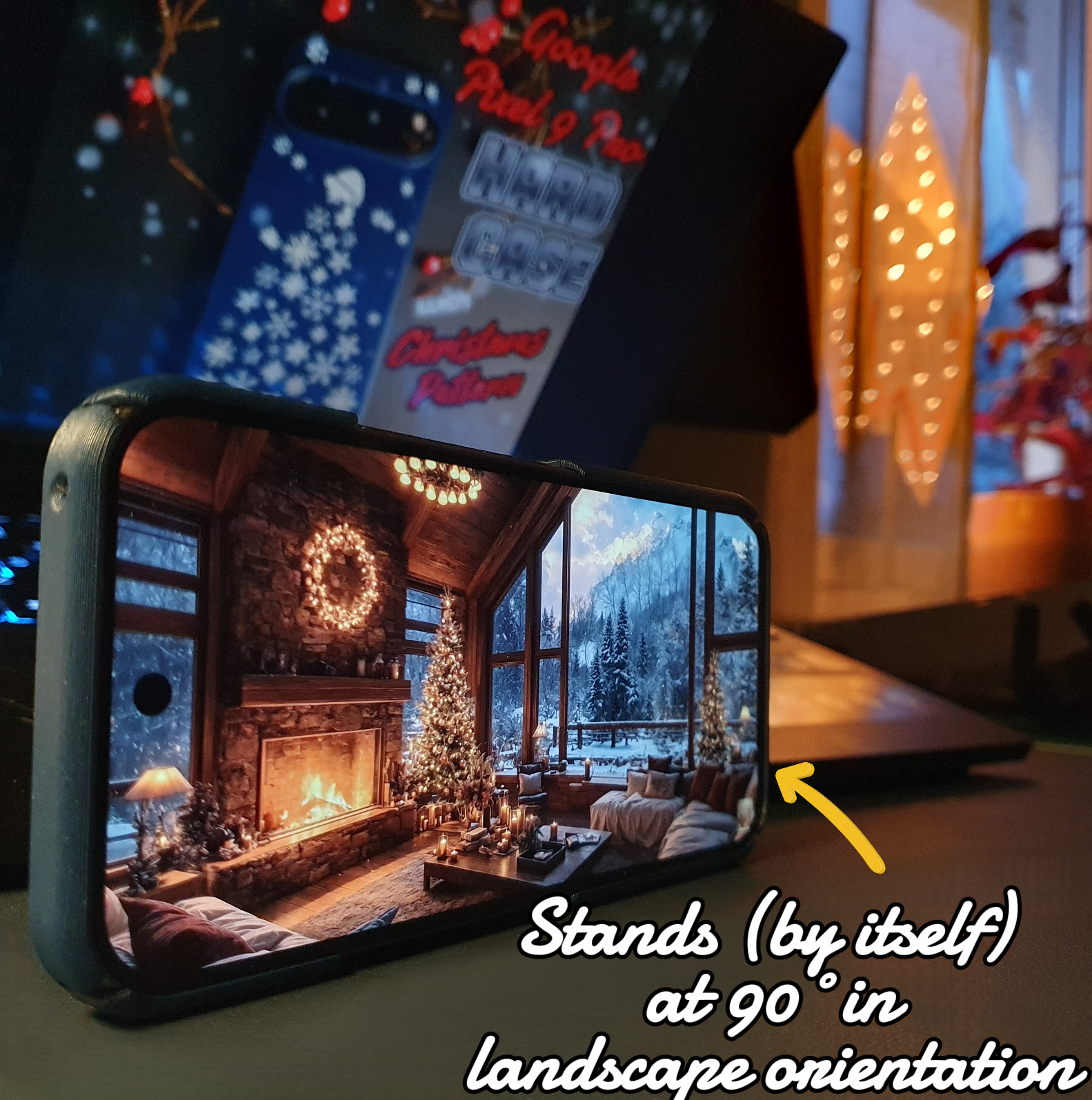
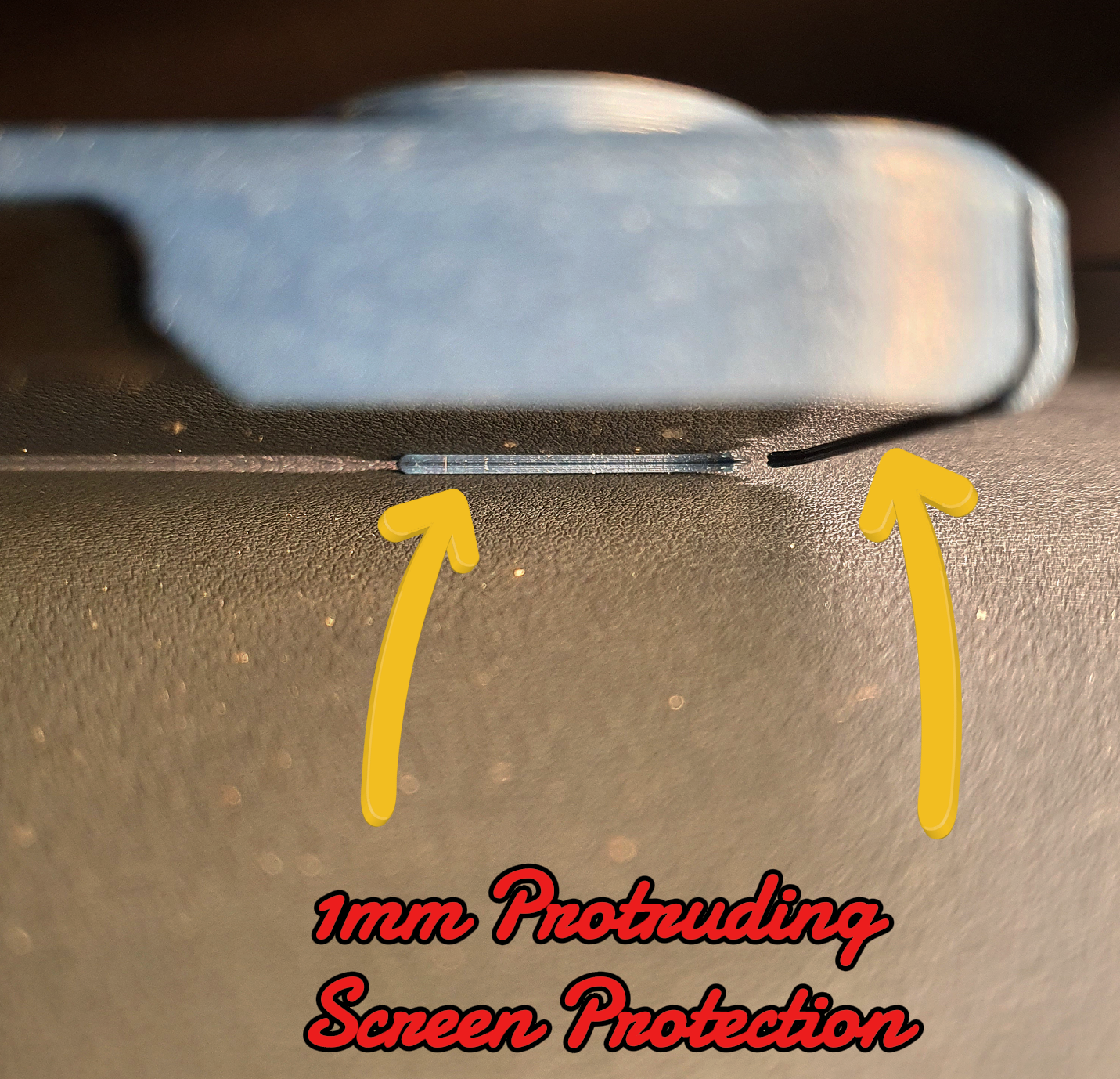
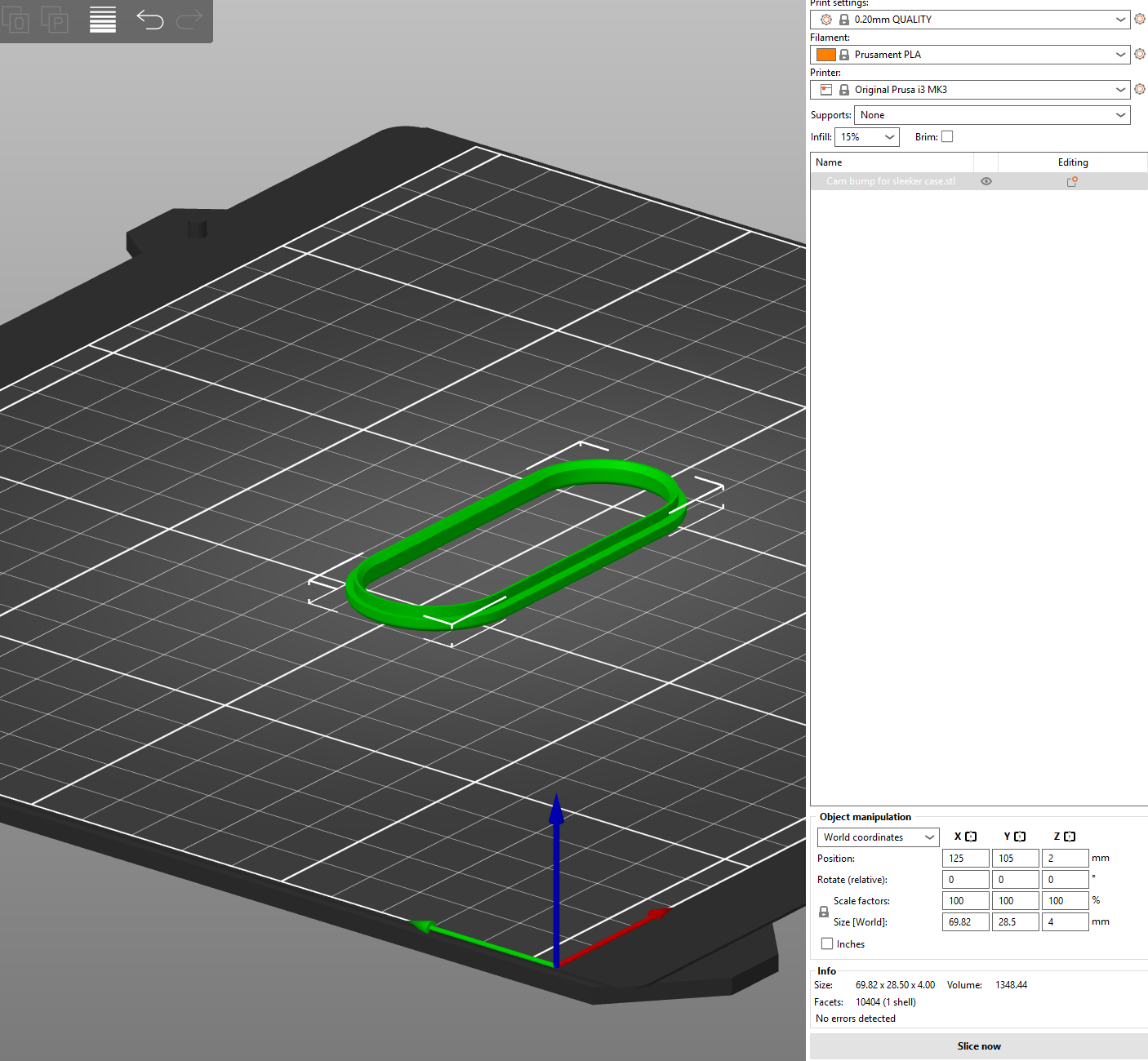
The front side of the case has a 1mm raised rim around the screen. The glue-on camera protection frame has a 0,5mm raised rim around the camera lens module.
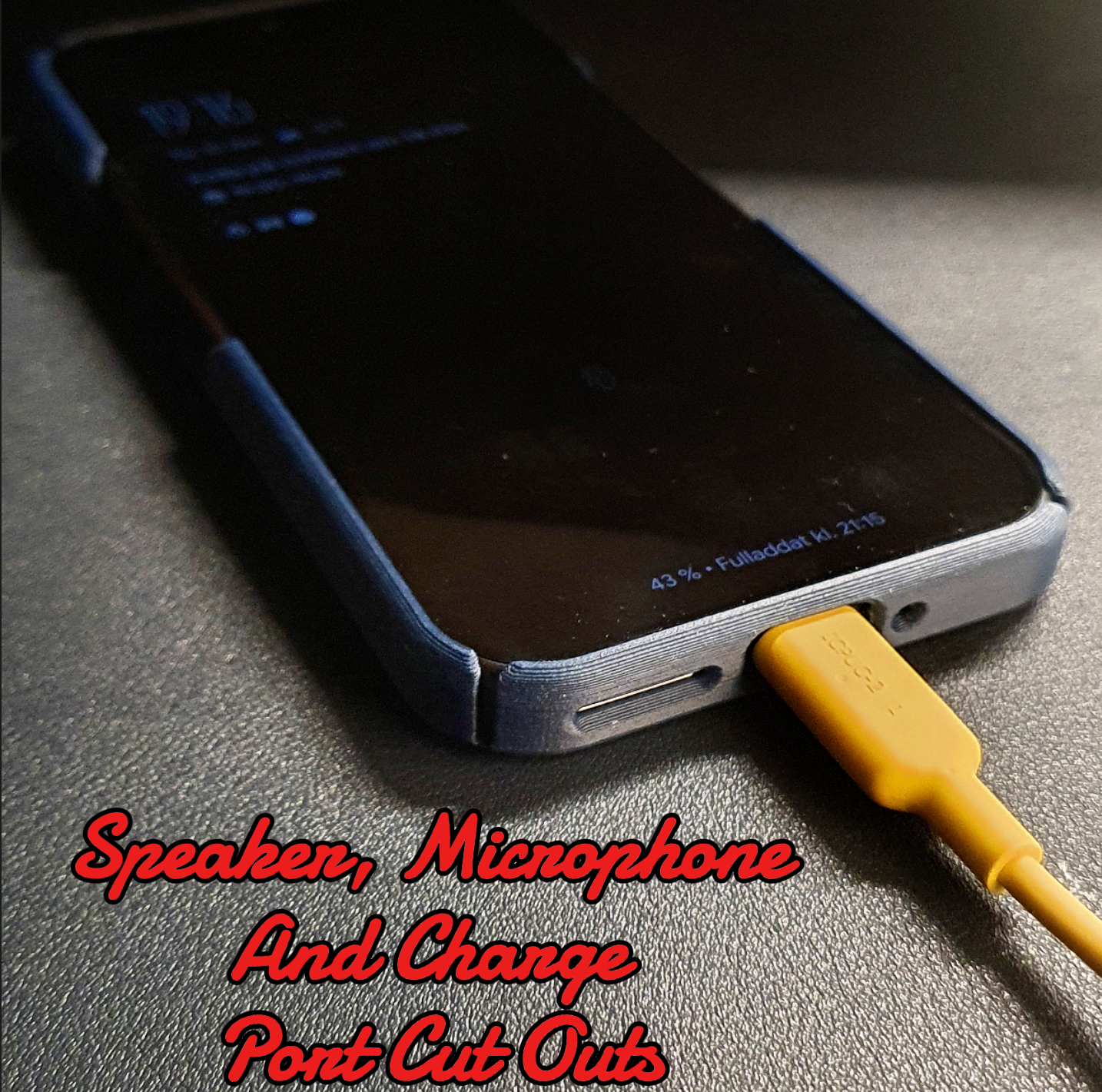
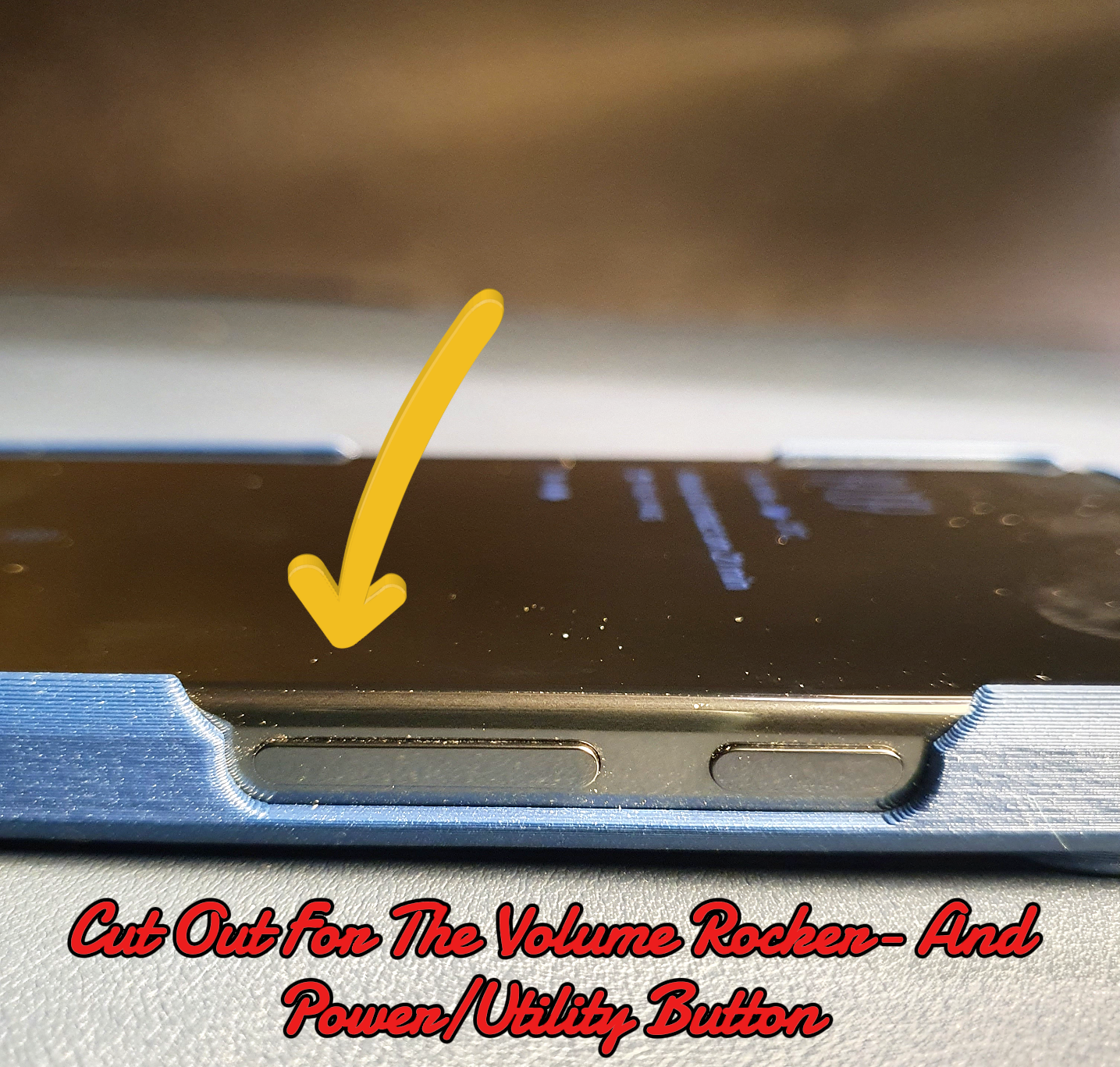
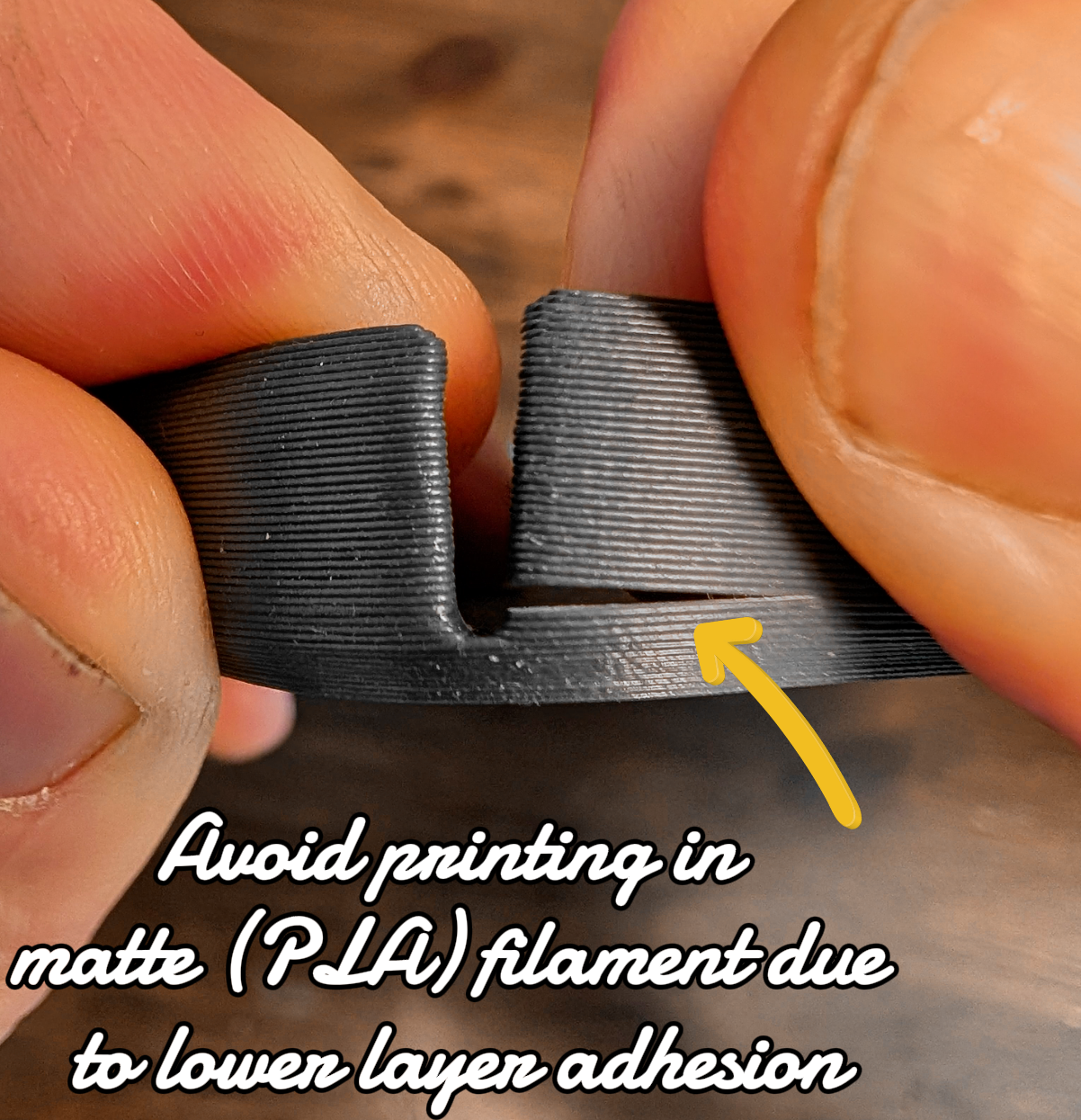
The case has a large coherent cut out for the volume rocker button and the power/utility button. The cut out is mirrored to the opposite side of the case, this was necessary to allow flexing of the case while pressing in the phone.
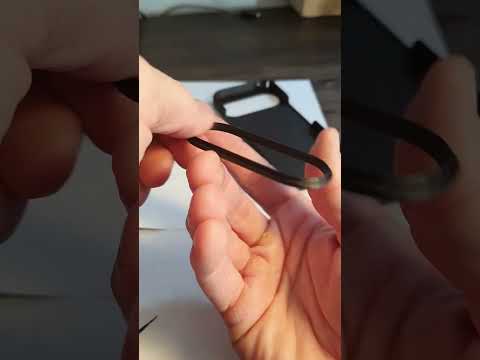
To increase the chance of successfully inserting the phone into the protective case without bending the walls of the protective case unnecessarily (thus risking cracking the case as described above), watch this instructional video:
https://youtube.com/shorts/yhcAl_8p6_g?feature=share
This Print comes in 3 separate stl files.
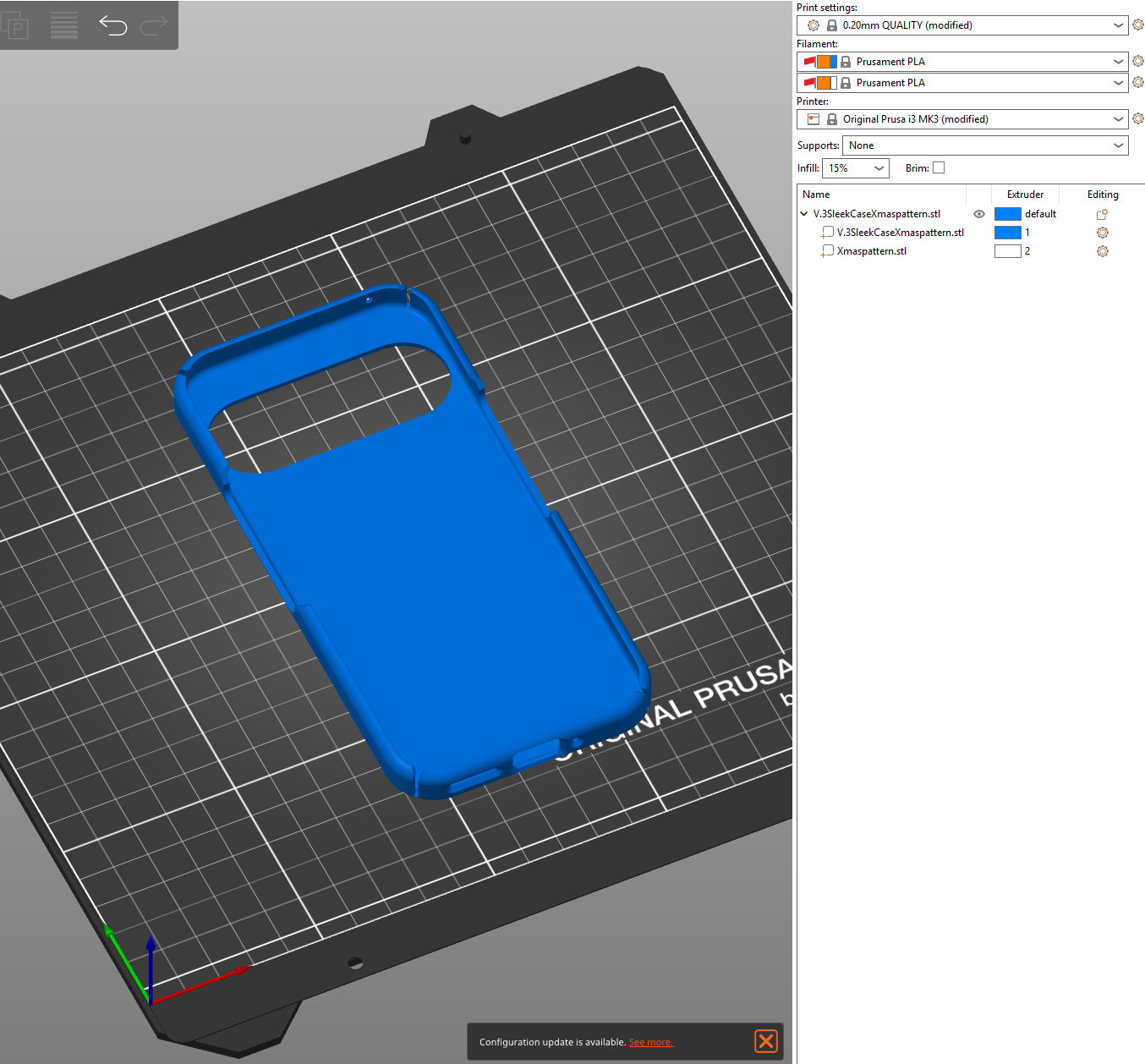
*One stl file for the case itself, it has a deboss where the contrasting pattern inlay will be aligned
*One stl file for a Christmas pattern
*One stl file for a camera Bump
You can of course opt to print this case without the colored inlay but just the case. Then the case will be printed with the pattern debossed into the case
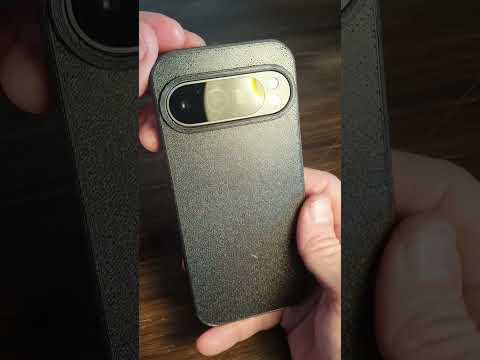
As far as the case (without the pattern) and the camera Bump, They are designed in two pieces to enable the main case cover to be printed in a separate part, flat on the bed, and an insert camera lens protection frame, to be glued on after print.
Use cyanoacrylate adhesive to glue on the camera lens protection frame, I have used it to successfully glue the frame on PETG to PETG and also PLA to PLA . Watch this instructional video:
https://youtube.com/shorts/_p2UpjwAl5I
Links to other cases:
This case style is also available without pattern:
https://cults3d.com/en/3d-model/gadget/protective-hard-case-for-google-pixel-9-pro
Hard case with Diamond shaped pattern for Google Pixel 9 & 9 Pro:
https://cults3d.com/en/3d-model/gadget/hard-case-with-pattern-for-google-pixel-9-9-pro
Pixel 9 & 9 Pro Quad Lock hard case:
https://cults3d.com/en/3d-model/gadget/pixel-9-quad-lock-hard-case
Video from youtube profile 3dzeke showing how to add a new printer to prusa slicer: https://www.youtube.com/watch?v=FD80xq3YdYE
:format(webp)/https://fbi.cults3d.com/uploaders/25373340/illustration-file/922249f7-084e-4ece-9303-8bc8244b7097/GIF-CULTS-XMas-Pixel-9-Case.gif)
/https://preview3d-images.cults3d.com/skt8d25ubhghpfhj8qqp1b3u16uw)
/https://preview3d-images.cults3d.com/1wadvj3fwhm0kl2jix1dxbhbz4s1)
/https://preview3d-images.cults3d.com/oxqemds2dbpjw4vwmzinoznvn5bp)



:format(webp)/https://fbi.cults3d.com/uploaders/25373340/illustration-file/94225924-5ced-43ea-a60e-bb4ac7816da8/Triangular-Voronoi-Shower-Shelf-2.png)
:still()/https://fbi.cults3d.com/uploaders/25373340/illustration-file/3b7e197d-fe52-40b8-9a10-3d3b04750d47/CULTS-Pixel-9-Case.gif)
:still()/https://fbi.cults3d.com/uploaders/25373340/illustration-file/59199f7d-b64e-47b5-a1f9-31992df8a9c8/CULTS-PATTERN-Pixel-9-Case.gif)
:format(webp)/https://fbi.cults3d.com/uploaders/25373340/illustration-file/bc0e0e57-2915-467f-9282-2e7e909cd800/GIF-Cults-Cap-Dewalt.gif)
:still()/https://fbi.cults3d.com/uploaders/25373340/illustration-file/3744bf8a-98b6-4896-a12e-a541ce5e0f02/CULTS-GIF-Pixel-9-QL-Case.gif)
:still()/https://fbi.cults3d.com/uploaders/25373340/illustration-file/aad05d7d-ae13-4019-bd71-29e24d261c7a/Cults-Slim_Case_lined_pattern.gif)
:format(webp)/https://fbi.cults3d.com/uploaders/25373340/illustration-file/d008e6c7-b922-4178-a8e6-d1e4f0877814/GIF-Uni-Phone-Dock.gif)
:still()/https://fbi.cults3d.com/uploaders/25373340/illustration-file/08f72e4a-e3f0-4ea3-a731-ea4fc9b51a62/GIF-Sk%C3%A5dis-Bin-Organizer720PL.gif)