
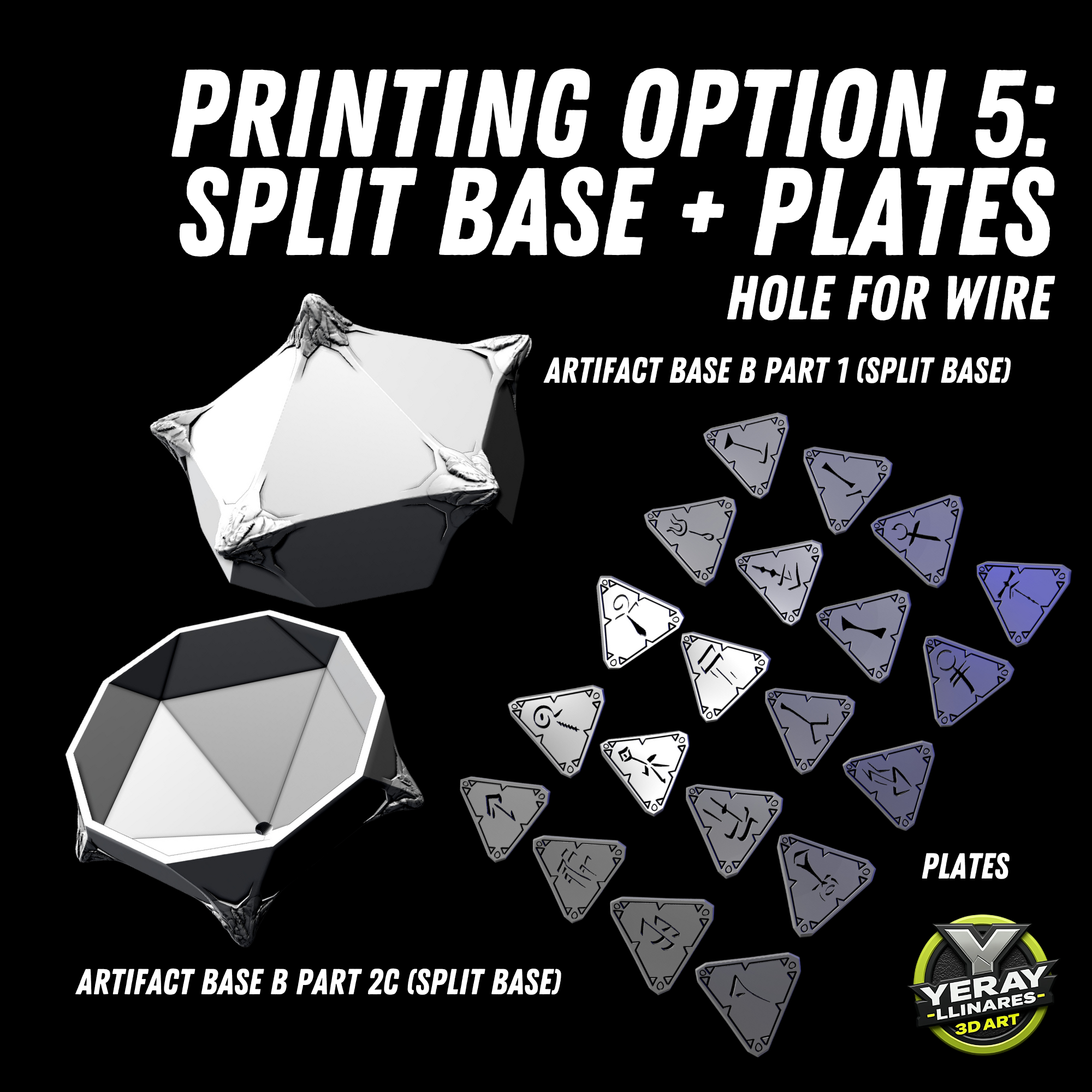
I'm still waiting printable files! Where is the parts? Are you check your zip file before upload bro? I'm gonna contact via cults3d. I want to my money back!
- 0 likes
:format(webp)/https://fbi.cults3d.com/uploaders/14730772/illustration-file/8a842f36-2850-4321-a682-245745dde126/1.png)
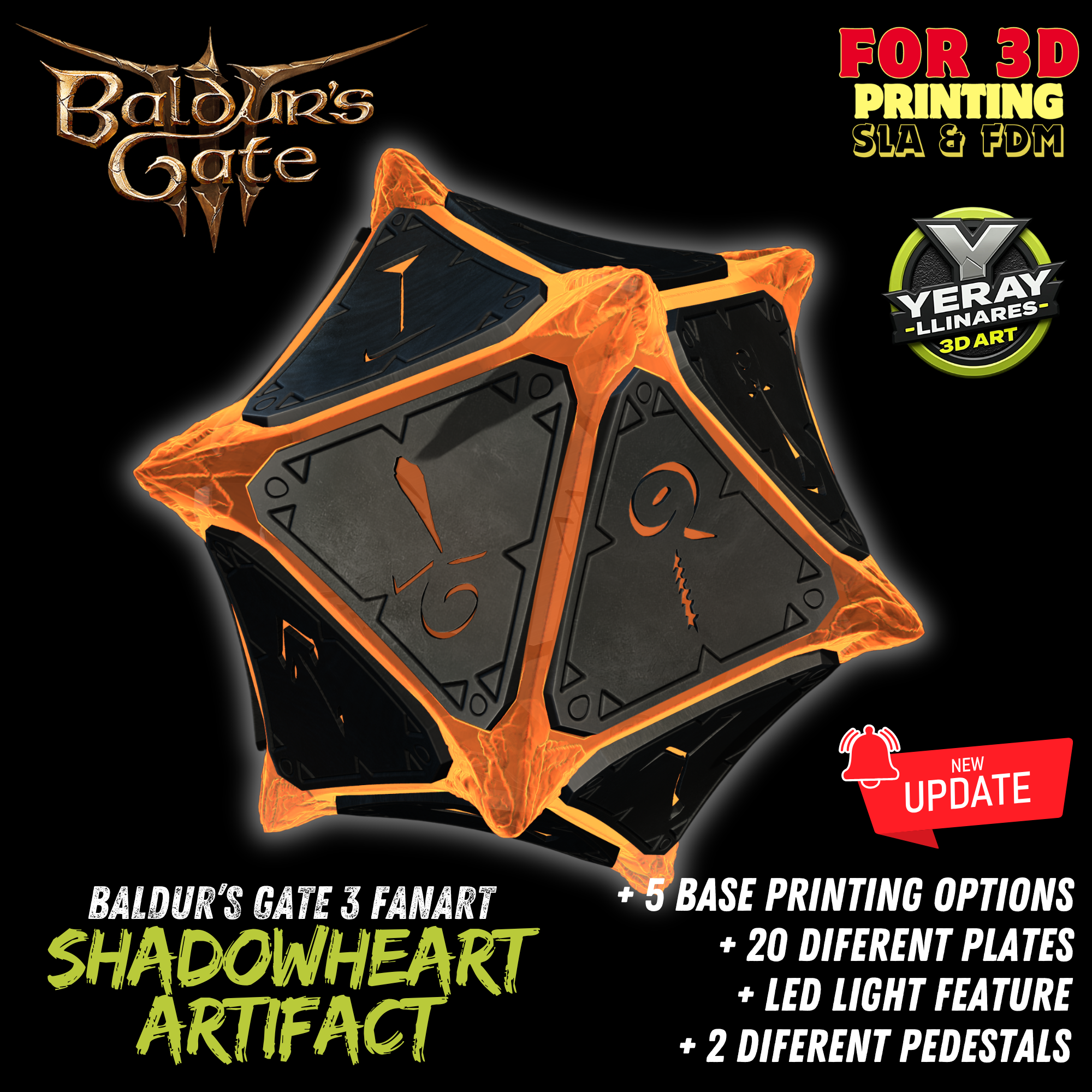
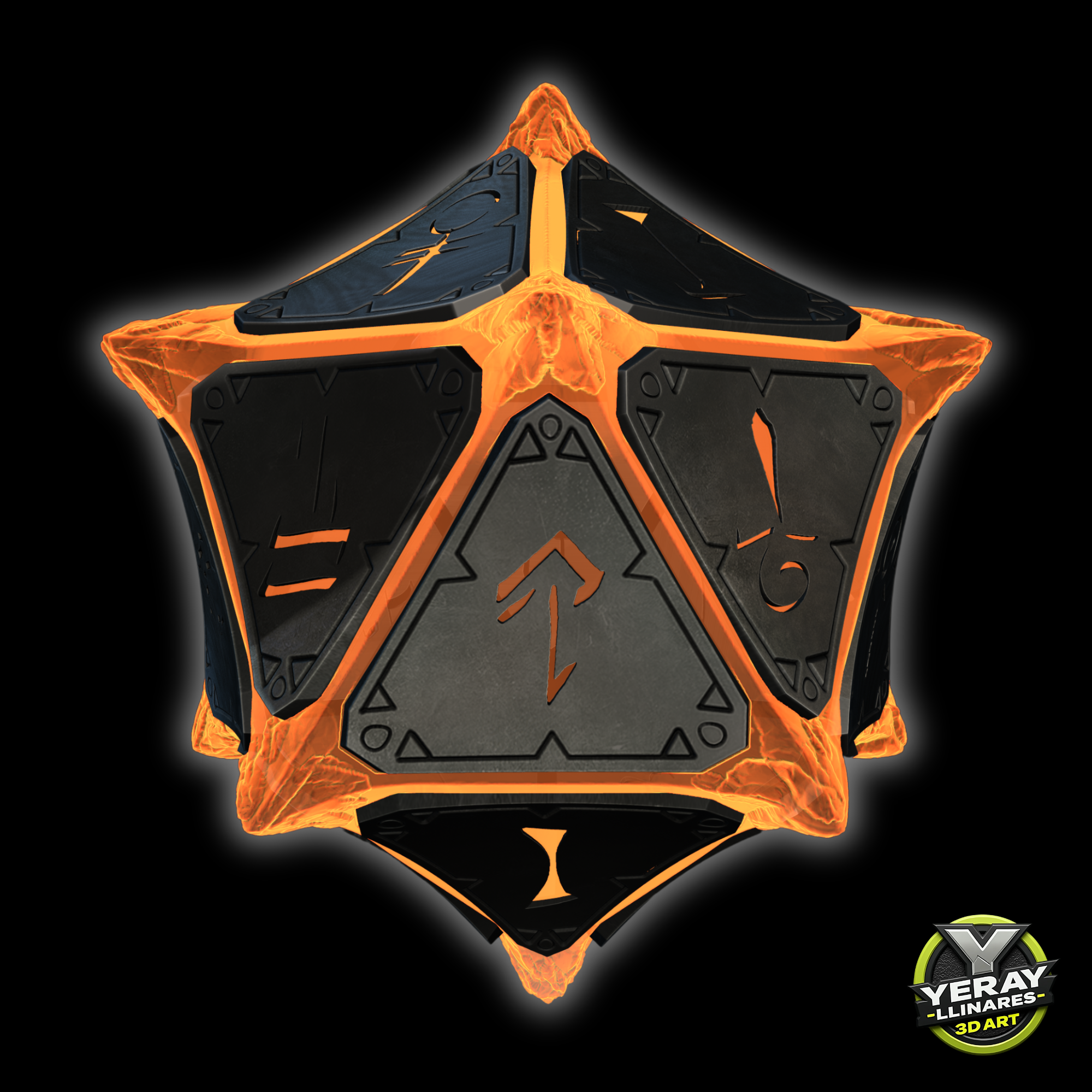

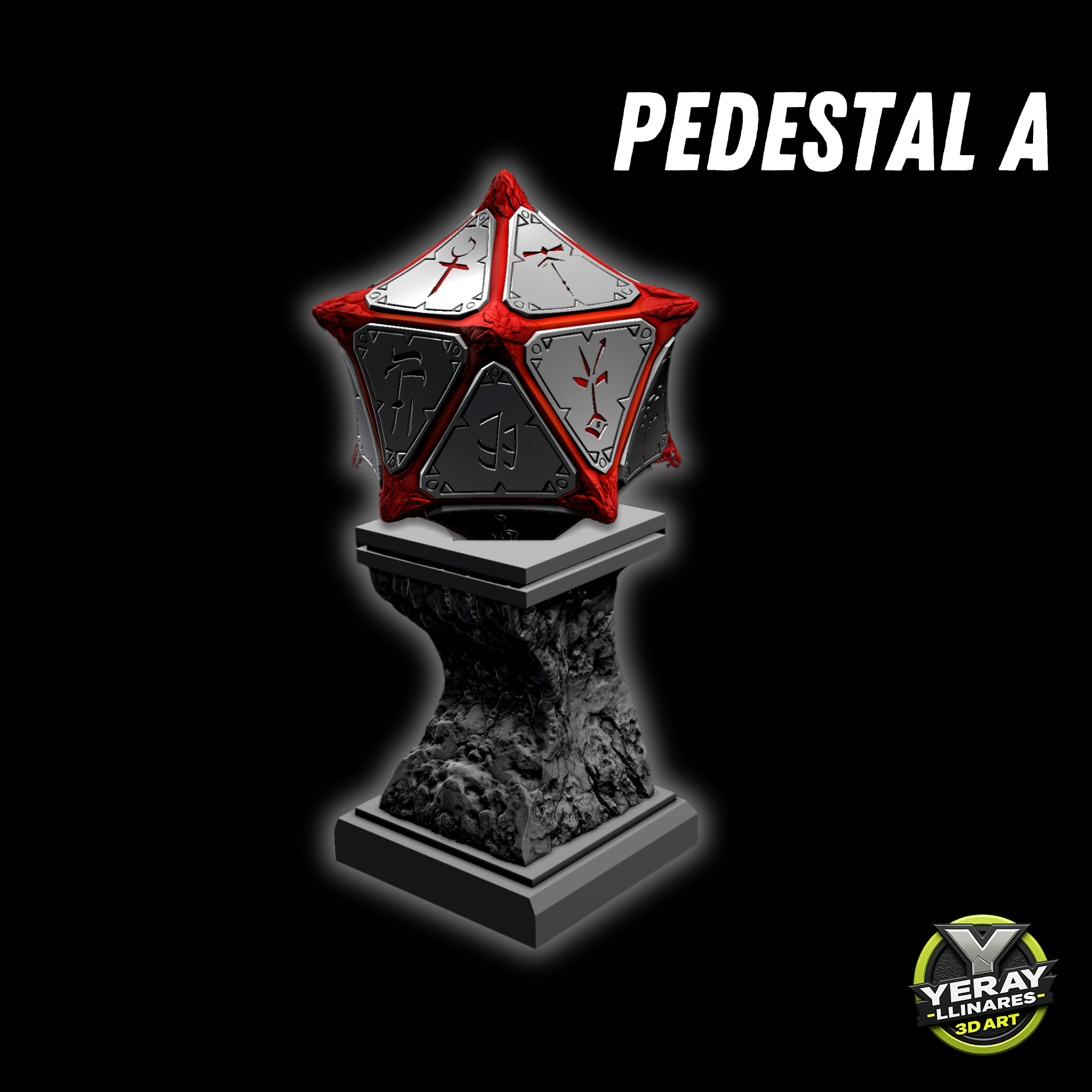
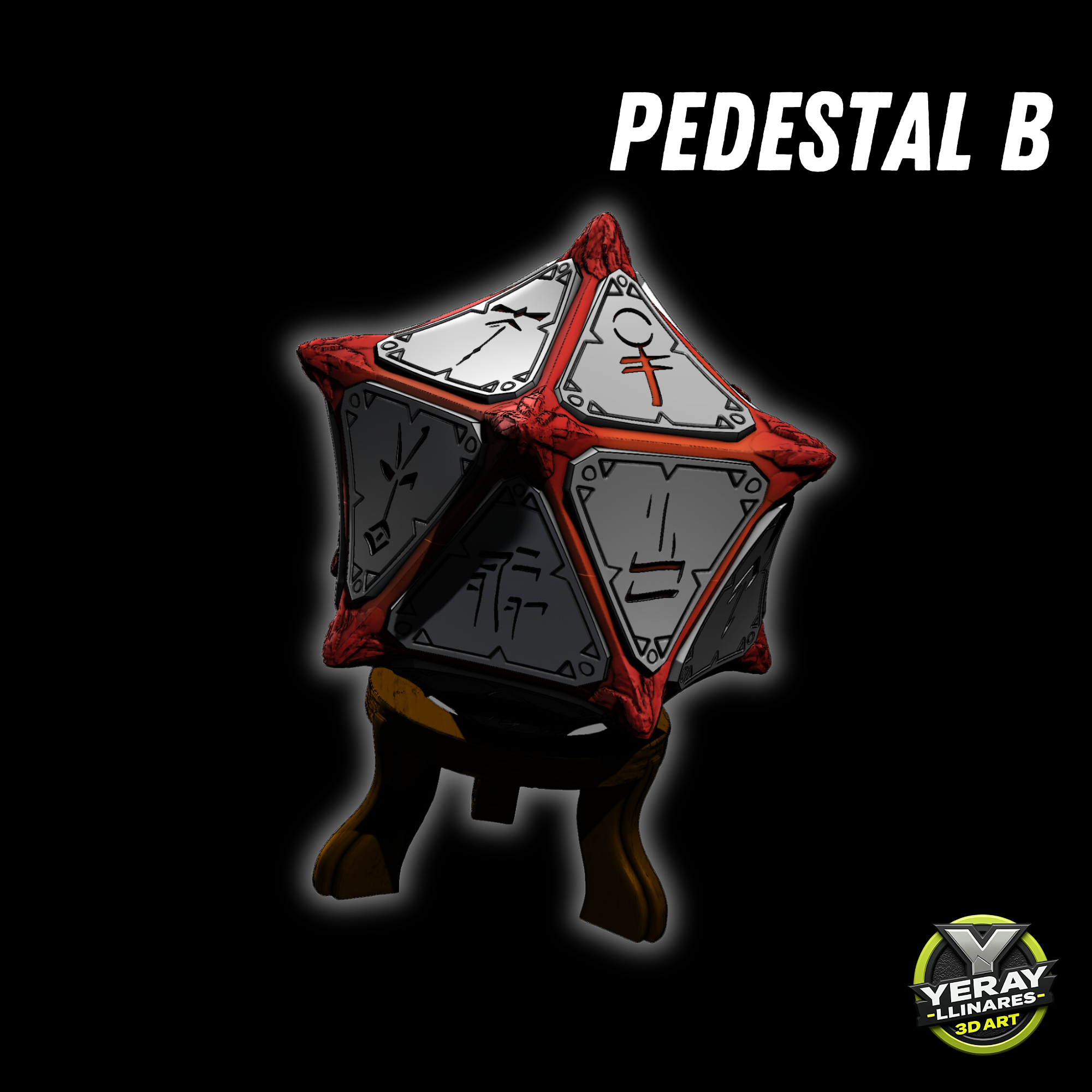
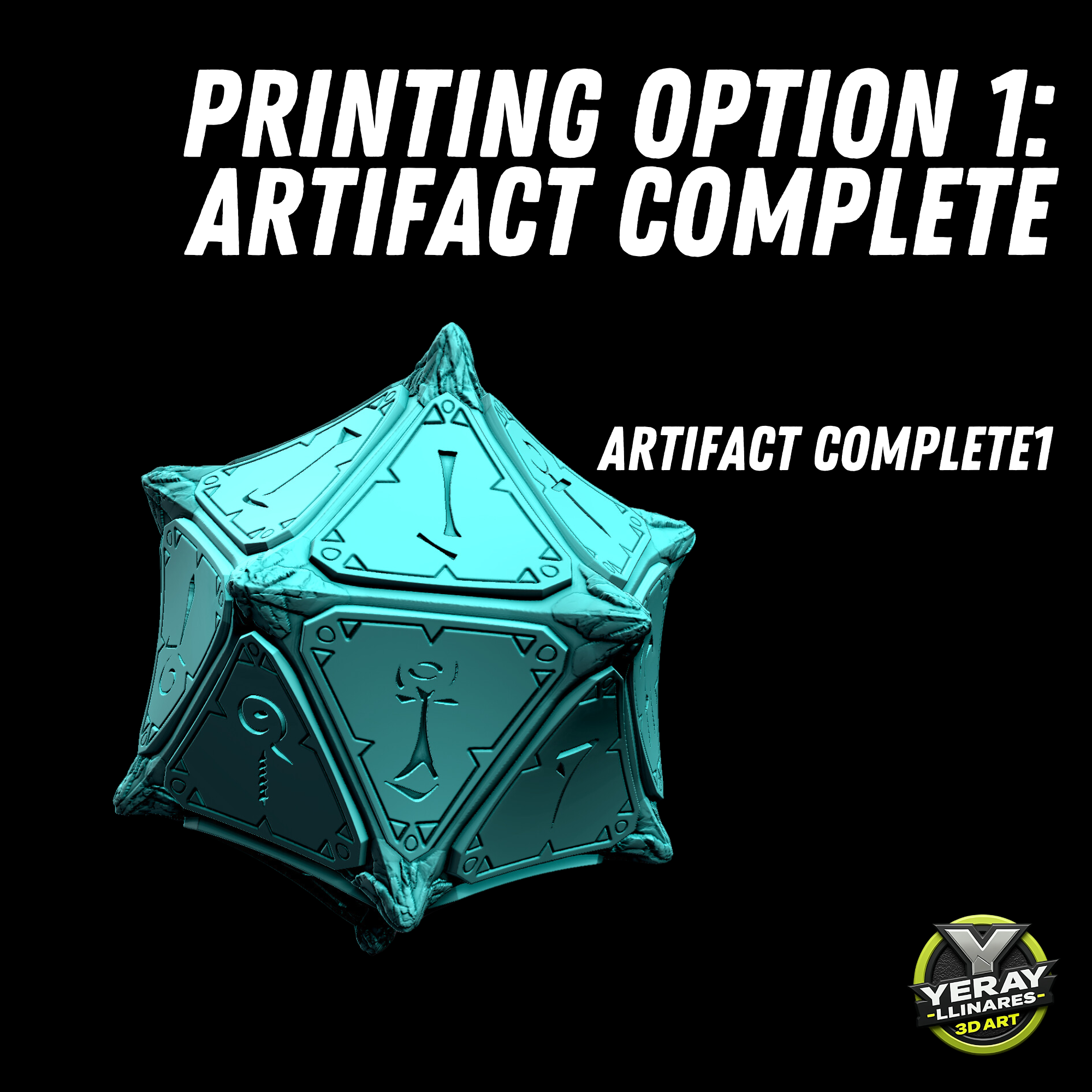
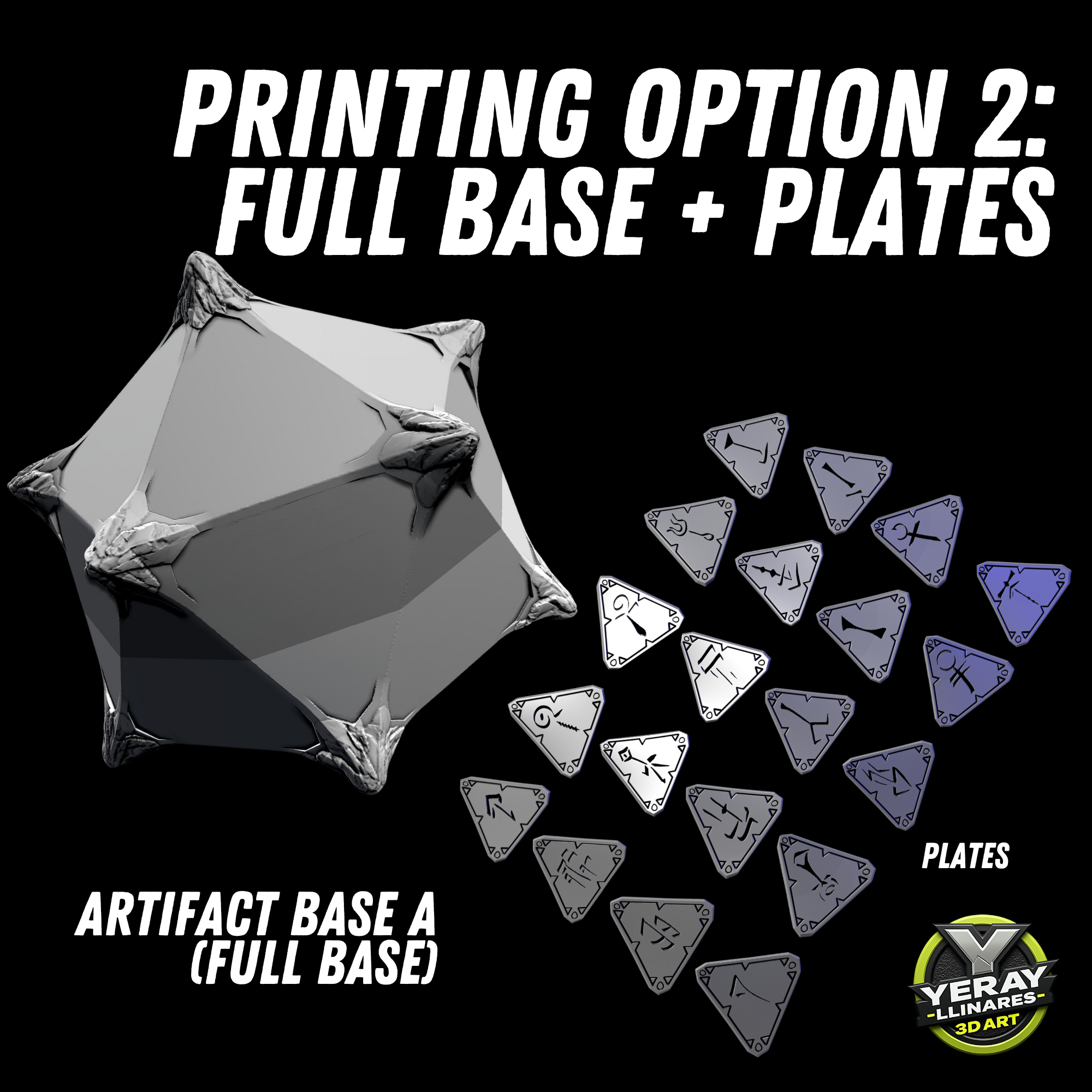
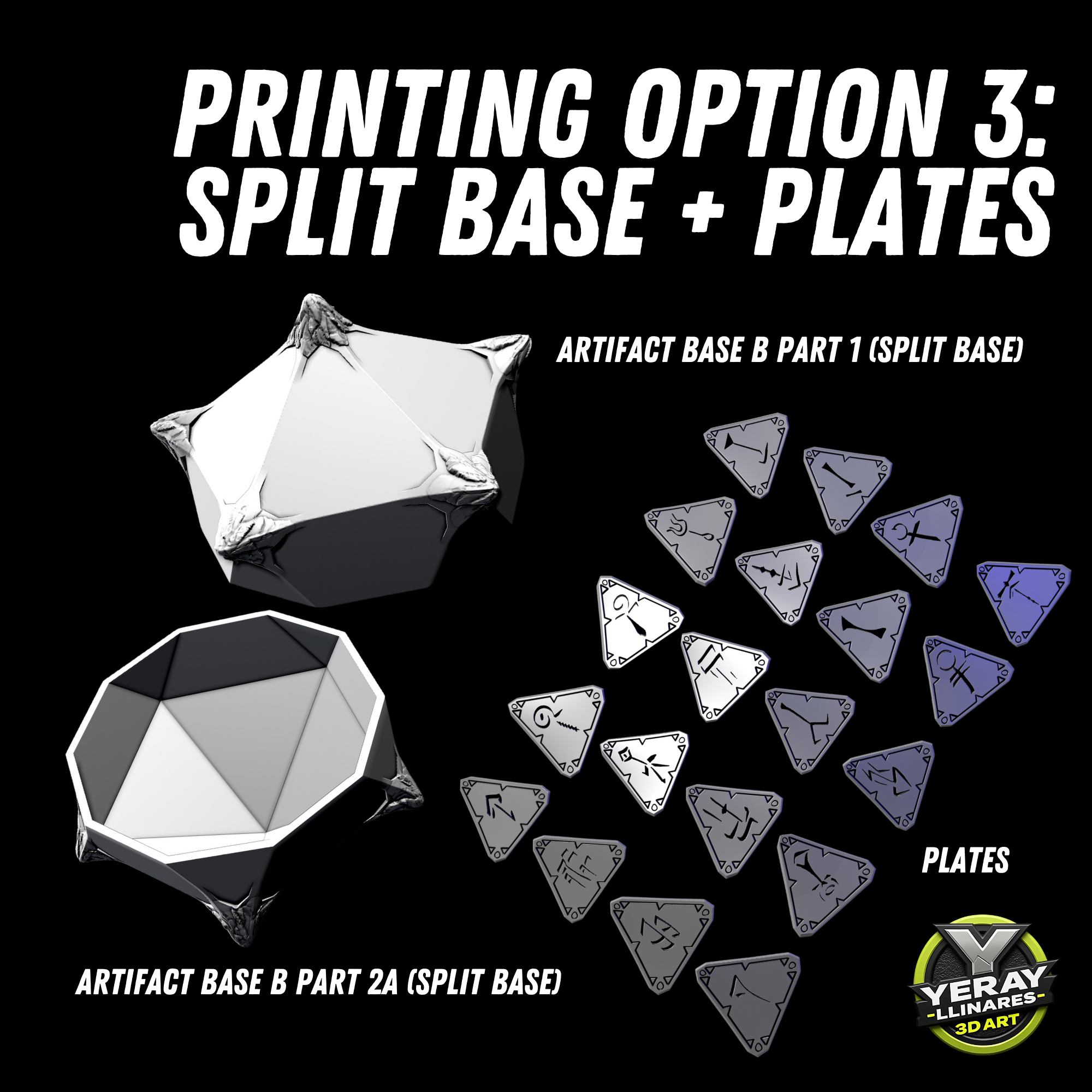
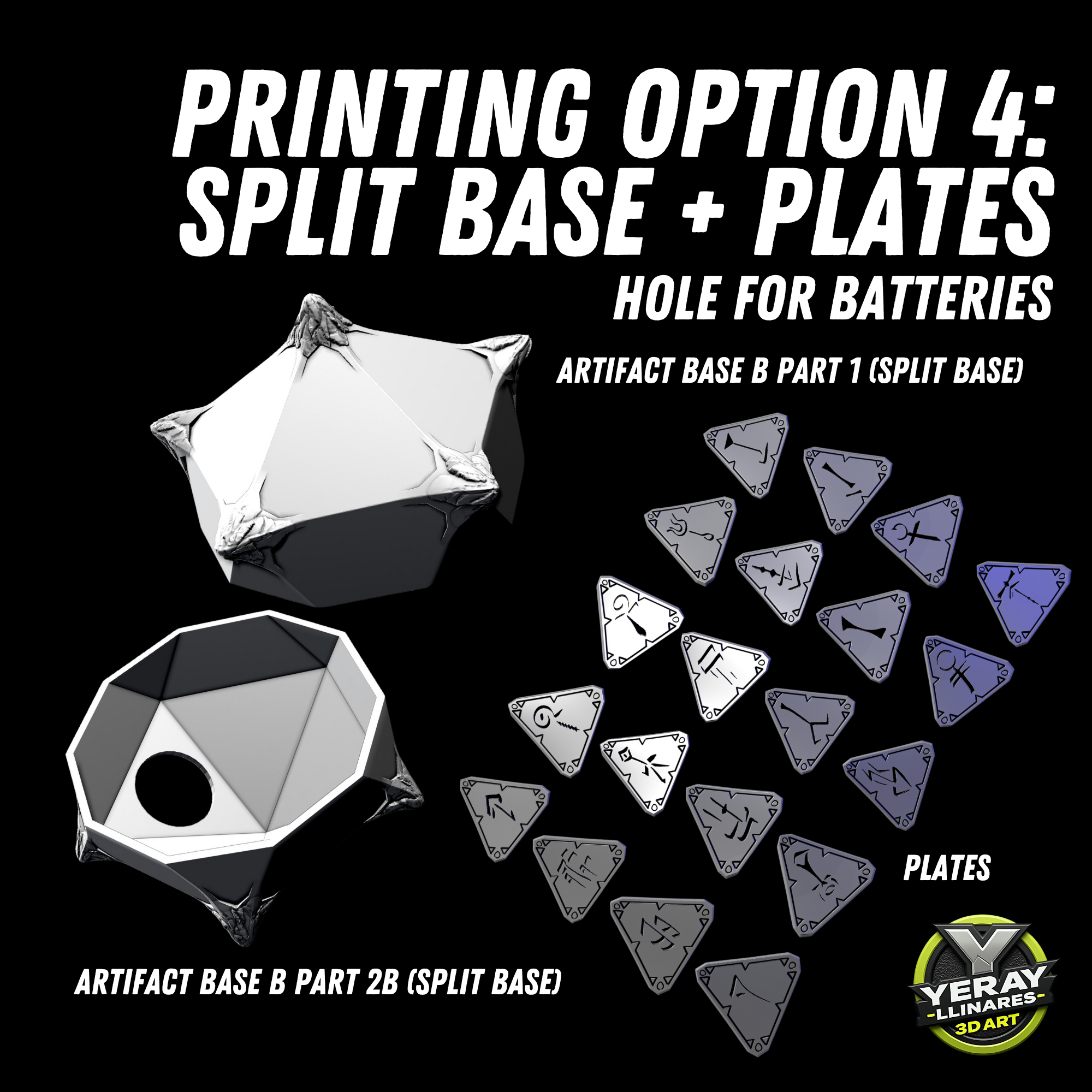
/https://preview3d-images.cults3d.com/m6htm3727h7tc5lob2ld5x8ycf3o)
/https://preview3d-images.cults3d.com/ezpcfhkesmbzjlrd8hihl97cyi3z)
/https://preview3d-images.cults3d.com/tkighy7h2iw2nfcmzu054xpwc48f)
/https://preview3d-images.cults3d.com/nukali2p31ngmdw915iq9x09uffv)
| License | |
|---|---|
| Usages | |
| 3D design format |
35 files (STL) Close
|
| Last update | |
| Publication date | |
| Design number | 1496240 |



You like Cults and you want to help us continue the adventure independently? Please note that we are a small team of 4 people, therefore it is very simple to support us to maintain the activity and create future developments. Here are 3 solutions accessible to all:
Sharing and downloading on Cults3D guarantees that designs remain in makers community hands! And not in the hands of the 3D printing or software giants who own the competing platforms and exploit the designs for their own commercial interests.
Cults3D is an independent, self-financed site that is not accountable to any investor or brand. Almost all of the site’s revenues are paid back to the platform’s makers. The content published on the site serves only the interests of its authors and not those of 3D printer brands who also wish to control the 3D modeling market.


:format(webp)/https://fbi.cults3d.com/uploaders/14730772/illustration-file/8a66d84a-88b2-4cf1-84aa-0f7e6767ac41/1.png)
:format(webp)/https://fbi.cults3d.com/uploaders/14730772/illustration-file/0641a616-ce55-450a-a49e-878167bce7f9/1.png)
:format(webp)/https://fbi.cults3d.com/uploaders/14730772/illustration-file/16a53009-aa88-4cb6-ad79-8bdd2dbb2ea2/1.png)
:format(webp)/https://fbi.cults3d.com/uploaders/14730772/illustration-file/2f7dfad1-36bd-465b-acfa-1ec7c561fed1/1.png)
:format(webp)/https://fbi.cults3d.com/uploaders/14730772/illustration-file/ae7ff57f-45de-4f7d-8876-ca2e23e7b7cd/1.png)
:format(webp)/https://fbi.cults3d.com/uploaders/14730772/illustration-file/5f2bb4c5-39f9-4354-85e6-63a4c67b7349/2.png)
:format(webp)/https://fbi.cults3d.com/uploaders/14730772/illustration-file/439d730c-f612-491d-94dc-63da120bc437/1.png)
:format(webp)/https://fbi.cults3d.com/uploaders/14730772/illustration-file/305bca54-c89a-4be4-b8a4-7727b0a09228/1.png)
I scaled the model down by 40% to better fit the size I need this prop to be. I was able to print the base perfectly, but now I can not get any of the face times to print for the life of me.
I have adjusted every printer setting I can think of, cleaned my plate, and recalibrated my printer countless times. I have even printed other pieces and those all come out perfectly, the tiles all come out looking like chicken scratch. I have tried different fills, bases, top layer speeds everything to make these work and nothing seems to be working. The prints finish, but they look failed, like they were stopped halfway through printing. Do you have recommendations for this situation? I use an Enclosed Platform Printer (if that information is useful)
*face tiles not face times
It seems like the issue might be related to the first layer adhesion or how the face tiles are positioned on the print bed. Here are some suggestions you could try:
Check the first layer adhesion: Make sure the first layer is sticking properly to the print surface. This is crucial to avoid shifting or failed prints.
Verify model orientation: Ensure that the back of the face tiles is completely flat and properly aligned with the print bed. If not, you might need to adjust the orientation of the model in your slicer.
Adjust layer height settings: If you're scaling down the model, the default layer height might not be ideal for smaller details. Try lowering the layer height to capture finer details more accurately.
Re-level the bed: Even if you’ve done it already, double-check your bed leveling. Any minor inconsistencies can cause issues with adhesion and print quality.
Increase print surface adhesion: Try adding a brim or a raft to the print settings in your slicer to increase the contact area with the bed, which can help keep the model stable during printing.
Slow down the first layer speed: Printing the first layer more slowly can improve adhesion and reduce the chance of issues.
If the problem persists, feel free to reach out to me on Instagram (@yerayllinares_3dart) and send me a photo of the issue you're facing. Based on what you describe, it doesn’t seem like a model issue, but I’d be happy to take a closer look!