3D model description
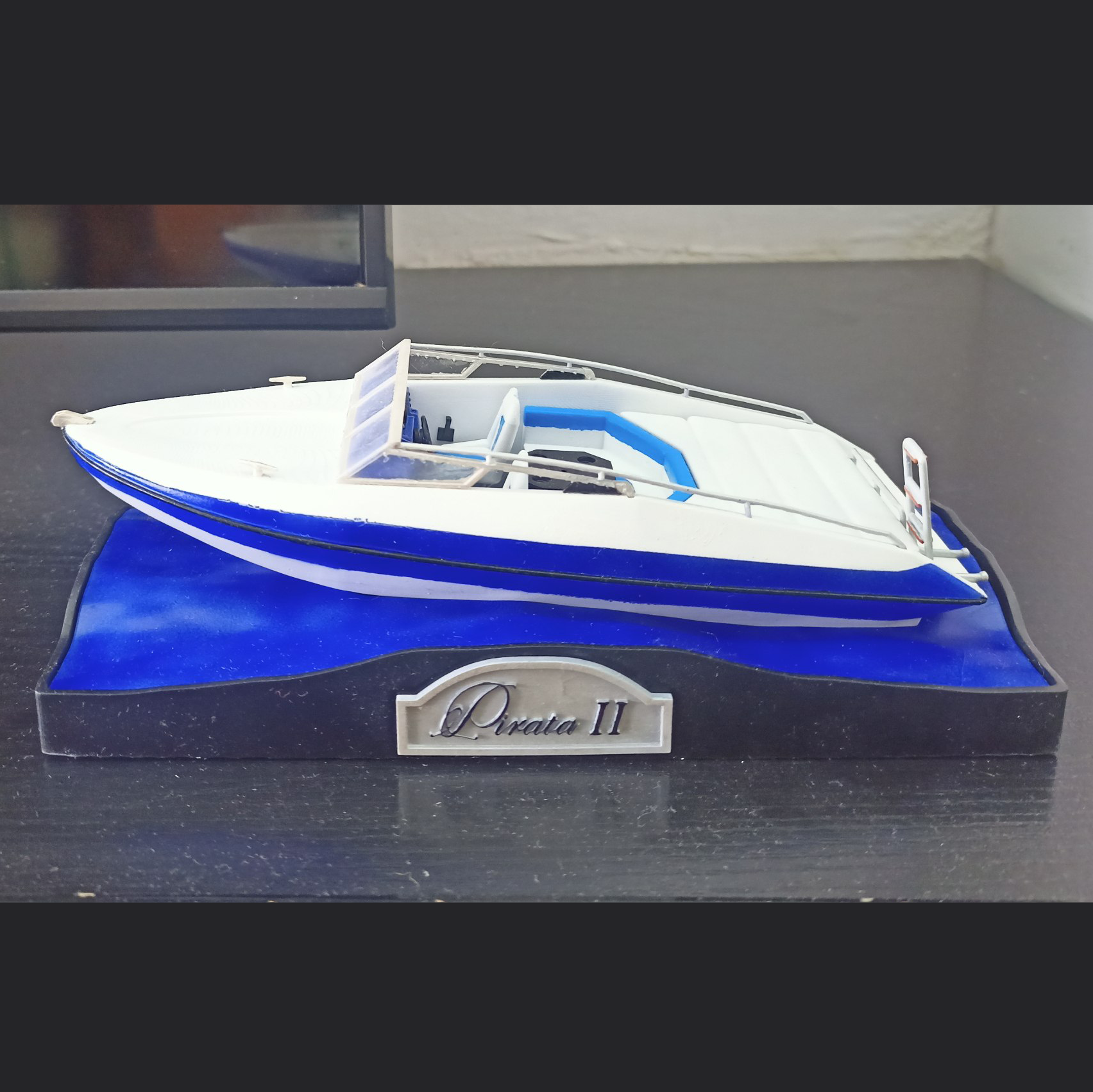
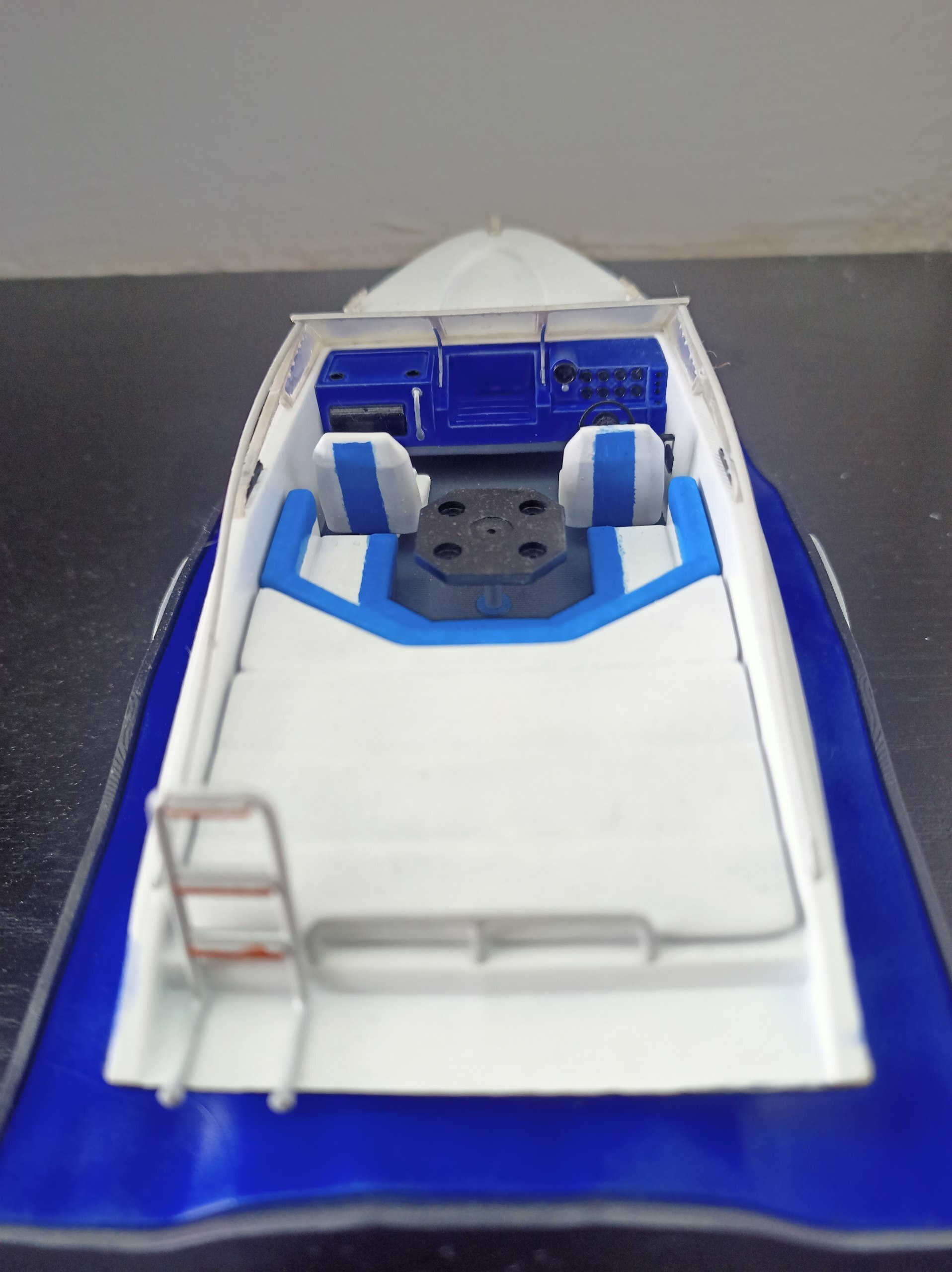
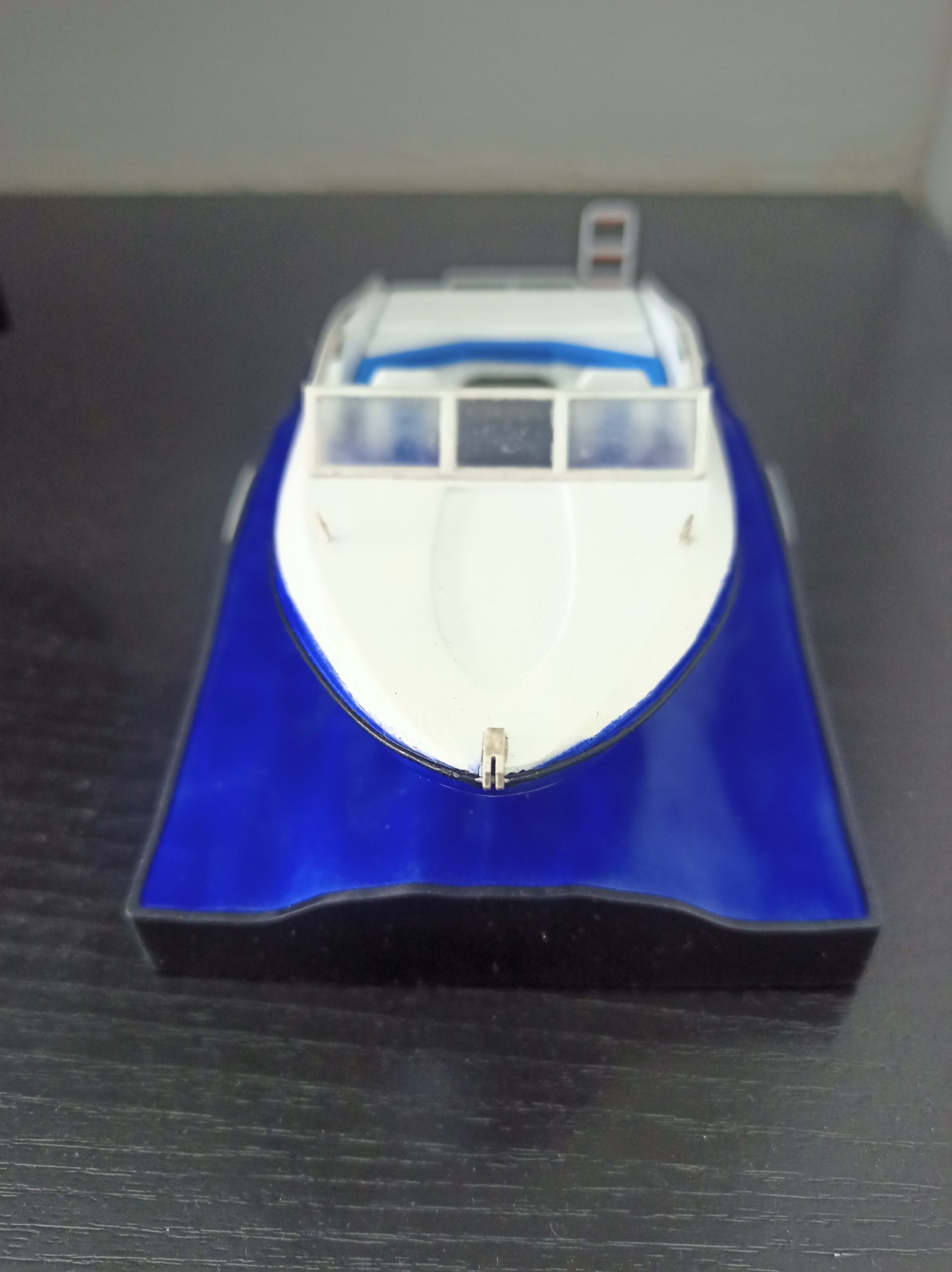
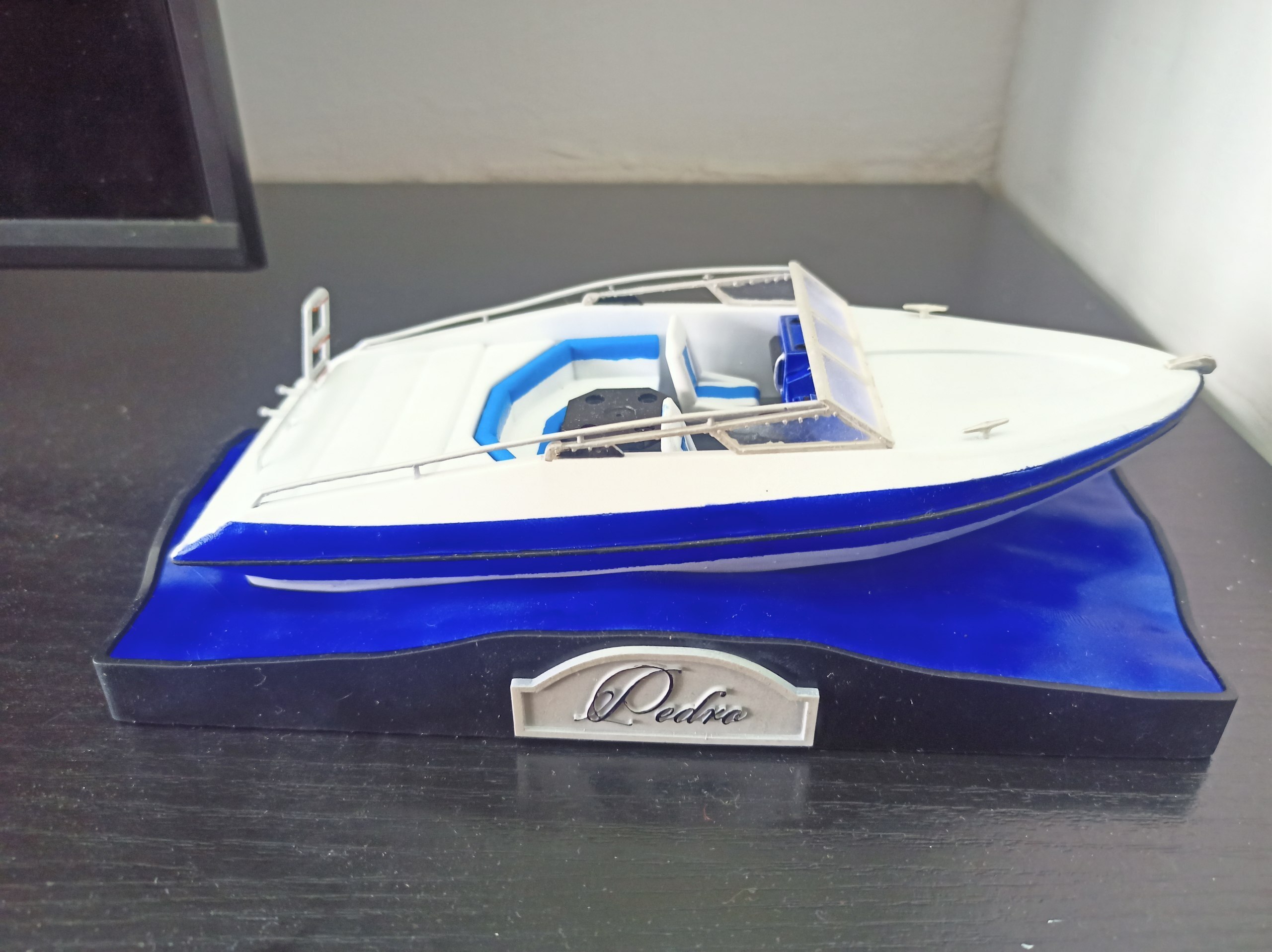
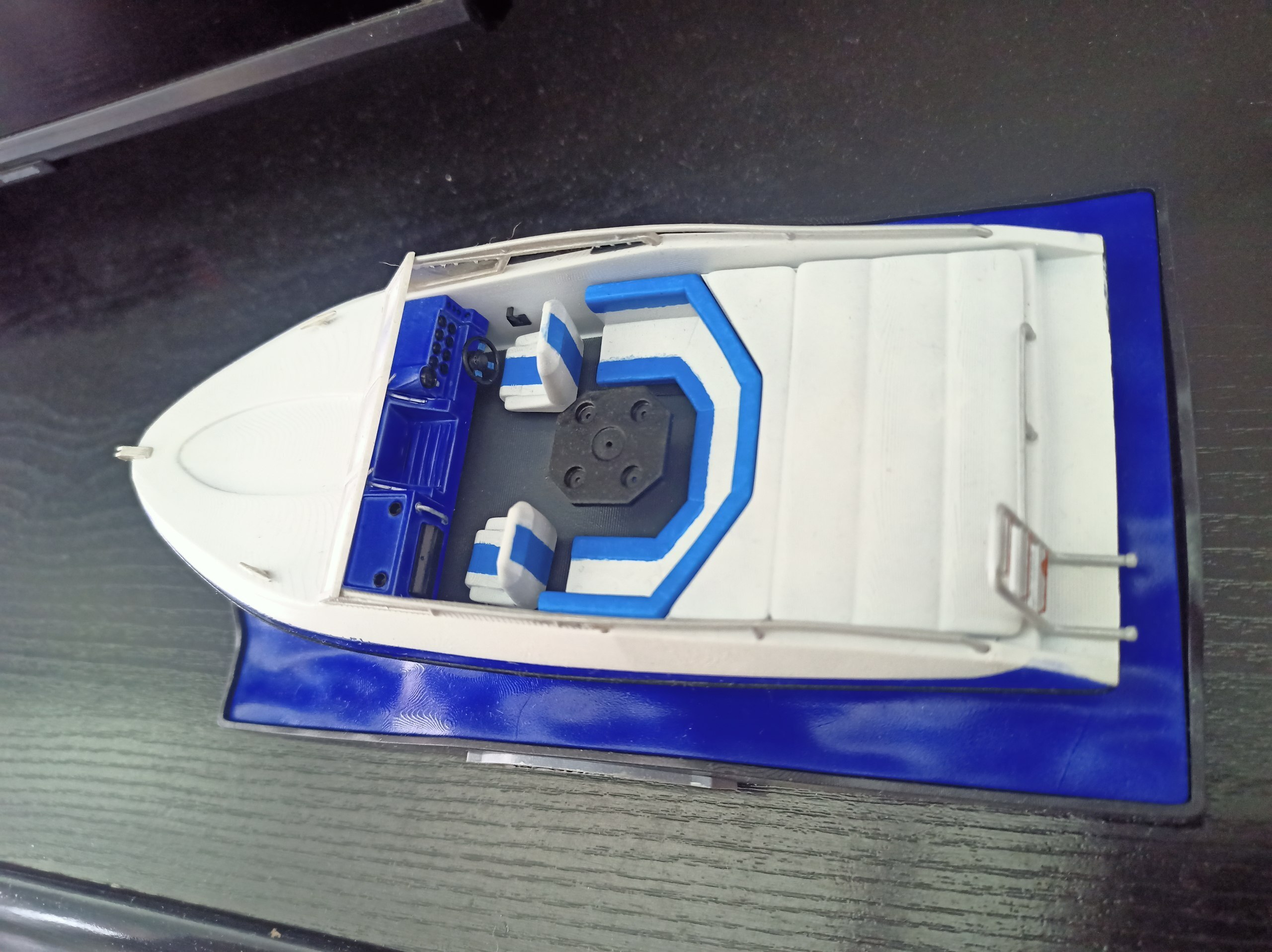
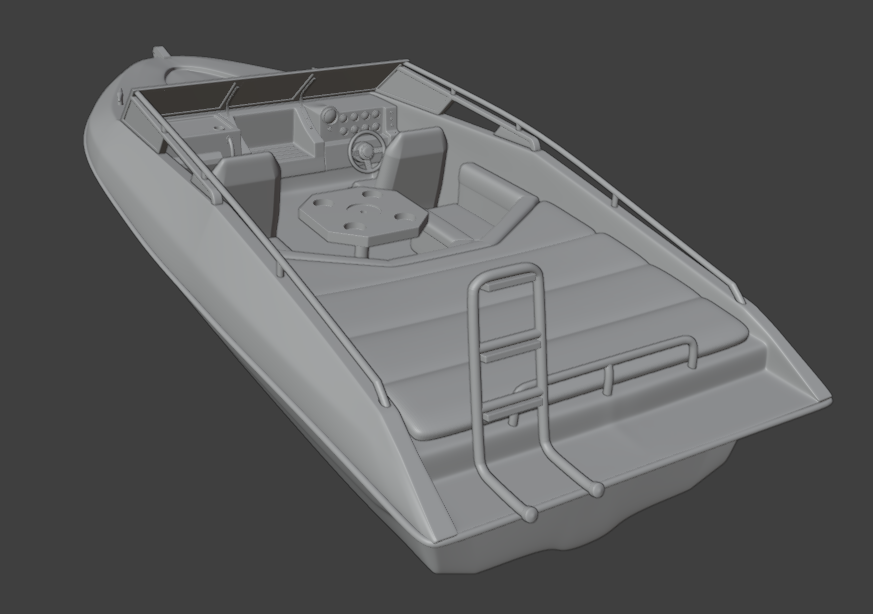
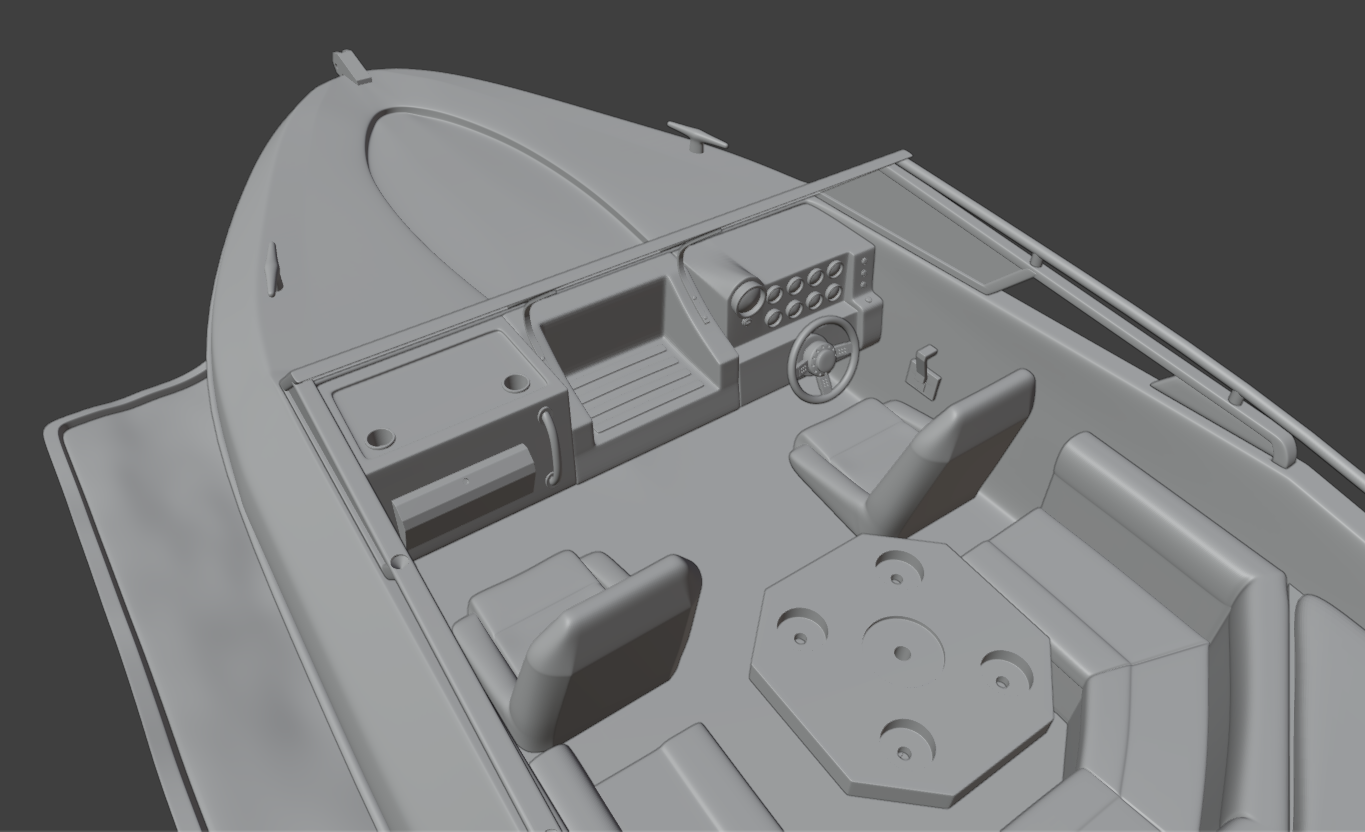
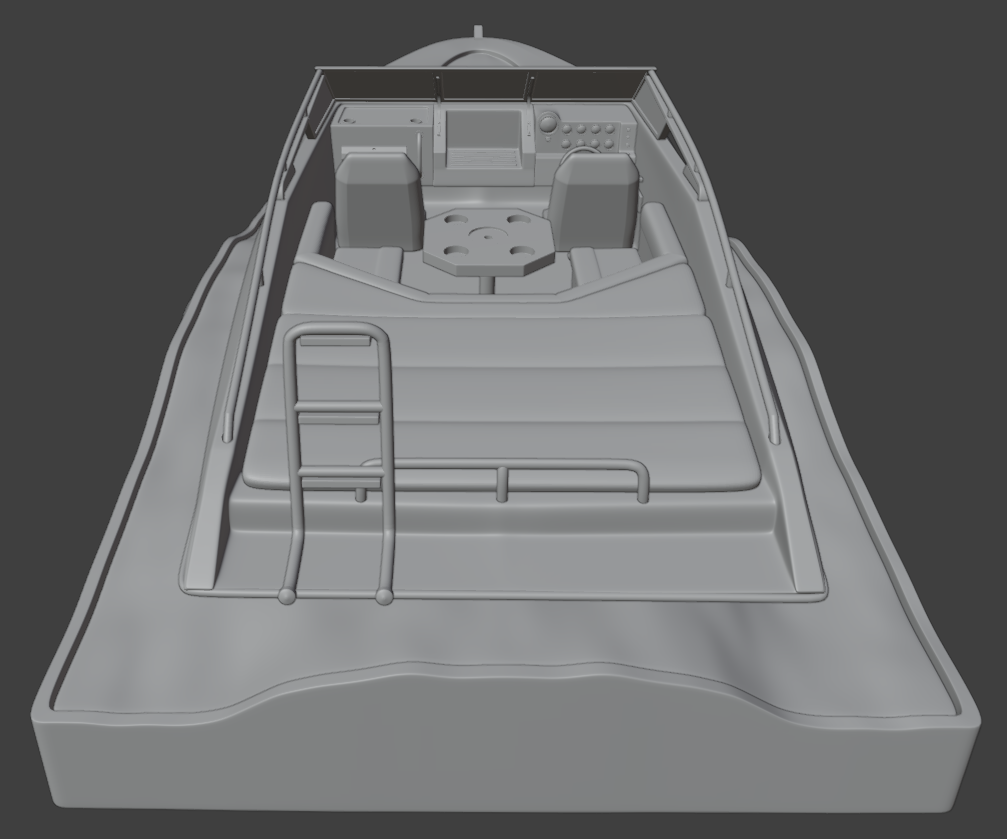
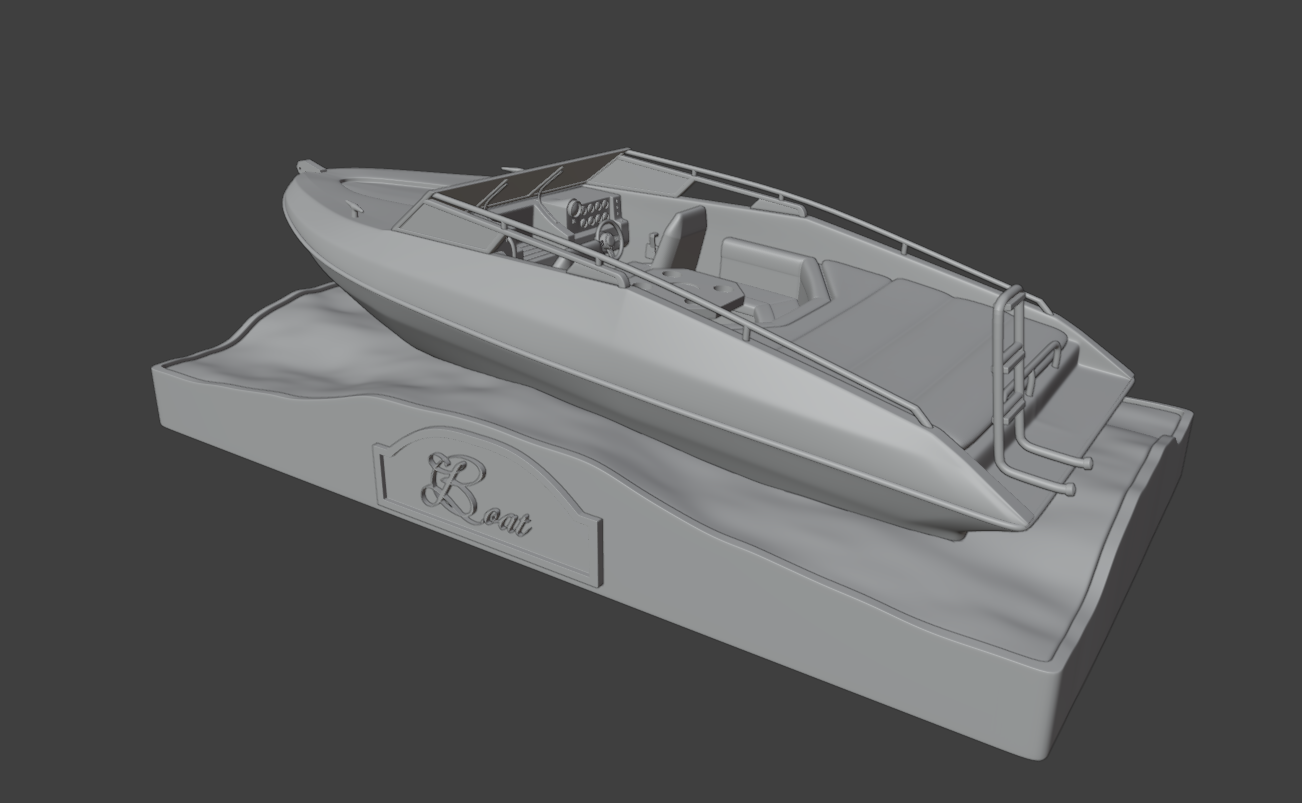
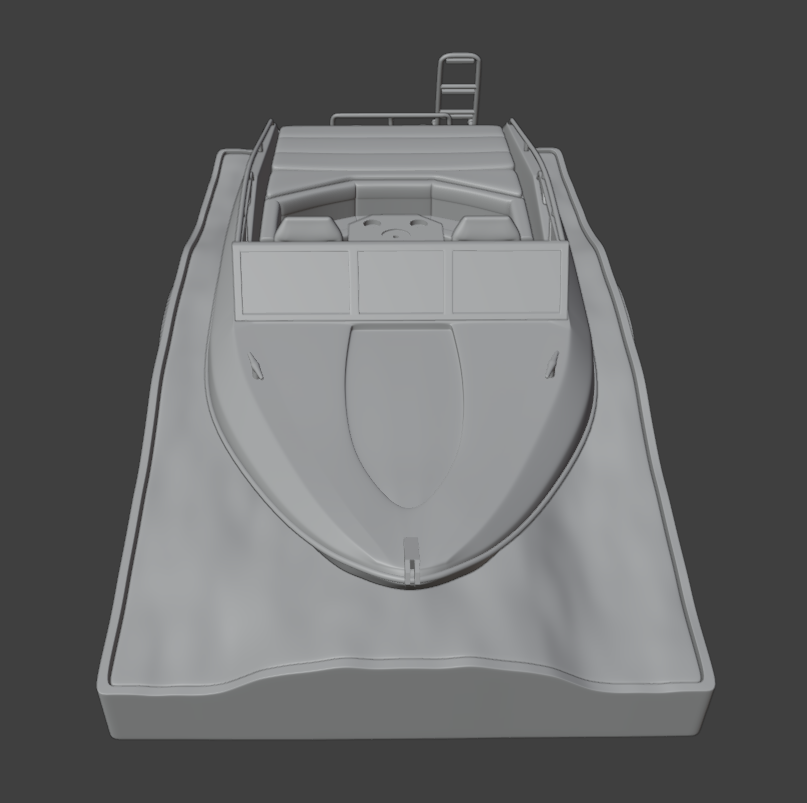
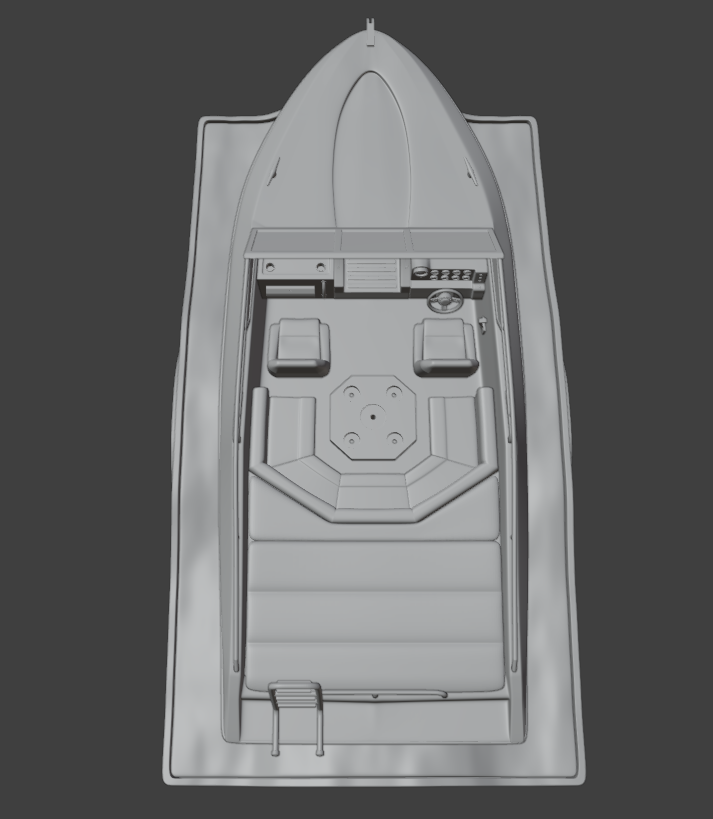
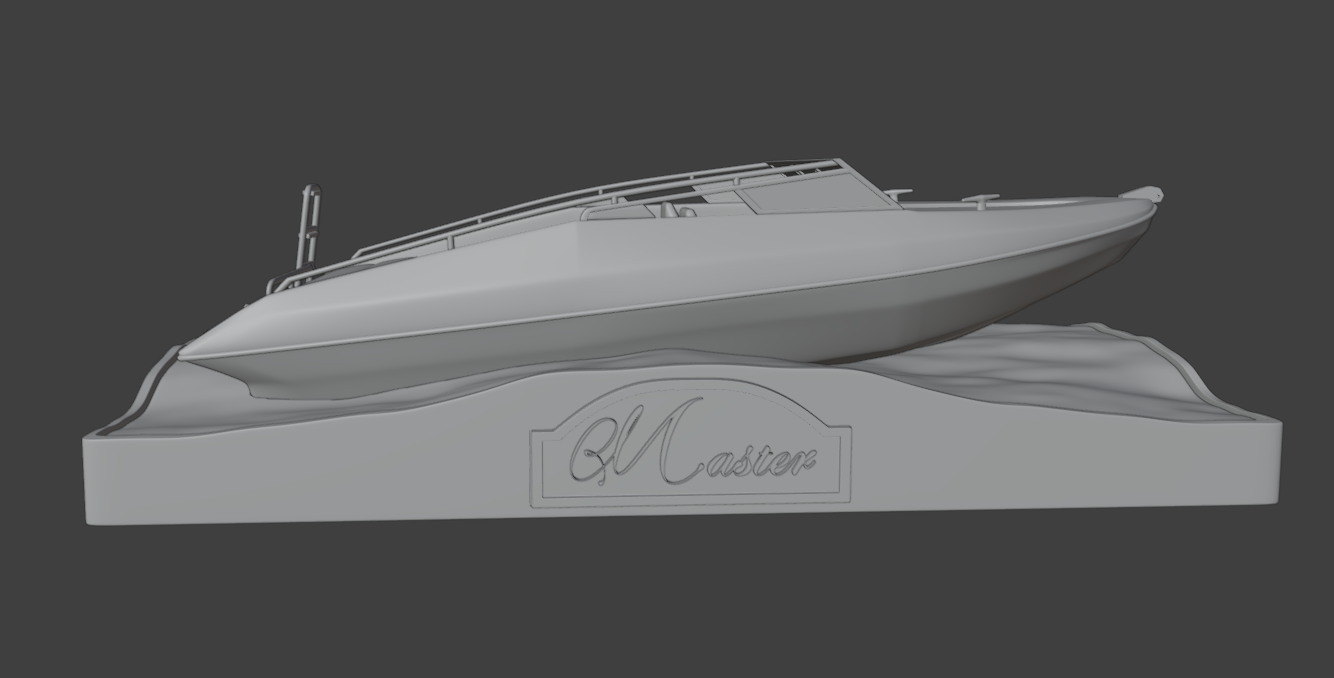
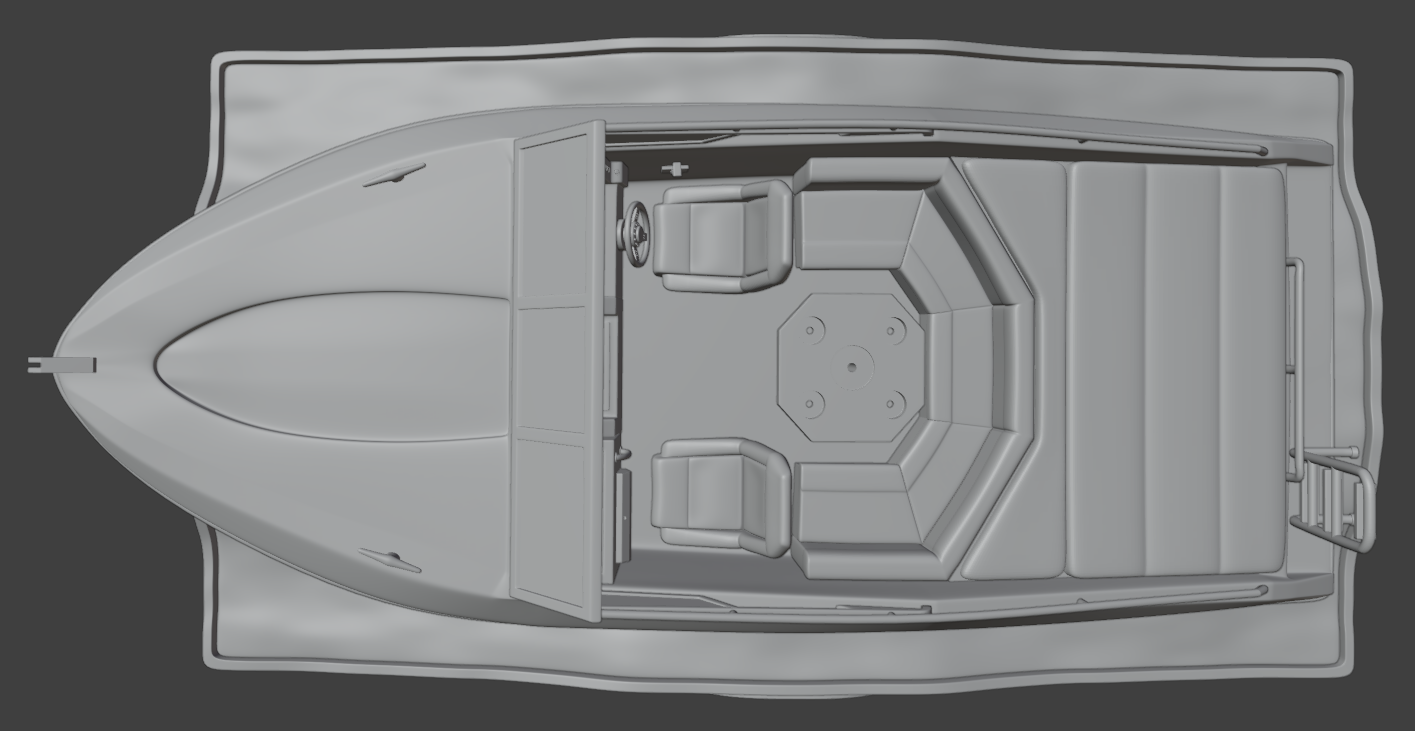
Highly detailed and fully printable model of the classic Fletcher GTS speedboat. All parts are separated and include locating pins and sockets so everything aligns perfectly during assembly. We recommend applying a small amount of glue (CA or plastic cement) on the joints for maximum strength and to prevent parts from coming loose over time.
Files included in the download:
-Each piece has its own individual .STL file (ready to slice and print)
-2 Γ .BLEND files with fully editable text for the nameplates on the base:
Left side β "Boat Name" plate
Right side β "Captain" plate
-1 Γ Plate_NoName.stl (blank plate with no text). If you want the model without names, simply add this STL twice to your slicer (one for each side)
-Folder /Font/ containing the exact .ttf font used
How to customize the nameplates (takes ~2 minutes)
-Open the desired .blend file with Blender (free download at blender.org).
-In the 3D viewport, left-click the text object to select it (if you cannot see the text correctly when opening the .blend files, select the text element, go to the Data properties panel -> Font -> open the folder and select the desired font (font included in the downloadable files).
-Press Tab (or click "Edit Mode") β delete the current text and type your new boat name or captain's name.
-Press Tab again to exit edit mode.
-(Optional) While it's still a Text object you can change font, size, spacing, extrusion, bevel, etc. in the Object Data Properties β Font panel.
-When you are completely happy with the text, select the text object β right-click β Convert To β Mesh.
-With the new mesh still selected, press Ctrl + A β All Transforms (to apply scale, rotation and location).
-Select all objects in the scene (plate + text) β press Ctrl + J to join everything into one single object.
-File β Export β Stl β export your custom plate.
Repeat the same steps with the second .blend file for the opposite side.
Any questions or need help customizing the plates? Just drop me a message β happy to help!
Happy printing and smooth sailing! β΅
3D printing settings
The model has been successfully test-printed at the supplied scale on an Elegoo Saturn 4 Ultra 16K resin printer with excellent results.
Large parts (ocean.stl, boat_base.stl, chest.stl and seats_back.stl) were hollowed and drained in the slicer using these settings:
-Wall thickness: 1.20 mm
-Precision: 0.2
-Infill density: 20 %
-Drainage holes were added
All other parts are small enough that hollowing is not necessary.
Tip: Print Windows.stl with clear or translucent resin for the most realistic look.
You can scale the entire model uniformly if you wish, but all parts must be scaled by the same percentage to keep the snap-fit joints working correctly.