Are you a YouTube Creator looking for a way to showcase your subscriber milestones? Whether you've hit 100, 500, 1,000, or 10,000 subscribers, this YouTube Subscribers Customizable Play Button is the perfect way to celebrate your success and stay motivated on your content creation journey!
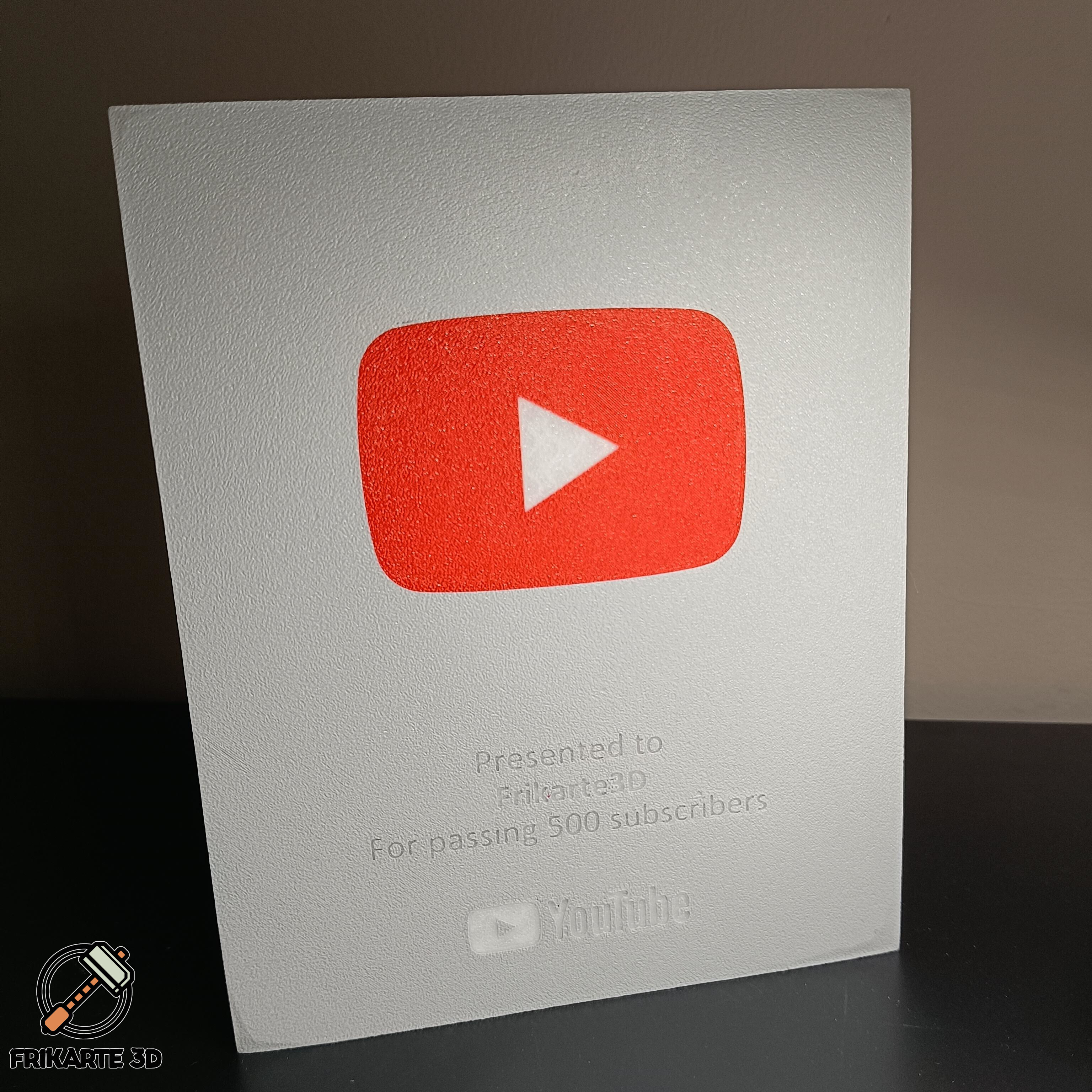
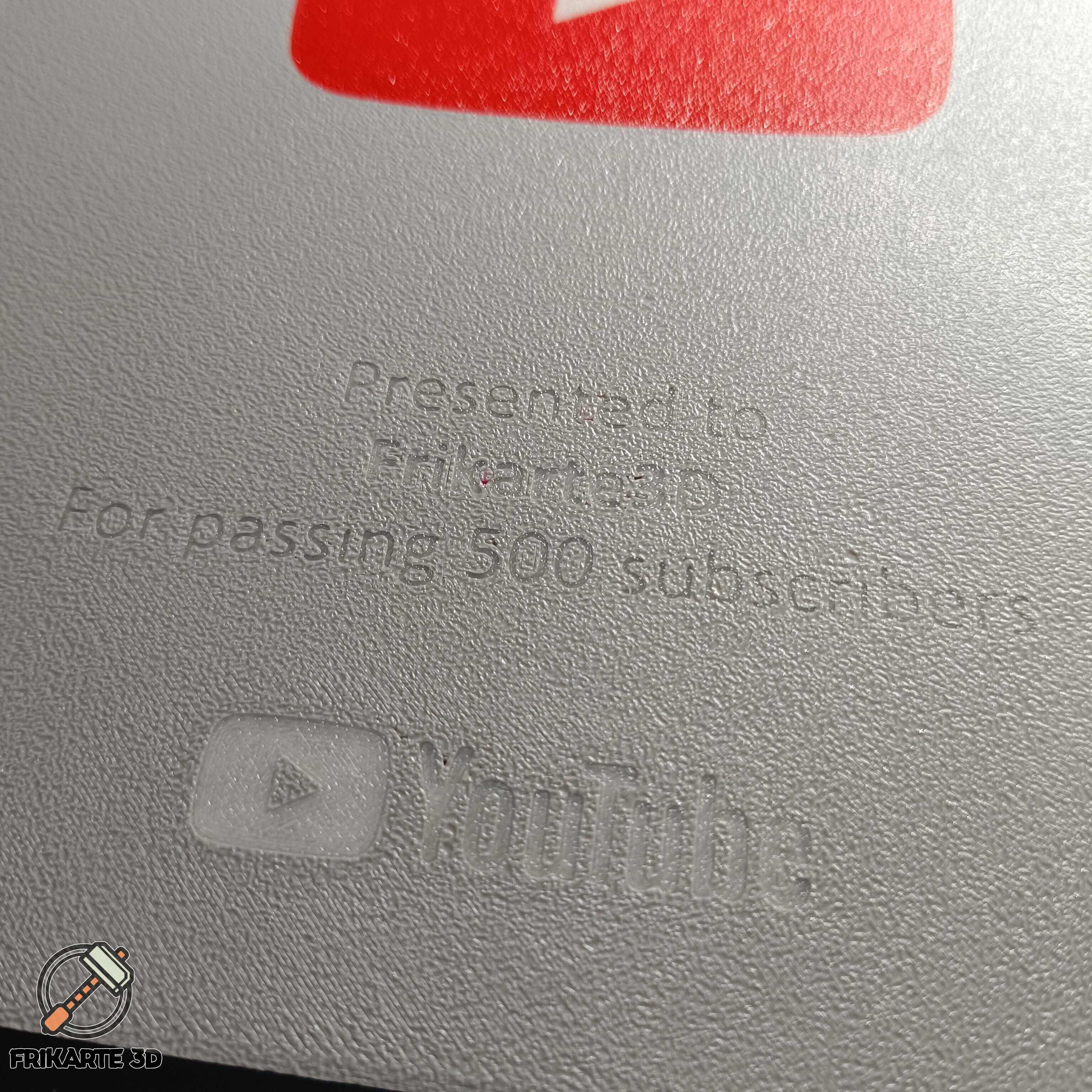
Inspired by the official YouTube Creator Awards, this 3D-printable plaque lets you customize your channel name and subscriber count directly in your slicer—no extra modeling required!
Why Print This?
✅ Fully Customizable – Add your YouTube channel name and milestone using Bambu Studio’s text editing feature. No need to modify the model!
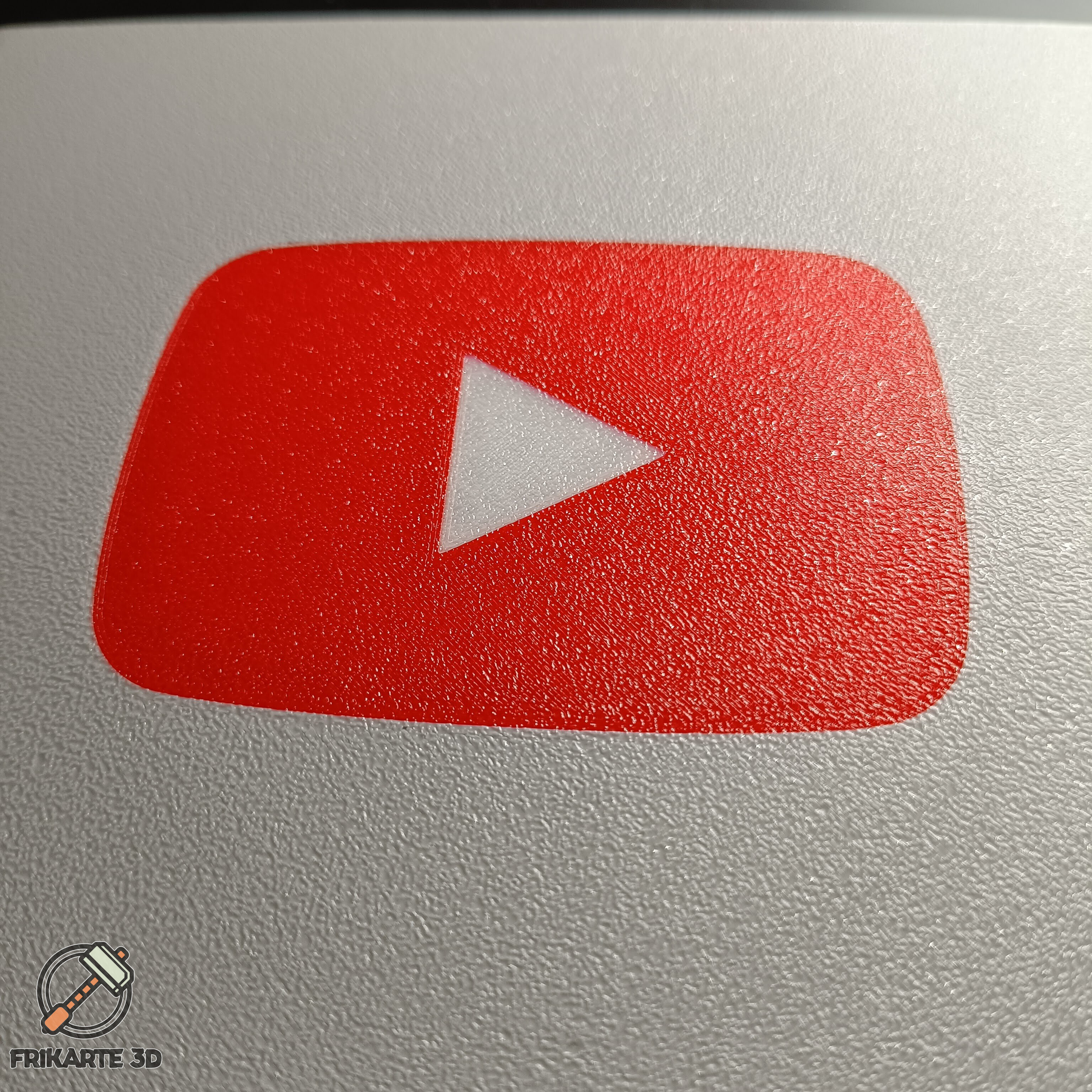
✅ Four Design Variations – Choose from straight or rounded corners and embossed or multicolor versions to match your style.
✅ Multicolor Printing Ready – Designed for multi-material printing, but also works great with color swaps for a striking finish.
✅ Easy Slicer Customization – Just edit the text in Bambu Studio and align it with the model using a few simple steps.
✅ Motivation on Display – Keep your hard-earned achievements visible on your wall or desk as a reminder of your progress!
How to Customize Your Play Button in Bambu Studio:
1. Change to Object Mode (Left panel: Process → Global to Objects).
2. Edit Your Channel Name – Select “Text - Name” → Right Click → Edit Text (or press T).
3. Adjust the Position – Lower the Z height to 19.5mm and center it at X = 128mm.
4. Repeat for Subscriber Count – Apply the same steps for the text displaying your milestone.
5. Final Touch – Rotate the model to face the build plate to transfer the first layer texture to the front.
Unfortunately for now it can only be customized using Bambu Studio, when you import the project to another slicer it recognizes the text as an object that cannot be modified. What you can do is make the modifications in Bambu Studio and export the m3f to use in any slicer based on Orca. You can also directly load the base models and write directly using the text functions of the slicers. I will try to make a version for the different slicers when I have time.
🔗 Check out my YouTube Channel for more awesome 3D prints & tutorials!
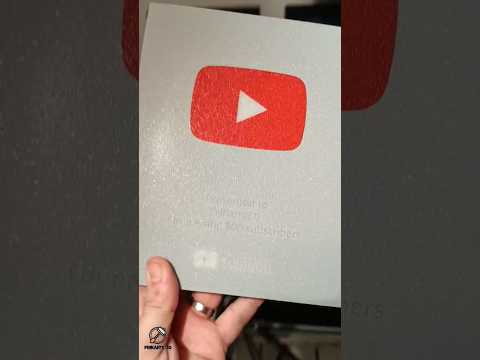
👉 Frikarte3D YouTube Channel and how I printed mine https://youtube.com/shorts/DPNUdT8hPoQ
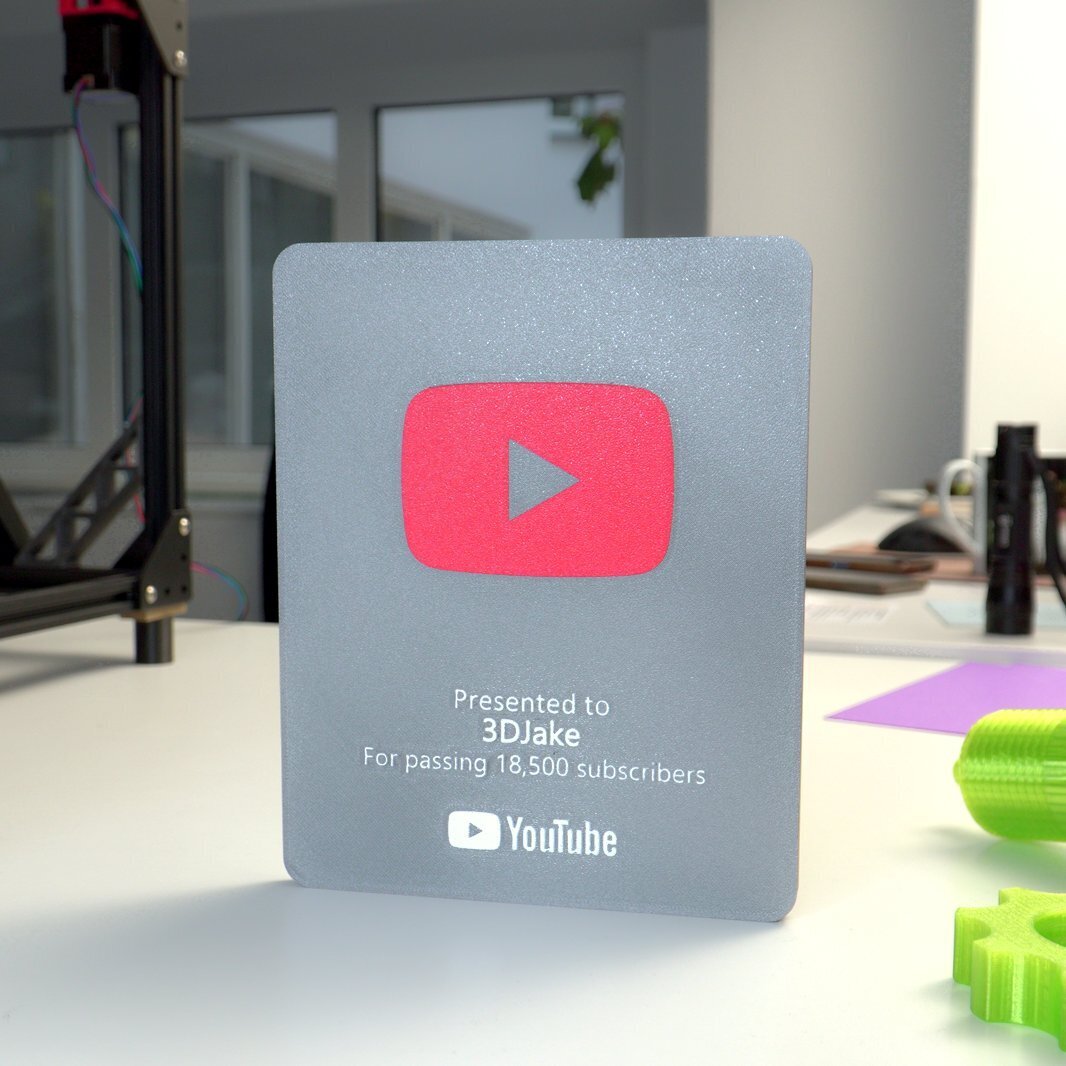
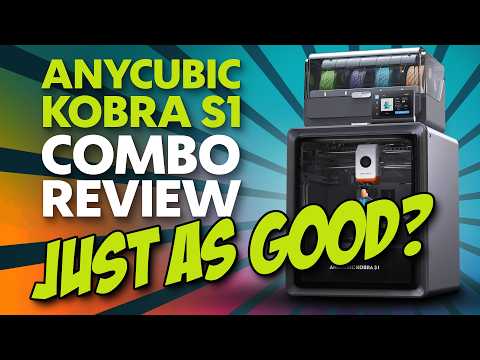
I want to thank 3DJake for the print and photo of the model to feature their 18,5K Subscribers Milestone on the Anycubic Kobra S1 Review.
Download and print your own YouTube Play Button today and show the world how far you’ve come! I'm looking forward to seeing your creations and how proud you are of what you've achieved! 🚀
License Agreement
By downloading this file, you agree to a strictly non-commercial, personal use only license.
🔹 You MAY NOT:
- Sell, share, distribute, rent, or sublicense the digital files.
- Sell or commercially distribute 3D-printed versions of this design.
- Modify or remix this design for redistribution.
- Host these files on any digital platform or cloud service.
🔹 Commercial Use:
You may sell physical prints of my models only if you have an active Commercial Use Membership, or by contacting me to discuss other licensing terms.
ALL Frikarte3D designs are protected. Unauthorized use is strictly prohibited.
Hope you like it! Any advice, or recommendation is welcome! Happy Printing!
I would be very grateful if you print it and put it on social networks to tag me at @Frikarte3D
:format(webp)/https://fbi.cults3d.com/uploaders/14551592/illustration-file/ac4cd8ae-b985-40c9-88d3-b80af355c0a0/YouTube-Subscribers-Customizable-Play-Button-3DJake.jpg)
/https://preview3d-images.cults3d.com/9rohvob3mfelyy8xtg4lauhdqrvw)
/https://preview3d-images.cults3d.com/zq8x7lwb6frl1rbse0mna3n8ka7m)
/https://preview3d-images.cults3d.com/fwn9fs1dt1bmmo9b8nzx8ksllgb1)
/https://preview3d-images.cults3d.com/n7i9n0qwytgxdxnpv7q6byrmbrh4)


:format(webp)/https://fbi.cults3d.com/uploaders/14551592/illustration-file/9ea7b351-ba58-4be5-b456-4ebe50e07a6c/IMG_20220314_081401.jpg)
:format(webp)/https://fbi.cults3d.com/uploaders/14551592/illustration-file/889d80e7-1e91-483b-8008-ce58a11d89e4/Tapa_final_Unex.jpg)
:format(webp)/https://fbi.cults3d.com/uploaders/14551592/illustration-file/d0b81998-8853-469c-942f-748892f42303/Fence_hanger.jpg)
:format(webp)/https://fbi.cults3d.com/uploaders/14551592/illustration-file/4e3b46da-473f-47d8-b7e2-e8e4c58f5a86/Lithophane-Box-Frikarte3D.gif)
:format(webp)/https://fbi.cults3d.com/uploaders/14551592/illustration-file/6691b5cf-8c04-4b62-802b-8230bf5e7d7f/Playing-Fortnite-Door-Hanger-Frikarte3D-2.jpg)
:format(webp)/https://fbi.cults3d.com/uploaders/14551592/illustration-file/85a409ab-7f18-48c5-9295-bf703a8aab47/IMG_20220916_150311.jpg)
:format(webp)/https://fbi.cults3d.com/uploaders/14551592/illustration-file/6fa117b3-c6d3-43e6-a9e8-941775fd6e62/IMG_20220916_233844.jpg)
:format(webp)/https://fbi.cults3d.com/uploaders/14551592/illustration-file/64046829-14f4-412c-b3e9-d88f77c85e36/IMG_20220917_155030.jpg)