Extenders are available at 50% off with this design, please join Pads Liberation Telegram chat to get a code. CHAT LINK: https://t.me/padsliberationchat
REV.2: major update with completely reworked joint system for better pillow to base connection.
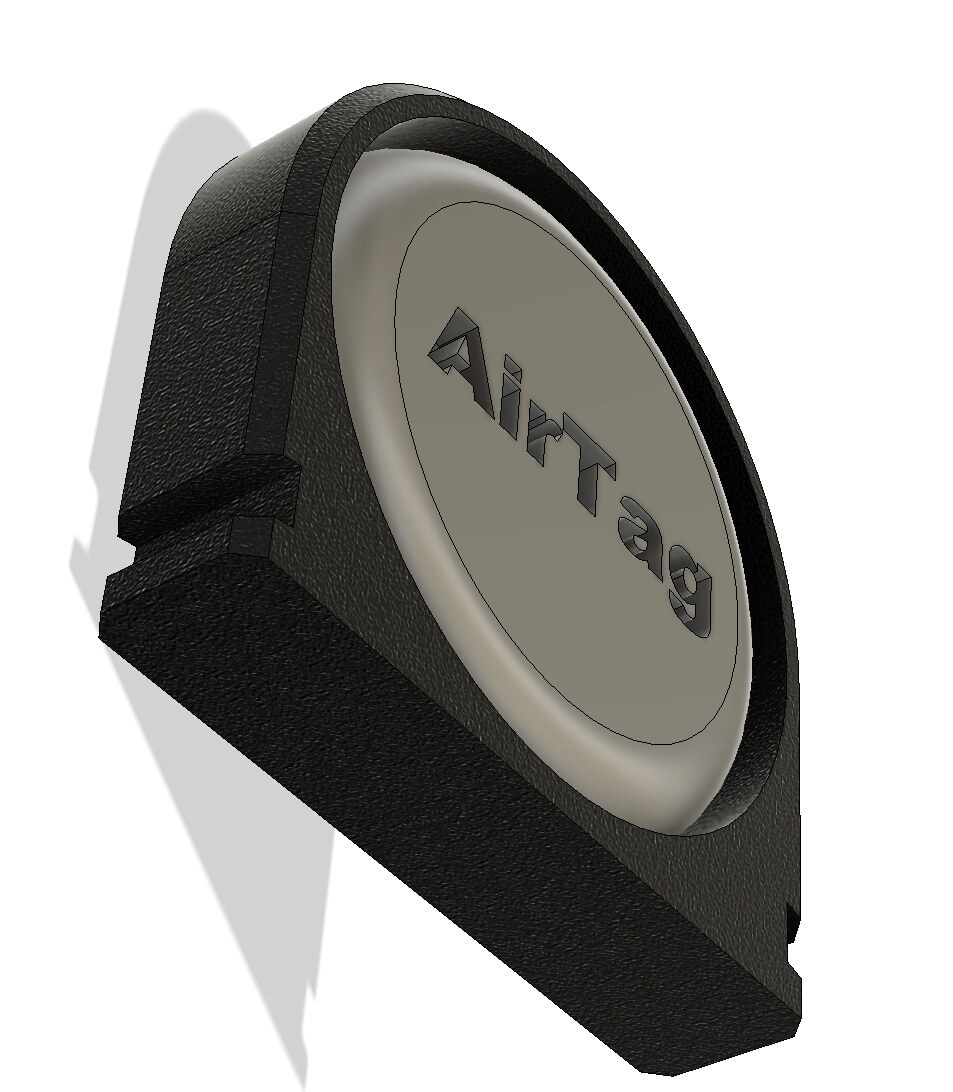
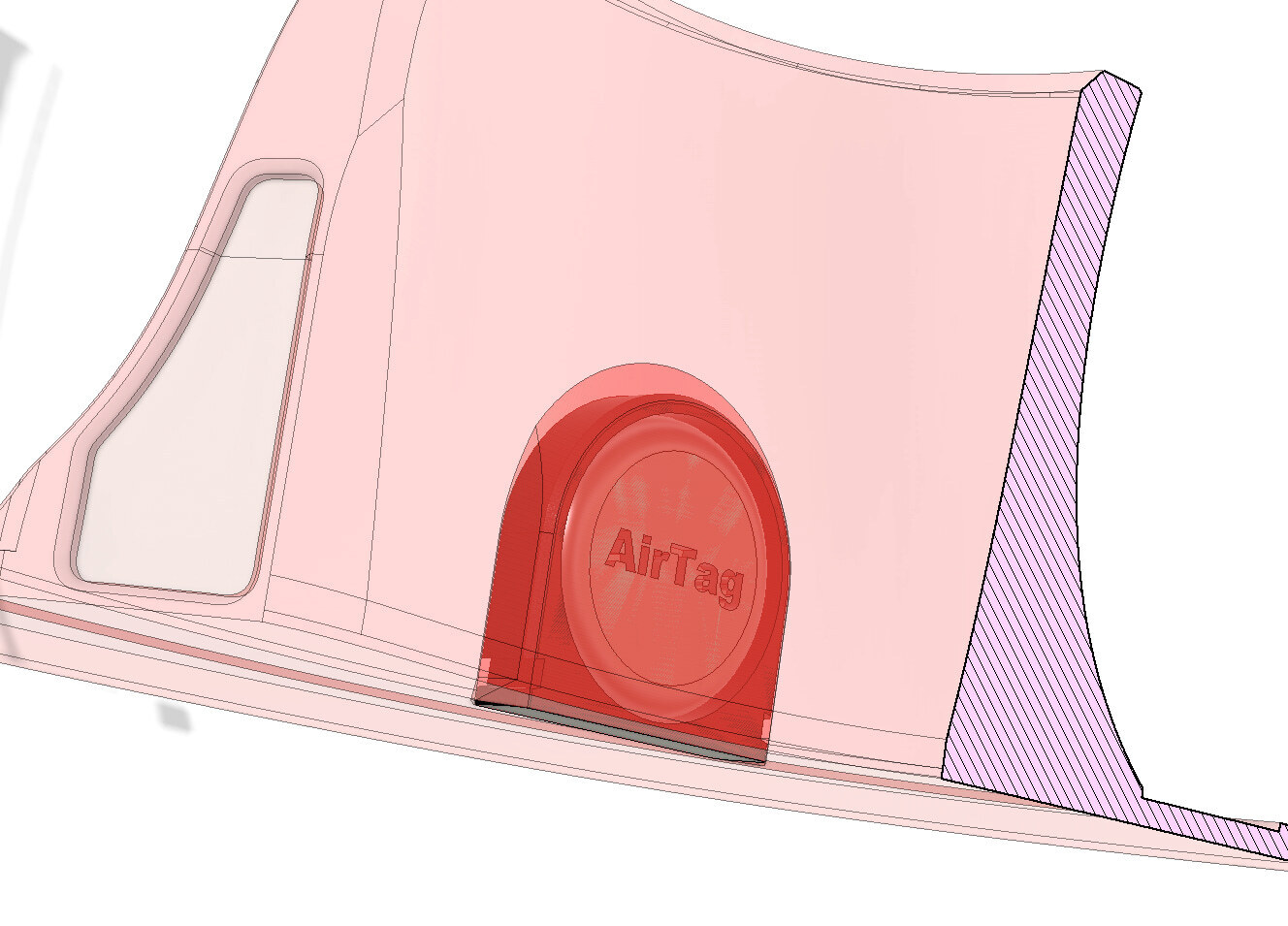
UPDATE 1: AirTag pocket added. read instructions how to use it in the zip file;
IMPORTANT: This model is licensed for PRIVATE USE ONLY (PU). By downloading, you agree to use these files solely for personal purposes. Commercial use, including printing for selling pads based on these files, is strictly prohibited. For business purposes, seek alternative options.
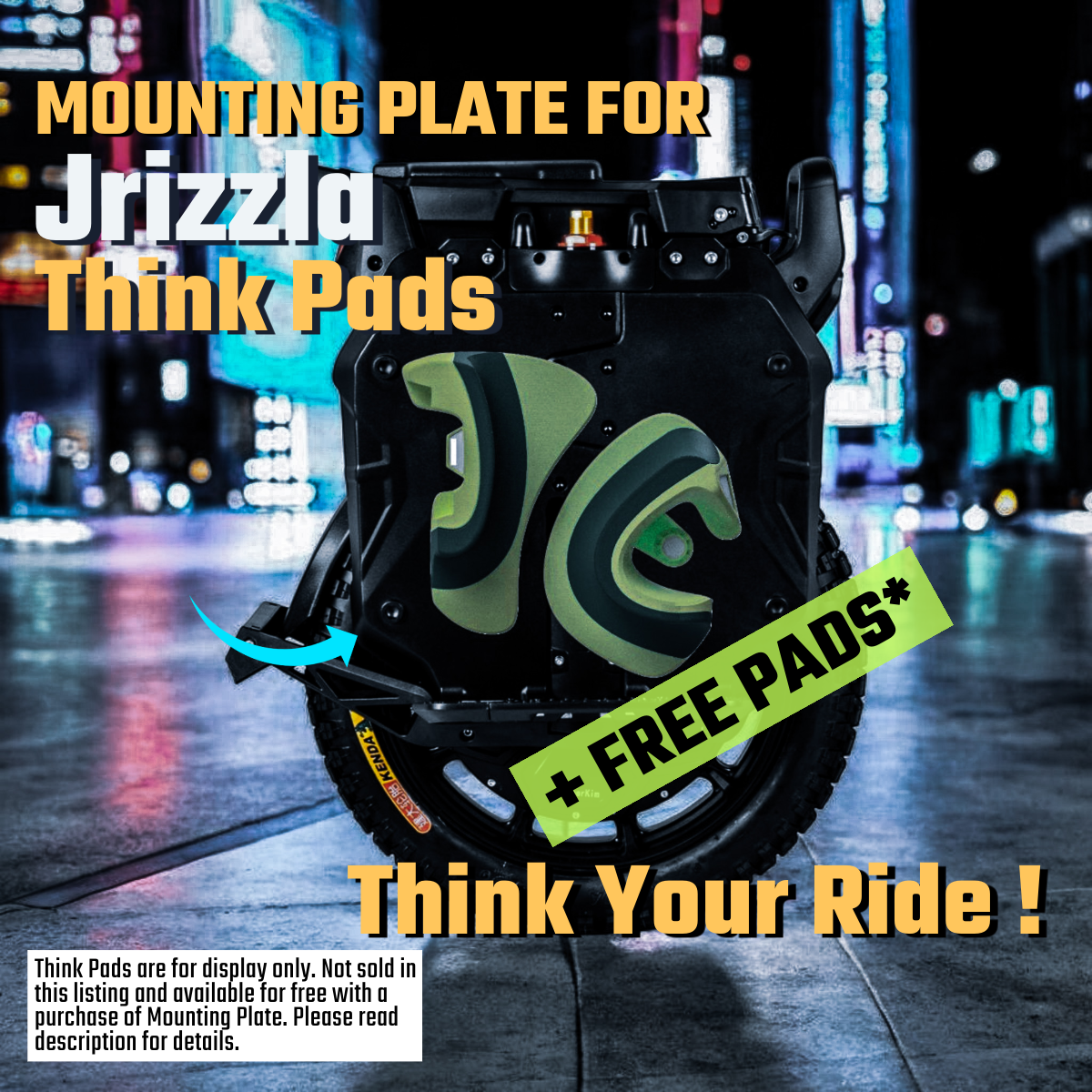
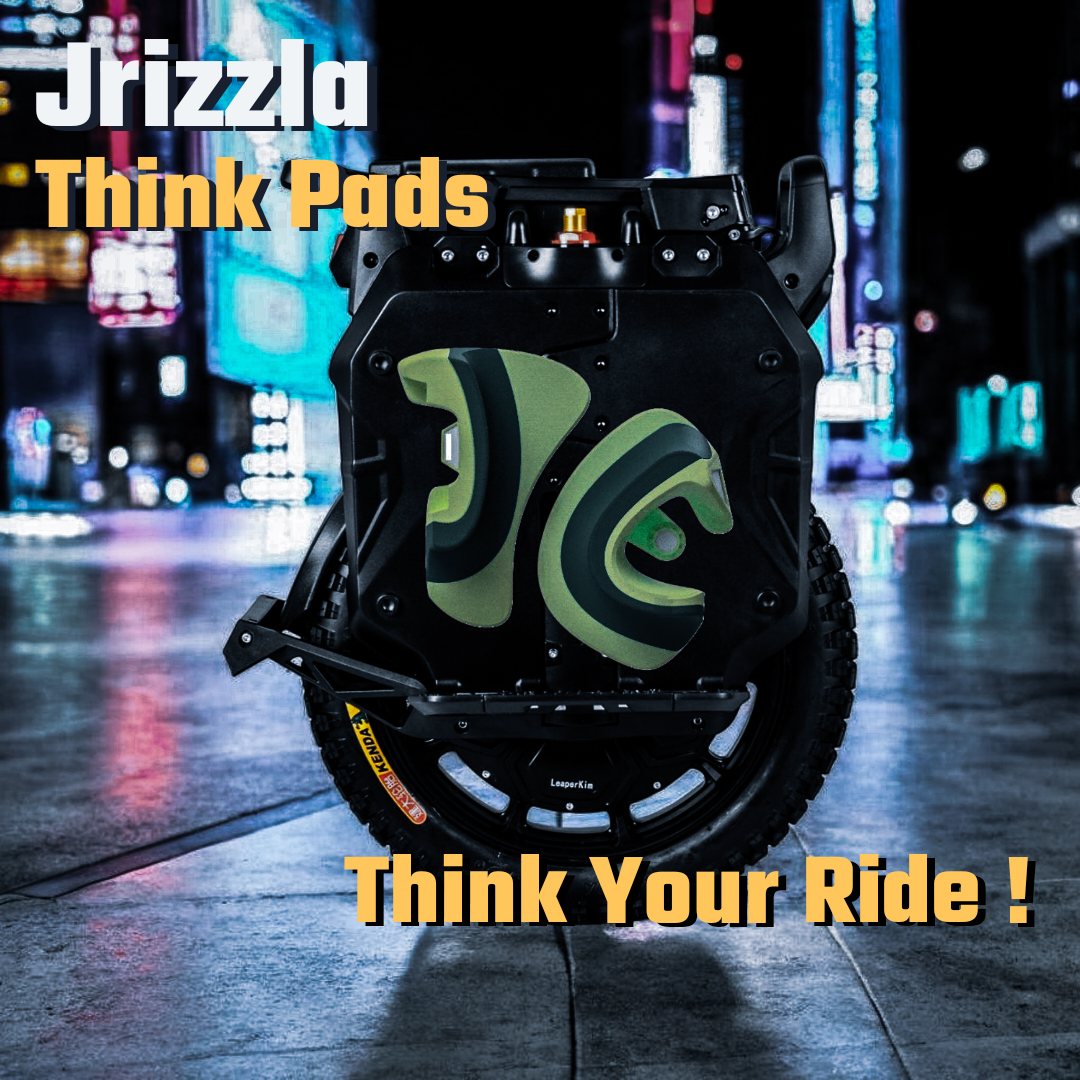
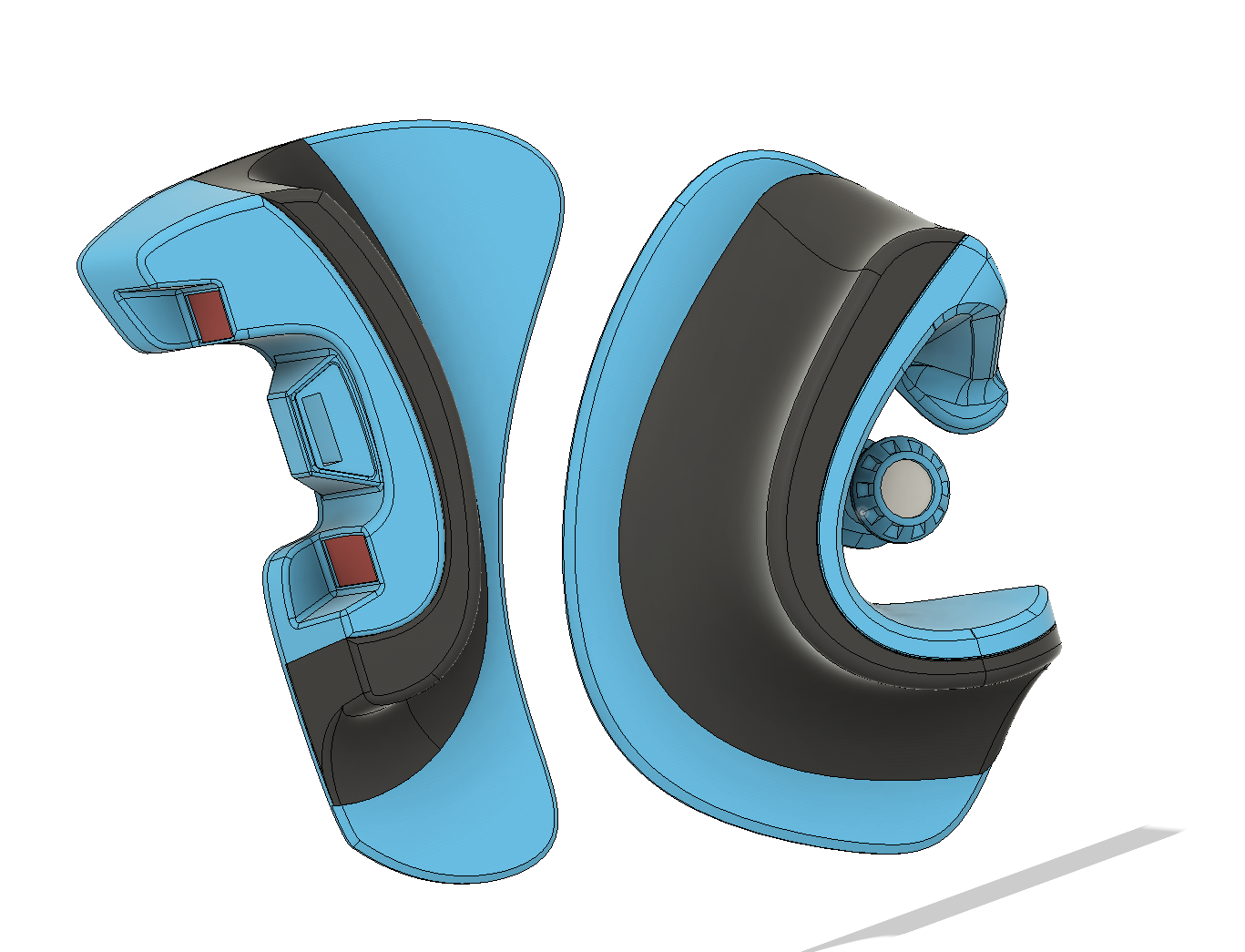
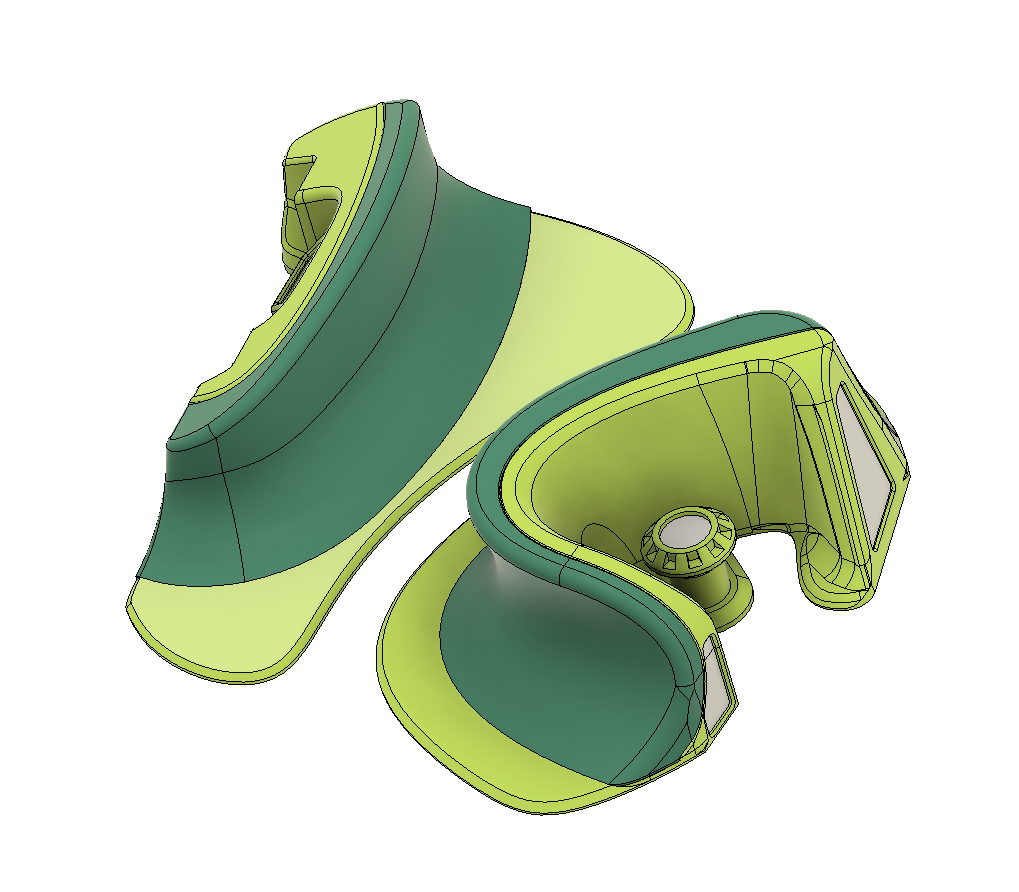
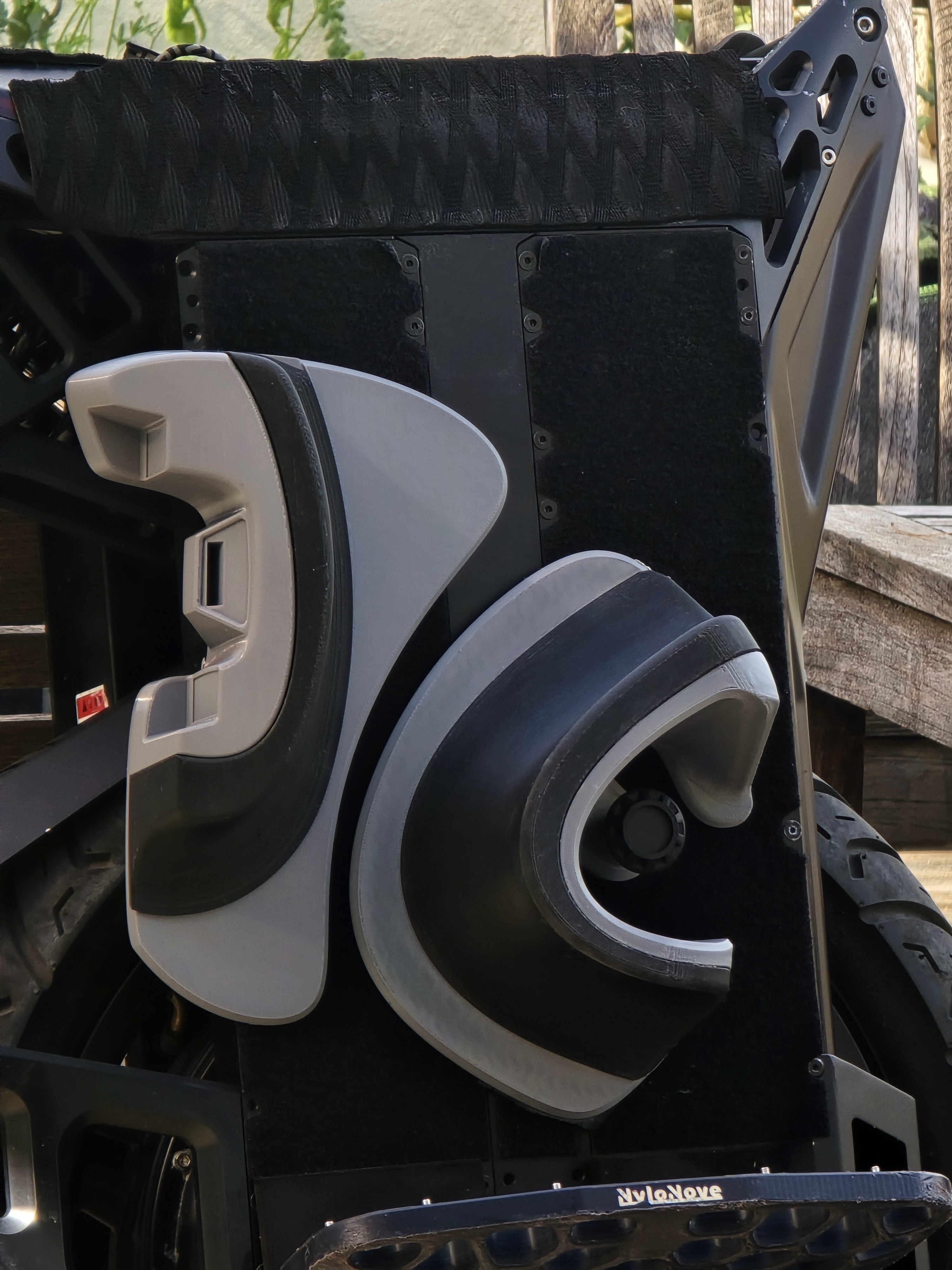
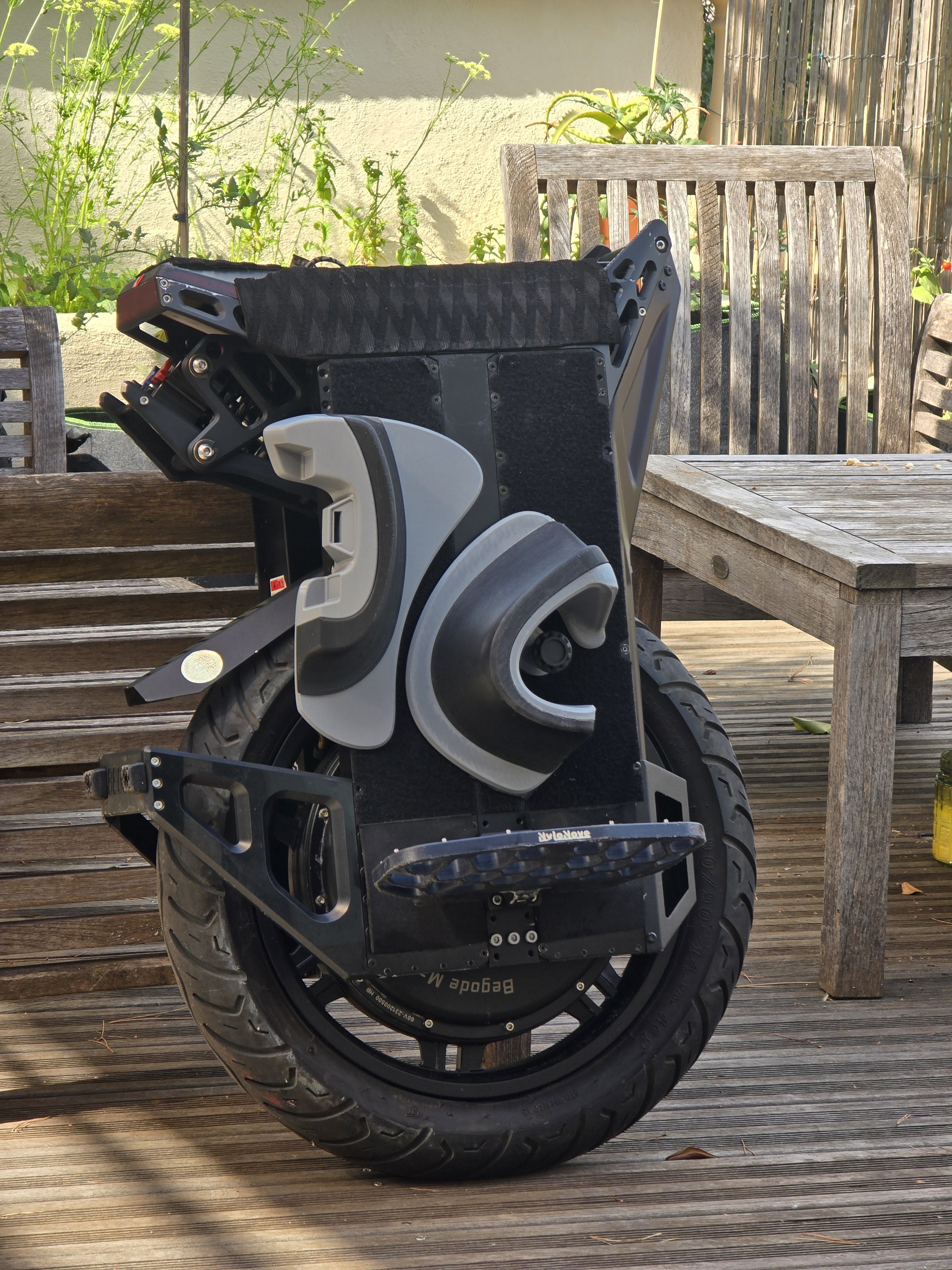
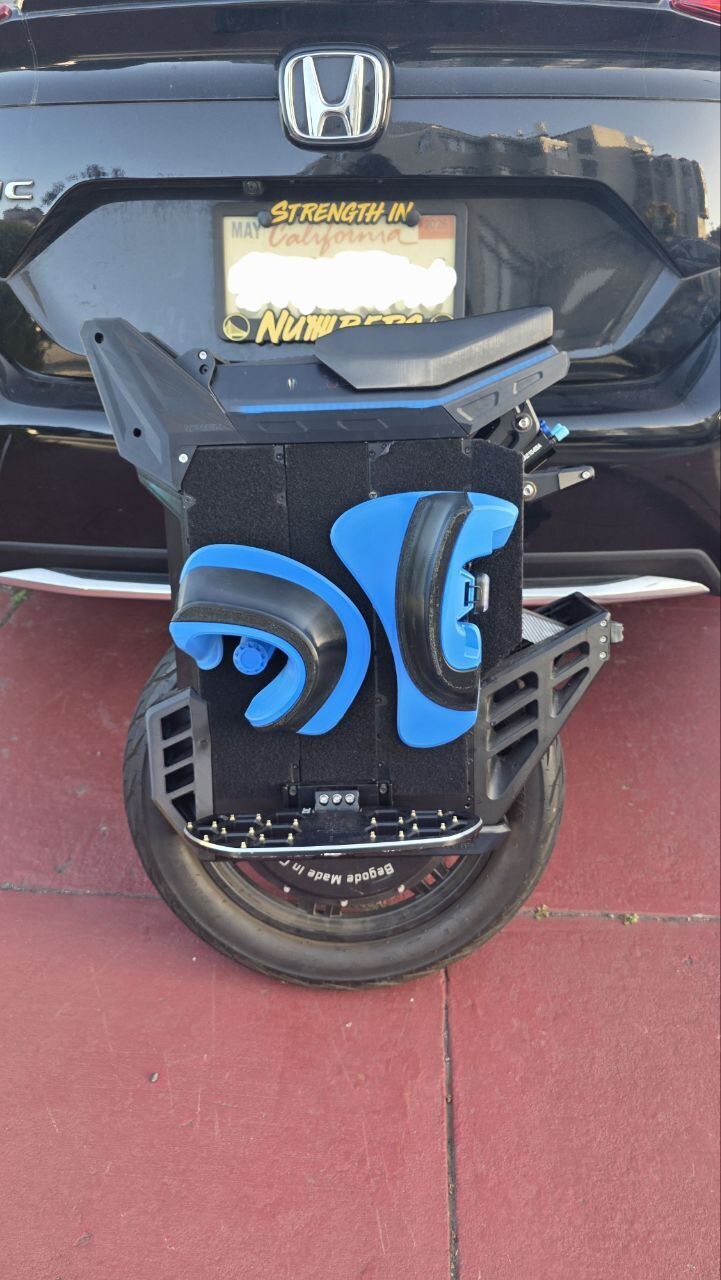
The trend of ankle push pads continues. Think Pads are another great variation of iconic ankle push idea.
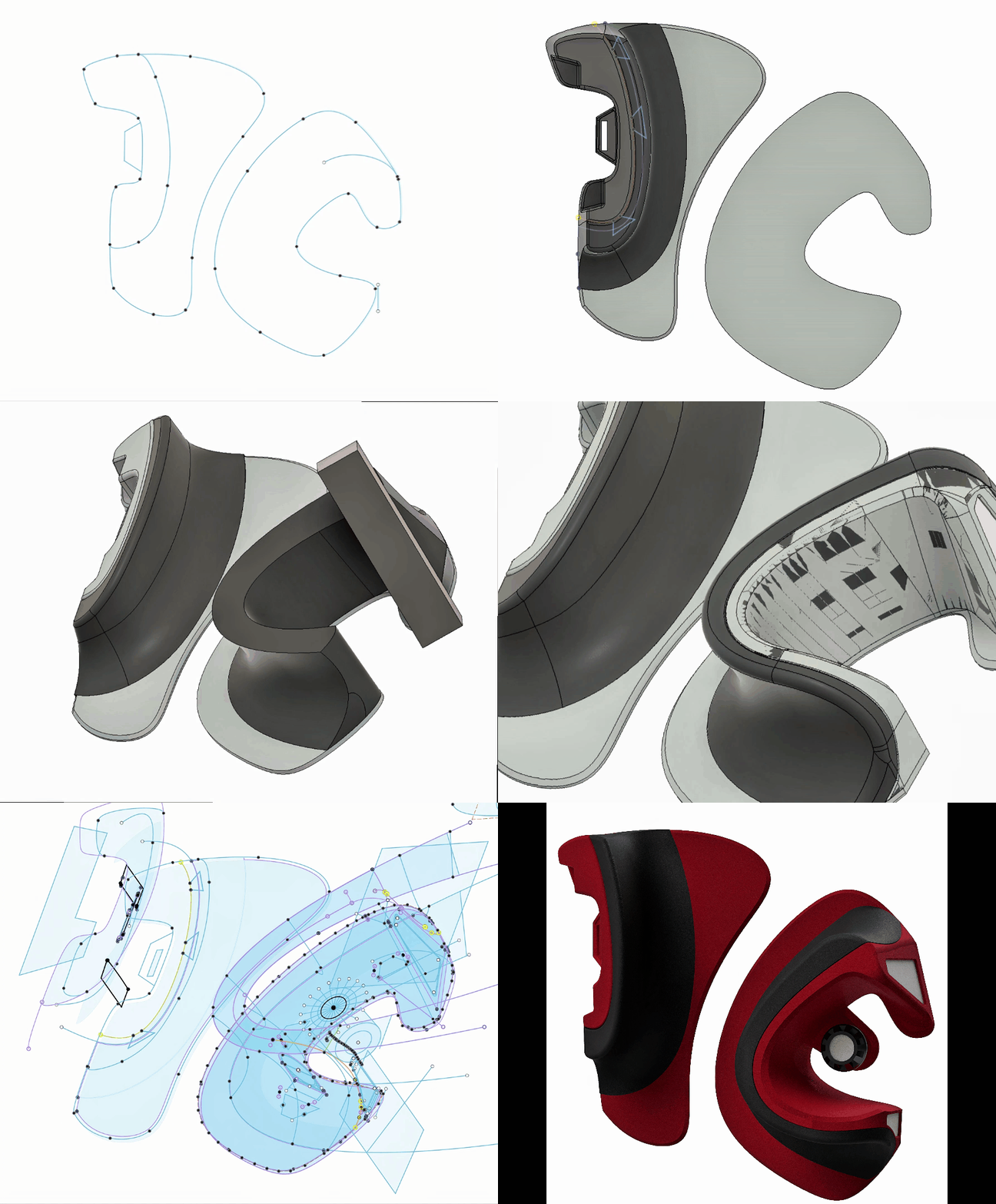
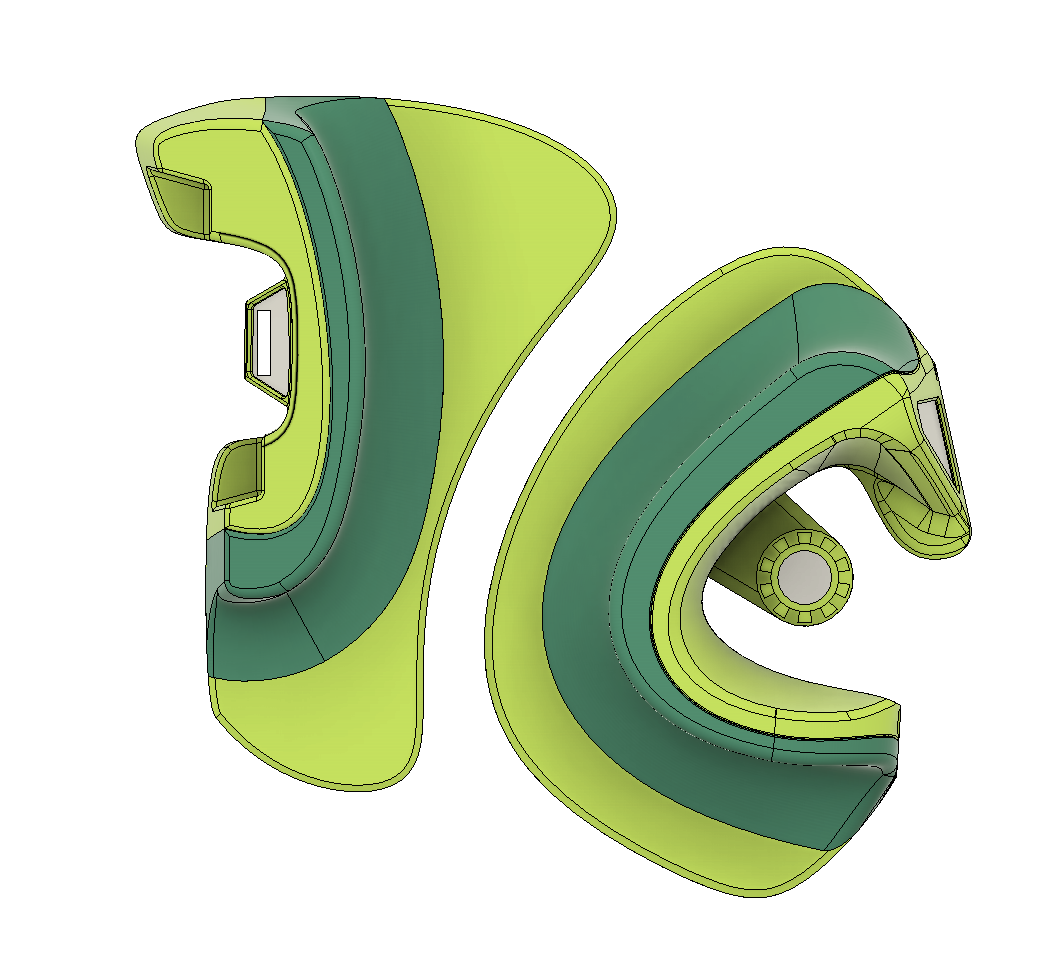
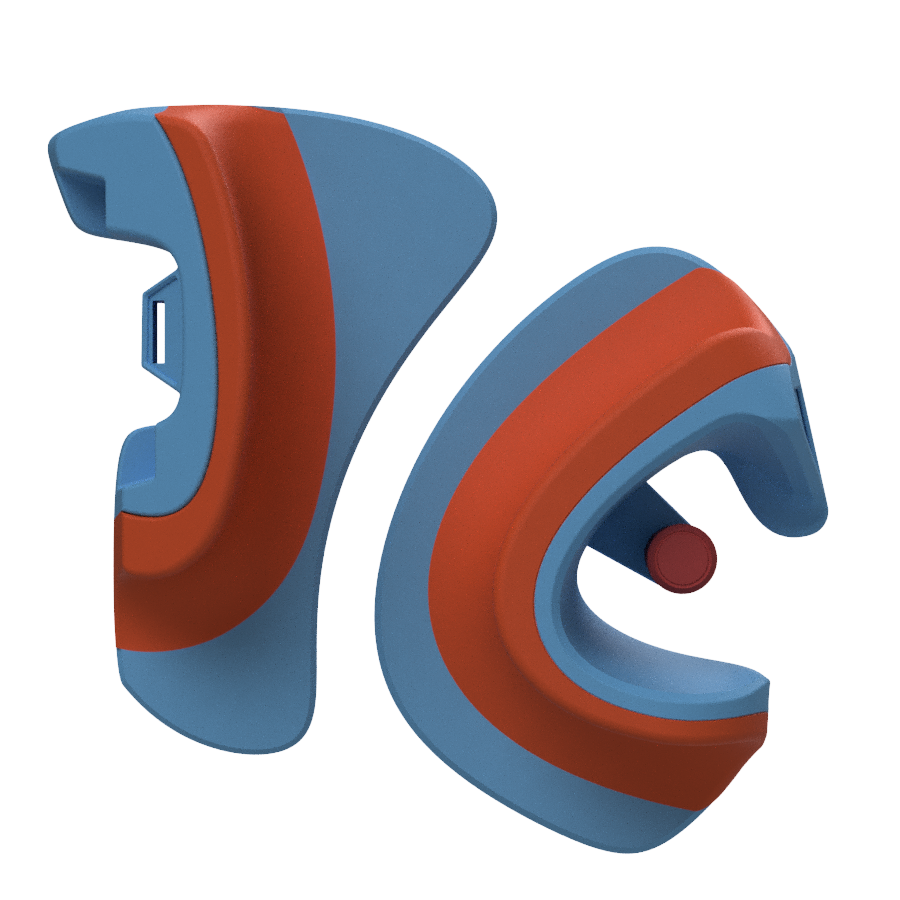
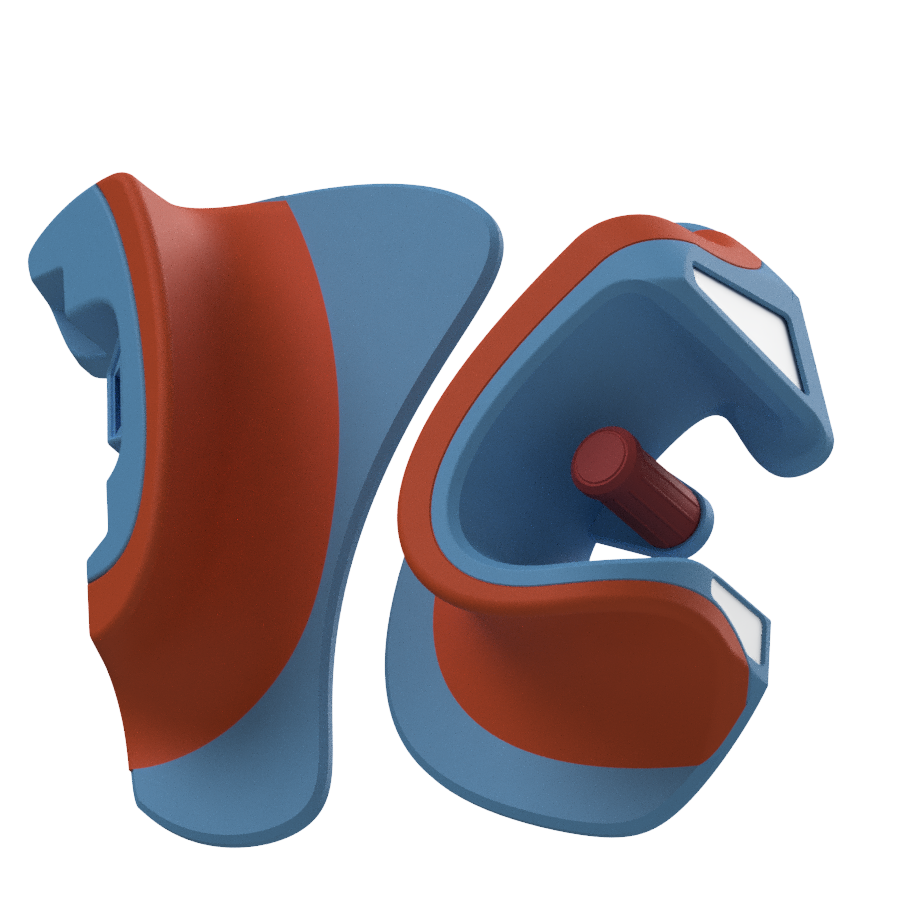
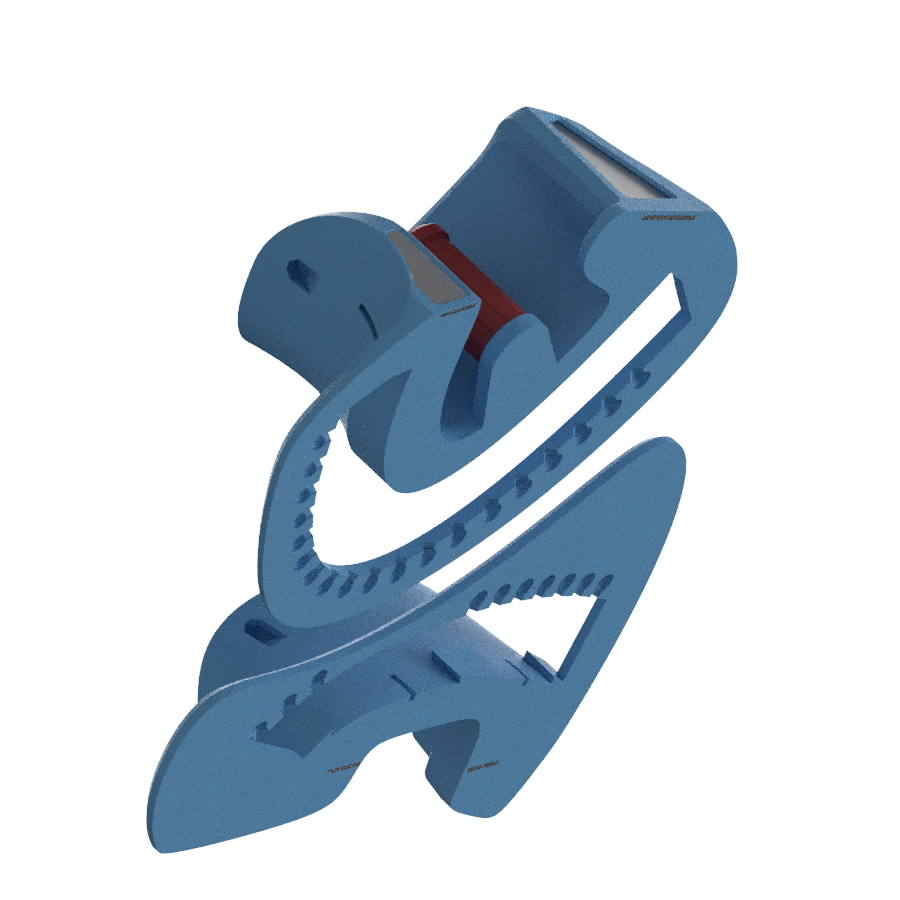
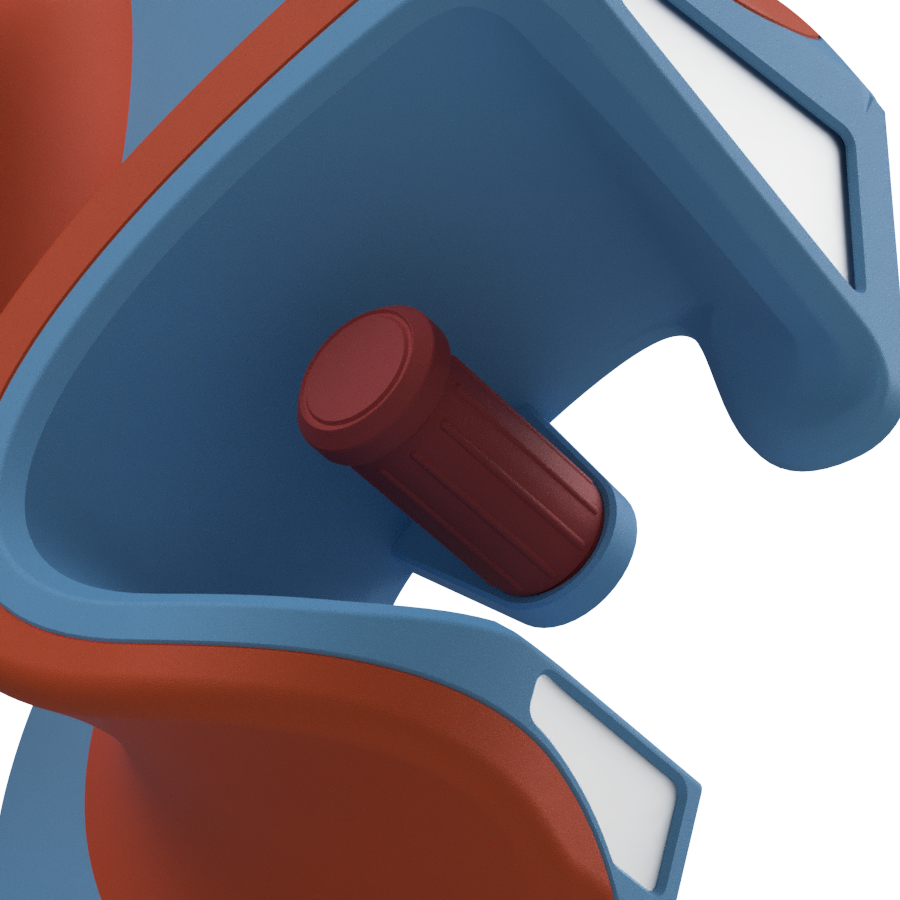
Think Pads brings a new level of comfort and performance by letting you to combine two materials. Rigid + soft.
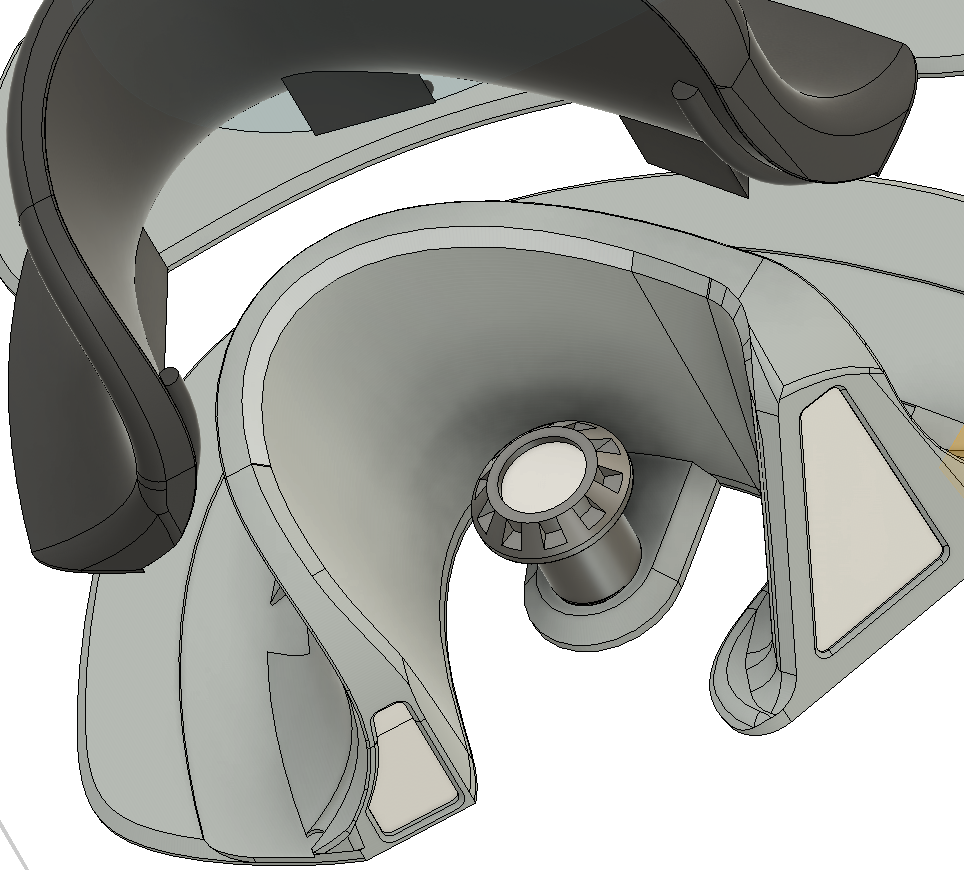
Pads have places in front and rear to attach optional LED lights of your choice. Recommended:
https://a.aliexpress.com/_mMPlXwn
https://a.aliexpress.com/_mL2mU0P
There is an option to hide AirTag in the pad. Follow instructions in EXTRA
Also model has multiple indents for reflective tape placement. Alternatively you can print accent plates different color and slide them into slots
If you like to mount some other lights with different mount, or maybe camera, or anything, feel free to ask me in PadsLiberation telegram chat. I'm willing to add custom mounts free of charge. Also possible to add custom logo or text
CHAT LINK: https://t.me/padsliberationchat
Printing instructions:
1. Import files to your slicer.
2. OPTIONAL. You can scale pads. For example community reports scaling X/Y to 92% fits smaller wheels better (like Nosfet Aero) Leave Z at 100%.
This step is optional and depends on what shoes you ride. By default I recommend printing as is.
3. If you are not sure about your printer tolerances you may want to scale LED mount down additional 0.5% (because there is a thread to secure it and if your printer gives an expansion or shrinkage it may be hard to fit) . So make it 99.5%
4. Copy and Mirror ALL parts for the LEFT side. Please make sure to mirror the LED mount as well, so the thread direction can match a mirrored base.
5. Pillows require support with threshold 20.
Filament Selection:
Double filament:
1. TPU 90A+ for bases
2. TPU or TPE (has more grip) <90A for pillows
Single filament method:
- You can use 92A TPU and use different infill %.
- base infill 15%
- pillow infill 8%
Settings:
Its recommended to print with 0.6 nozzle as a print is long. If you don't have experience with 0.6 you can stay with standard 0.4 and follow respective settings below.
3 walls
6 bottom
4 top
15% infill gyroid
Pads dimensions:
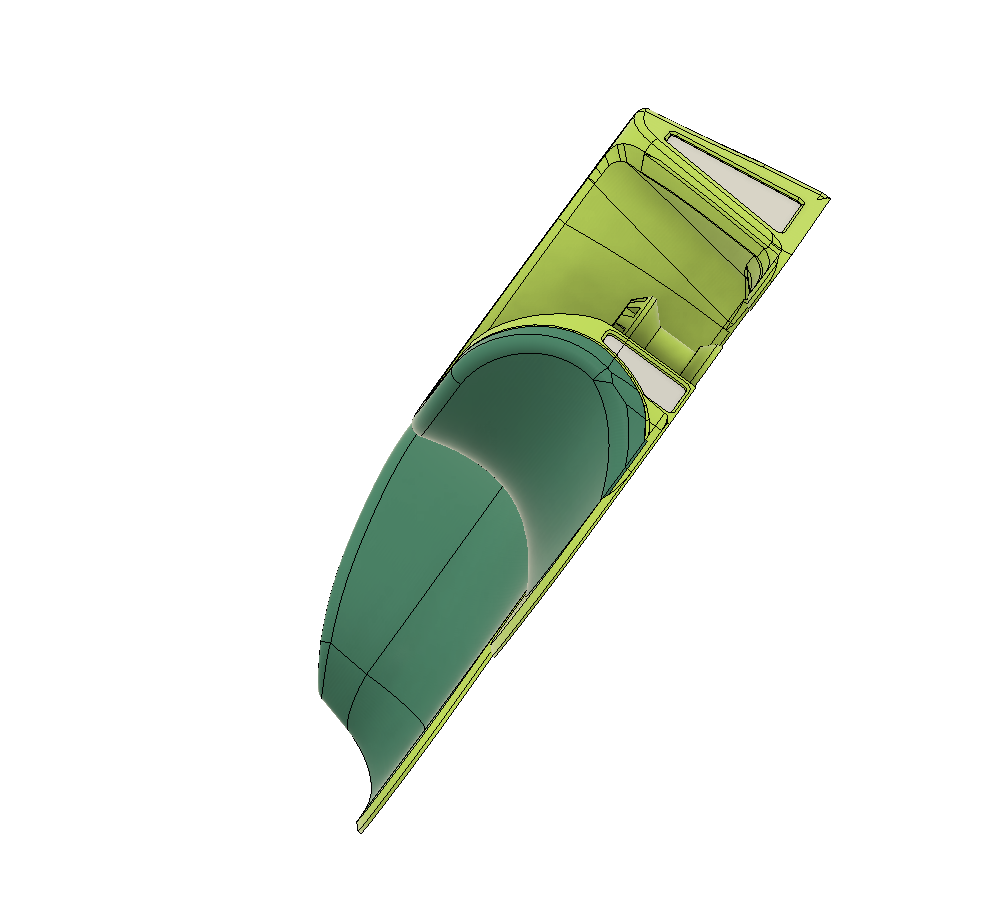
Pads depth is 75mm, and its perfectly measured for comfort and performance. But, as always, you are free to adjust scales, and change depth with Z scale if needed.
Pads can be printed on 250x250 bed size in 100% scale as designed.
Use Avoid Crossing Walls and print one part at the time for smoother wall finish.
Warning:use your experience to adjust these recommendations. All filaments are different. Some can be softer and you need more infill. Use your best judgement but overall these settings is a safe start point.
Always dry your flexible filaments before printing. 6 hr in filament dryer or 12 hours on the print bed under the cut filament box. Even brand new filament from the sealed bag.
Read more about this tip in telegram chat CHAT LINK: https://t.me/padsliberationchat
:format(webp)/https://fbi.cults3d.com/uploaders/20255472/illustration-file/bbe2ca03-f0a2-4a94-a637-003c57c95ed5/My-project-4.png)
/https://preview3d-images.cults3d.com/tazwl3xb3d35syegyhn1wqu55m4v)
/https://preview3d-images.cults3d.com/e57cul8y7m8llex3xdr65456emx3)
/https://preview3d-images.cults3d.com/tbmgf044a5w7tp4skssli3kk3onc)


/https://preview3d-images.cults3d.com/8taah7gl9qhelgq72n2husxque6e)
/https://preview3d-images.cults3d.com/xwrs9kzwmj7xxy0d129159mafqdj)
/https://preview3d-images.cults3d.com/rhls9oi4uuns2urazz1m26bkm4ir)
/https://fbi.cults3d.com/uploads/user/avatar/20255472/1748132703_img_0.webp "PadsLiberation")


:format(webp)/https://fbi.cults3d.com/uploaders/20255472/illustration-file/62649599-fc7e-4531-9cbe-4e15cf824532/IMG_20251022_223301_695.jpg)
:format(webp)/https://fbi.cults3d.com/uploaders/20255472/illustration-file/8fbf2e08-6301-4f9c-a5bf-18545c6e7e81/Recognition-Pads-thick-base-version-v9.png)
:format(webp)/https://fbi.cults3d.com/uploaders/20255472/illustration-file/e7950e8c-5501-4a8b-9c7b-e1034b355966/CPads-v3-2.png)
:format(webp)/https://fbi.cults3d.com/uploaders/20255472/illustration-file/a60144b2-db67-4c51-9a21-74989c383431/Flex_Pads_split_with_inserts_v1_2022-Aug-02_02-22-10AM-000_CustomizedView11358966815.png)
:format(webp)/https://fbi.cults3d.com/uploaders/20255472/illustration-file/9edc0539-2003-49d1-a56f-8d2a9c0a4b3e/20230312_213418.jpg)
:format(webp)/https://fbi.cults3d.com/uploaders/20255472/illustration-file/17df5f92-184f-47c4-97c3-b5cff580228c/Adobe_Post_20240618_0137400.3333327048952778.png)
:format(webp)/https://fbi.cults3d.com/uploaders/20255472/illustration-file/99f796a7-7fdd-44e4-8f36-ddb6da1e8cf1/Adobe_Express_20250119_0241030_1.png)