Marvel Rivals Rogue Accessory
:format(webp)/https://fbi.cults3d.com/uploaders/39124512/illustration-file/0f6cc57e-e599-4bc5-a1af-04d09d4ee41c/Rogue-on-Gambit.jpg)
/https://preview3d-images.cults3d.com/0o6jcpvl72td9ulvulkkbh2bzzxh)
/https://preview3d-images.cults3d.com/eku7gzktkx4ivxdodhrhwlnoivvn)
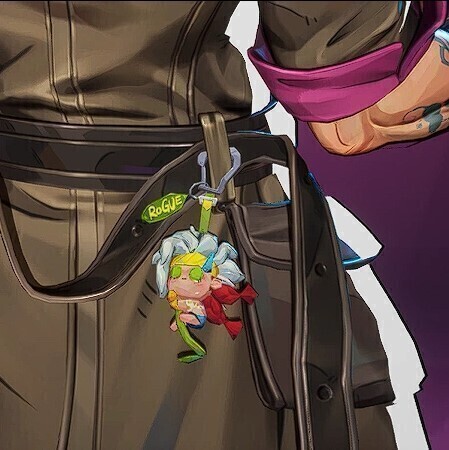
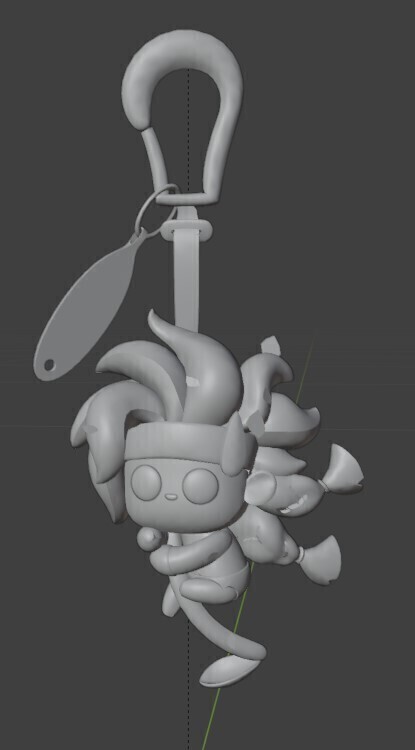
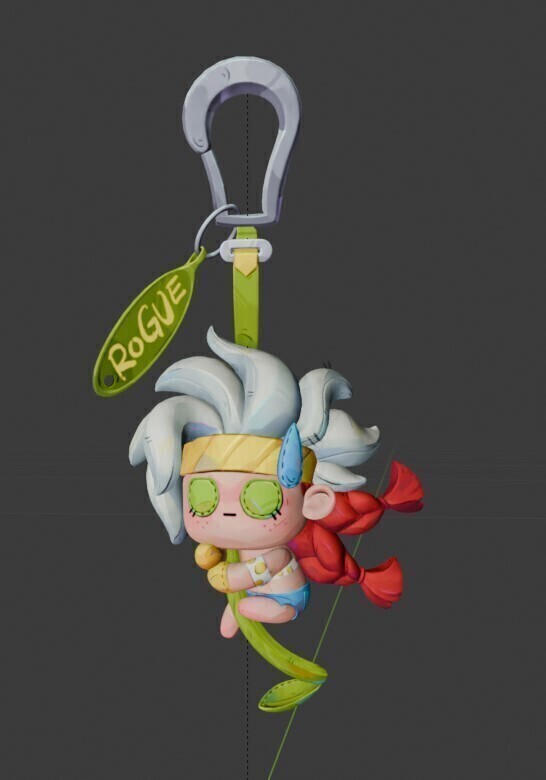
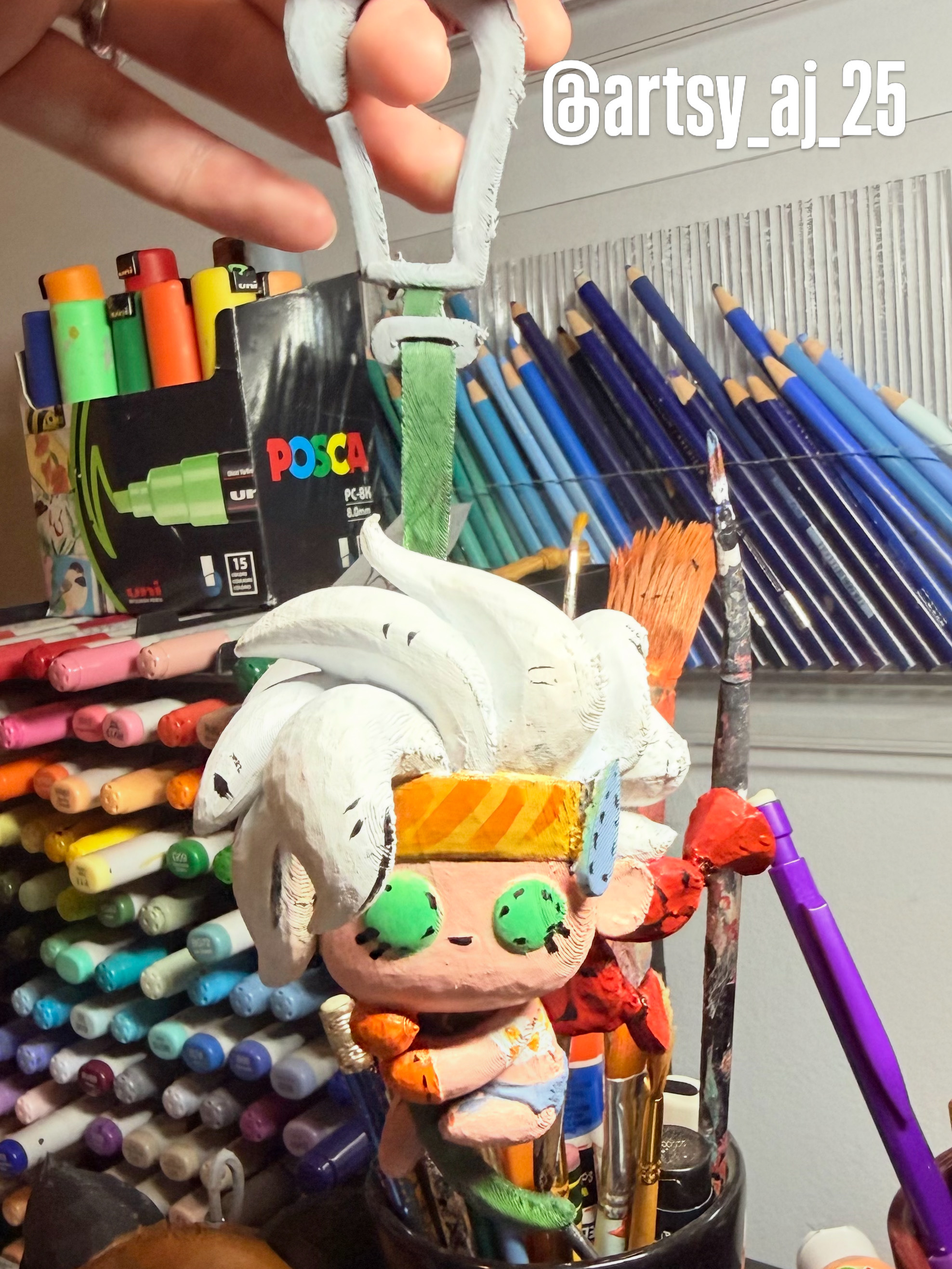
/https://preview3d-images.cults3d.com/b7b1yjkzijxe5trdvl7j57o12fgj)
/https://preview3d-images.cults3d.com/9qgizr6do1u56o8ce4jrl166zp3z)
- 3.4k views
- 16 likes
- 59 downloads
- 1 collection
- 1 comment
- 0 makes
| License | |
|---|---|
| Usages | |
| 3D design format |
2 files (STL) Close
|
| Last update | |
| Publication date | |
| Design number | 3823283 |
| Design author | ArtsyAJ |
/https://fbi.cults3d.com/uploads/user/avatar/39124512/IMG_6244.jpeg "ArtsyAJ")


:format(webp)/https://fbi.cults3d.com/uploaders/39124512/illustration-file/c3bd4f7a-e9ff-4efc-86e5-7705b7cbf380/Alpine_-28Earth-TRN1444-29_from_Marvel_Rivals_001.webp)
:format(webp)/https://fbi.cults3d.com/uploaders/39124512/illustration-file/8907abe2-9144-4976-b3a9-1e857c1633d6/Marvel-Rivals-Herbie-Keychain.zip-1.png)
:format(webp)/https://fbi.cults3d.com/uploaders/39124512/illustration-file/de66ac18-01f7-4036-a598-02b5e9e1fa48/Marvel-Rivals-Herbie-Keychain.zip-2.png)
:format(webp)/https://fbi.cults3d.com/uploaders/39124512/illustration-file/91a4affb-8a17-4b98-a408-6f868e7a2d6c/download.jpg)
:format(webp)/https://fbi.cults3d.com/uploaders/39124512/illustration-file/ae99ca17-ef33-4b2c-a2d1-d477ef45593e/download.jpg)
:format(webp)/https://fbi.cults3d.com/uploaders/39124512/illustration-file/d42b2d0c-ab48-485b-99b4-062455c5703c/G5fjnvsWgAAD24K.jpg)
:format(webp)/https://fbi.cults3d.com/uploaders/39124512/illustration-file/0d25f3fe-e41e-461f-b716-0b1dddea8676/cloak.jpg)
:format(webp)/https://fbi.cults3d.com/uploaders/39124512/illustration-file/b042e99e-43f6-426d-90f1-43ff395e4958/on-hip-luna-accessory.jpg)
Would you like to support Cults?
You like Cults and you want to help us continue the adventure independently? Please note that we are a small team of 4 people, therefore it is very simple to support us to maintain the activity and create future developments. Here are 3 solutions accessible to all:
- ADVERTISING: Disable your ad blocker.
- DONATE: Make a donation via Ko-Fi Donate
- WORD OF MOUTH: Invite your friends to come, discover the platform and the magnificent 3D files shared by the community!
Sharing and downloading on Cults3D guarantees that designs remain in makers community hands! And not in the hands of the 3D printing or software giants who own the competing platforms and exploit the designs for their own commercial interests.
Cults3D is an independent, self-financed site that is not accountable to any investor or brand. Almost all of the site’s revenues are paid back to the platform’s makers. The content published on the site serves only the interests of its authors and not those of 3D printer brands who also wish to control the 3D modeling market.
I know this file is ripped right from the game but it'd have been nice if they'd have at the very least cleaned up the flat plane/leftovers that they used to put the speed lines on.
Took a bit of fixing but got it printable eventually.
hey im not sure what the issue may be caused by when doing the "repair" function in bambu lab all pieces were removed that sound similar to the ones mentioned. there are a few "leaves" i left purposely off as they would have been super fragile to print attached if that was the goal.hope this helped
I'm not talking about the leaves on the vine. On the model you're selling there's some completely flat/non-solid planes sprinkled throughout (most visible attached to the hair and a couple on her body) that for the game model they have an alpha layer to make them transparent holders for the little line textures. You can see one of them functioning as it appears in the game with the lines coming off her hair in your third photo (the one that shows as it appears in the game) on the third white hair strand from the right (the one right before the side-part).
Flat planes like that are great for games when you want to have a texture floating in air because you can use an alpha-layer to make it transparent, but for printing it's just messy leftovers and non-solid planes.
Some slicers will just ignore them completely so it's not a huge deal, but in other slicers it can cause issues. It's good practice to clean these up before ripping the files from the game and selling them. Hope this helps.
Thanks Brynion I was thinking of buying it but then it doesn't worth any pennie
I have since figured out how to remove these issues from the file manuualy before uploadig as the bambu slicer repair feature automatially fixed these issues for me . I assumed that this was the case for all files . If you send me an email Ill gladly comp the file for free for you.
do not buy it wasted money