📦 Important Information - How to Use These Files Correctly
Thank you for downloading this model.
Please read this section carefully before printing to ensure the best results and avoid common issues.
1️⃣ Downloading and Extracting the Files (VERY IMPORTANT)
Download the ZIP file from Cults3D.
Fully extract (decompress) the ZIP file using:
◦ Windows: Right click → Extract All
◦ Linux: Right click → Extract
◦ macOS: Double click or use a decompression tool
Do not print directly from the ZIP file.
After extraction, you will see a main folder containing several organized files.
2️⃣ File Organization Explained
Inside the extracted folder, you will find different versions of the same model, organized for clarity and compatibility.
📁 File Types Included
🎨 Multicolor Files (3MF)
- Designed for multicolor printing
- Contain color and print configuration data
🎨 Single Color Files (3MF)
- Optimized for single-color printing
- Still include slicer configuration data
🖨️ Single Color File (STL)
- Universal format
- Compatible with any slicer
- No color or print settings included
👉 Choose the file that matches your printer and slicer capabilities.
3️⃣ Choosing the Correct File (CRUCIAL)
Before slicing or printing, make sure you know:
- If your printer supports multicolor
Which slicer you are using (PrusaSlicer, Bambu Studio, Cura, etc.)
Whether you are loading a 3MF or STL
⚠️ ⚠️ Loading the wrong file version may cause:
Color errors
Failed prints
Fused articulations
If you are unsure, start with the Single Color STL.
4️⃣ Printer Preparation (DO NOT SKIP)
Before printing:
✅ Make sure your printer is properly calibrated
✅ Bed leveling must be correct
✅ Nozzle must be clean
✅ Use PLA in good condition (dry)
SD Card / USB Storage
- Format SD cards in FAT32
- Avoid very large or corrupted memory cards
- Always eject the card safely from your computer
These steps prevent random print failures.
5️⃣ Articulated Model Warning (Safety & Usage)
⚠️ This is a print-in-place articulated model.
- Do NOT scale the model unless you understand tolerance changes
- Do NOT enable supports
- Do NOT modify wall thickness
- Gently move the joints after printing to free articulation
- This model is not intended for children under 3 years
Small moving parts may pose a choking hazard.
6️⃣ If You Encounter Any Problems
If you experience:
- Parts fused together
- Poor articulation
- Stringing or blobs
- Print failure
📩 Leave a message describing:
- Printer model
- Filament type
- Slicer used
- File version loaded (MC_3MF, SC_3MF, or STL)
I will gladly help you find a solution.
🛠️ Recommended Print Settings
(Multicolor & Articulated Models)
These settings are a safe standard for most modern printers (Bambu A1 Mini, Neptune 3 Pro, Prusa-style printers, and similar).
🔧 General Settings
- Layer height: 0.16 mm (Fine mode)
- Print speed: 50-80 mm/s
- Infill: 15-20 %
◦ Pattern: Gyroid or Grid
- Perimeters (walls): 3
- Top / Bottom layers: 4
- Supports: ❌ Disabled (fully optimized model)
Z-hop: 0.2 mm
🔥 Temperature (PLA)
Nozzle: 200-210 °C
Bed: 60 °C
Cooling: 100 % after first layer
⏱️ Estimated Print Time
Small printers: 6-24 hours
(depending on speed, layer height, and color changes)
7️⃣ Final Notes
- These files are tested and optimized, but every printer is different
- Take your time on the first print
- Quality comes from patience and calibration, not speed
Thank you for supporting independent creators.
Happy printing! 🖨️✨
:format(webp)/https://fbi.cults3d.com/uploaders/15012749/illustration-file/a6923baf-5d64-48c7-b193-9906d4a461b0/PrintInPlace_Articulated_WildCat_V01.jpg)
/https://preview3d-images.cults3d.com/lo39ome0q07rux3psm3wd8y88um1)
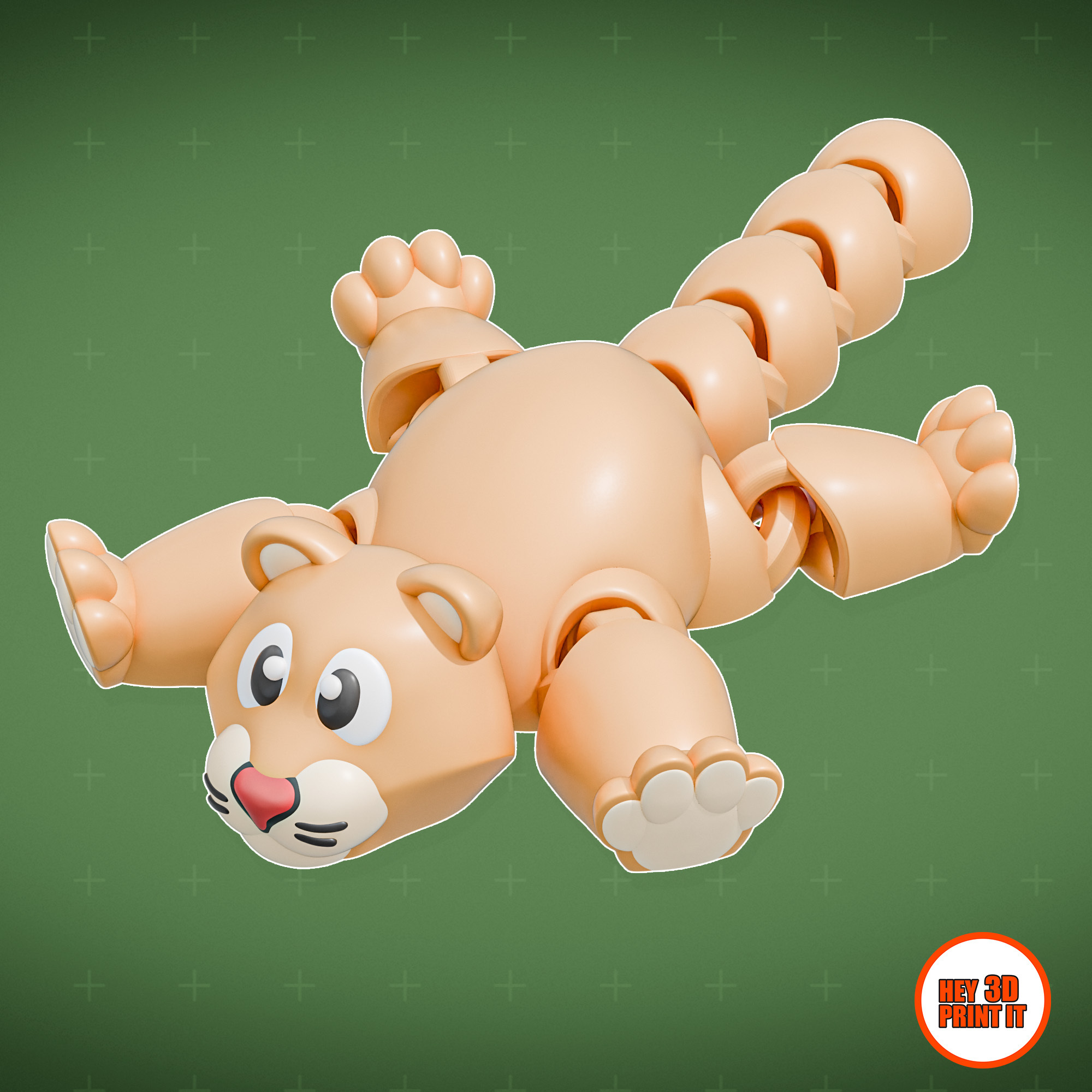
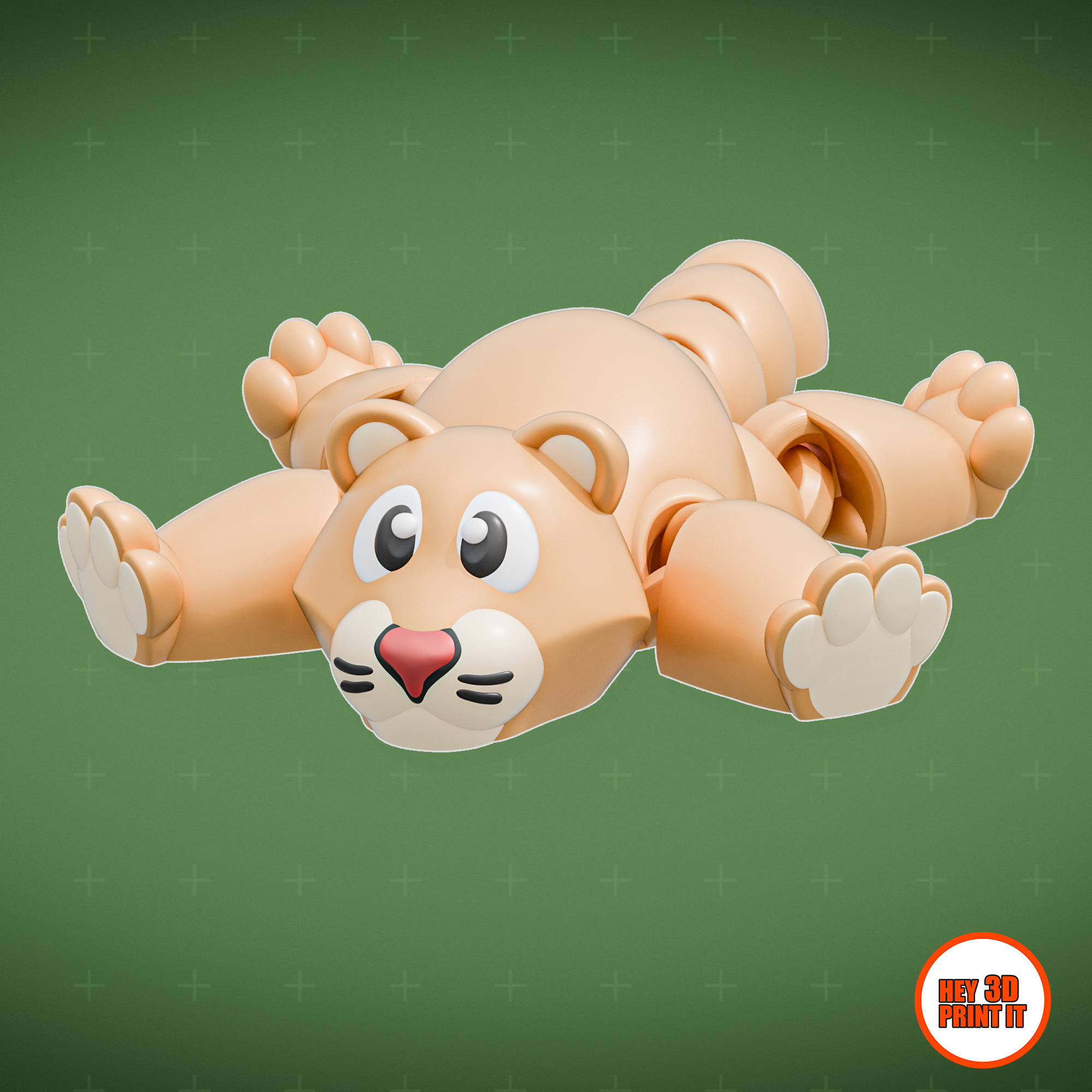
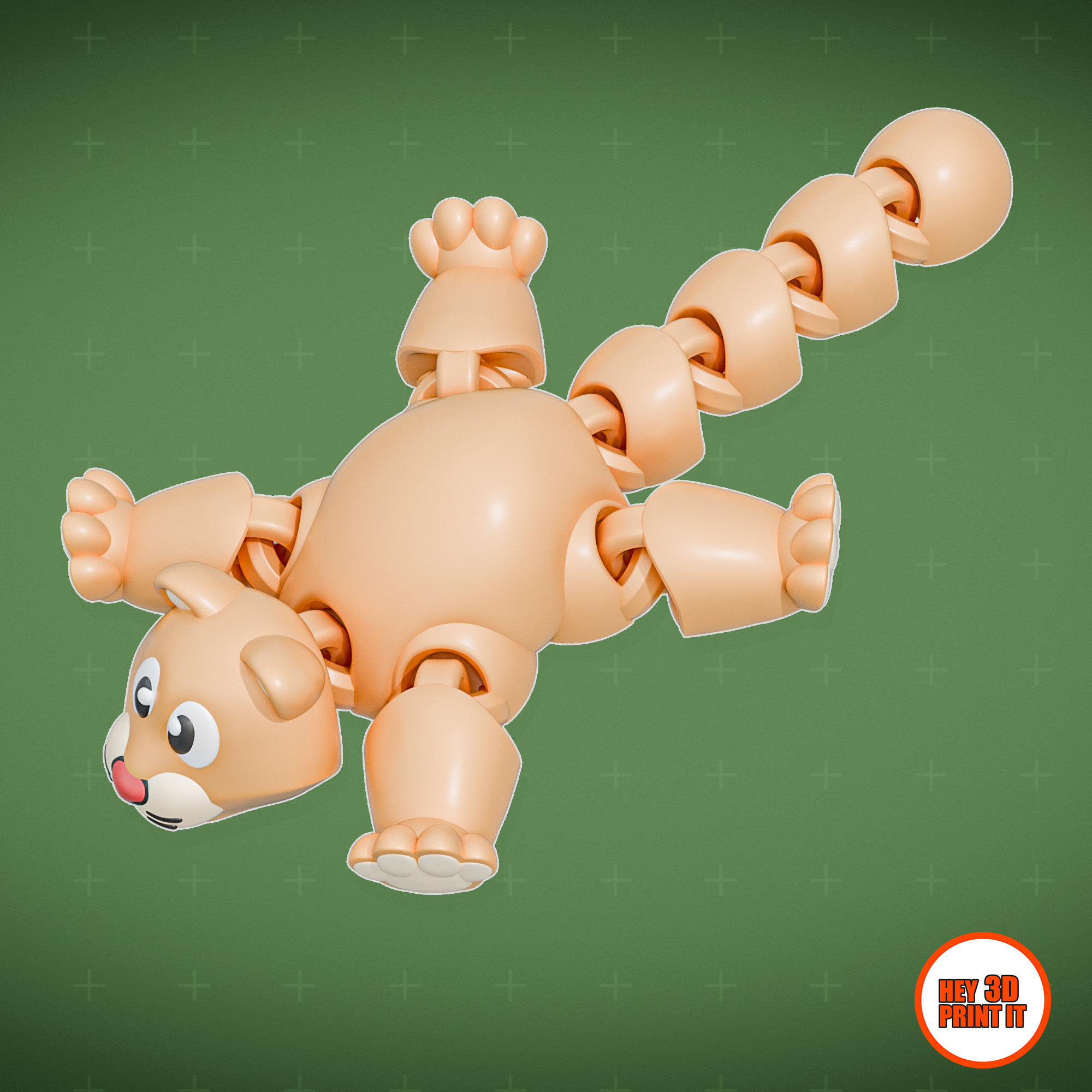
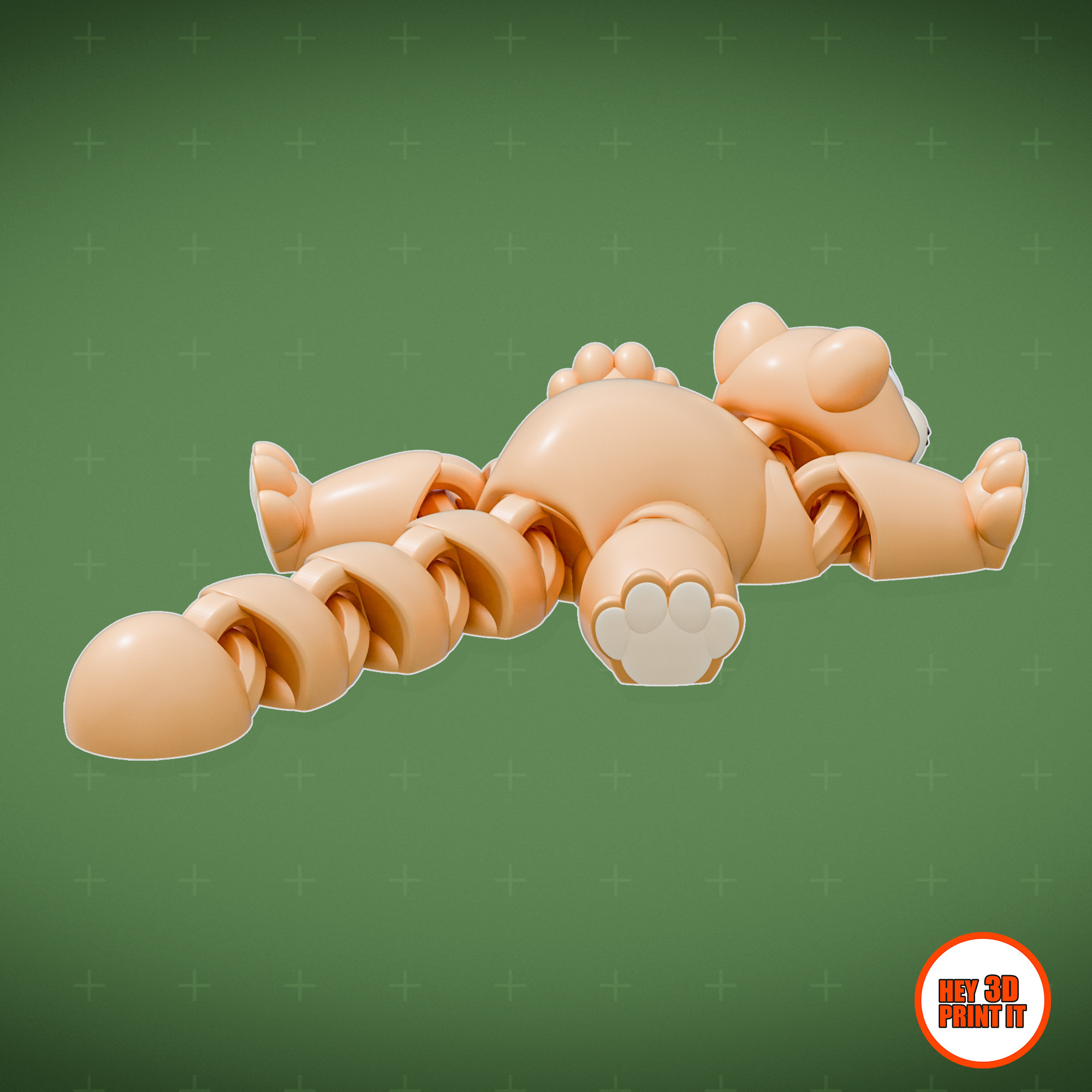
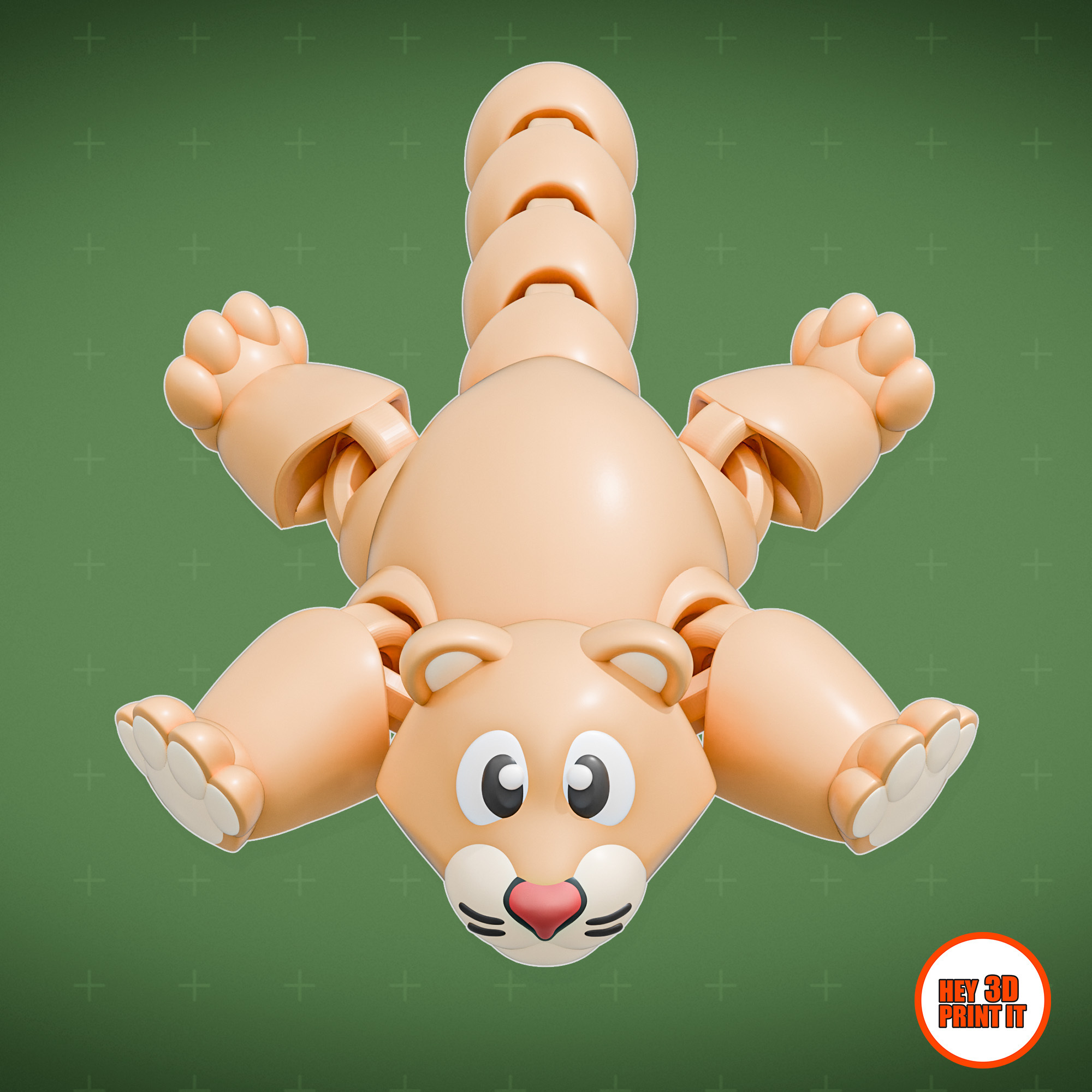
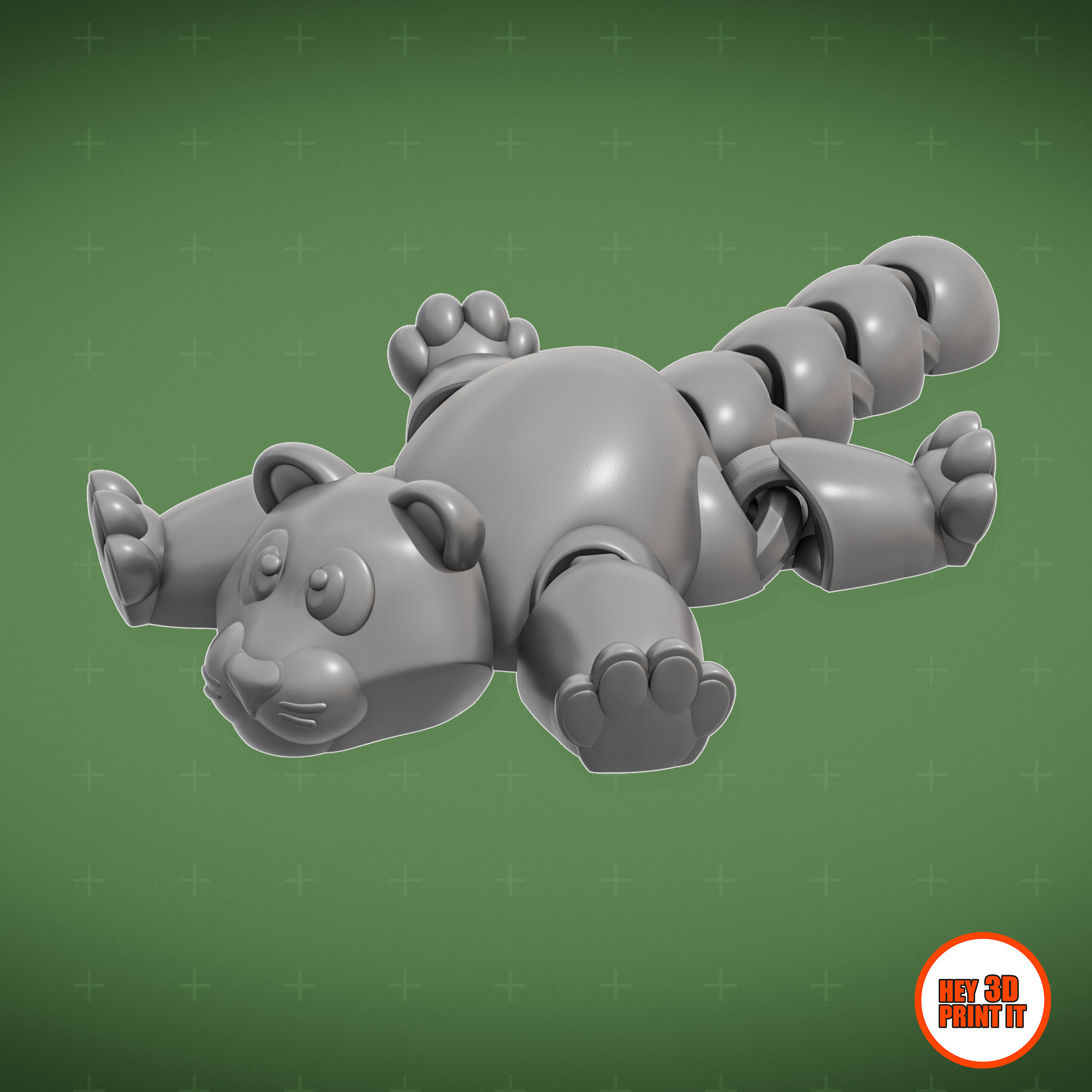
/https://preview3d-images.cults3d.com/340ryzw2bi3l4zuqbn52jlgmxrna)



:format(webp)/https://fbi.cults3d.com/uploaders/15012749/illustration-file/814c4605-f23a-4f5b-af38-a28b199ca29a/PrintInPlace_Articulated_Winged_Dragon_V02.jpg)
:format(webp)/https://fbi.cults3d.com/uploaders/15012749/illustration-file/b326c398-9ca6-4096-810c-0f68eaceaae1/PrintInPlace_Three_Headed_Dragon_V01.jpg)
:format(webp)/https://fbi.cults3d.com/uploaders/15012749/illustration-file/bd1441e4-6e35-448d-89e6-ecd9b6853948/Blender_PrintInPlace_Articulated_Tiger_Ver2_V02.jpg)
:format(webp)/https://fbi.cults3d.com/uploaders/15012749/illustration-file/e9a192b5-243a-47d9-8bce-70a5857debae/Blender_PrintInPlace_Articulated_Red_Panda_V01.jpg)
:format(webp)/https://fbi.cults3d.com/uploaders/15012749/illustration-file/6216c81a-8b28-4d58-804a-2341e2564804/Blender_PrintInPlace_Articulated_Turtle_V01.jpg)
:format(webp)/https://fbi.cults3d.com/uploaders/15012749/illustration-file/05f38cc9-7cb4-418d-841b-cb2596ef2833/PrintInPlace_Articulated_Moose_V01.jpg)
:format(webp)/https://fbi.cults3d.com/uploaders/15012749/illustration-file/ae46dc3a-4be6-49fd-8fb1-e3ddd55e0e03/PrintInPlace_Articulated_Bear_V00.jpg)
:format(webp)/https://fbi.cults3d.com/uploaders/15012749/illustration-file/dc1de5d5-ac19-4429-9e10-f7db80814dfe/river_turtle_v01.jpg)