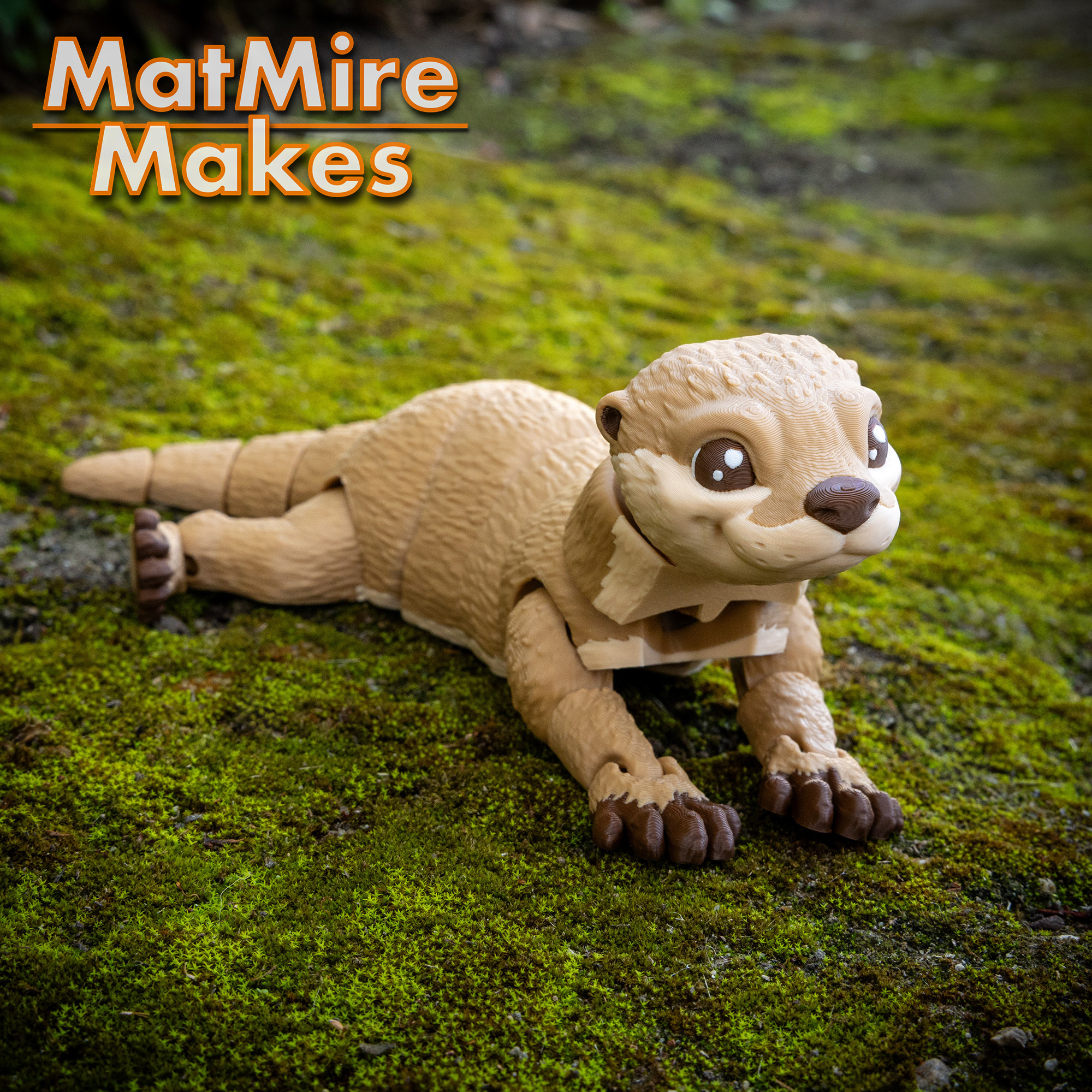

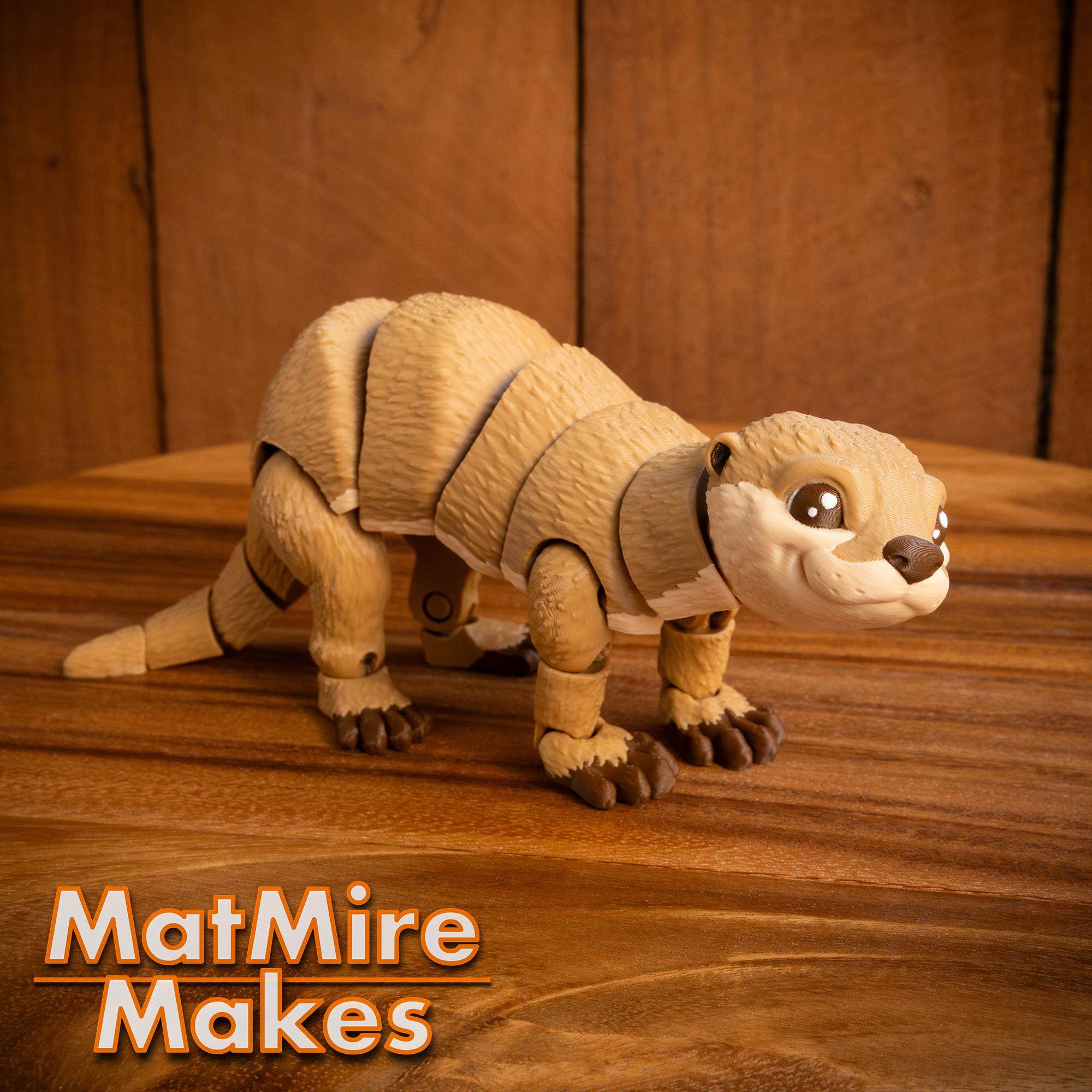

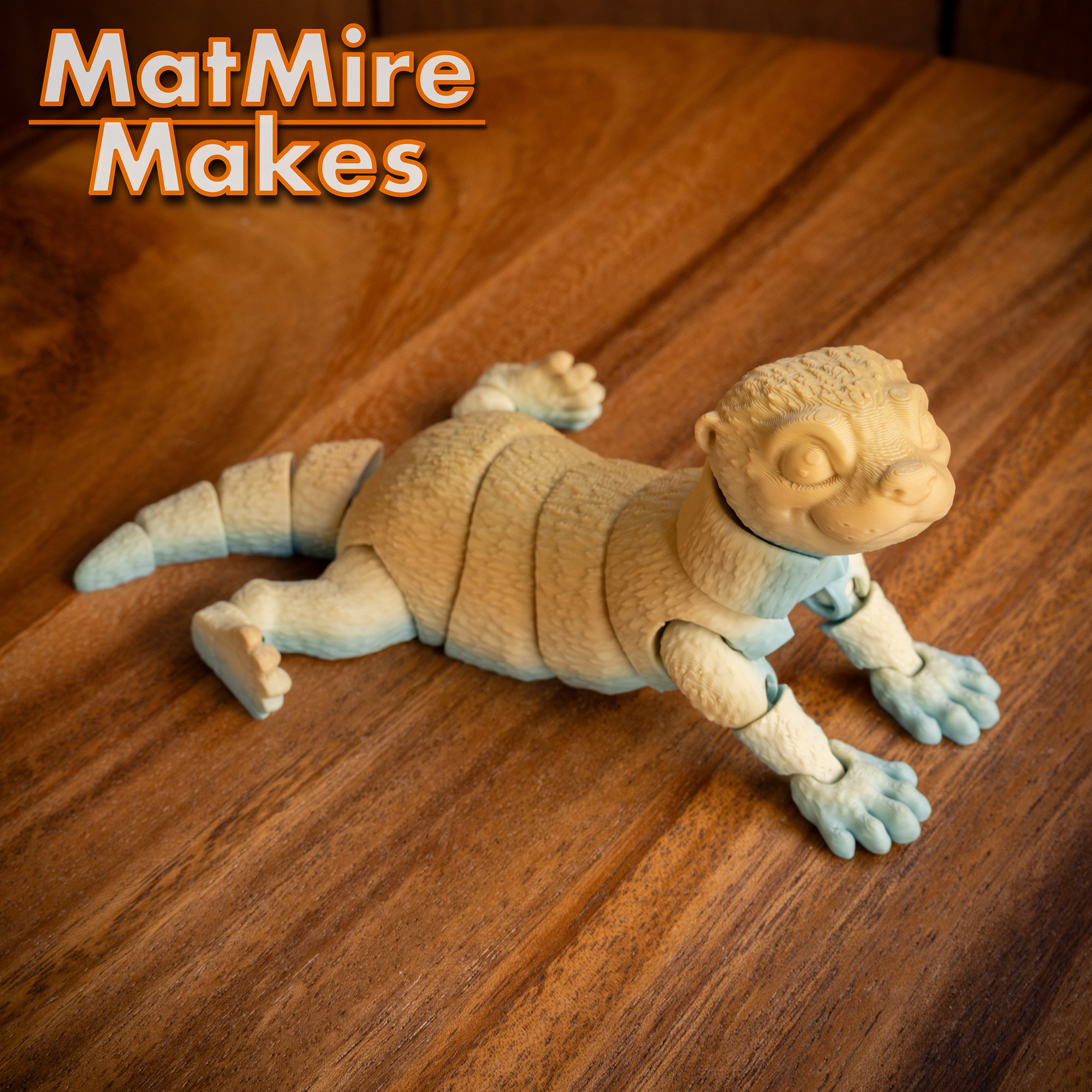
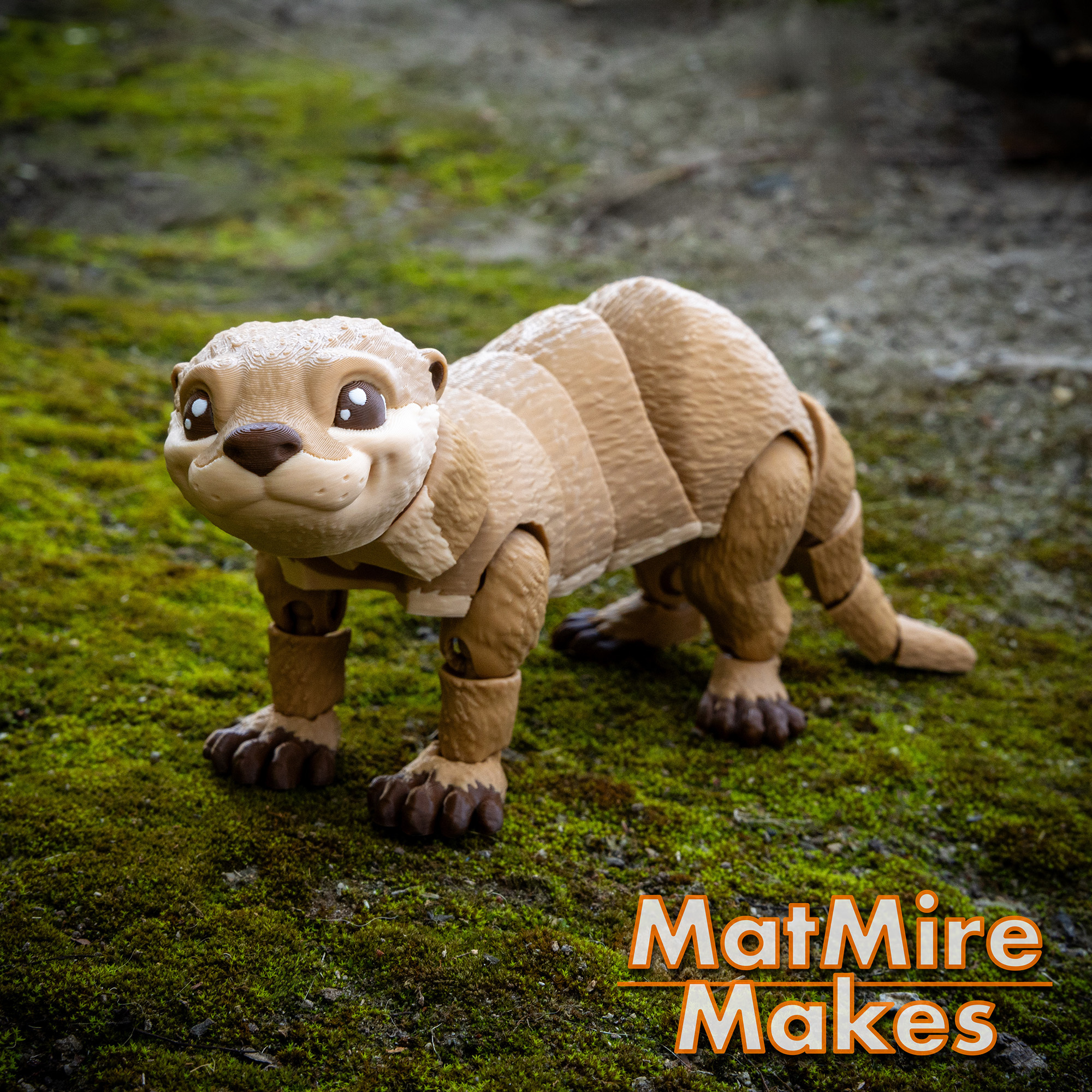
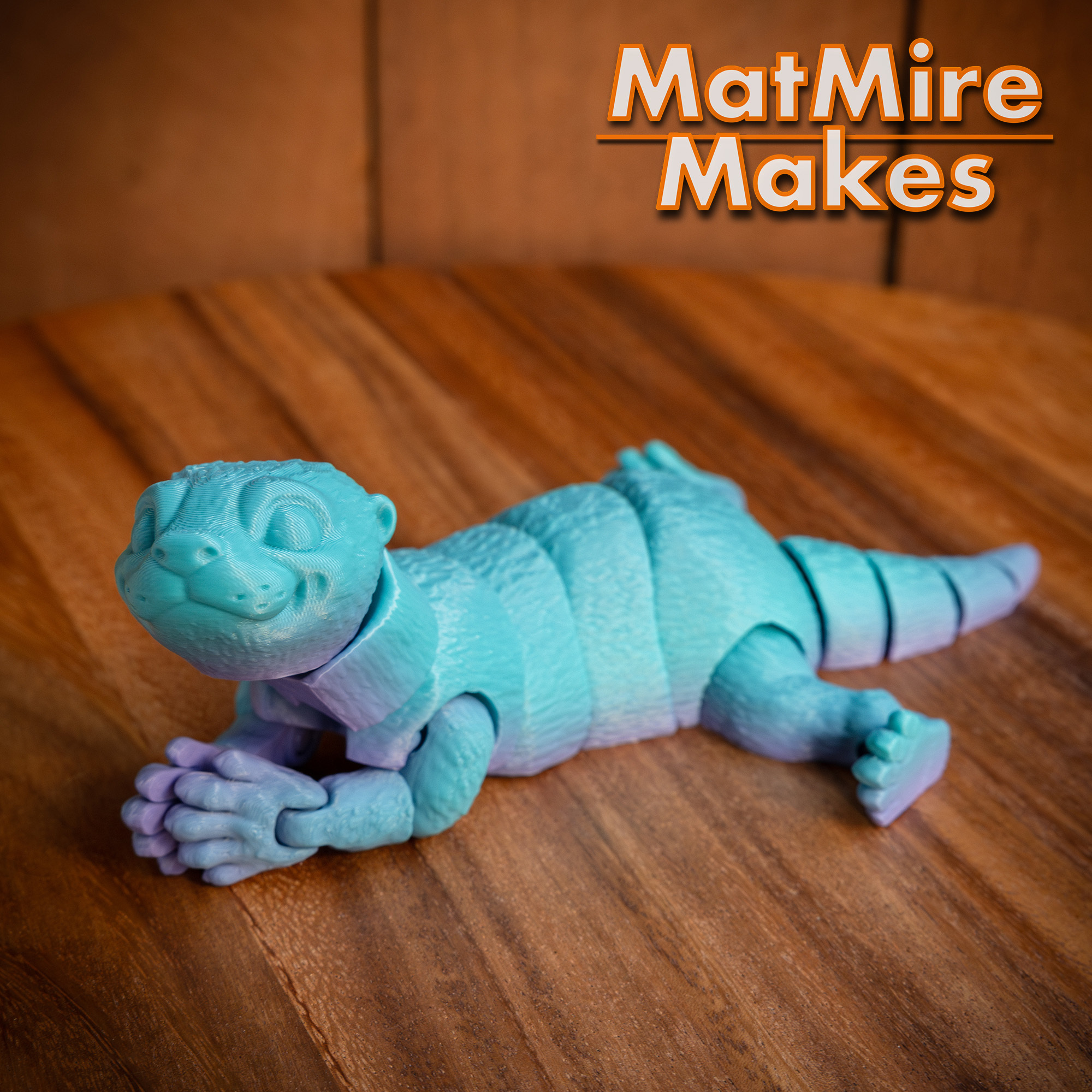
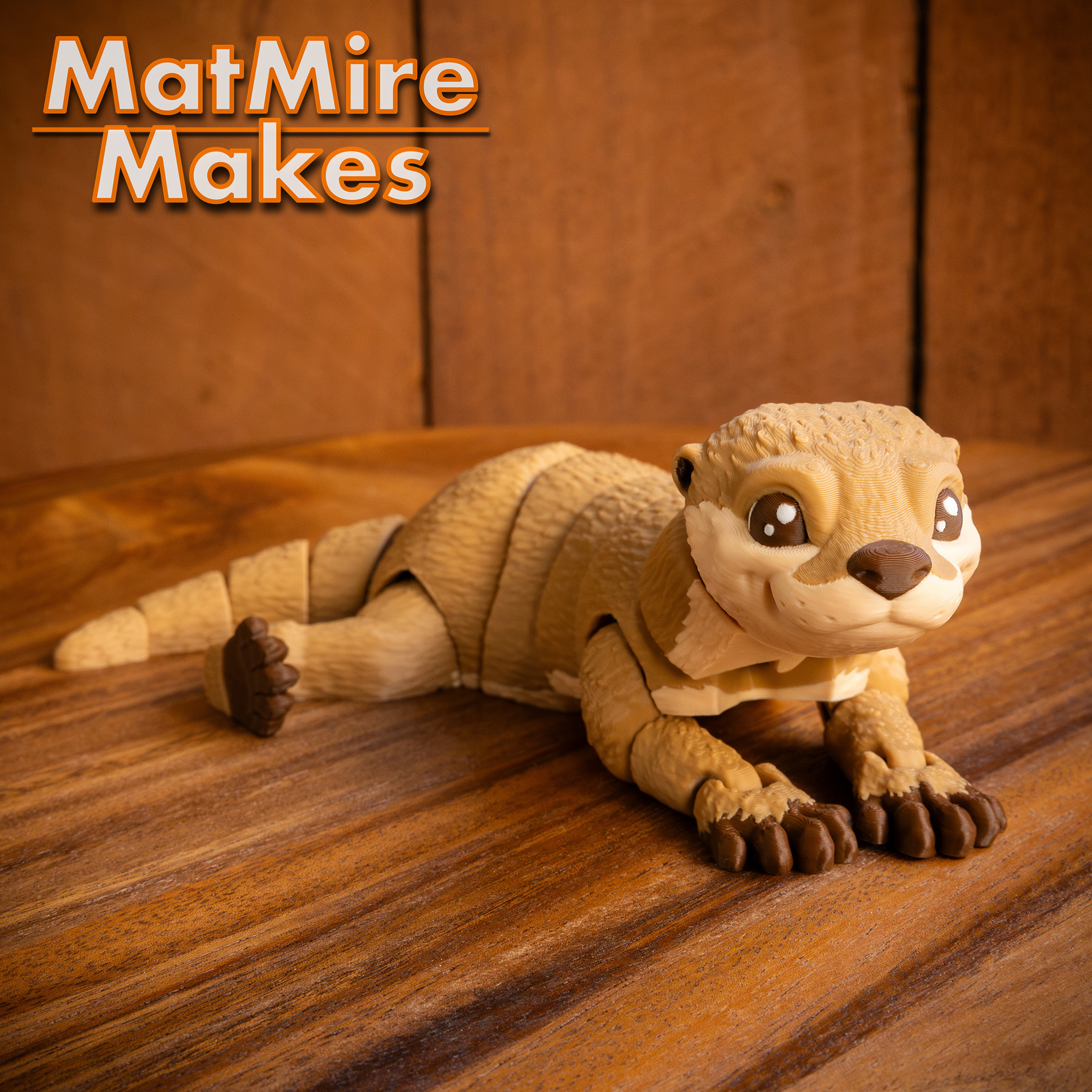
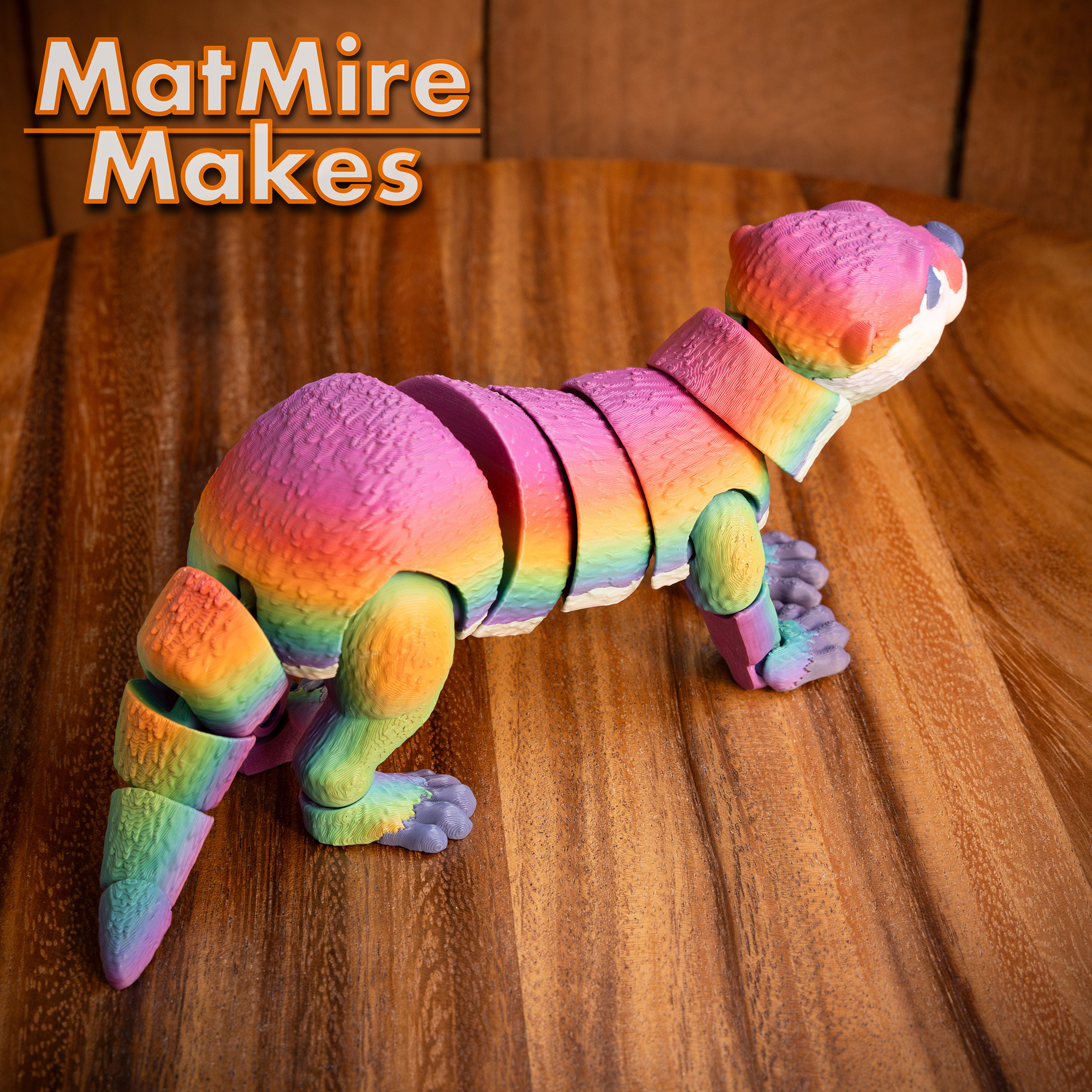
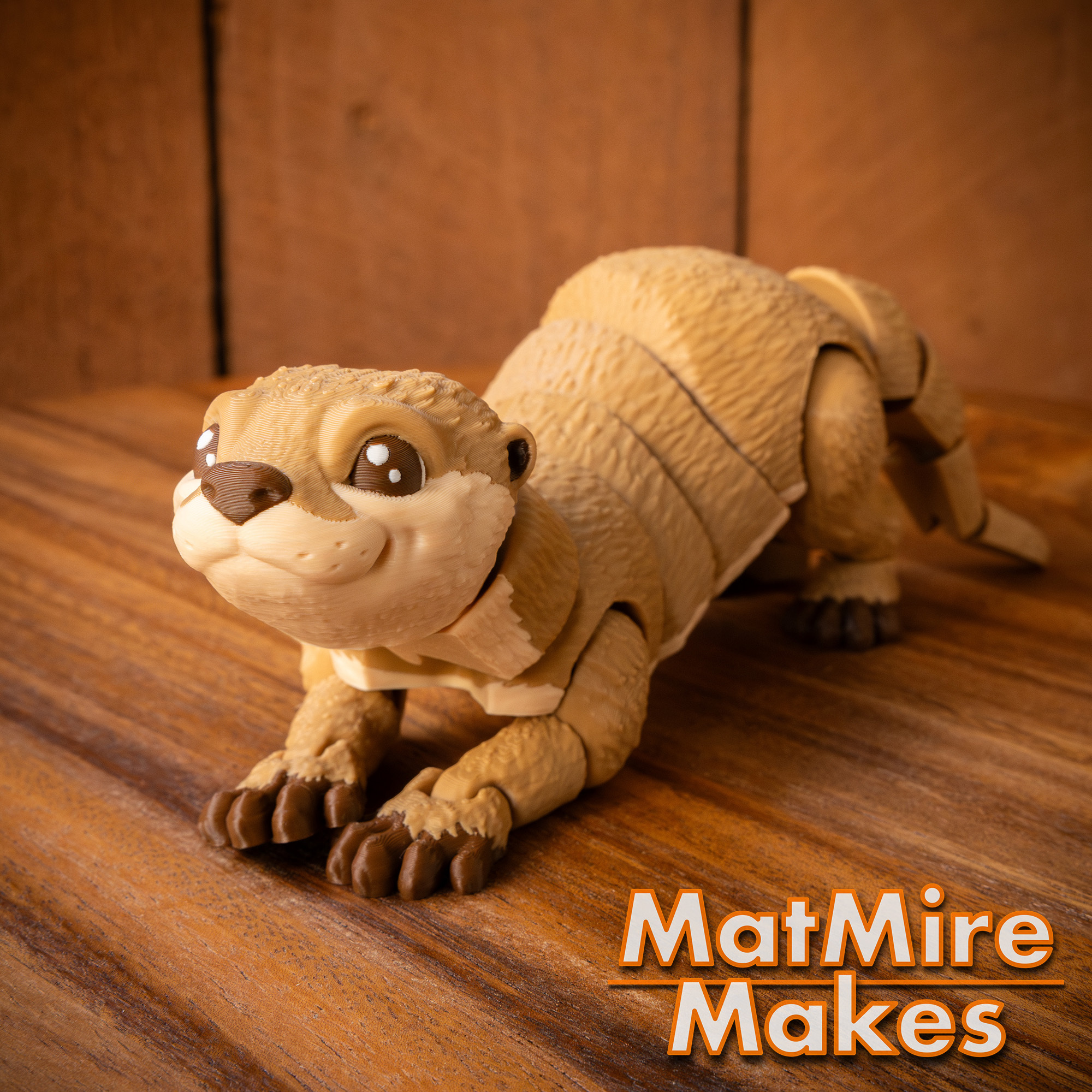


Hi! When printing, it looks like my printer has some adhesion issues around the front paws. Do you have suggestions on how to solve those?
- 0 likes
| Lizenz | |
|---|---|
| Verwendungszwecke | |
| 3D-Design-Format |
1 Datei (ZIP) Schließen
|
| Letzte Aktualisierung | |
| Datum der Veröffentlichung | |
| Entwurfsnummer | 2343775 |




Gefällt dir Cults und möchtest du uns dabei helfen,das Abenteuer in völliger Unabhängigkeit fortzusetzen? Beachte, dass wir ein kleines Team von 4 Personen sind und dass es daher sehr einfach ist, uns dabei zu unterstützen, weiterhin im Geschäft zu bleiben und zukünftige Entwicklungen zu schaffen. Hier sind 3 Lösungen, die allen zugänglich sind:
Das Teilen und Hochladen auf Cults3D garantiert, dass die Designs in den Händen der Maker-Gemeinschaft bleiben! Und nicht in den Händen der Riesen der 3D-Druck- oder Softwarebranche, die die Konkurrenzplattformen besitzen und die Designs für ihre eigenen kommerziellen Interessen ausnutzen.
Cults3D ist eine unabhängige, selbstfinanzierte Website, die keinem Investor oder keiner Marke verpflichtet ist. Fast alle Einnahmen der Website gehen an die Maker der Plattform. Die auf der Seite veröffentlichten Inhalte dienen nur den Interessen ihrer Autoren und nicht denen von 3D-Druckermarken, die auch den Markt für 3D-Modellierung kontrollieren möchten.


:format(webp)/https://fbi.cults3d.com/uploaders/22984398/illustration-file/ff66553f-5d0f-4d83-b1f9-e22488a68831/AxoDemo_movement.gif)
:format(webp)/https://fbi.cults3d.com/uploaders/22984398/illustration-file/4cb7f877-3145-441d-a554-6ad2807128ff/BeardieDemo.gif)
:format(webp)/https://fbi.cults3d.com/uploaders/22984398/illustration-file/697656f6-f6fa-4a4c-81d3-15c03da7451b/LeoGeckoDemo.gif)
:format(webp)/https://fbi.cults3d.com/uploaders/22984398/illustration-file/0de8889f-da62-45de-bf26-9e98ae704f5f/MMM_Bat_Demo.gif)
:format(webp)/https://fbi.cults3d.com/uploaders/22984398/illustration-file/26d992b0-6956-489a-bd1e-a77959df90e9/BPython_movementDemo.gif)
:still()/https://fbi.cults3d.com/uploaders/22984398/illustration-file/20a4d1aa-159a-4e82-9b7d-a7c12e446768/Rattler_Demo.gif)
:still()/https://fbi.cults3d.com/uploaders/22984398/illustration-file/696b0bdc-0477-4dce-98d6-f999199540f7/Tiger_Demo.gif)
:format(webp)/https://fbi.cults3d.com/uploaders/22984398/illustration-file/36b2d47c-1525-4aad-8520-e0fd74cd5b19/FerretDemoGif.gif)
Having trouble in Bambu Lab. Have an A1 with AMS 4 color. I cannot change the color of its paws. It doesnt come up under the objects. If I click the master body, i can change all of the body to any 4 colors and the paws stay white.
Never mind, I'm new to this. For some reason the paws are not broken out under objects. I had to go into color painting mode to edit.
I was clicking individual objects and choosing the colors that way.
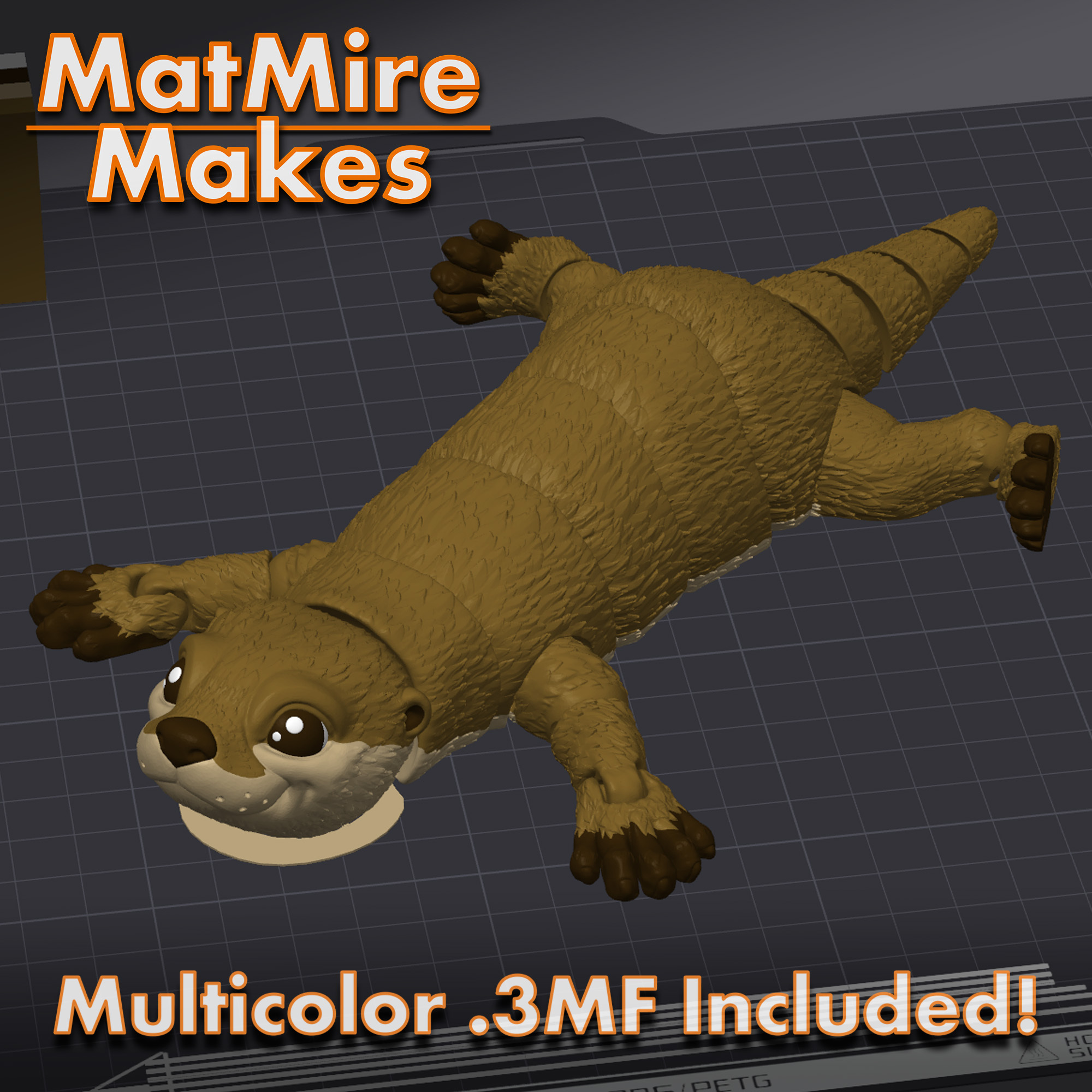
Yeah, my 3MFs are made by painting on top of the full objects, and not split meshes with different colored parts. So right clicking and changing the base color won't really work. I also wouldn't recommend using the paint tools on a pre-painted 3MF unless you want to change the actual shapes of the paint job itself. To change the colors in the paint job, you just have to swap the colors assigned to the filament slots. You can do this by either going to the prepare tab and clicking the little numbered box in front of the filament name and then use the color picker to assign a new color, or set the colors in the AMS and then pick those slots with the filament dropdowns. Like this... https://drive.google.com/file/d/1PAKUSQAm3mpbfYyBxehcGkkdOqLenX-5/view?usp=sharing
Hope that helps!