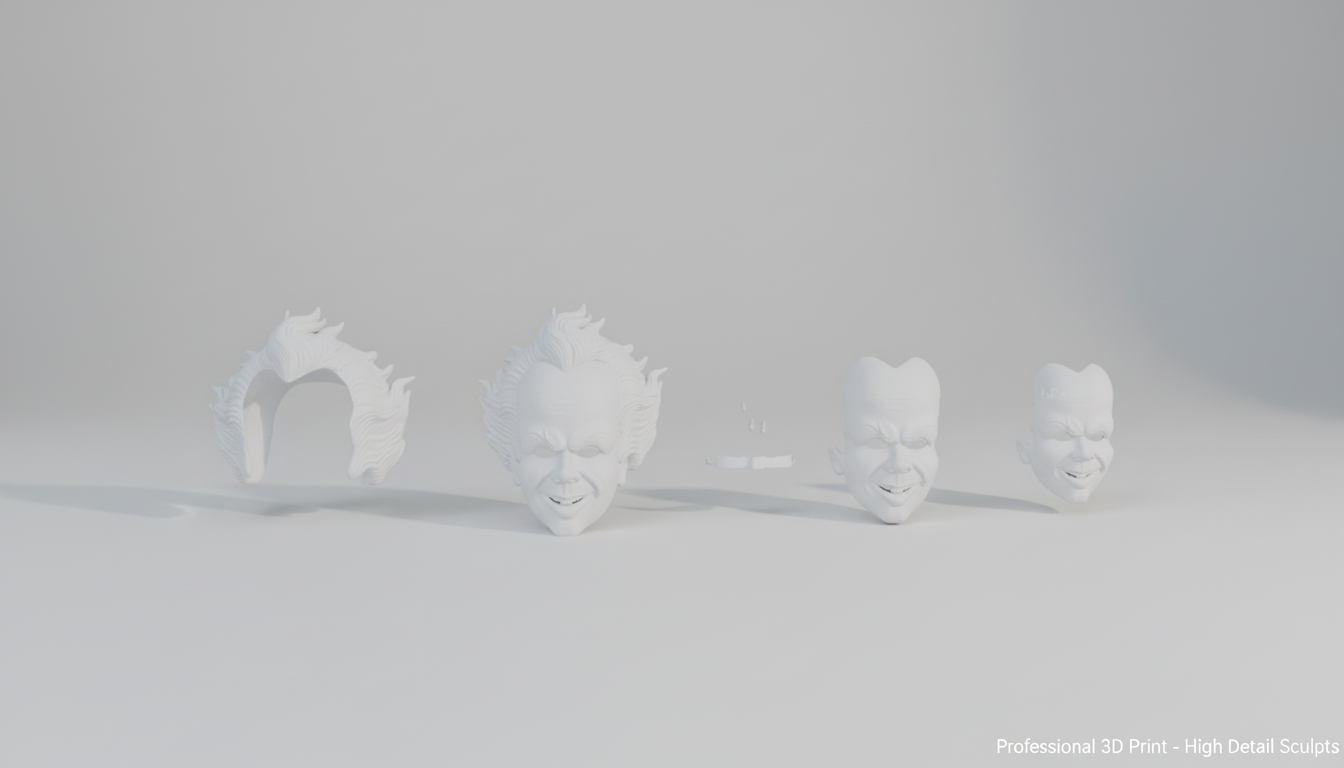
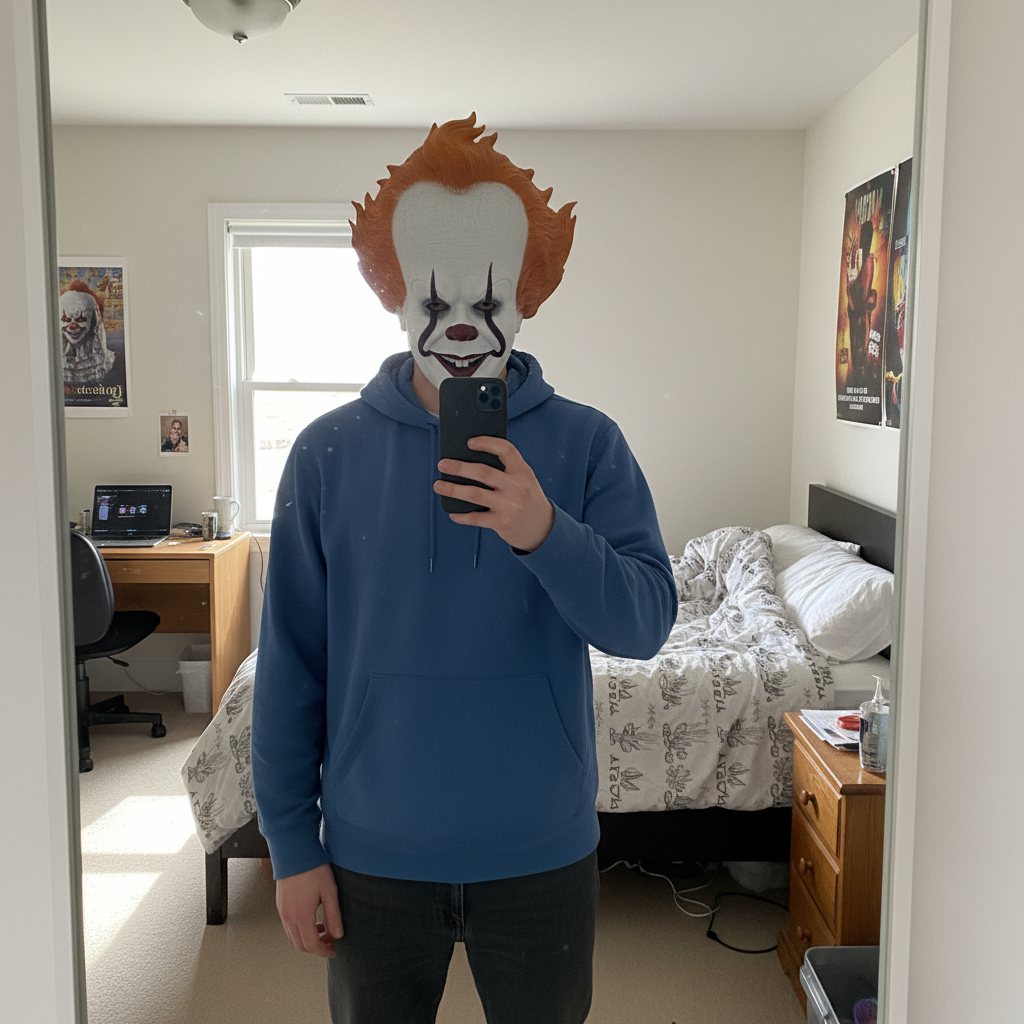
IT Masque Pennywise - Accessoire magnétique portable en 2 parties
:format(webp)/https://fbi.cults3d.com/uploaders/25749178/illustration-file/9e46a15c-890f-4890-92e7-b14e98548788/Aura3D_614848.png)


/https://preview3d-images.cults3d.com/u4isz7w7aywhb6l0ncnepfux1mwd)
/https://preview3d-images.cults3d.com/dnq18k4uly20uwtmxd92ts85za1i)
/https://preview3d-images.cults3d.com/84he3romzyqyzfj4c4a4jc0yob5r)
/https://preview3d-images.cults3d.com/j5flsyhfn8qlaq2ixs5w2ophitcw)
/https://preview3d-images.cults3d.com/3vpuj1tmiz25amr16bjm58kz5e11)
- 879 vues
- 28 j’aimes
- 33 téléchargements
- 0 collections
- 0 commentaires
- 1 make
| Licence | |
|---|---|
| Usages | |
| Format du design 3D |
5 fichiers (STL) Fermer
|
| Date de publication | |
| Numéro du design | 3601486 |



:still()/https://fbi.cults3d.com/uploaders/25749178/illustration-file/99b4cb41-df65-44e6-a9f5-4f087d63a744/6fddab11-f590-433d-a0f8-55e35ce41b39.gif)
:still()/https://fbi.cults3d.com/uploaders/25749178/illustration-file/524673d9-51fc-4556-a710-307741f5ed37/1000514896.gif)
:format(webp)/https://fbi.cults3d.com/uploaders/25749178/illustration-file/2388293e-67dd-49bc-b61d-983b618130b9/render1.png)
:still()/https://fbi.cults3d.com/uploaders/25749178/illustration-file/9e5404ec-2936-4858-8d20-a58251885885/render-convert.gif)
:still()/https://fbi.cults3d.com/uploaders/25749178/illustration-file/06523760-b169-46ce-a757-90e495179c0e/render-mkv.gif)
:format(webp)/https://fbi.cults3d.com/uploaders/25749178/illustration-file/6ab714de-b4c8-4019-963d-516598bf09b1/camera12378.png)
:still()/https://fbi.cults3d.com/uploaders/25749178/illustration-file/3282b98a-d533-4392-9023-5fc1fcf9095c/move-it.gif)
Vous souhaitez soutenir Cults ?
Vous aimez Cults et vous avez envie de nous aider à continuer l’aventure en toute indépendance ? Sachez que nous sommes une petite équipe de 4 personnes et qu’il est donc très simple de nous soutenir pour maintenir l’activité et créer les futurs développements. Voici 3 solutions accessibles à tous :
- PUBLICITÉ : Désactivez votre bloqueur de publicité.
- DON : Faire un don via Ko-Fi Faire un don
- BOUCHE À OREILLE : Invitez vos amis à venir découvrir le site et les magnifiques fichiers 3D partagés par la communauté !
Partager et télécharger sur Cults3D c’est garantir que les designs restent bien entre les mains de la communauté des makers ! Et non celles des géants de l’impression 3D ou du software qui possèdent les plateformes concurrentes et qui exploitent les designs pour leurs propres intérêts commerciaux.
Cults3D est un site indépendant et autofinancé qui n’a de compte à rendre à aucun investisseur ou aucune marque. La quasi totalité des revenus du site sont reversés aux makers de la plateforme. Les contenus publiés sur le site servent uniquement les intérêts de leurs auteurs et pas ceux des marques d’imprimantes 3D qui souhaitent aussi contrôler le marché de la modélisation 3D.