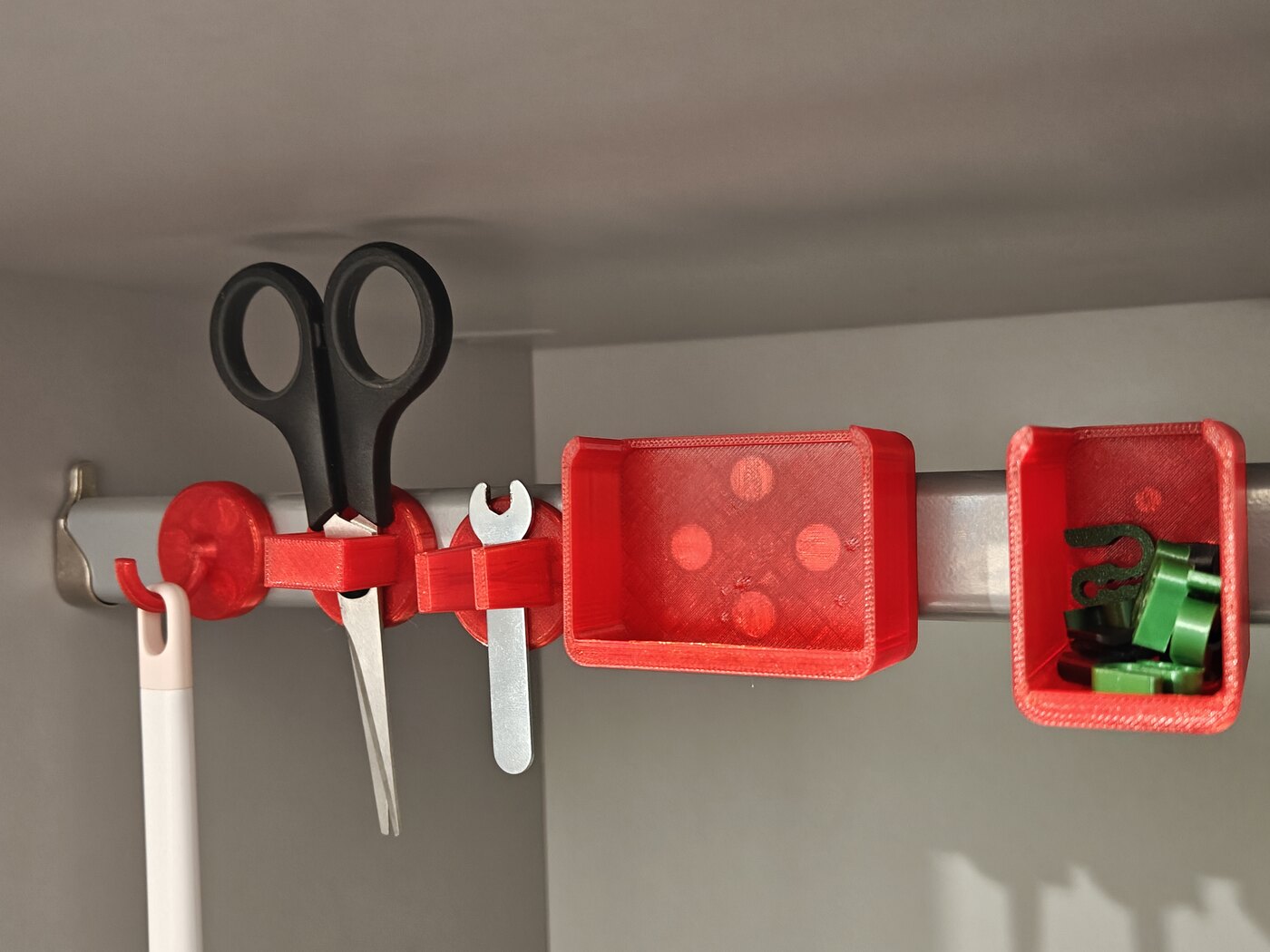
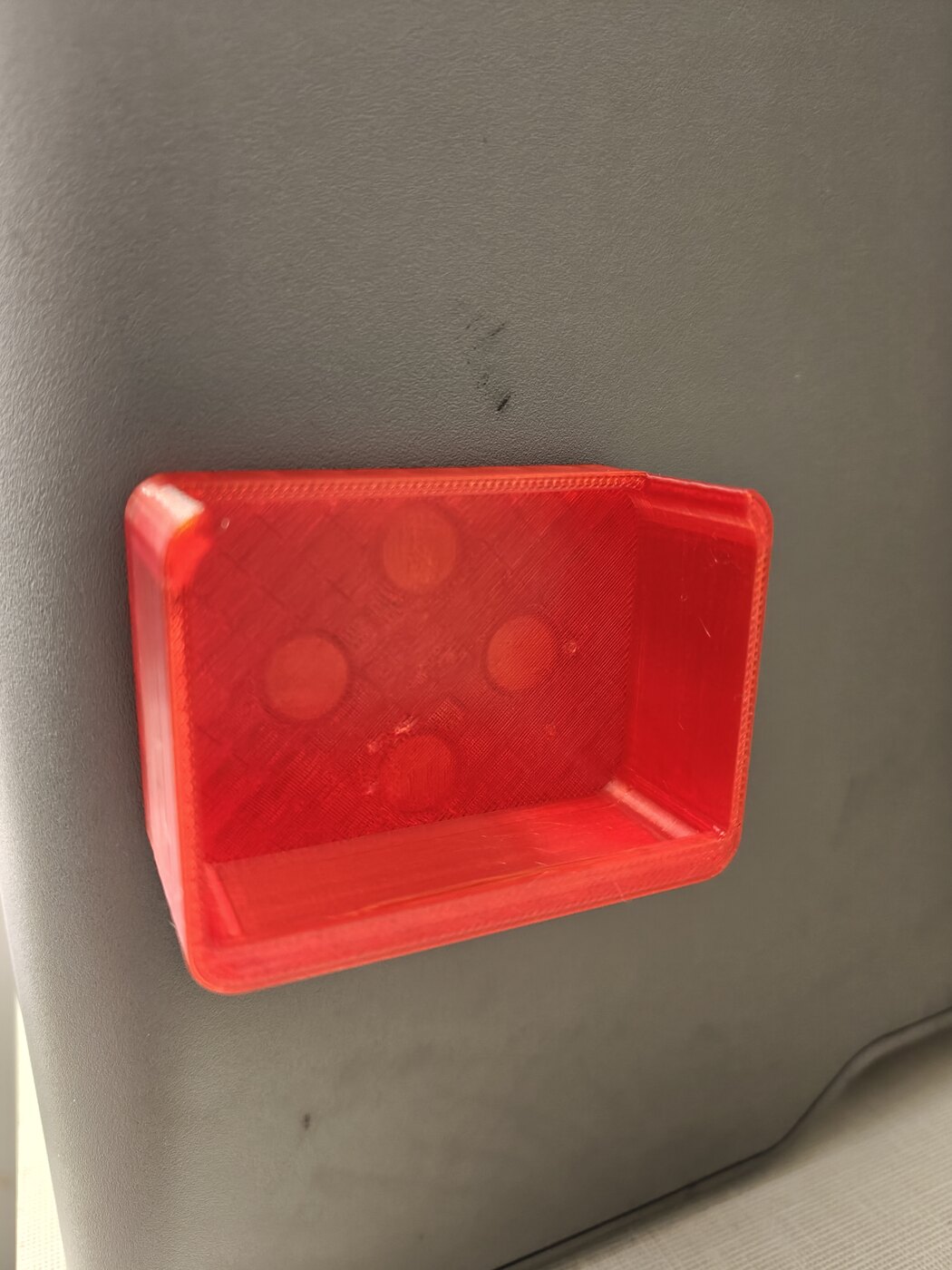
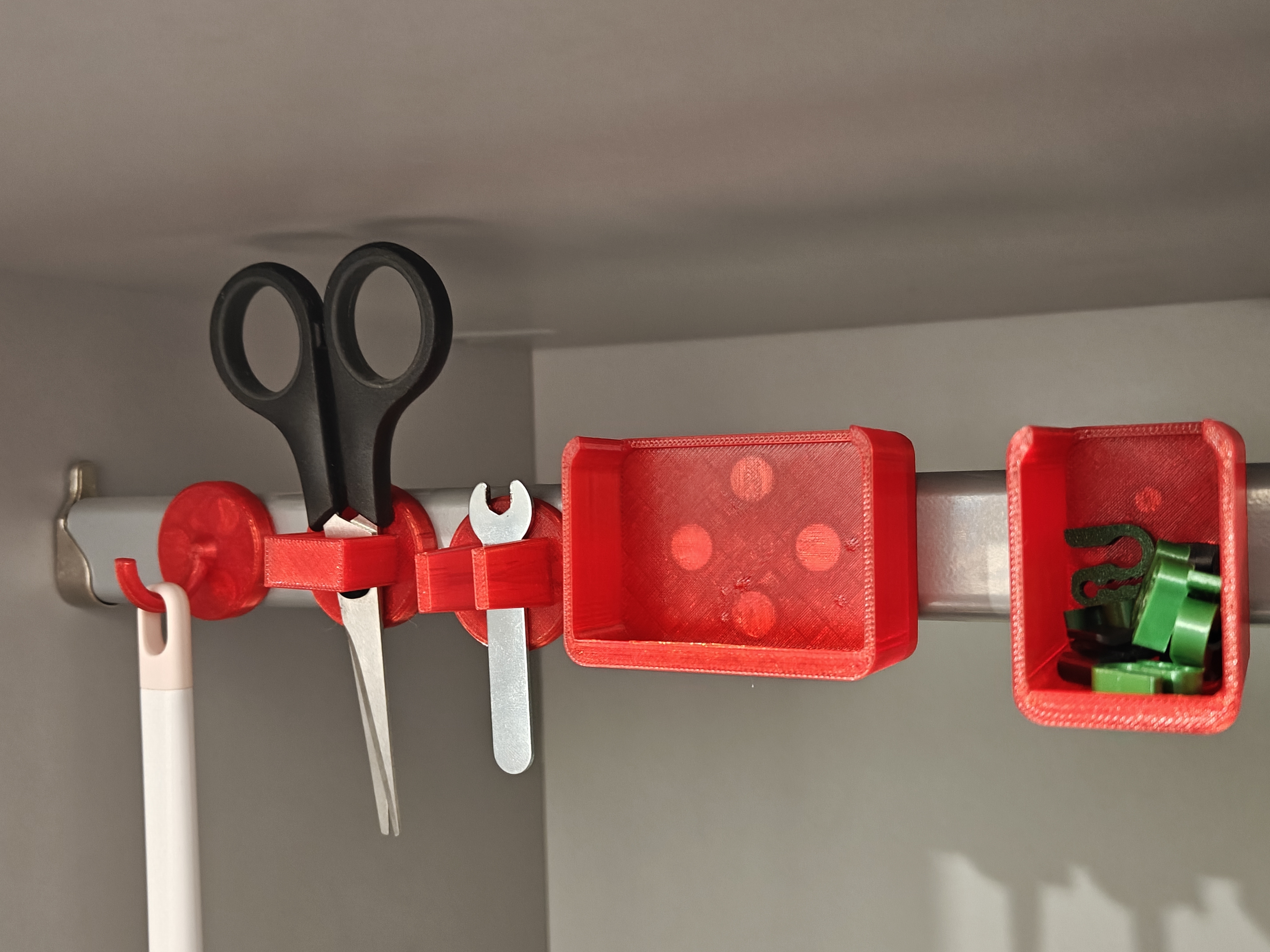
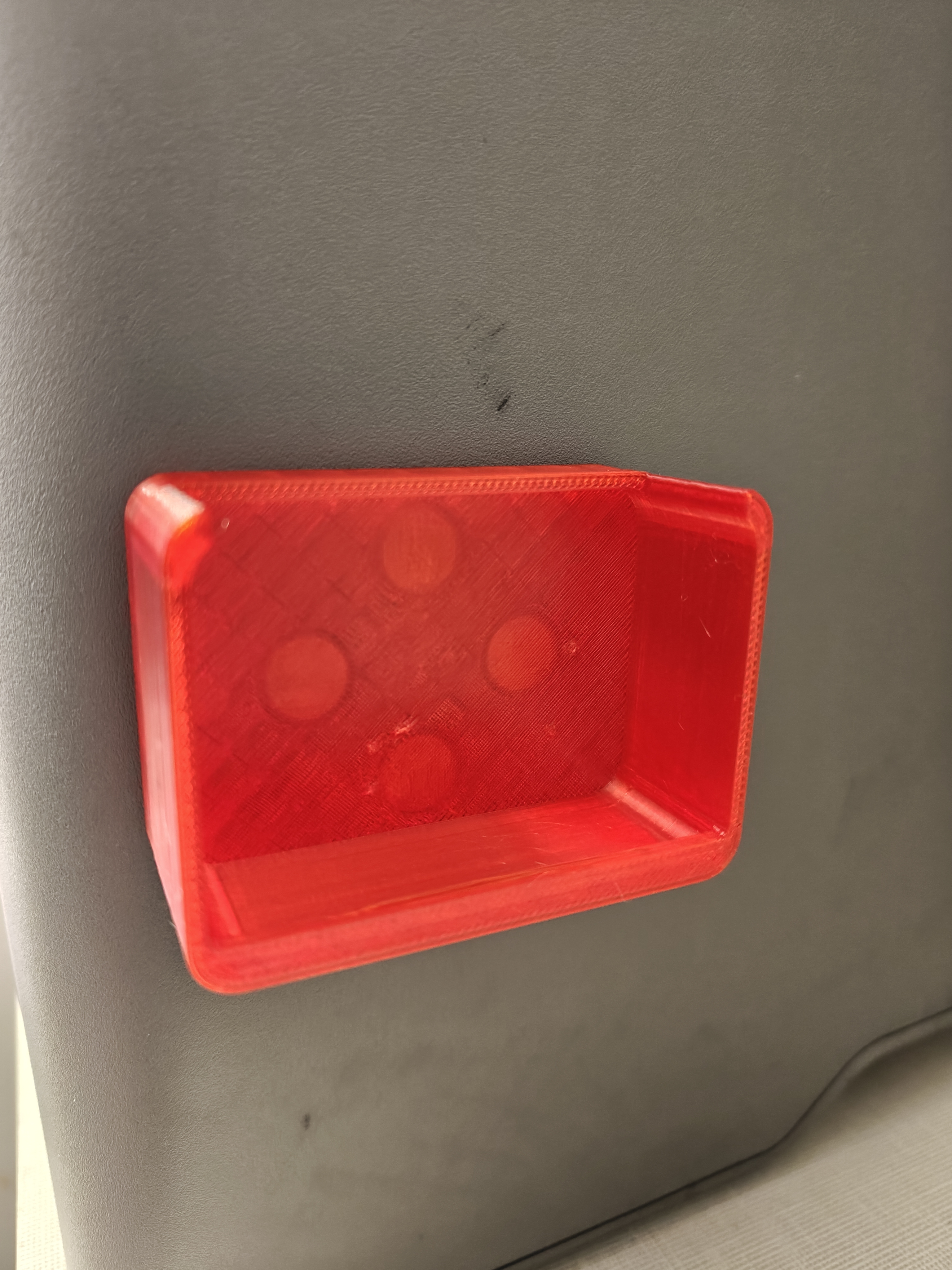
MagDock is a small family of organizers that each carry neodymium discs sealed in their back, so they snap onto ANY ferrous surface: a 3D printer's sheet-steel frame or door, a fridge, filing cabinet, toolbox, server rack, washing machine, or radiator. No screws, no adhesive, no separate mounting plate — the magnets ARE the mount, which is what makes the whole family generic.
📦 Parts
| File |
What it is |
hook.stl |
Slim half-circle crook for props, cables, keys, straps |
tray.stl |
Shallow scoop bin (64 × 46 mm) for screws, nozzles, clips, small parts |
tray_tall.stl |
Half-width, double-height scoop (32 × 46 mm, 44 mm tall) — upright caddy for pens, brushes, long bits |
pliers.stl |
Vertical three-wall square slot that captures pliers / scissors at the pivot |
slot.stl |
Slim 11 mm open-top twin-post cradle for flush-cutters / small scissors |
plate.stl |
Bare puck — a stick-anything pad, or a base to build your own feature on |
magnetic_dock.scad |
Parametric source |
hook, pliers, slot and plate share one round 36 mm puck base; tray and tray_tall use their own rectangular floor so nothing cantilevers. The magnet ring is symmetric, so just rotate any puck on the steel to point its feature whichever way you want.
🧲 Magnets
Default is Ø10 × 5 mm discs, 3 per accessory (~8 kg gross pull on steel — plenty in shear for a loaded hook). The light-duty parts (slot, tray_tall) use small Ø5 × 3 mm discs, 4 per part. Everything is parametric — edit magnet_d / magnet_h / magnet_n at the top of the .scad, or pass them to build.sh.
The pockets are fully enclosed voids: the discs get sealed inside the part during printing, so there are no caps, no glue, nothing to fall out. From the steel face outward the stack is: 1 mm skin (prints on the bed) / the magnet / 1 mm of sealing layers printed after the pause.
🛠️ How to print — embed the magnets mid-print
Every part lies flat on its back, with NO supports. The back face (against the steel) prints on the bed, so it comes out dead flat for maximum contact. 0.2 mm layers, at least 3 walls.
- Slice the part in Bambu Studio (or your slicer).
- Add an Insert Pause at height
z = mag_floor + magnet_h. The .scad echoes the exact height when you render. At 0.2 mm layers:
- Big Ø10 × 5 parts (hook / tray / pliers / plate): pause at z = 6.0 mm (after layer 30).
- Small Ø5 × 3 parts (slot / tray_tall): pause at z = 4.0 mm (after layer 20).
- At the pause the pockets are open at the top with their floor already printed. Drop one disc into each pocket. Keep polarity consistent across a plate if you want parts to share a keeper.
- Resume. The cover layers print straight onto the magnet faces, sealing them in flat with no bridging.
💡 The big-magnet parts all share the same pause height, so one pause covers a whole mixed big-magnet plate. The small-magnet parts (slot, tray_tall) pause lower — keep them on their own plate.
⚙️ Parametric
Everything important is a variable at the top of magnetic_dock.scad: magnet size + count, puck diameter, wall thickness, tray dimensions, hook radius, slot gap, plier hole. Render a single part with, e.g.:
openscad -o tray.stl -D 'part="tray"' magnetic_dock.scad
| Setting |
Value |
| Printer |
Bambu Lab — or any FDM |
| Material |
PLA or PETG |
| Layer height |
0.2 mm |
| Walls / infill |
3 walls · 15 % |
| Supports |
None |
| Orientation |
Flat on the back (magnet face on bed); pause mid-print to drop the discs in |
/https://fbi.cults3d.com/uploads/user/avatar/49531410/morass.jpg "Morass")


:format(webp)/https://fbi.cults3d.com/uploaders/49531410/illustration-file/aaac28ed-4697-451a-b5dd-8eca0512350f/mlf0ap.jpg)
:format(webp)/https://fbi.cults3d.com/uploaders/49531410/illustration-file/6a7ff404-95f5-4c99-bf36-3d542d748961/k6k4sk.jpg)
:format(webp)/https://fbi.cults3d.com/uploaders/49531410/illustration-file/4d01a967-b708-4583-b51b-fda59f786ec5/pzg8mh.jpg)
:format(webp)/https://fbi.cults3d.com/uploaders/49531410/illustration-file/54b68bac-2933-43ed-97df-678f9e5d381b/0mvwgj.jpg)
:format(webp)/https://fbi.cults3d.com/uploaders/49531410/illustration-file/a7567ce1-598f-4449-b6f7-70ff7c2c2996/qmbi0y.jpg)
:format(webp)/https://fbi.cults3d.com/uploaders/49531410/illustration-file/cebc2168-ab8f-4ef8-aa64-3c619b0f2441/cf1aua.jpg)
:format(webp)/https://fbi.cults3d.com/uploaders/49531410/illustration-file/f817587c-075c-4ec2-9594-faa0a553c616/83n4z1.jpg)
:format(webp)/https://fbi.cults3d.com/uploaders/49531410/illustration-file/3641943d-30e2-4d9f-86ec-0afcb93ee0f4/eq55i6.jpg)