Joying 8-дюймовое крепление головного устройства для C5 Audi A6 и Allroad
:format(webp)/https://fbi.cults3d.com/uploaders/34097178/illustration-file/d6d5915b-dcac-4534-b5d2-8513f3fa6a3f/Mounted-and-Assembled.jpg)

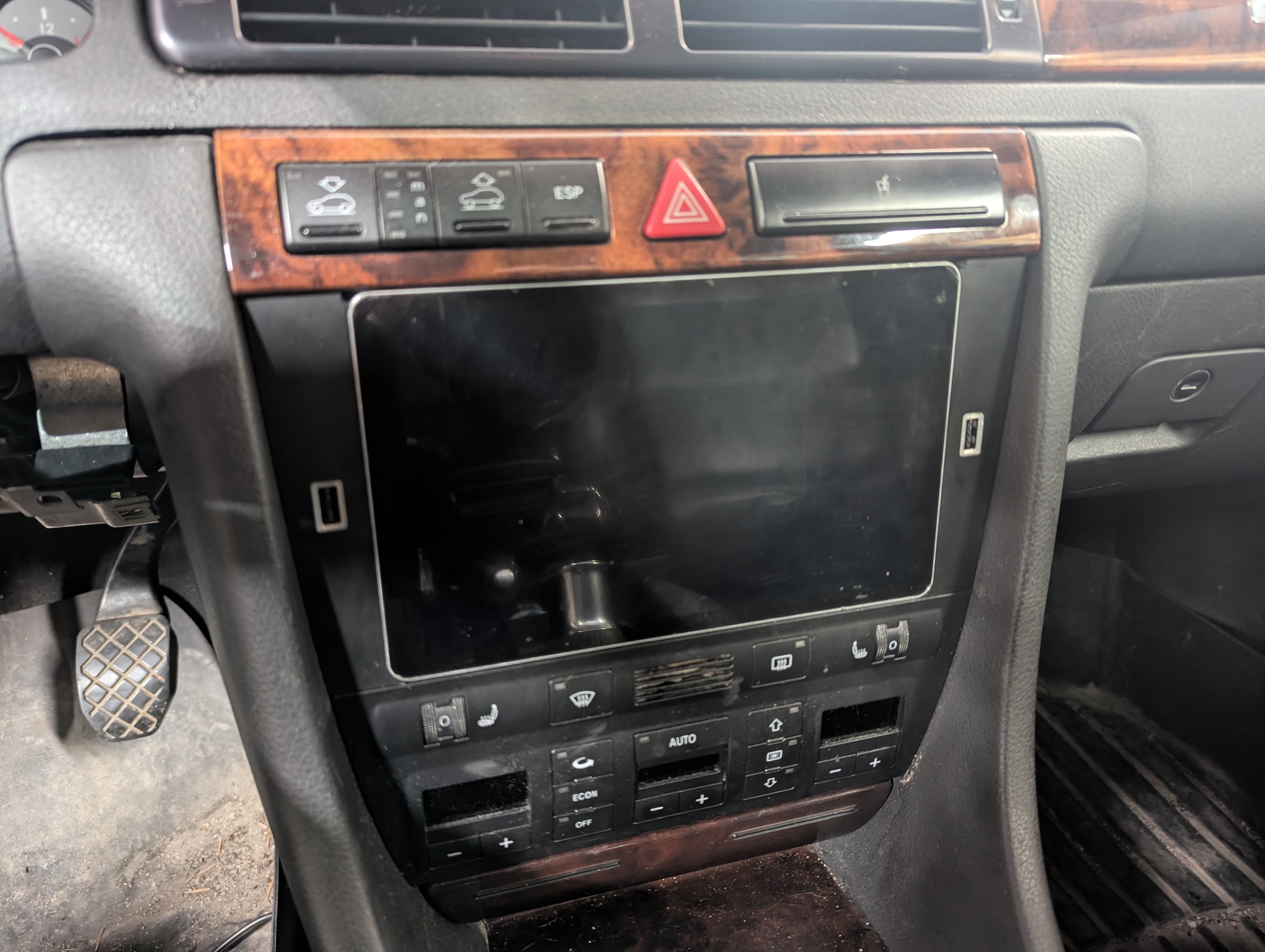
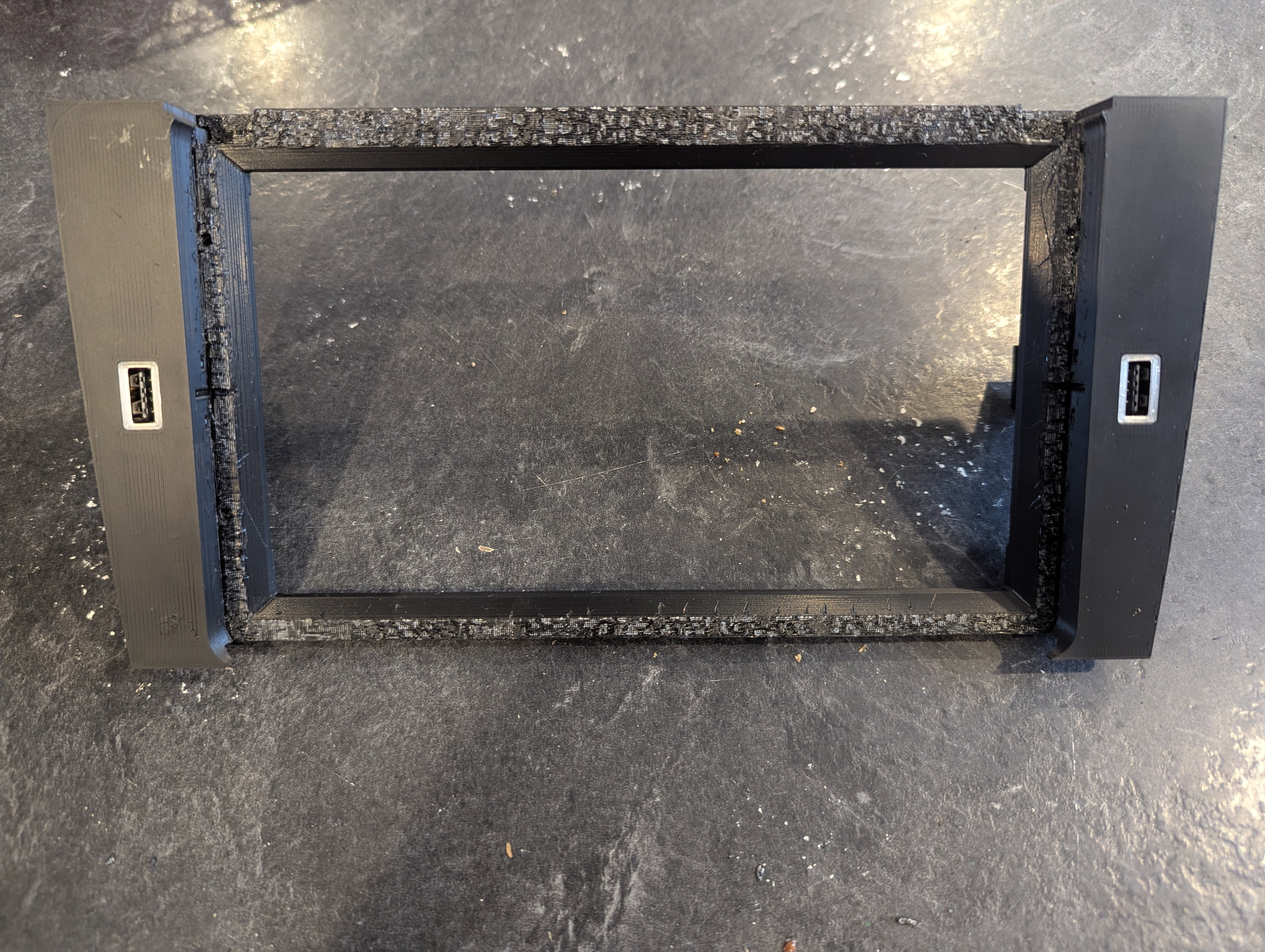
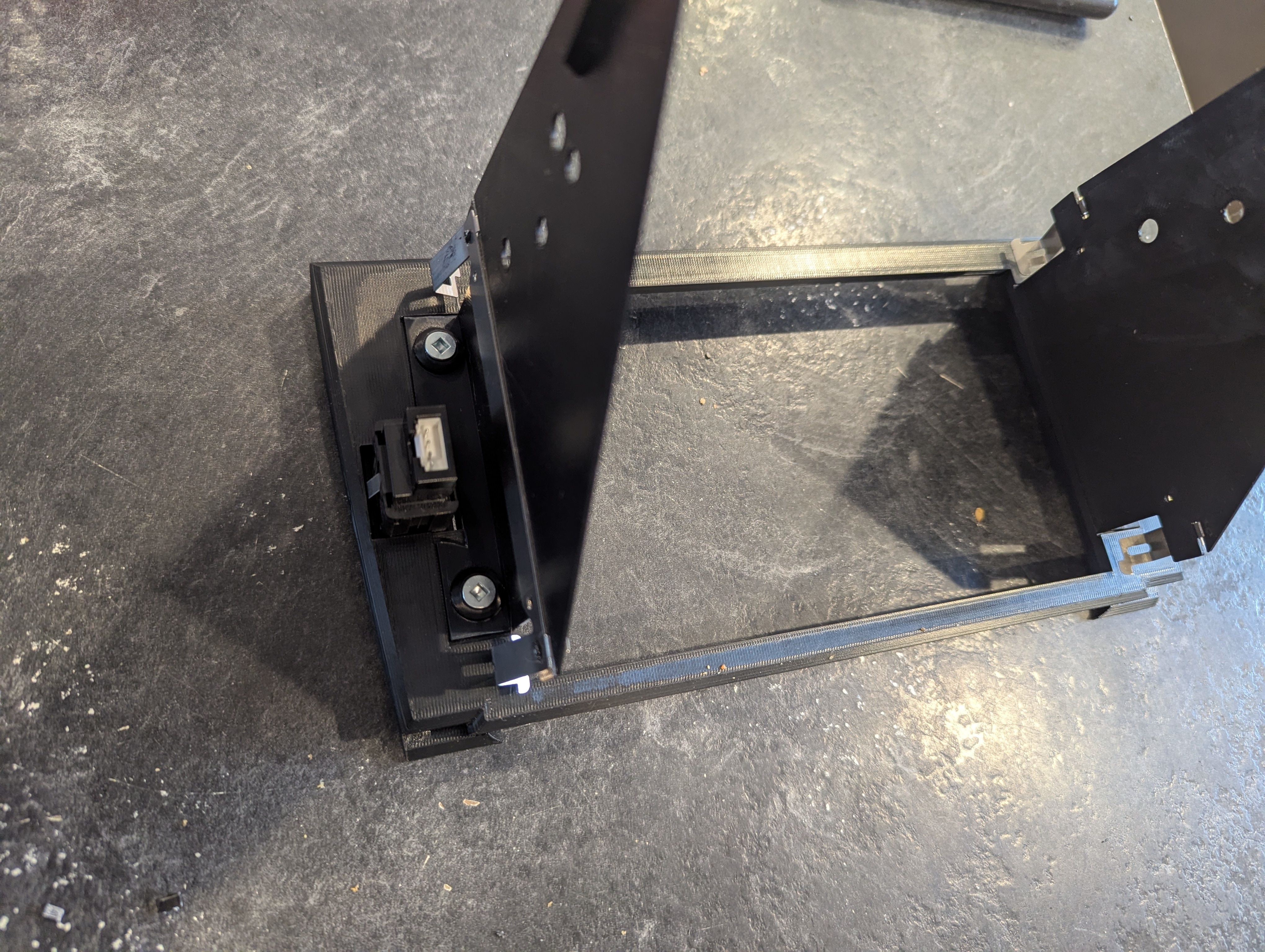
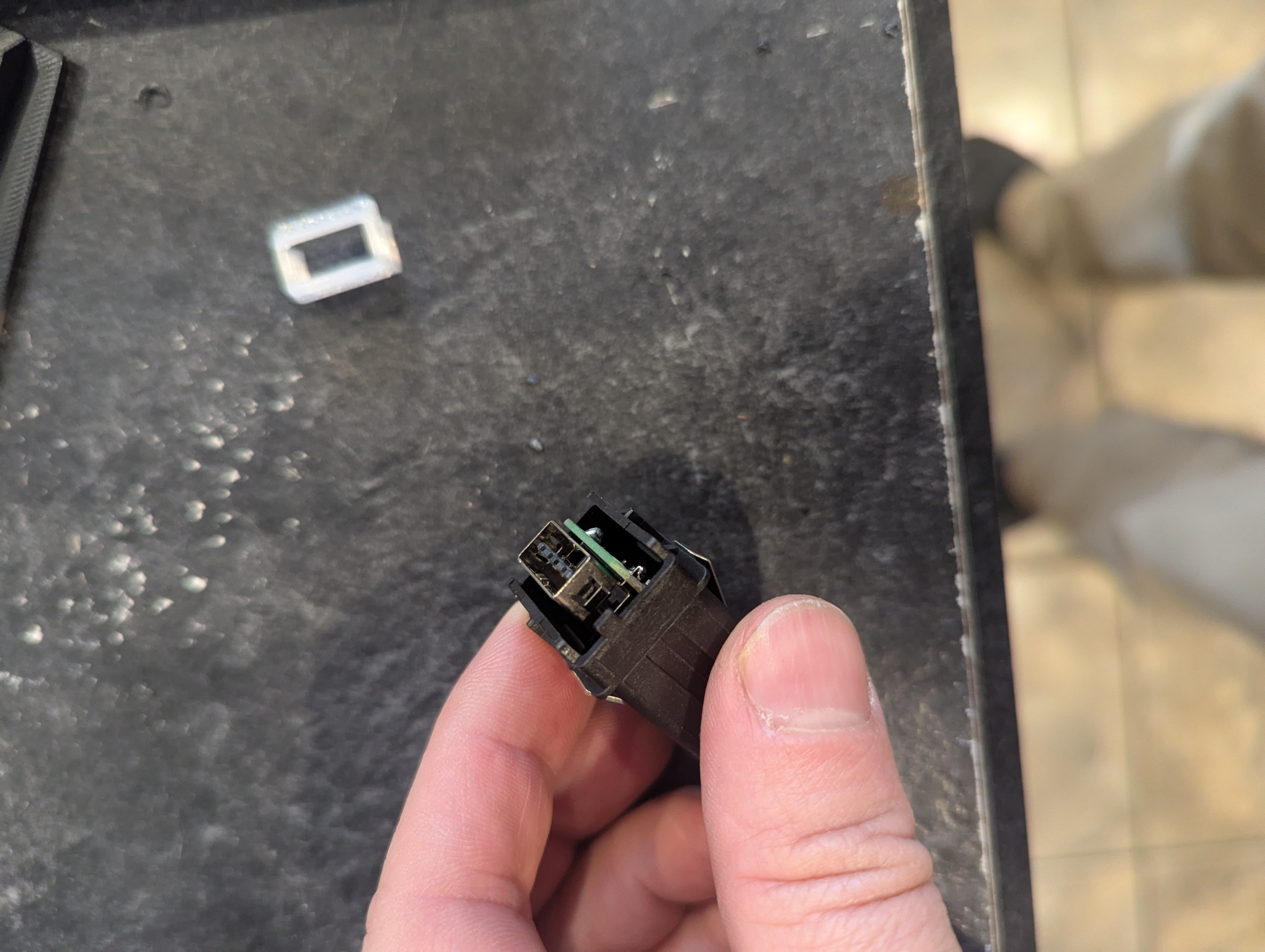
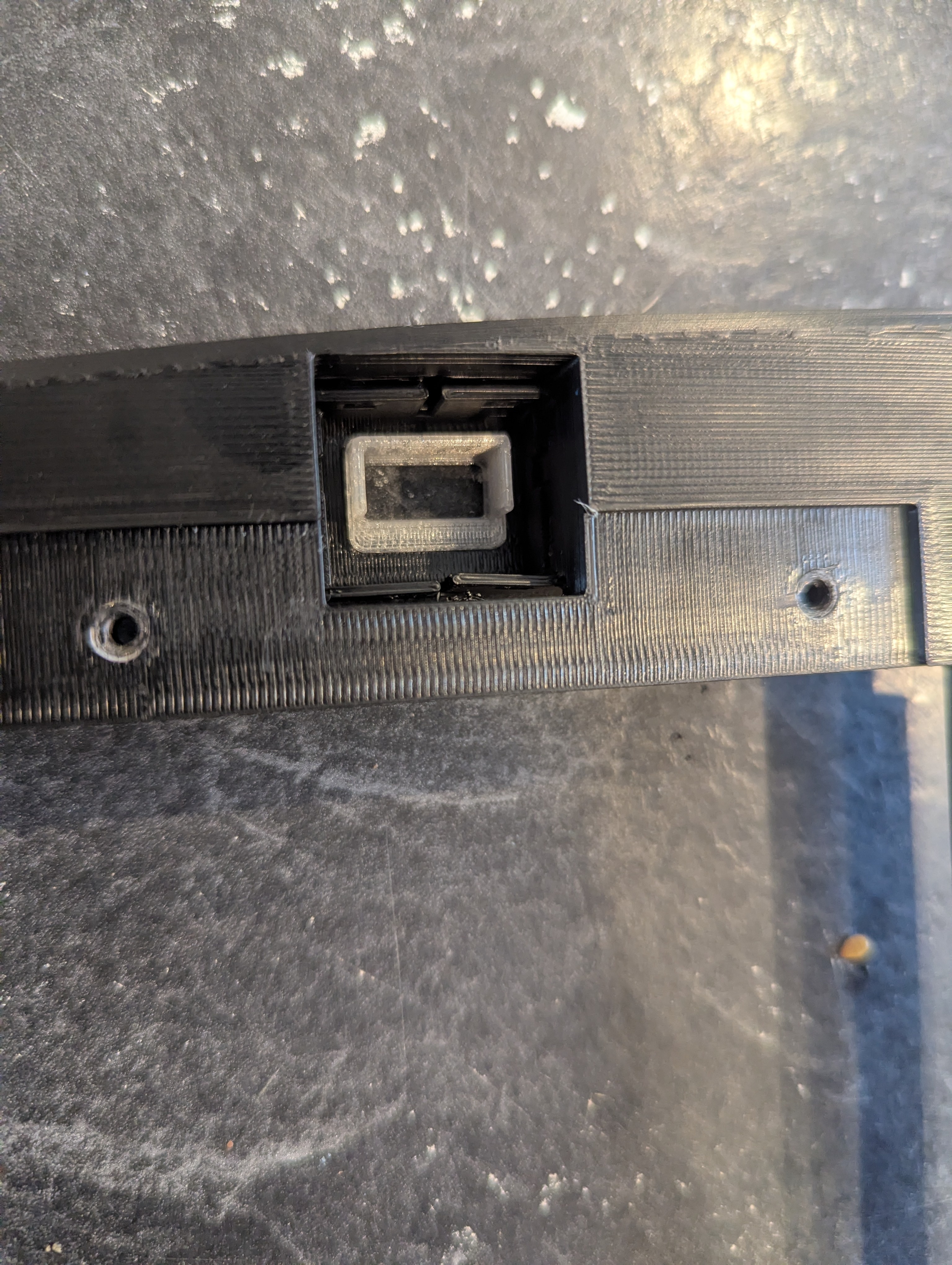
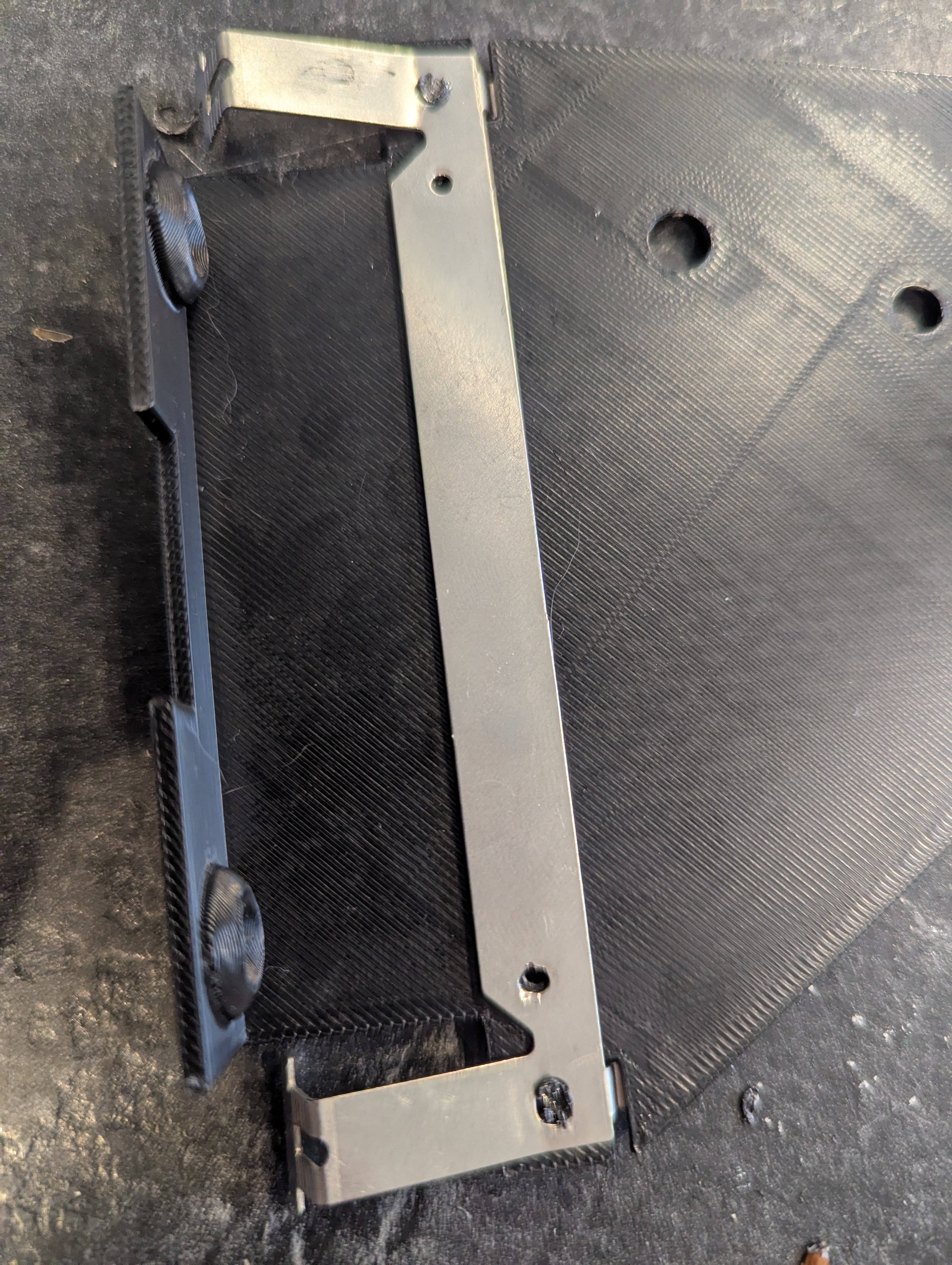

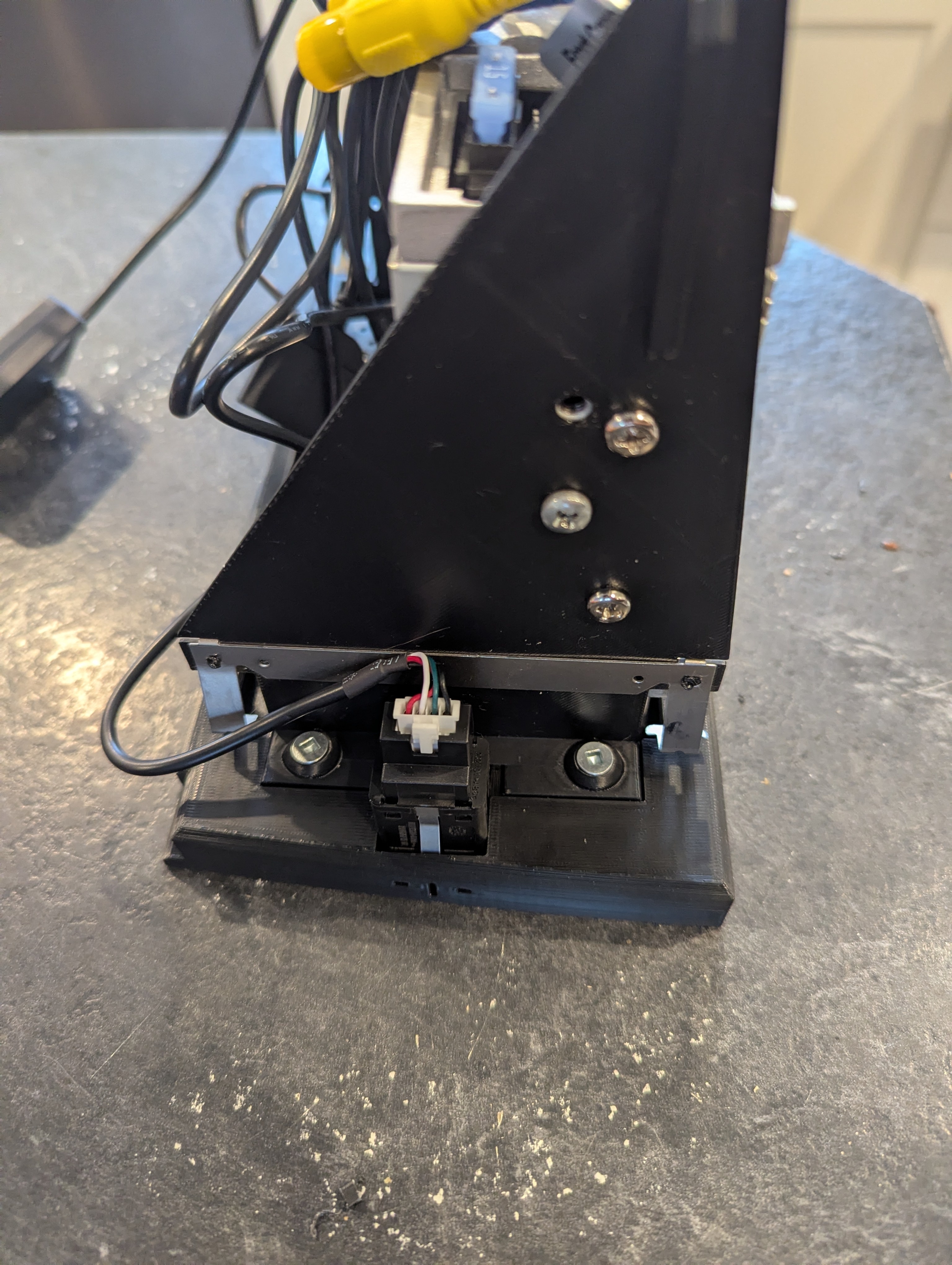
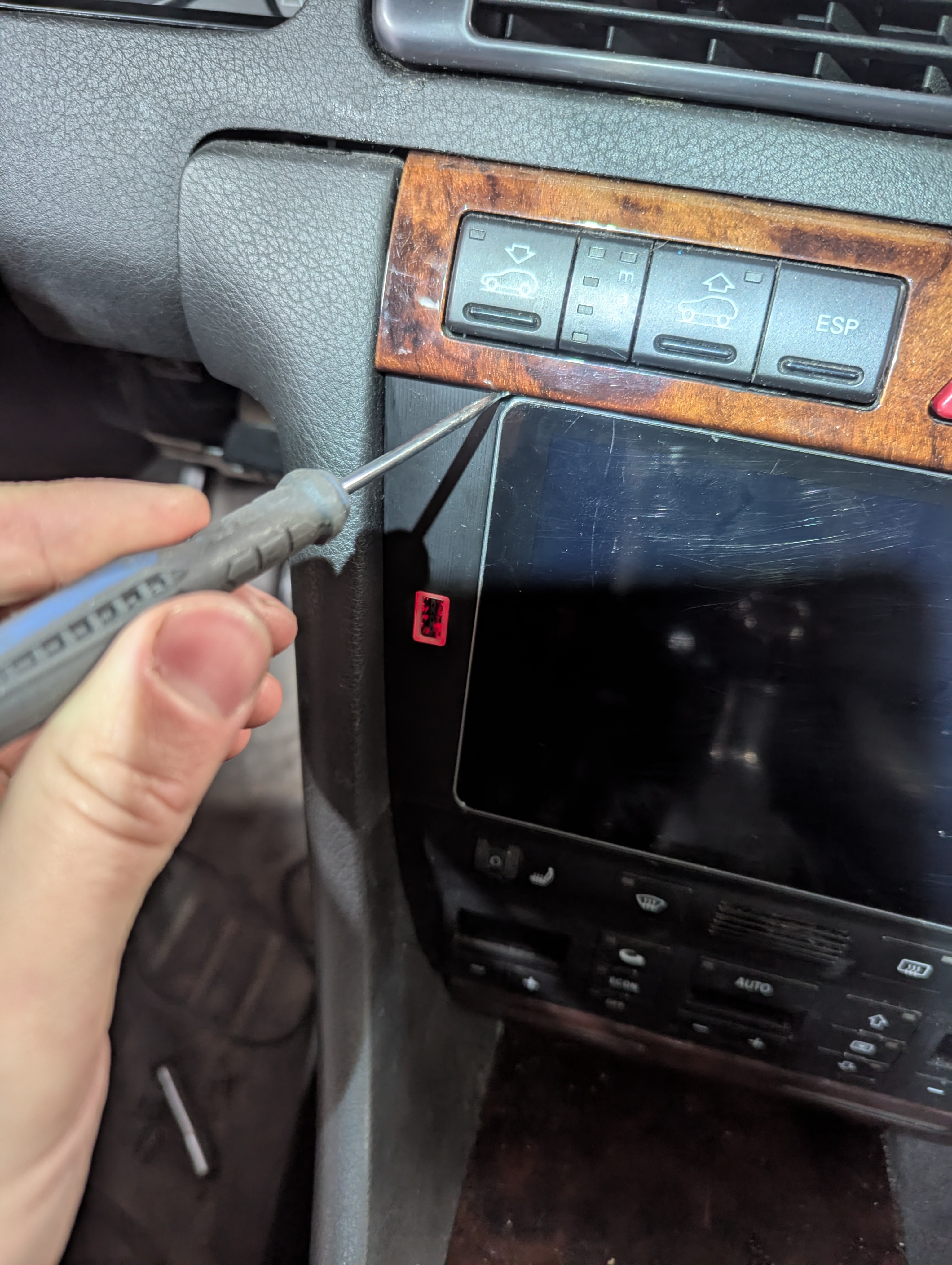
/https://preview3d-images.cults3d.com/29sc3cd4n82y9qsspwprt90ckvjs)
/https://preview3d-images.cults3d.com/iv7q0fnlybjiy660tm0ph6f26vm8)
/https://preview3d-images.cults3d.com/szqnsmnxv5ltc3qbexhgtt3lh2ul)
/https://preview3d-images.cults3d.com/ilyg4h3ajt1m4oetl2q77of8gu8b)
/https://preview3d-images.cults3d.com/44on9ps7pk7d2oi4aw10ws0u4d5f)
/https://preview3d-images.cults3d.com/ddruqyuehgpq3wzooosi4rn9ecbi)
/https://preview3d-images.cults3d.com/hthgtemqxmw2xkqjk8f9ofpovgaq)
- 50 виды
- 0 мне нравится
- 0 загрузка
- 0 коллекции
- 0 kомментарий
- 0 makes
| Лицензия | |
|---|---|
| Использование | |
| Формат 3D-проектирования |
8 файлов (3MF и STL) Закрыть
|
| Дата публикации | |
| Номер конструкции | 3797445 |



:format(webp)/https://fbi.cults3d.com/uploaders/34097178/illustration-file/4bd2ac5d-1eea-4cd0-8005-760fefb9b783/T10068A-VR6-Cam-Locking-Plate.jpg)
:format(webp)/https://fbi.cults3d.com/uploaders/34097178/illustration-file/62cc2815-1600-482c-a955-24cdf2ab7100/Socket-Adapter.jpeg)
:format(webp)/https://fbi.cults3d.com/uploaders/34097178/illustration-file/a3ad24e9-88f0-4241-868b-45817cb66f06/Full-View-Lit.jpg)
:format(webp)/https://fbi.cults3d.com/uploaders/34097178/illustration-file/ea854503-5786-4f01-88a1-8625cdba0977/Spal-Installed.jpg)
:format(webp)/https://fbi.cults3d.com/uploaders/34097178/illustration-file/410d4eb8-fe08-450d-9543-e07683217f40/Tool.jpg)
:format(webp)/https://fbi.cults3d.com/uploaders/34097178/illustration-file/a03c492f-806b-40ad-b4c5-1abaa4221af9/Top-View.jpg)
:format(webp)/https://fbi.cults3d.com/uploaders/34097178/illustration-file/600ce119-ccc9-40da-b5be-2a2bb5512569/No-VC.jpg)
:format(webp)/https://fbi.cults3d.com/uploaders/34097178/illustration-file/aebe9f8a-0591-4ad1-b00d-ba13eb22e534/Short-Installed.jpg)
Вы хотите поддержать Cults?
Вам нравятся Cults и вы хотите помочь нам продолжить наш путь самостоятельно? Обратите внимание, что мы — маленькая команда из 4 человек, поэтому поддержать нас в поддержании деятельности и создании будущих разработок очень просто. Вот 3 решения, доступные для всех:
- РЕКЛАМА: Отключите блокировщик рекламы.
- ДОНАТЫ: сделать пожертвование через Ko-Fi здесь Отправить донат
- ПРИГЛАШЕНИЕ ДРУЗЕЙ: Приглашайте своих друзей, откройте для себя платформу и великолепные 3D-файлы, которыми делится сообщество!
Обмен и загрузка на Cults3D гарантирует, что дизайны остаются в руках сообщества создателей! А не в руках гигантов 3D-печати или программного обеспечения, которые владеют конкурирующими платформами и используют дизайны в своих собственных коммерческих интересах.
Cults3D - это независимый и самофинансируемый сайт, который не подчиняется ни одному инвестору или бренду. Почти все доходы сайта возвращаются создателям платформы. Контент, публикуемый на сайте, служит **только интересам его авторов, а не брендов 3D-принтеров, которые также хотят контролировать рынок 3D-моделирования.