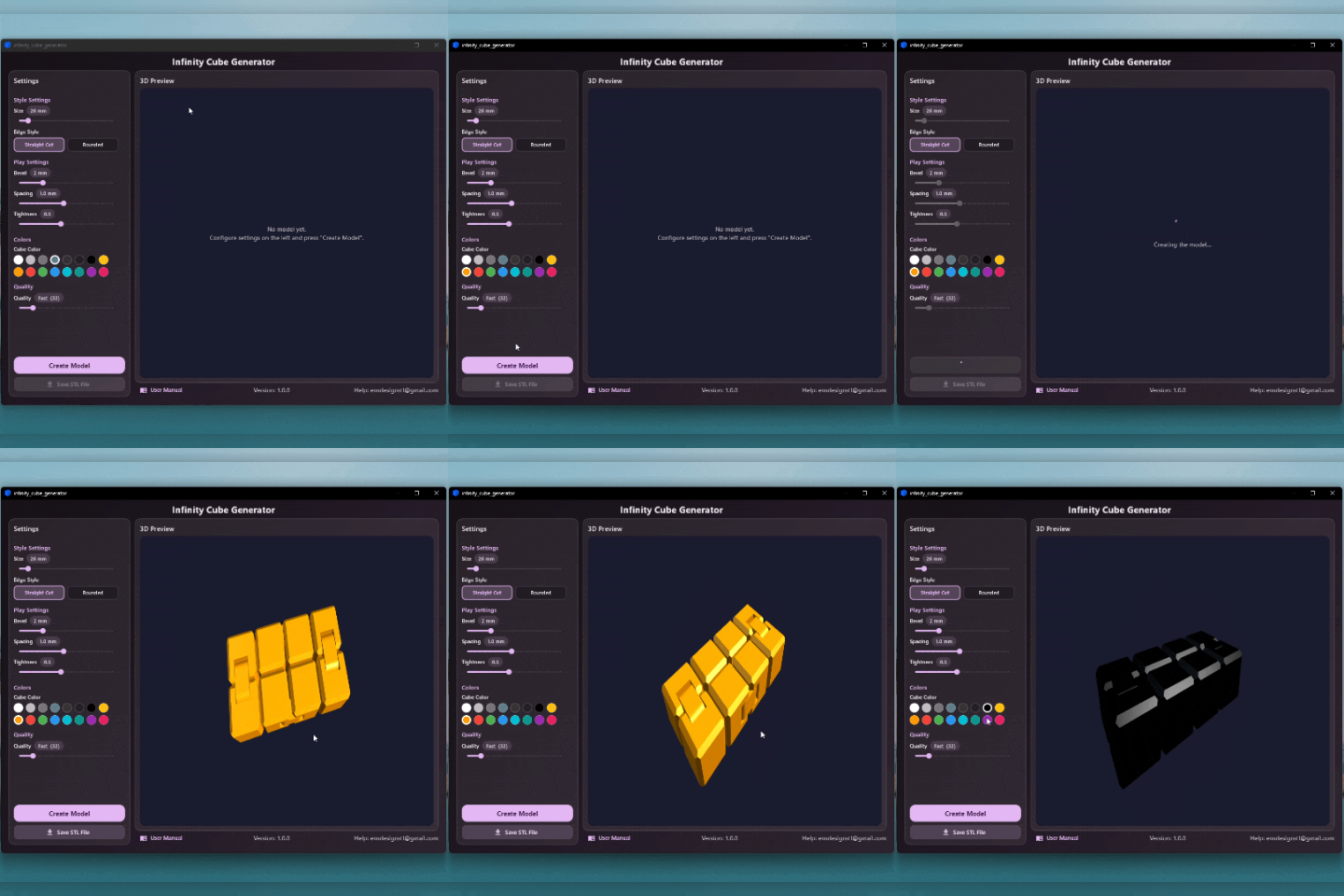
Infinity Cube Generator – 3D Printable Fidget Cube Creator (Windows)
Design and export your own 3D printable Infinity Cube in seconds with Infinity Cube Generator!
Adjust the size, edge style, joint tightness, and more — then export a print-ready STL file with a single click.
👉 Important: You are not downloading a ready-made STL file here.
You are downloading a Windows desktop application that lets you generate unlimited custom Infinity Cube models whenever you want.
♾️ What is an Infinity Cube?
An Infinity Cube (also known as a Fidget Cube or Magic Cube) consists of 8 individual cubes linked together with hinges that allow them to fold and flip in every direction. It's one of the most satisfying and
popular fidget toys to 3D print — and with this app, you can customize every detail of it.
⚙️ What you can customize
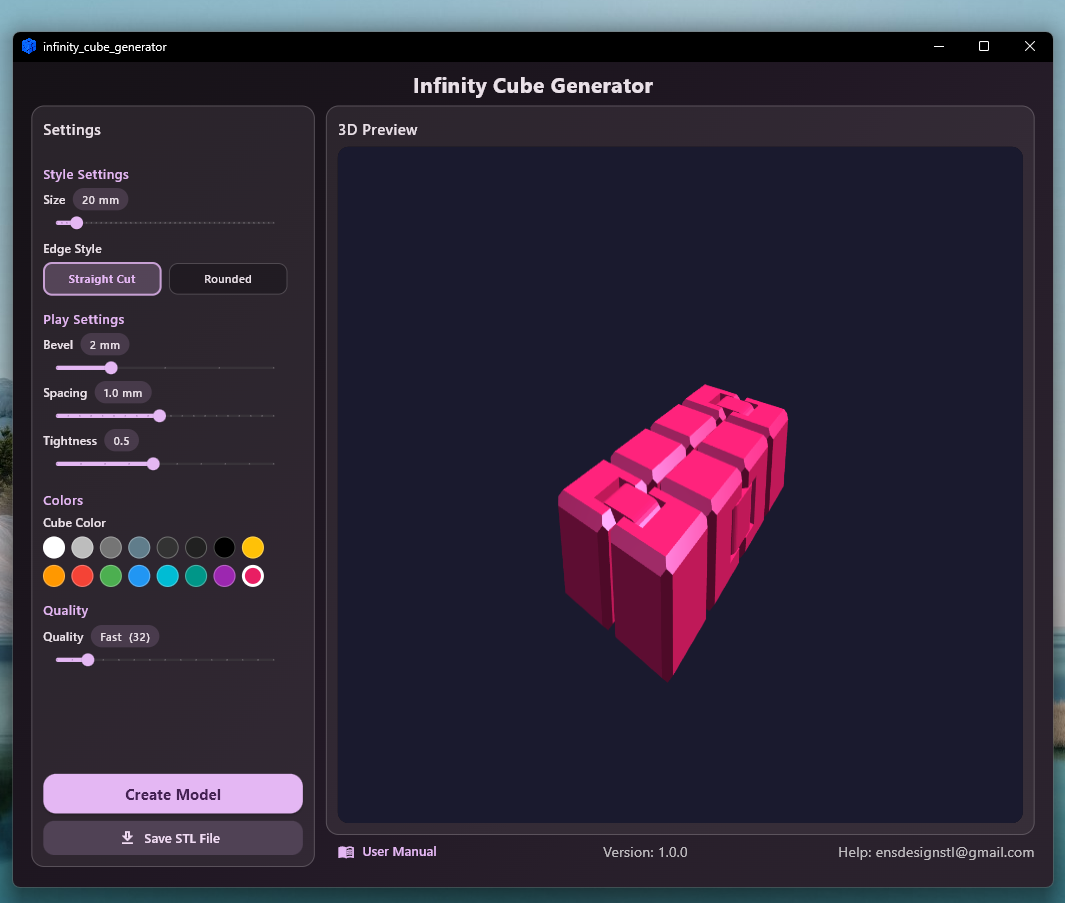
Style Settings
- ✔ Cube size (16–60 mm per cube)
- ✔ Edge style: Straight Cut (chamfered edges) or Rounded (smooth Minkowski edges)
Play Feel Settings
- ✔ Bevel size — control how sharp or soft the edges are
- ✔ Spacing — how much room the cubes have to move against each other
- ✔ Tightness — how snug the hinge joints are; fine-tune for your printer and filament
Quality
- ✔ 5 quality levels: Very Fast → Fast → Medium → High → Ultra
Adjust render smoothness based on your needs and PC speed
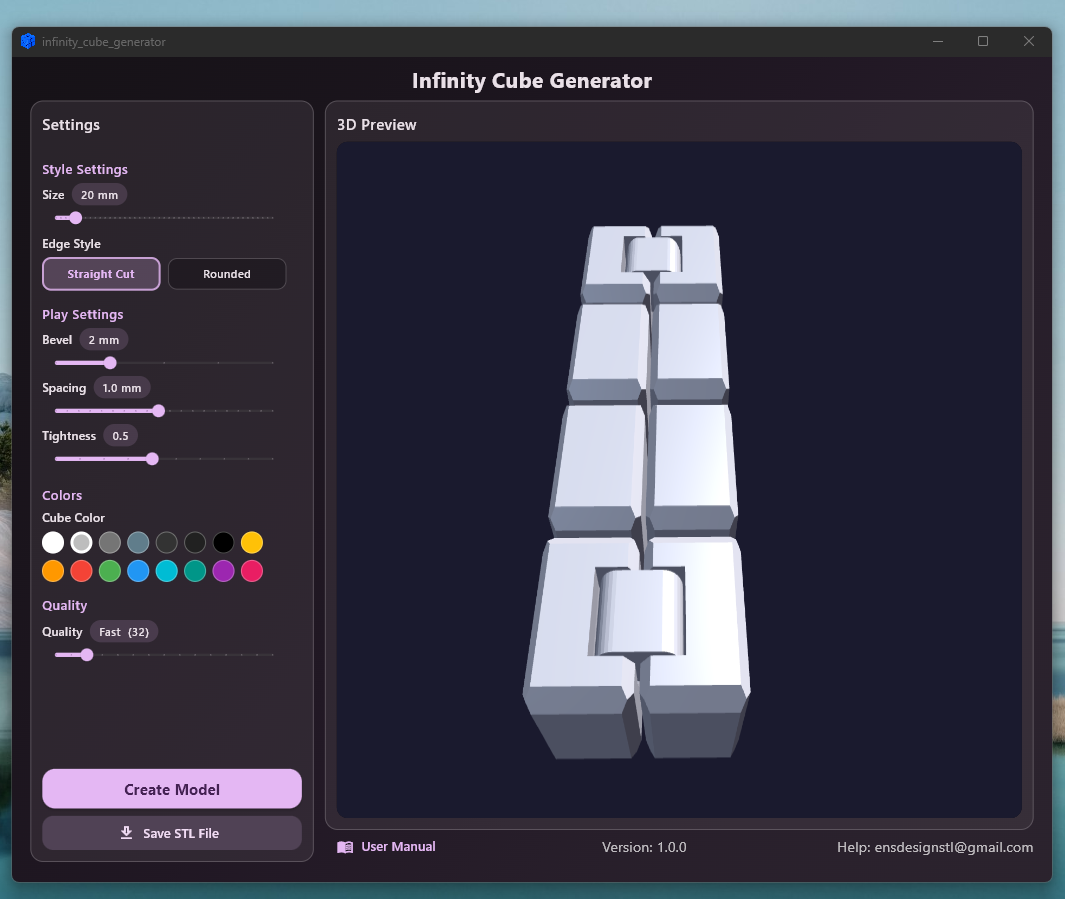
🖥️ Real-time 3D preview
See your model from every angle before printing — rotate, zoom, and inspect it directly inside the app.
📁 One-click STL export
Generate a clean, print-ready STL file optimized for your 3D printer. The model prints flat on the build plate — no supports needed.
After printing, simply fold the cubes into shape and the hinges snap into place.
✅ Unlimited usage
Buy once — generate unlimited models forever. No subscriptions, no internet required.
🖨️ Built for 3D printer owners
Perfect for:
- Fidget toys and stress-relief gifts
- Kids' and adults' desk toys
- Custom merchandise and Etsy shops
- Print farms and small businesses
- Anyone who loves printing functional articulated models
Recommended materials: PLA or PETG (PETG gives slightly more flexible joints)
Recommended layer height: 0.15–0.20 mm for smooth hinge movement
🔒 Safe and simple
When opening the app for the first time, Windows may warn you that it comes from an unregistered publisher.
This is completely normal.
The application is safe to use — it only generates STL files based on your chosen settings. No internet connection is required, and no data is uploaded anywhere.
💬 Questions or support?
I'm actively developing more 3D modeling and customization tools. Feel free to reach out anytime:
📧 ensdesignstl@gmail.com
/https://fbi.cults3d.com/uploads/user/avatar/26722470/1766002912344.jpg "ensDesign")


:format(webp)/https://fbi.cults3d.com/uploaders/26722470/illustration-file/0e9493e5-f618-4fc5-9515-c3ea8c3c0fbb/1.jpg)
:format(webp)/https://fbi.cults3d.com/uploaders/26722470/illustration-file/278de401-dcab-4724-a2ef-5e0db67600cf/a1-kopya.jpg)
:format(webp)/https://fbi.cults3d.com/uploaders/26722470/illustration-file/b25e03ac-d87f-43ae-991d-4d6c7fcb6841/image.jpg)
:format(webp)/https://fbi.cults3d.com/uploaders/26722470/illustration-file/cd3393e0-2d0f-43e5-8075-3a7ad700367b/123.jpg)
:format(webp)/https://fbi.cults3d.com/uploaders/26722470/illustration-file/dc28e579-d626-498c-bb16-f345f086dfaf/InShot_20231219_112754910.gif)
:format(webp)/https://fbi.cults3d.com/uploaders/26722470/illustration-file/c2dfc014-d084-4c43-92f3-5776d68fd29e/mom.png)
:format(webp)/https://fbi.cults3d.com/uploaders/26722470/illustration-file/27b955a6-2fa8-4aa6-a038-15fdefb350bc/1.jpg)