広告
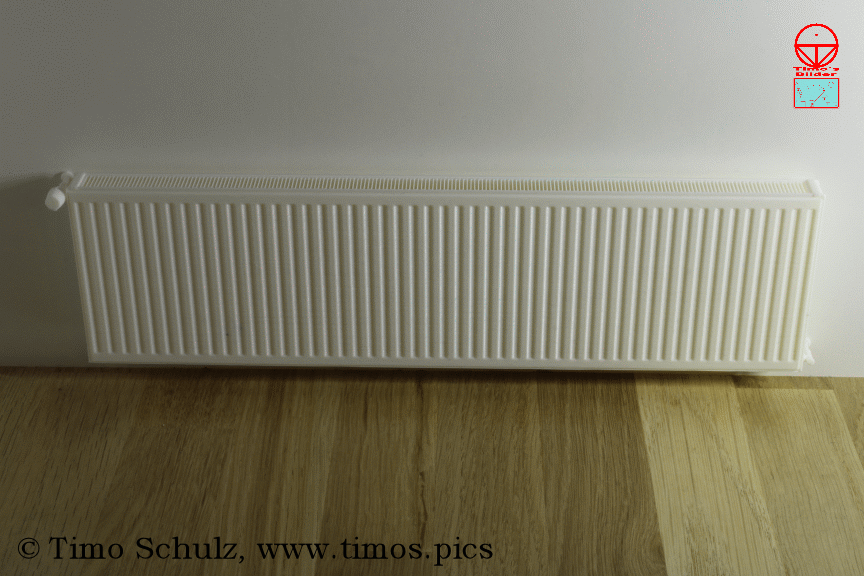
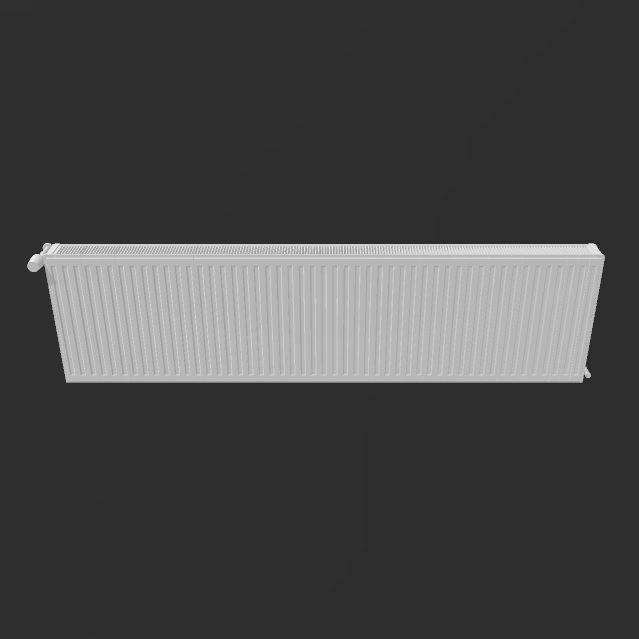
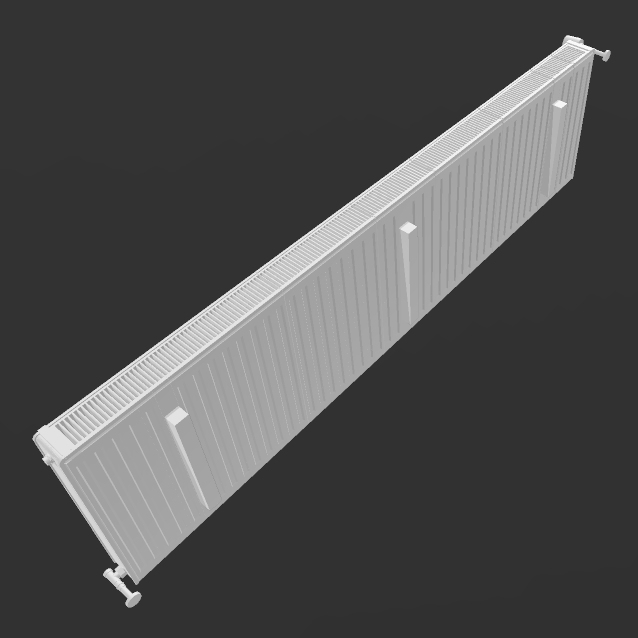
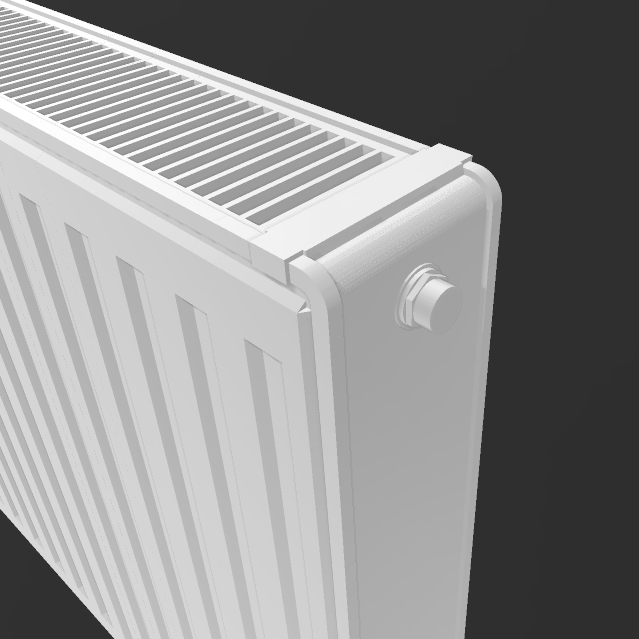
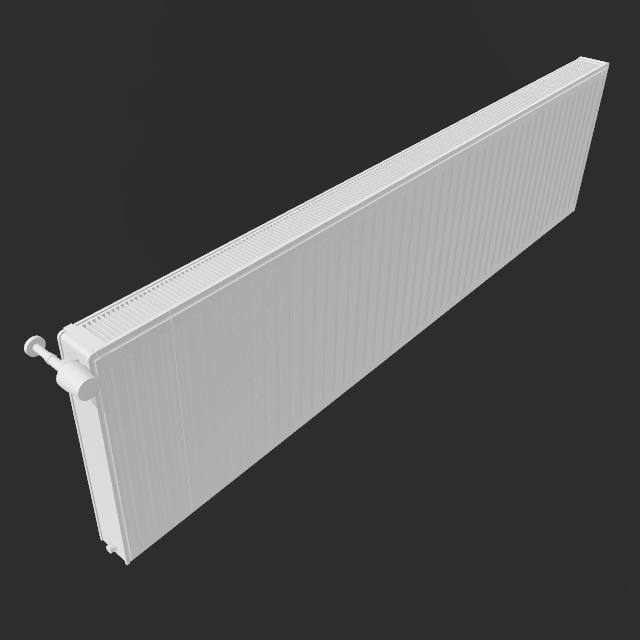
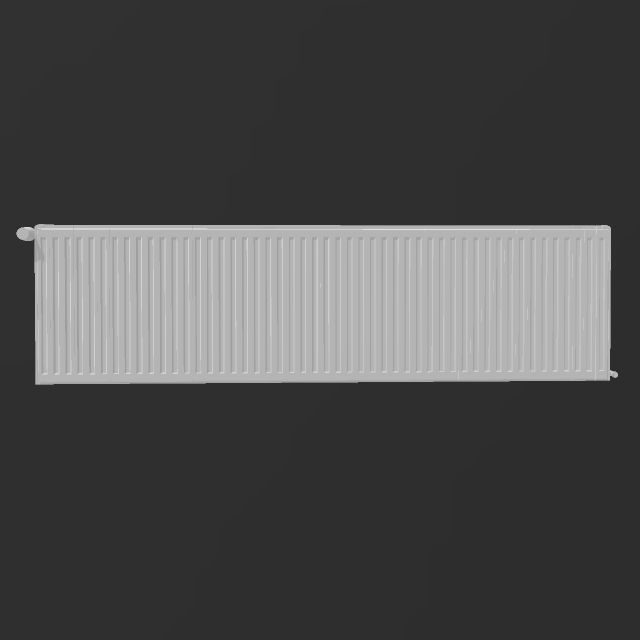
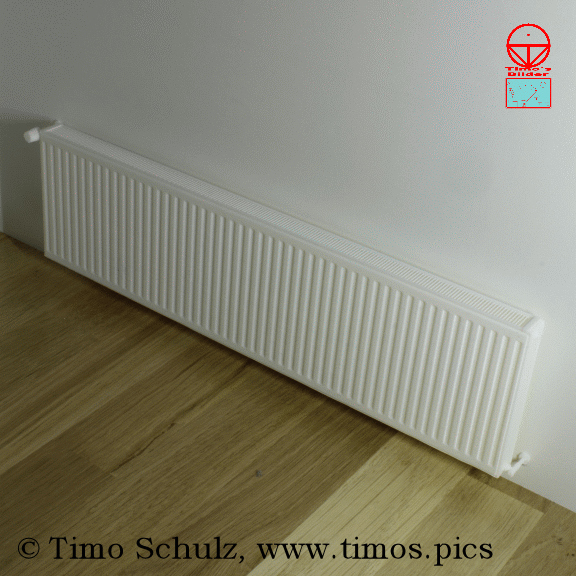
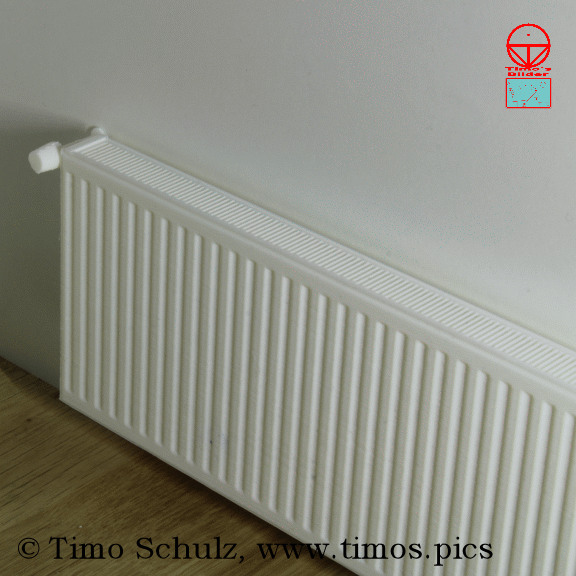
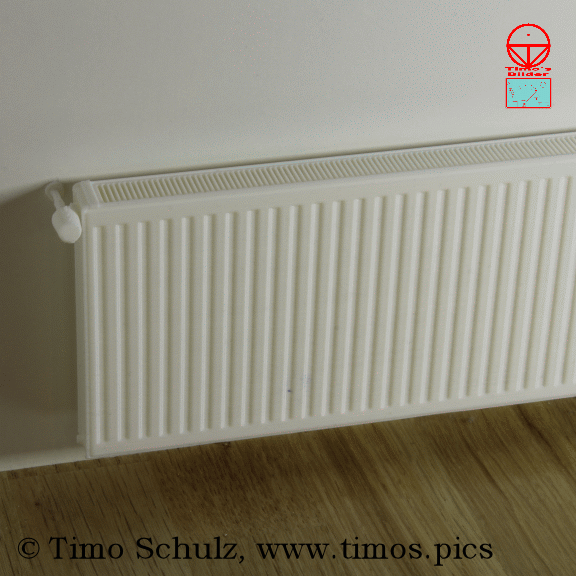
Modern panel radiator no. 1 kit
:format(webp)/https://fbi.cults3d.com/uploaders/30003955/illustration-file/82257109-852a-4d61-8a5f-36be04d965c0/Titelbild-1.gif)
/https://preview3d-images.cults3d.com/g8s8wjrqarls3t61jnzf3gytlmyb)
/https://preview3d-images.cults3d.com/a8nhk67nuom6x2rfeig9venur72a)
/https://preview3d-images.cults3d.com/s0oumsr9qcxjjp1sj30nl4ergg1t)
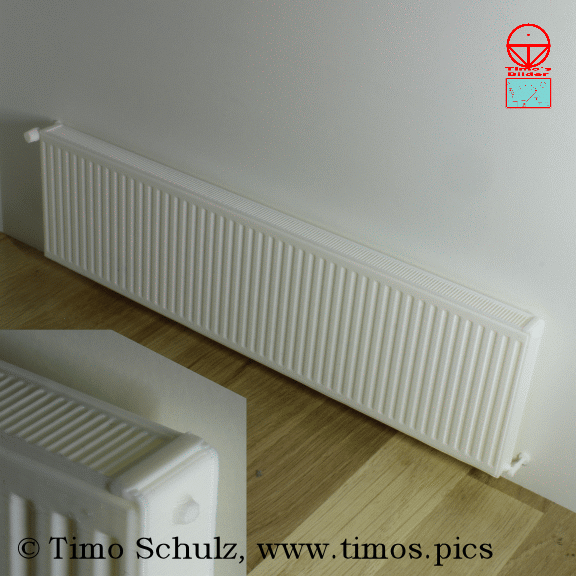
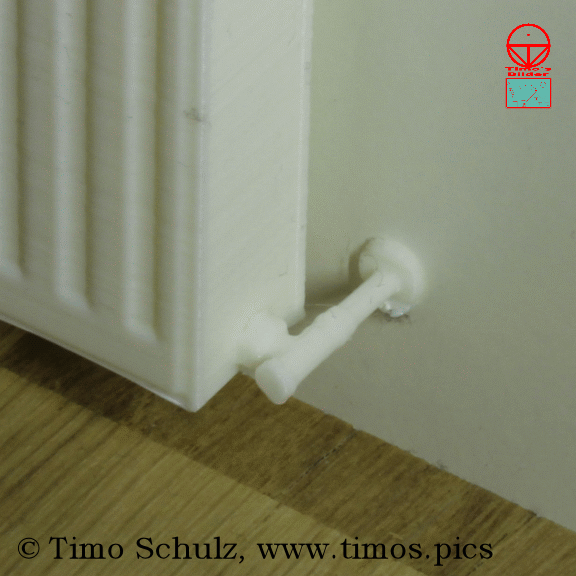
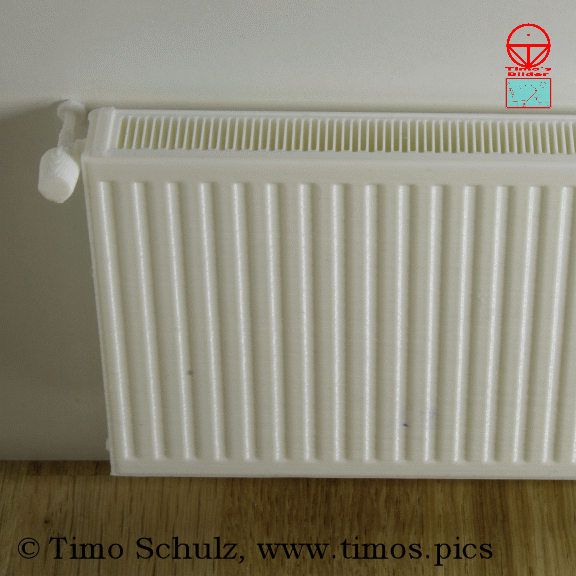
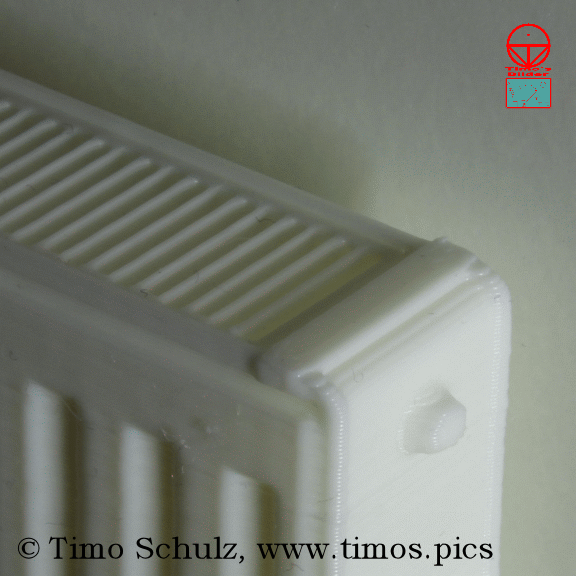
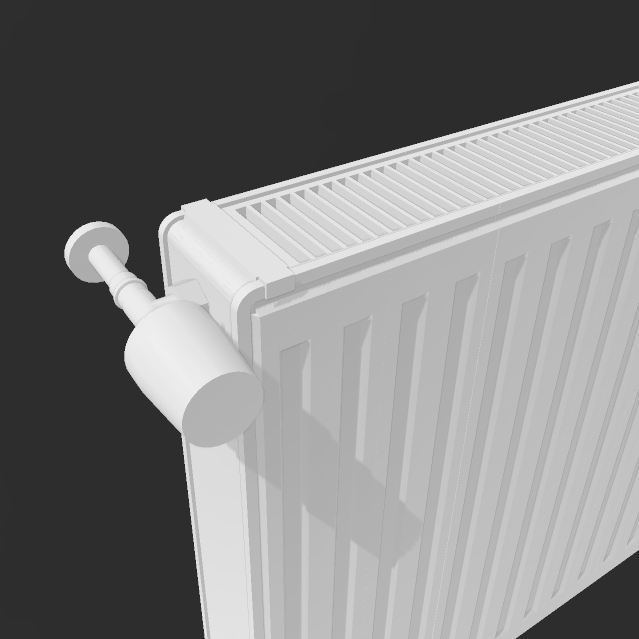
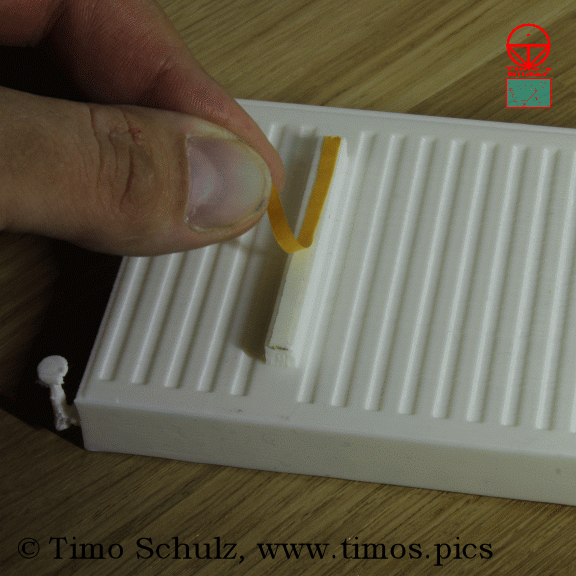
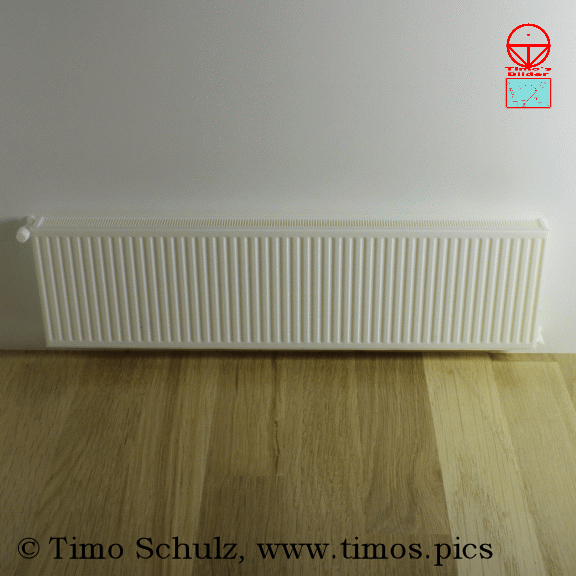
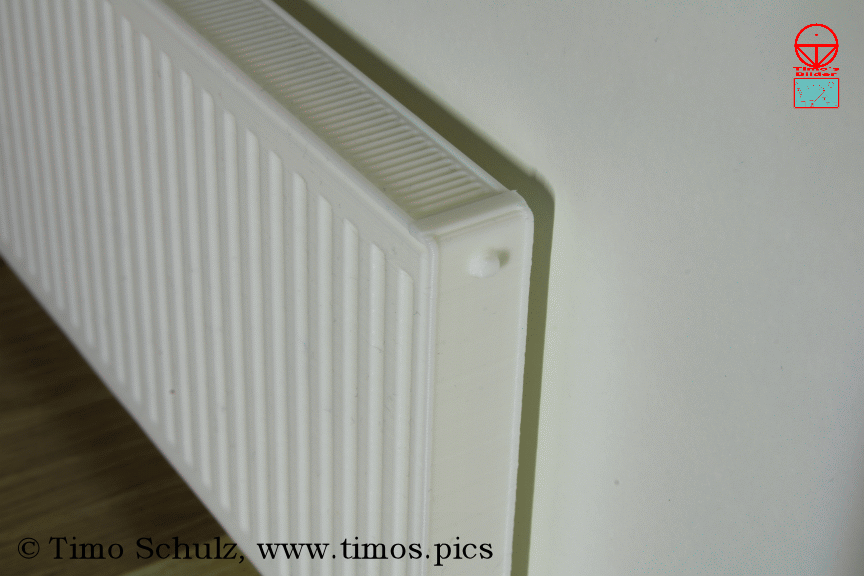
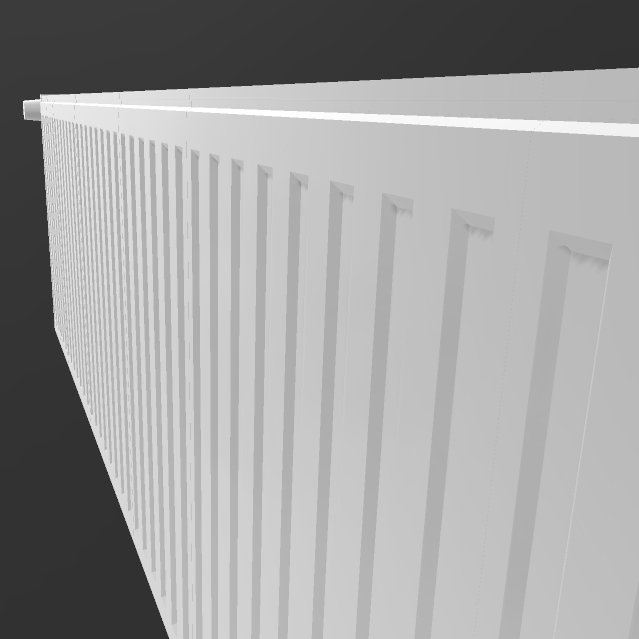
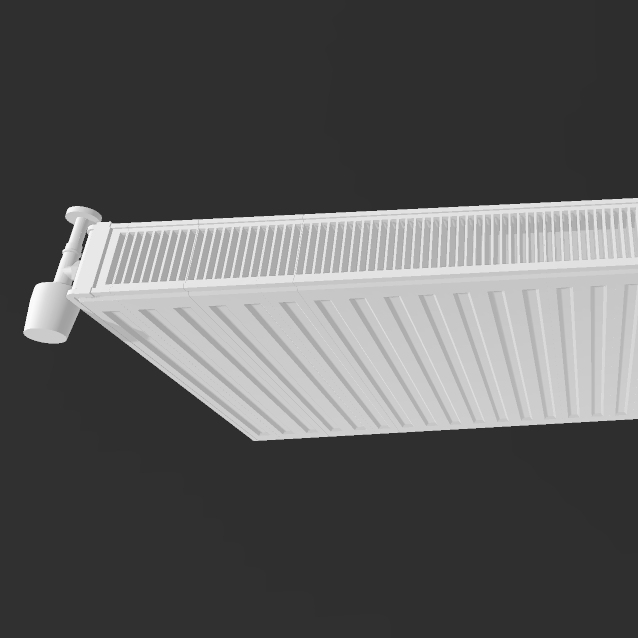
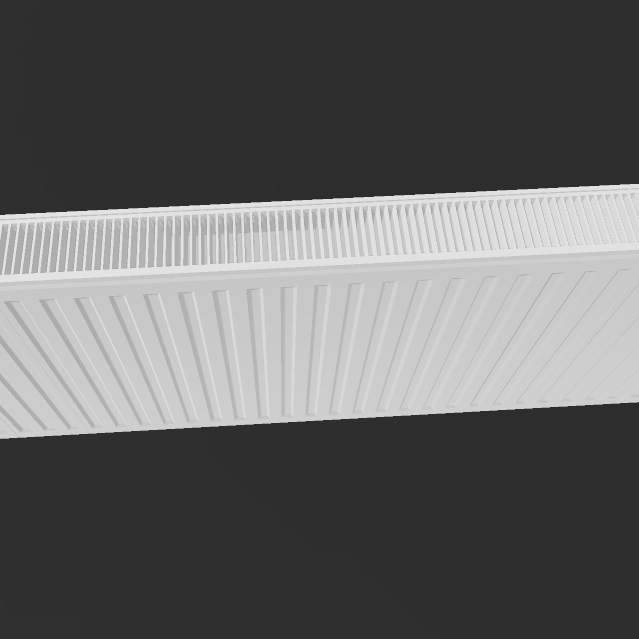
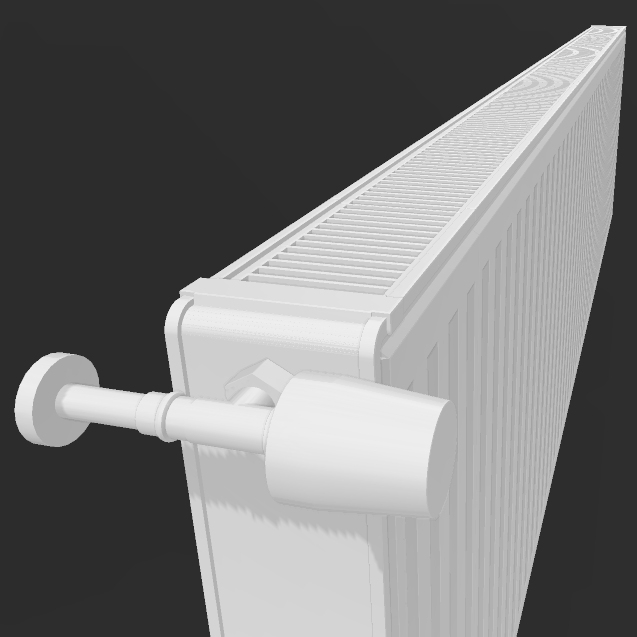
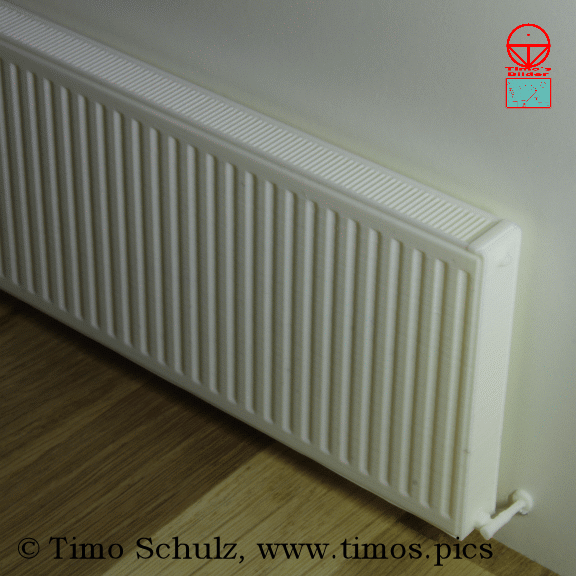
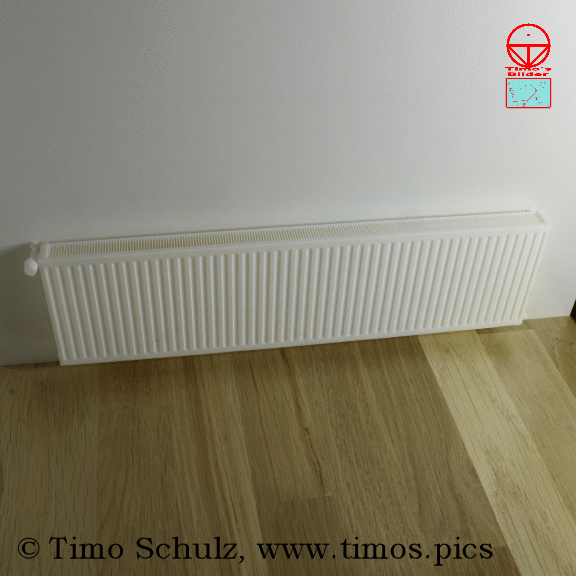
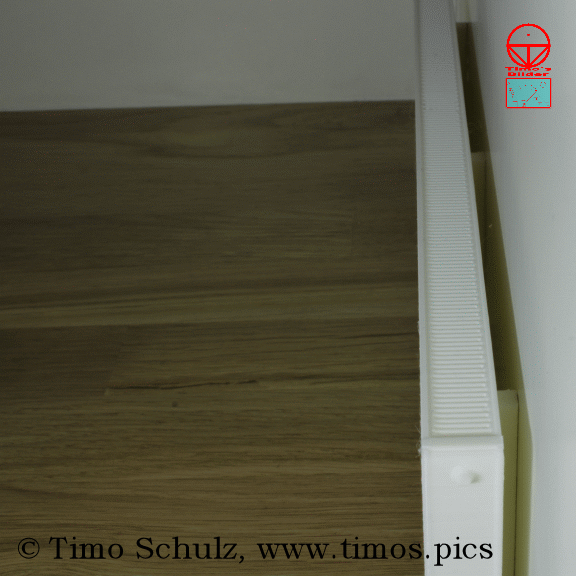
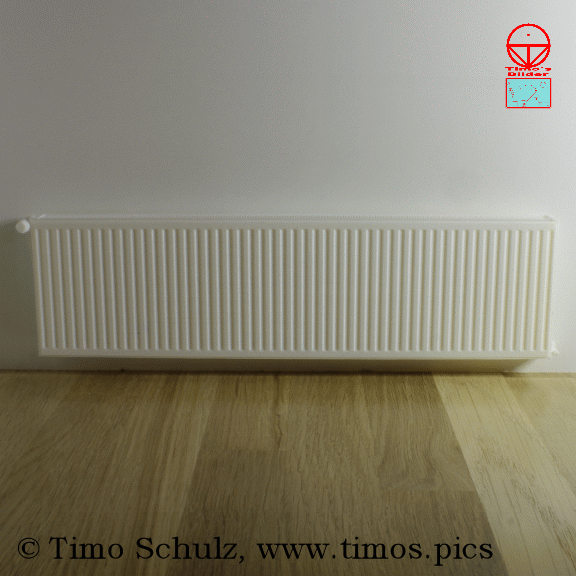
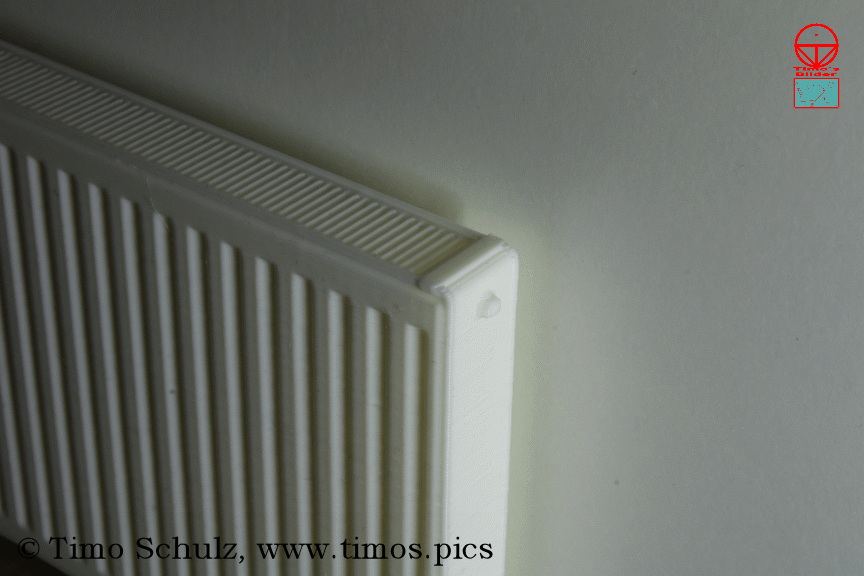
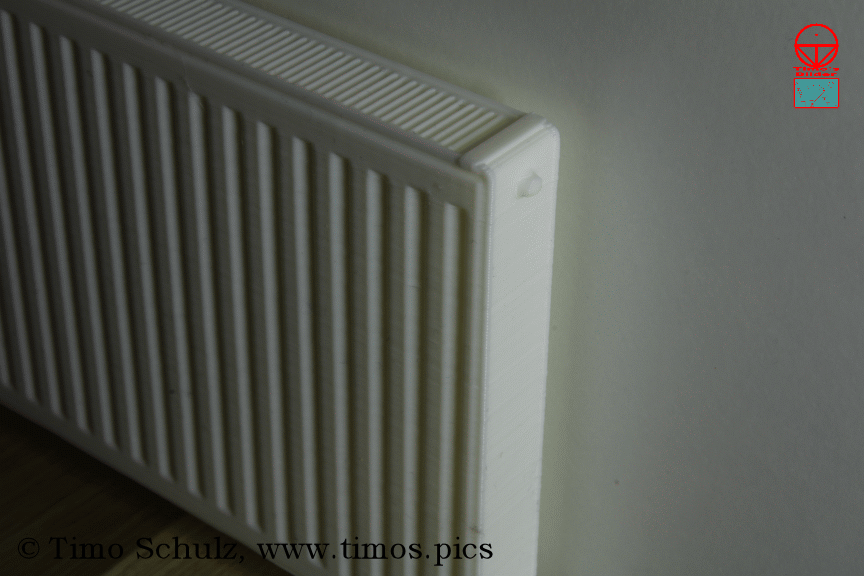
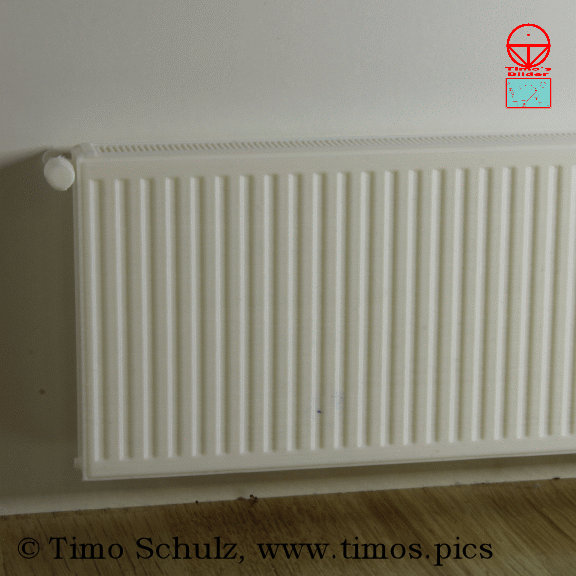
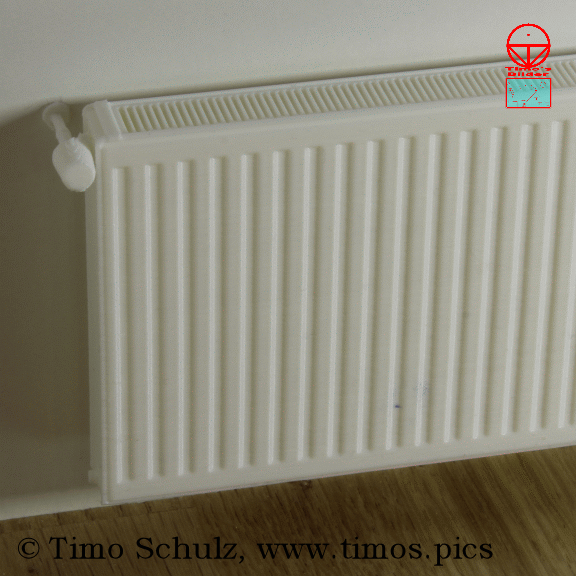
/https://preview3d-images.cults3d.com/lqfp8vep3fxazehi36l9z75pnmc7)
/https://preview3d-images.cults3d.com/7yyy6ri8scgq3u2huwo54k8d66g7)
/https://preview3d-images.cults3d.com/f4h4ec7ko11mor4yl5u9jbbleuxq)
広告
| ライセンス | |
|---|---|
| 用途 | |
| 3Dデザインの形式 |
8件のファイル (3MF, OBJ, TXT、およびZIP) 閉じる
|
| 公開日 | |
| デザイン番号 | 2074344 |
| デザイン作者 | Timo-der-Tischler |
/https://fbi.cults3d.com/uploads/user/avatar/30003955/20240905TimoSchulzProfilbild4.jpg "Timo-der-Tischler")


このデザインに問題がありますか?
問題を報告する。
:format(webp)/https://fbi.cults3d.com/uploaders/30003955/illustration-file/9ee1d3f2-e513-4cca-9821-7116fa2b15ce/image079.jpg)
:format(webp)/https://fbi.cults3d.com/uploaders/30003955/illustration-file/591abef5-03a4-4174-bd8d-6a3dfab57c86/image090.jpg)
:format(webp)/https://fbi.cults3d.com/uploaders/30003955/illustration-file/0d4d108f-86d4-456b-9bc4-812cbcfd4fc8/image071.jpg)
:format(webp)/https://fbi.cults3d.com/uploaders/30003955/illustration-file/94f67990-a2c4-4e25-a9bf-12ff0f848491/image092.jpg)
:format(webp)/https://fbi.cults3d.com/uploaders/30003955/illustration-file/1b4a3771-a96a-4b19-9d88-8dcd85fed31b/image108.jpg)
:format(webp)/https://fbi.cults3d.com/uploaders/30003955/illustration-file/092f6d41-43f9-4443-817d-a7b7ffff4dc6/Titelbild-2.gif)
:format(webp)/https://fbi.cults3d.com/uploaders/30003955/illustration-file/72143a4b-e816-4b01-a717-bb37c1304422/TimosBilder-Struckmannshaus%2C-Modellm%C3%B6bel%2C-3D-print%2C-model%2C-model-making%2C-furniture%2C-piece-of-furnitu.jpg)
:format(webp)/https://fbi.cults3d.com/uploaders/30003955/illustration-file/b34d7fed-075d-405b-a70b-03623582dfcf/Plantonkorper-Hohl.jpg)
Cultsを応援していただけませんか?
Cultsを気に入っていただけましたか?これからも独立した運営を続けていくために、ご協力いただけますか? 私たちは4人の小さなチームです。そのため、サイトの維持や今後の開発**を続けるには、みなさんのちょっとした応援が力になります。どなたでもできる3つの方法をご紹介します。
- 広告:広告ブロッカーを無効にします。
- 寄付: Ko-fiを通じて[寄付]をお願いします
- 口コミ:友人に紹介し、コミュニティで共有されている素晴らしい3Dファイルを広めてください!
Cults3Dでの共有やダウンロードを行うと、デザインがMakersコミュニティの手元に残ります! 競合プラットフォームを持つ3Dプリンターメーカーやソフトウェア大手の手に渡り、彼らの営利目的のためにデザインが利用されることはありません。
Cults3Dは、投資家やブランドに左右されない独立した自己資金運営サイトです。サイトの収益のほぼすべてがプラットフォームのMakersに還元されます。サイトで公開されるコンテンツは、著作者の利益のみを追求しており、3Dモデリング市場の支配を目論む3Dプリンターブランドの利益のために利用されることはありません。