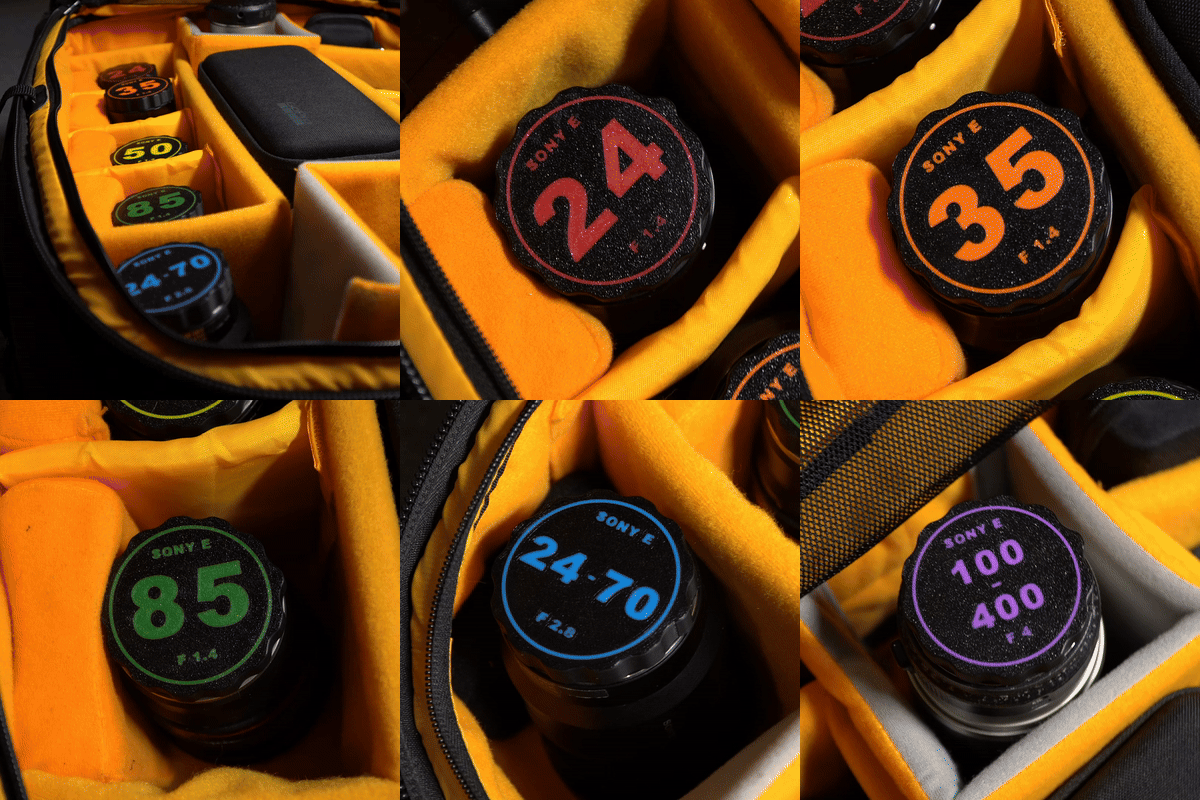
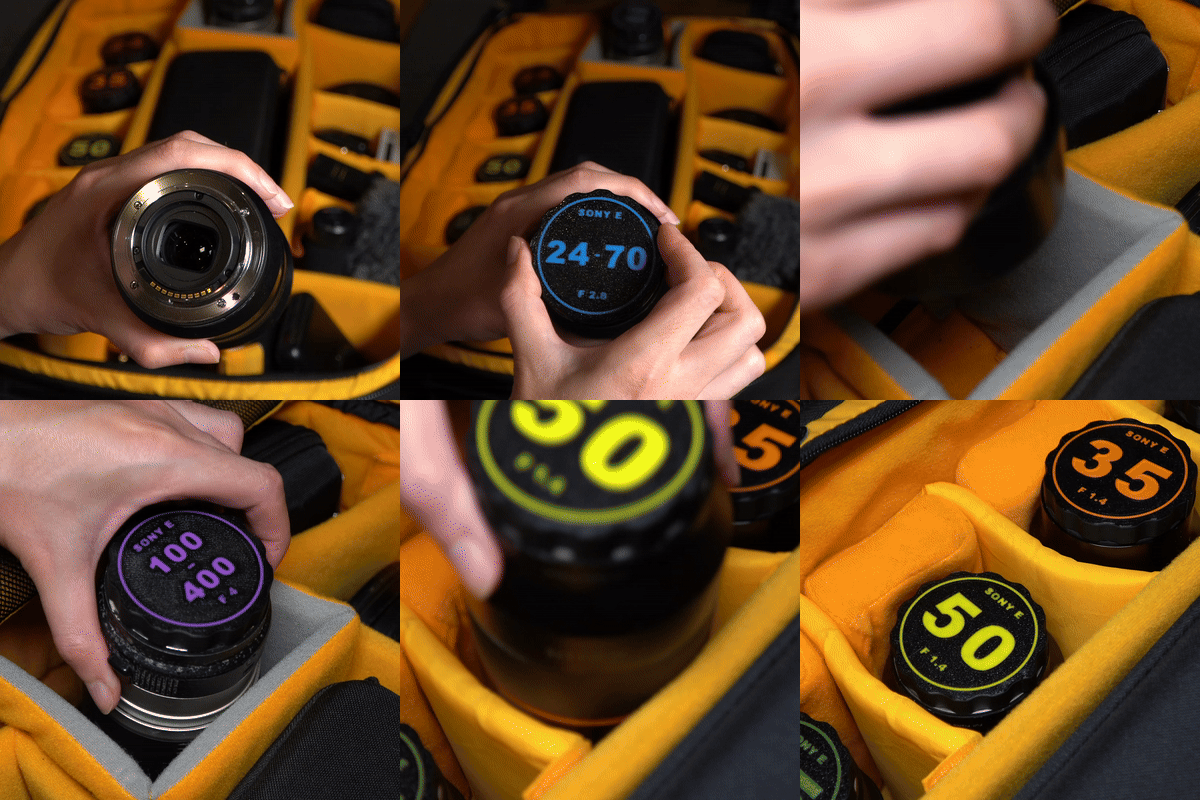
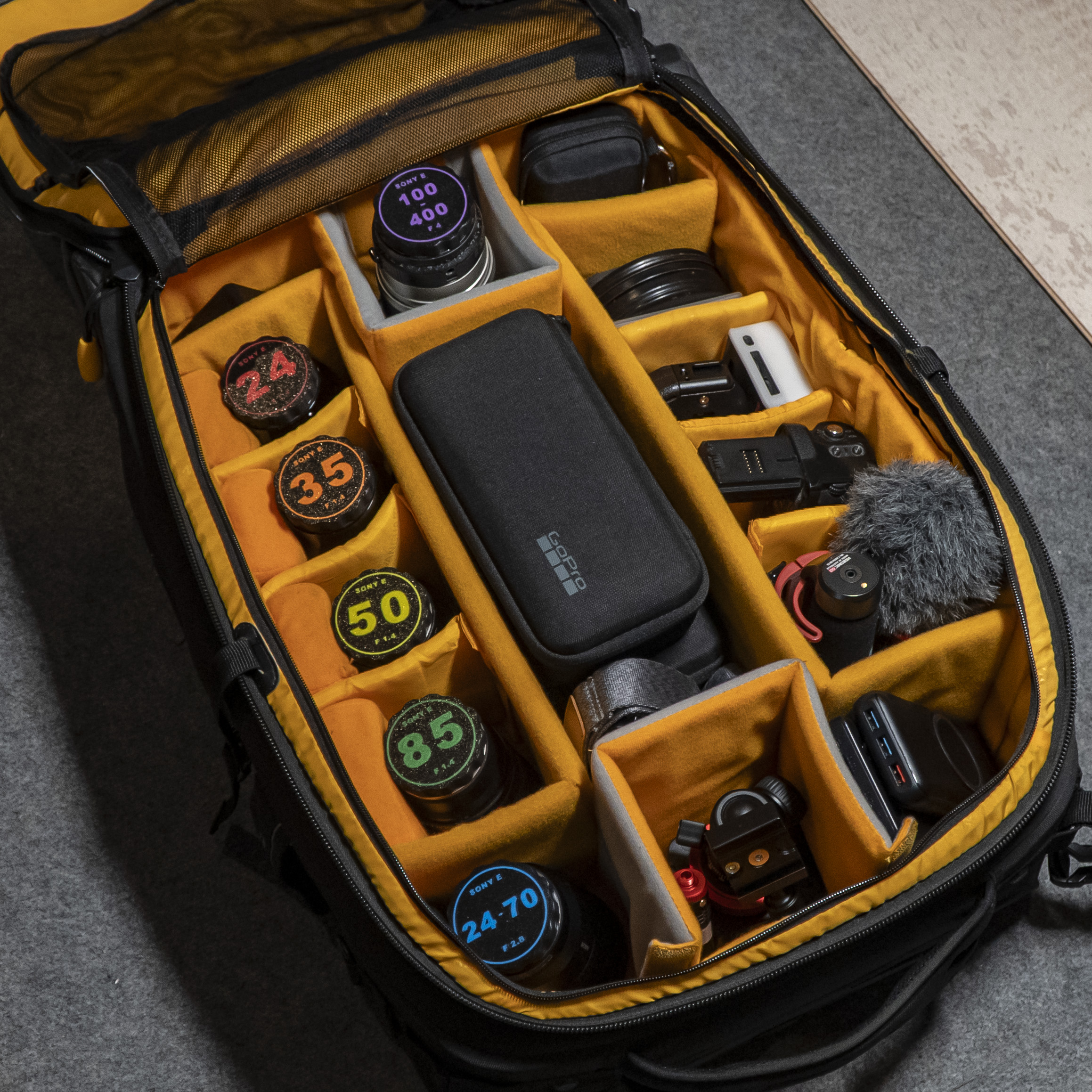
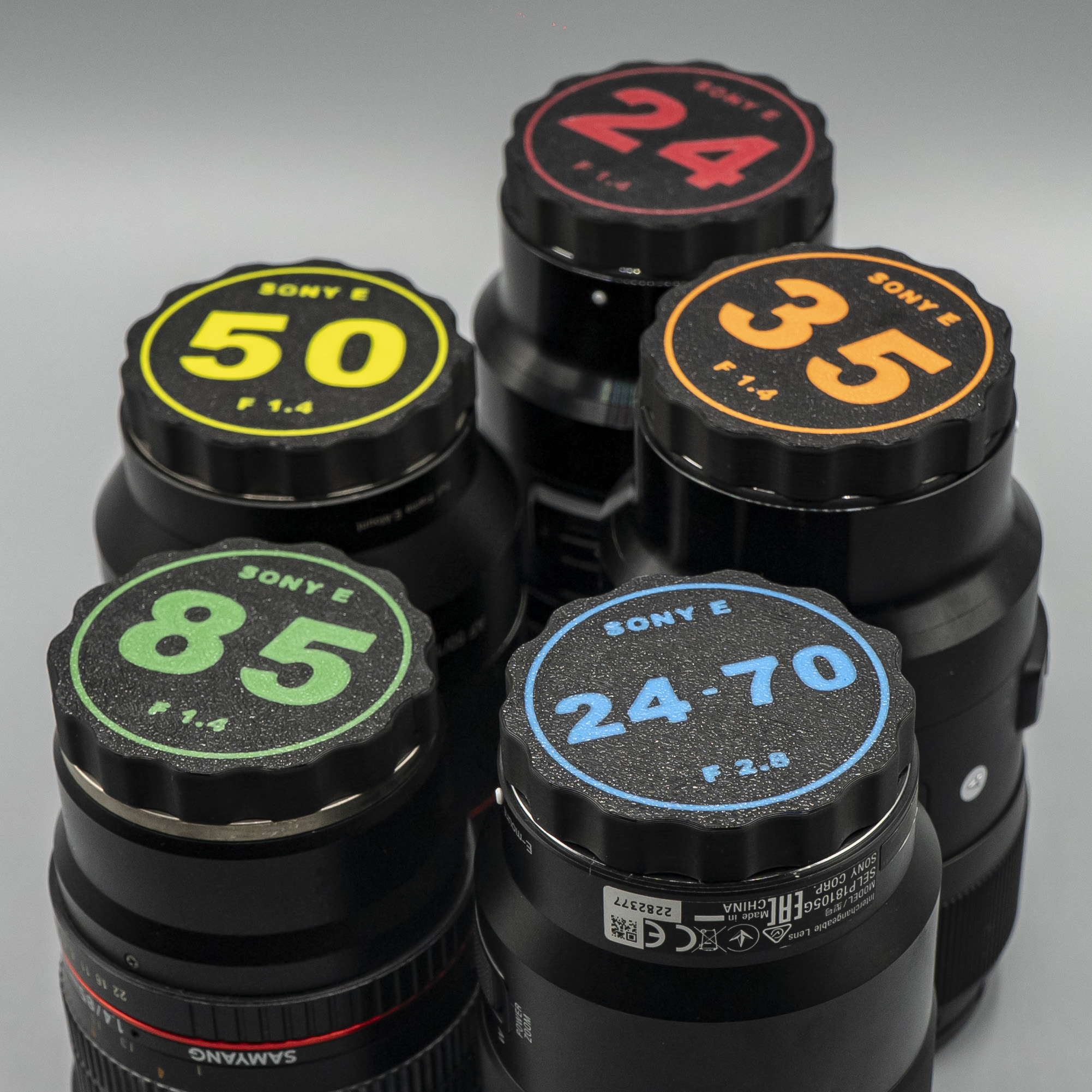
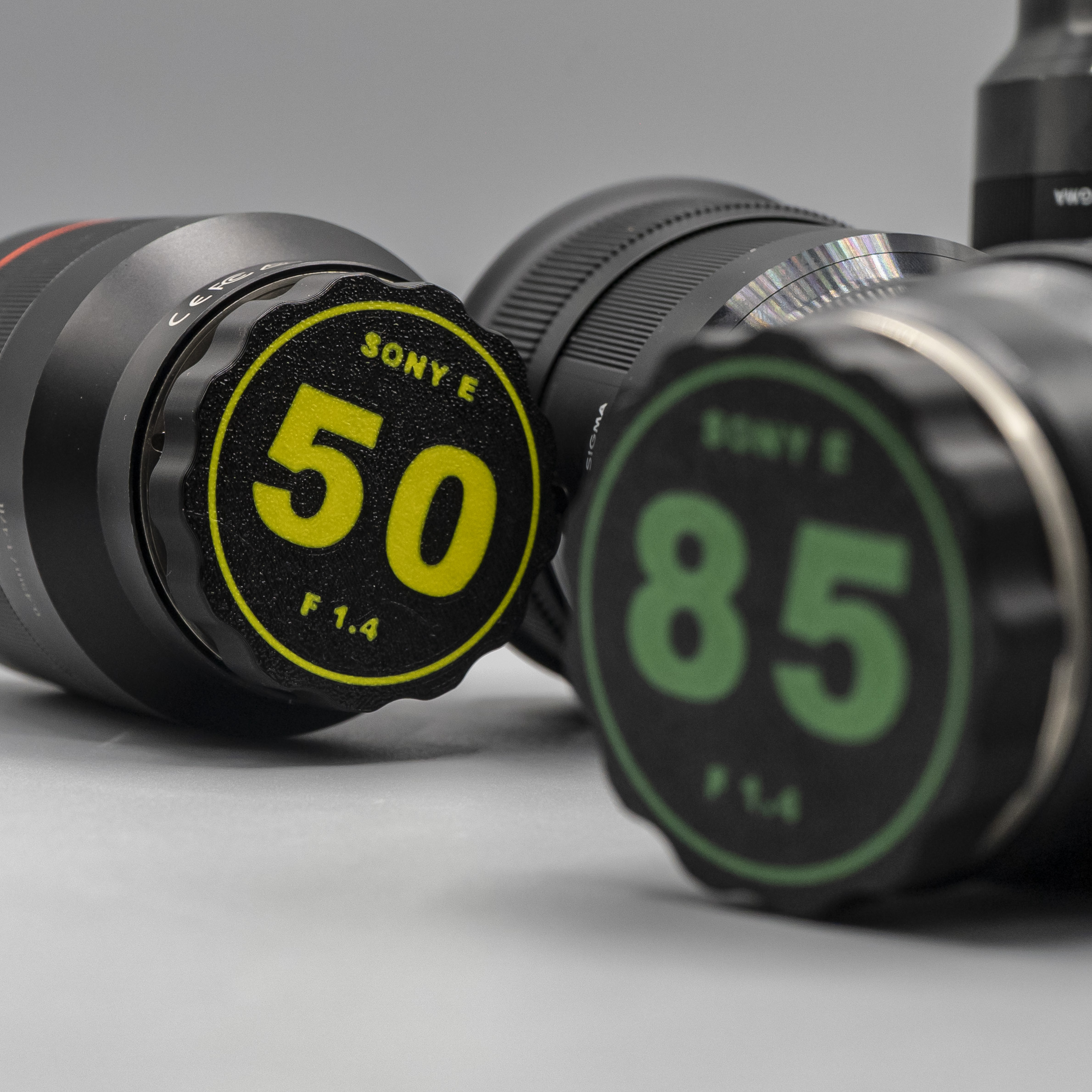
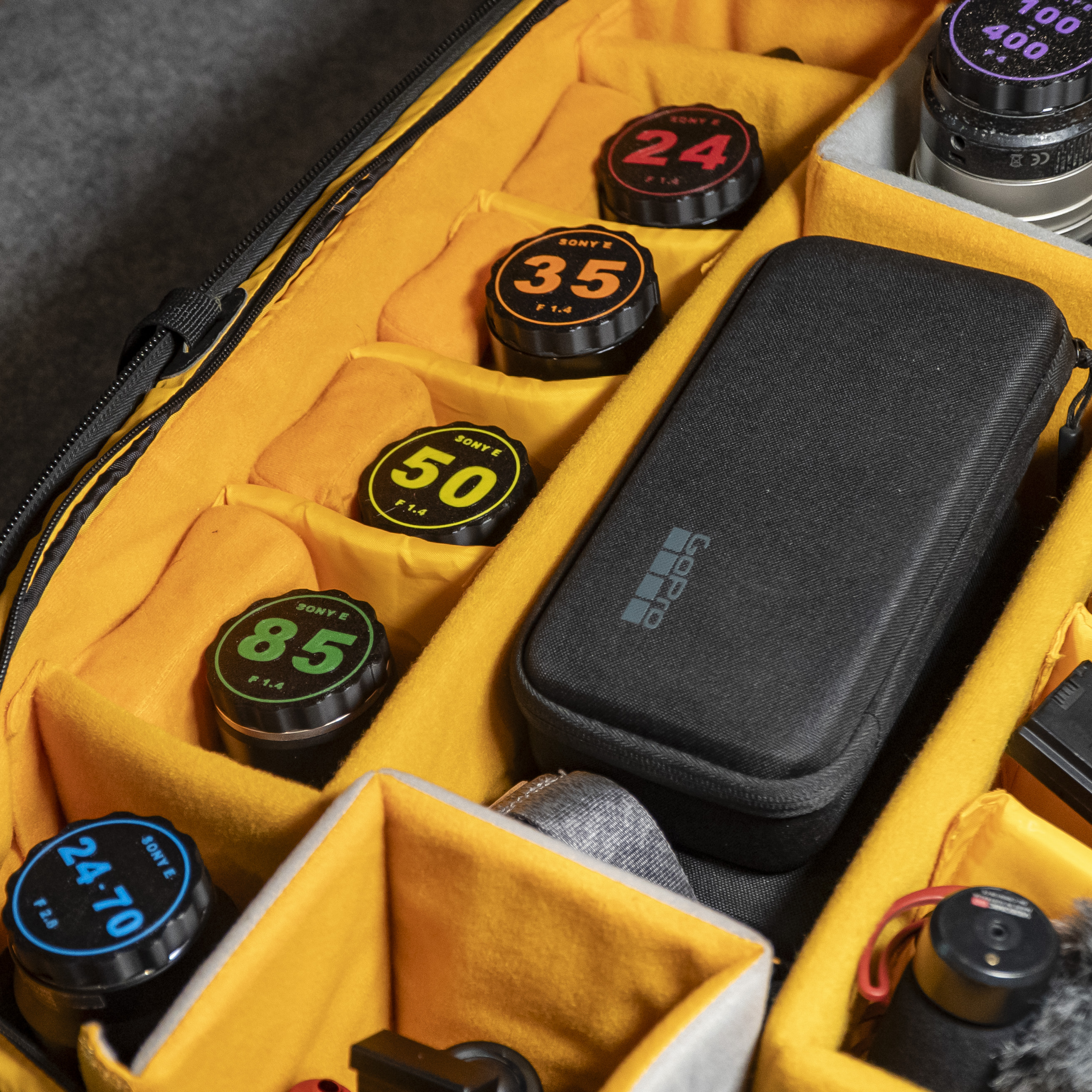
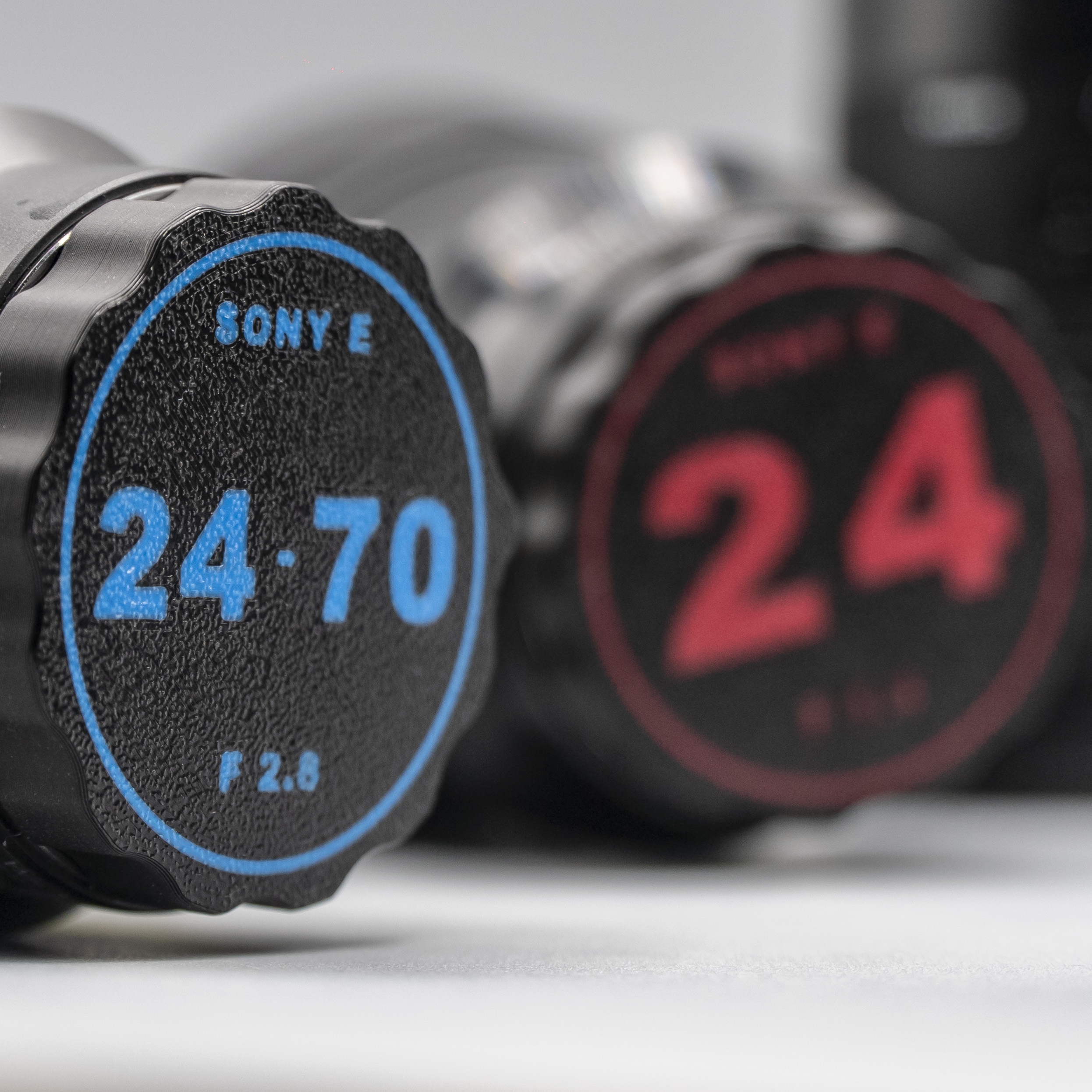
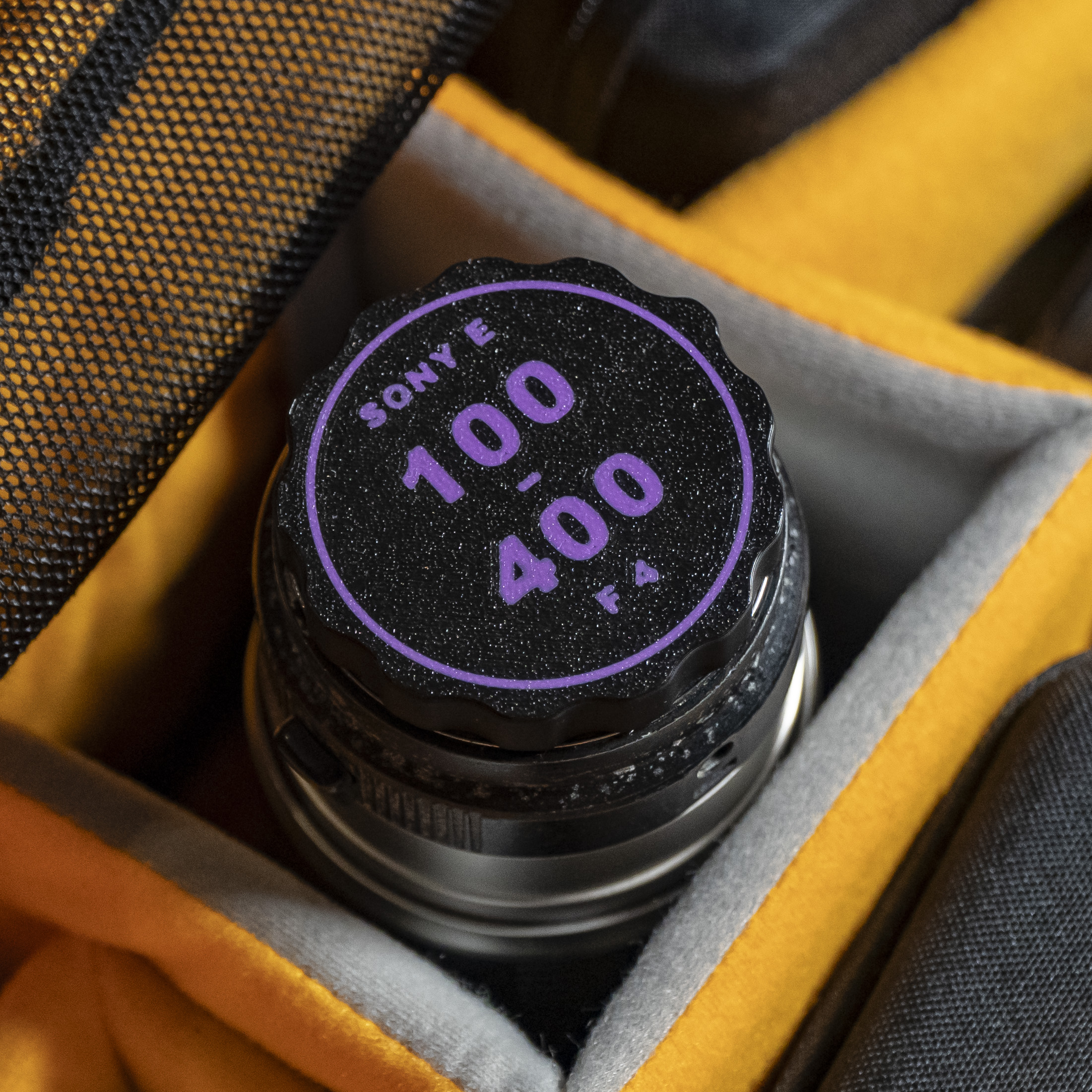
Optimize the organization and protection of your photographic lenses with our complete pack of rear caps for Sony E-mount lenses. This set of rear caps has been designed in 3D with meticulous attention to detail, including specific names and apertures, allowing you to easily identify and protect your lenses according to their focal length and aperture.
With more than 50 caps with different sizes!
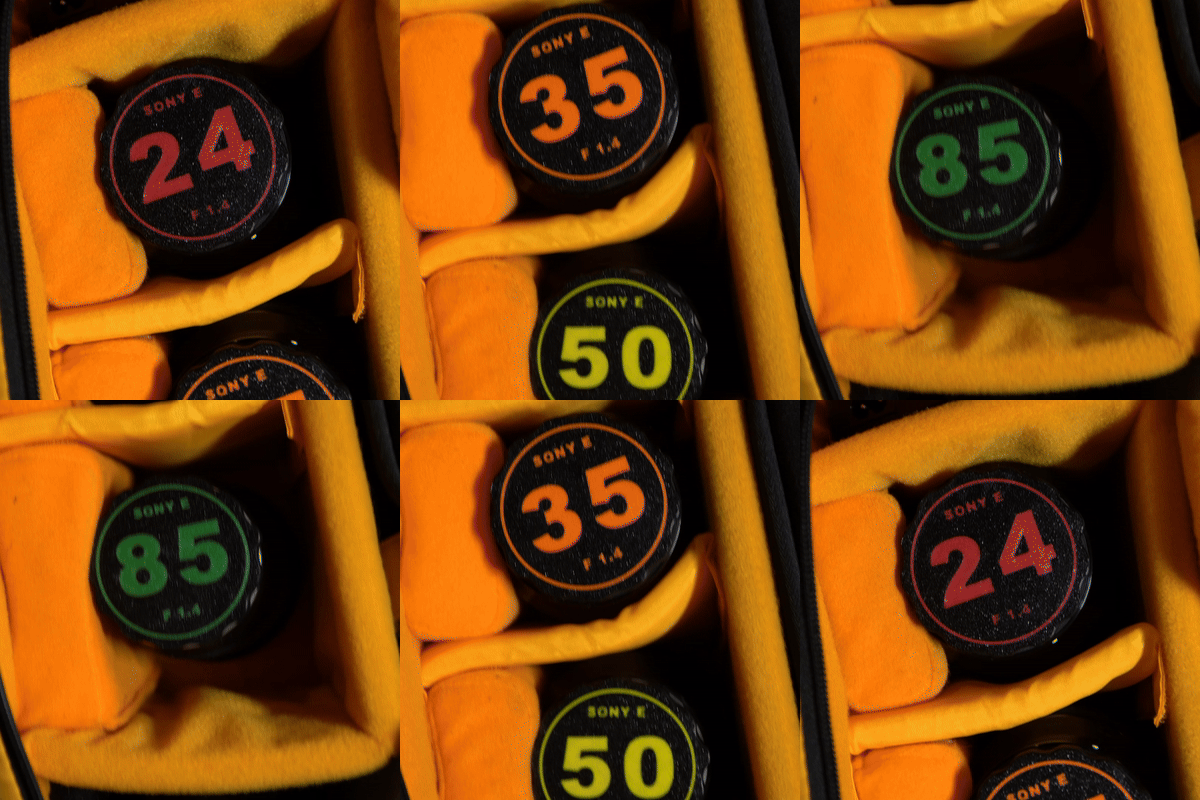
Keep your lenses organized and protected, minimizing the risk of confusion when changing equipment during your photo shoots.
Compatible with home 3D printers, allowing you to print on different materials according to your protection and styling needs.
Caps designed for F1.4, F1.8, F2, F2.8, F4, and telephoto apertures, allowing for quick identification and selection of your lenses.
Each cap is labeled with the corresponding focal lengths, ranging from 11mm to 600mm, including zoom lenses such as 12-24mm, 16-35mm, and 150-600mm.
We have also included a set of unnamed, aperture-free caps designed to fit a wide range of lenses. These caps are ideal if your lenses don't exactly match the specified models.
Apertures and Focal Lengths Included:
Universal: 11mm, 12mm, 15mm, 16mm, 20mm, 24mm, 30mm, 35mm, 40mm, 50mm, 70mm, 75mm, 85mm, 90mm, 105mm, 135mm, 12-24mm, 16-35mm, 18-105mm, 24-70mm, 24-105mm, 60-600mm, 100-400mm, 150-600mm.11mm, 12mm, 15mm, 16mm, 20mm, 24mm, 30mm, 35mm, 40mm, 50mm, 70mm, 75mm, 85mm, 90mm, 105mm, 135mm, 12-24mm, 16-35mm, 18-105mm, 24-70mm, 24-105mm, 60-600mm, 100-400mm, 150-600mm.
F1.4: 15mm, 16mm, 20mm, 24mm, 30mm, 35mm, 40mm, 50mm, 85mm, 105mm.
F1.8: 11mm, 16mm, 20mm, 20mm, 35mm, 50mm, 75mm, 85mm, 135mm.
F2: 12mm.
F2.8: 12mm, 14-24mm, 16-35mm, 24-70mm, 70mm, 70-200mm, 90mm.
F4: 12-24mm, 16-35mm, 18-105mm, 24-105mm, 70-200mm, 100-400mm.
Tele: 60-600mm, 100-400mm, 150-600mm.
Multicolor Printing Instructions:
These designs are optimized for Bambu Lab printers, but can be printed in multicolor with any 3D printer that allows it. The numbers and letters are integrated into the same design as the main part, making it easy to separate them for printing in different colors.
To print in multicolor, follow these steps:
Model Split: Select the part in your 3D printing software and use the “Split by Object” option (or an equivalent function in your software) to separate the letters and numbers from the lid.
Color Selection: Once you have split the objects, choose a bold color for the letters and numbers, and a dark or black color for the main lid. This creates a strong contrast, making it easy to quickly identify the lens specifications.
Print Setup: Be sure to set the colors correctly in your printer before starting printing.
Recommendation: To improve visibility and visual impact, it is recommended to use bright colors for text and a dark color for the cover, which facilitates quick identification during field use.
If you are missing a size or want one that is not in this file, please let me know and I will be happy to design it for you.
/https://fbi.cults3d.com/uploads/user/avatar/16446331/DOBL3D_LOGO.jpg "DOBL3D")


:format(webp)/https://fbi.cults3d.com/uploaders/16446331/illustration-file/ef76f634-e292-43a8-99e7-dc644e6b9973/_DSC3363.jpg)
:format(webp)/https://fbi.cults3d.com/uploaders/16446331/illustration-file/6b63520d-b0d0-49a6-98e1-20945b843b50/Untitled-4.gif)
:format(webp)/https://fbi.cults3d.com/uploaders/16446331/illustration-file/87e38082-09fb-467b-96ce-a52ab2169d22/_DSC5009.jpg)
:format(webp)/https://fbi.cults3d.com/uploaders/16446331/illustration-file/9cbf69ee-7926-45f4-9161-9ddf896b98f7/_DSC5643.jpg)
:format(webp)/https://fbi.cults3d.com/uploaders/16446331/illustration-file/ed855748-a93a-48fc-bbcd-beaed1012614/ed8d00fb-dd82-44f4-a486-d2cc4d2962bb.gif)
:format(webp)/https://fbi.cults3d.com/uploaders/16446331/illustration-file/72aab120-775a-41d4-9358-09620f751105/_DSC5347.jpg)
:format(webp)/https://fbi.cults3d.com/uploaders/16446331/illustration-file/aa3d3614-717b-4e5c-a330-23d3a8588b4b/_DSC6708.jpg)